

Content last revised on October 17, 2026
Identify the LP104V1 Before Replacement
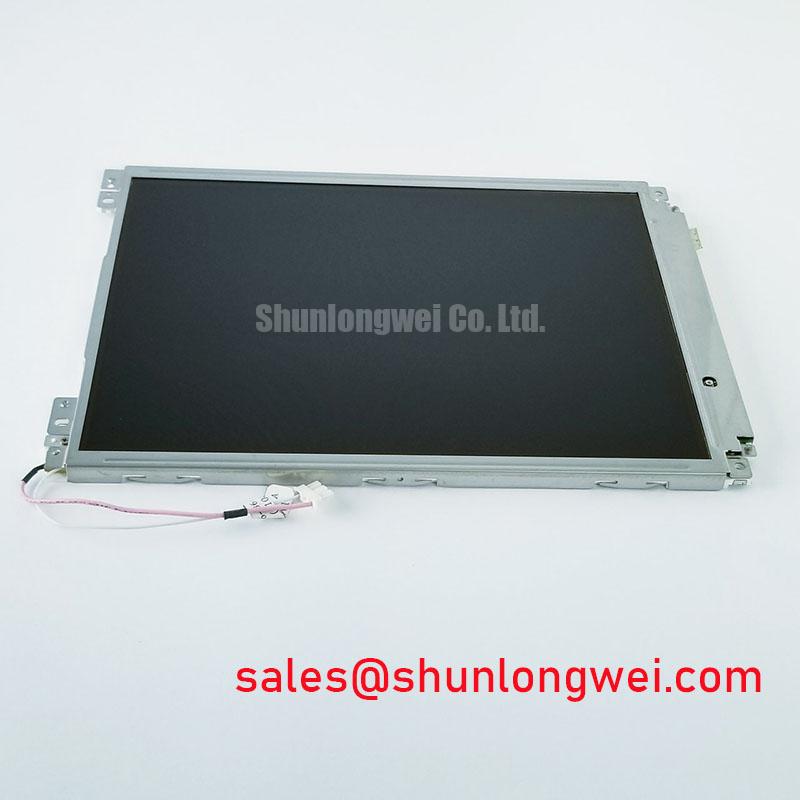
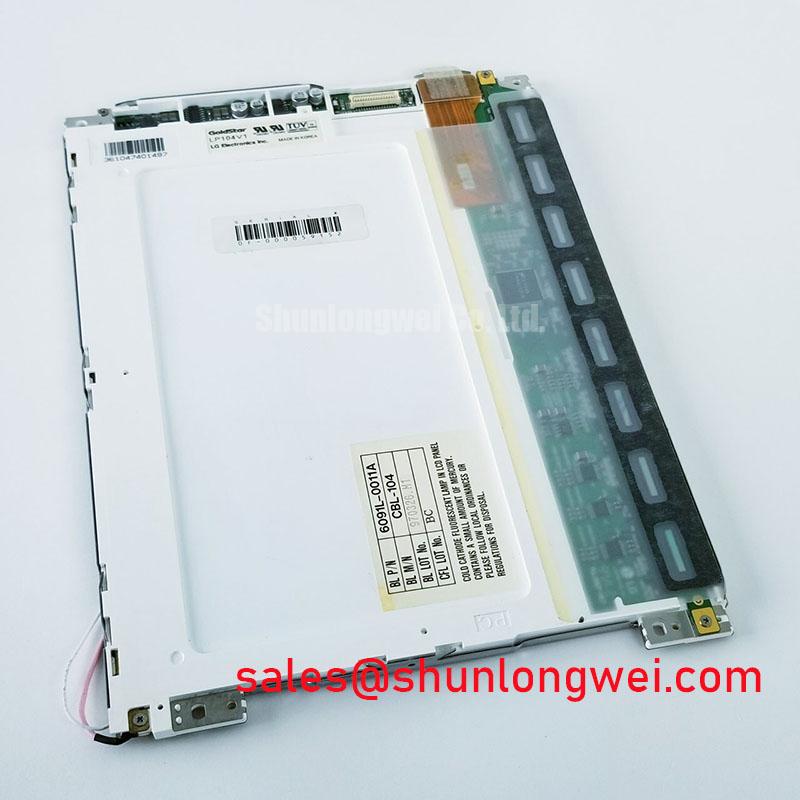
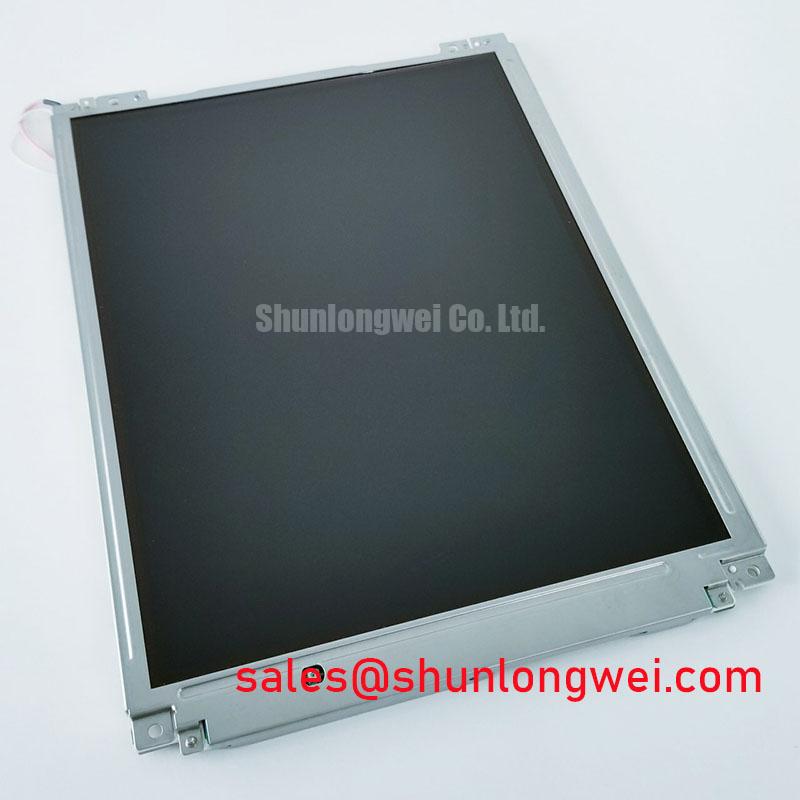
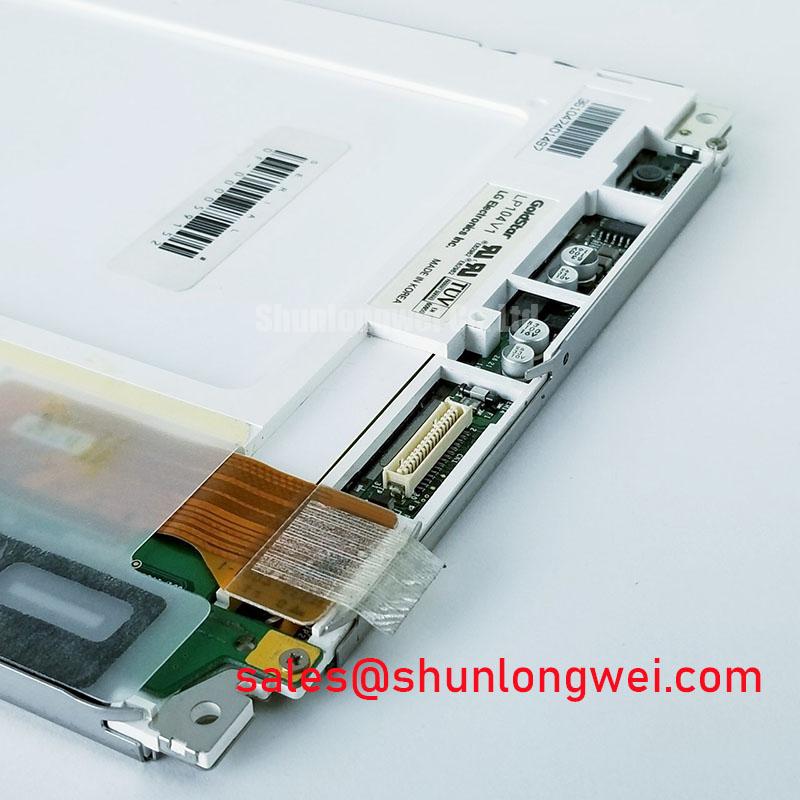
With the substation console powered down, inspect the panel connector and bezel for looseness or visible damage before comparing the installed unit with the replacement candidate. LP104V1 is identified as an LG Display TFT-LCD active-matrix color display module. Its listed product category is industrial-grade LCD/HMI panel; the available product details do not specify electrical ratings, interface, dimensions, backlight type, or optical performance.
For a high-voltage substation protection or SCADA dispatch console, treat the model number as an initial identification point, not proof of drop-in compatibility. Compare the original panel documentation and equipment service records with the replacement’s exact mechanical outline, connector pinout, logic supply, timing, and backlight requirements before installation.
Separate Display-Path Faults from Panel Defects
When the screen appears dark, first determine whether the image is absent or only its illumination is absent. Check the console’s display output and panel power path using the equipment’s service procedure. A faint image under suitable inspection lighting can help distinguish an illumination problem from a missing or corrupted image, but it does not identify the failed component by itself.
For color checks, display known red, green, blue, white, and black test fields from a controlled source. Look for persistent lines, missing color regions, or localized artifacts, then compare the result with the same signal path and a known-good panel where available. A flashlight inspection at an oblique angle may reveal image content on an unlit display; it is a diagnostic observation, not confirmation of a specific backlight or driver fault.
Do not attribute a line defect to a particular internal bonding or glass structure without evidence. Record whether the artifact changes with image content, connector reseating performed under the equipment’s service procedure, or thermal state. That record helps separate a panel fault from a cable, source, or control-board issue.
Check Mounting and Bezel Pressure Without Assuming Torque
Uneven bezel pressure can affect display uniformity, so inspect the mounting points and frame for distortion, trapped debris, or uneven contact. Compare the installed panel’s outline and mounting positions against the equipment drawing and the LP104V1 documentation before tightening or modifying hardware.
No model-specific bezel tolerance or fastener torque is established by the available product parameters. Do not apply a torque value based on an unrelated panel or chassis. Follow the equipment manufacturer’s service instructions, tighten evenly where the design calls for it, and check the image at a uniform dark field after reassembly. If a dark patch appears or changes with mounting pressure, stop and reassess the mechanical fit rather than increasing clamp force.
Backlight brightness loss over time is a general display-system consideration, not a confirmed LP104V1 lifetime specification. For a console with uneven illumination, compare the panel under consistent brightness settings and ambient conditions, then inspect the driver and supply path specified for that equipment.
Assess Optical Performance and Replacement Options
Before selecting a replacement, compare the required viewing area, resolution, interface, connector orientation, mounting envelope, and backlight arrangement against the original service documentation. None of those values is specified in the available LP104V1 baseline, so they should not be inferred from the model name alone.
The NL6448BC20-08E can be reviewed as a separate display candidate, but the supplied information does not establish it as a direct replacement for LP104V1. Confirm the equipment’s mechanical and electrical requirements before considering any alternate panel. For broader integration context, see Industrial Display & HMI Solutions.
Optical films and diffusers can influence light distribution in LCD backlights generally; an overview is available in this reference on diffusers and optical films. It does not establish the optical stack or brightness performance of this specific panel. Likewise, amorphous silicon TFT technology is general background, not confirmation of LP104V1’s precise implementation.
Verify Connector, Timing, and Backlight Requirements
Black screens, split images, and intermittent updates can involve the panel, cable, signal source, or power sequencing. Compare the installed connector pinout and signal format with the original panel documentation; do not assume a pin count, LVDS mapping, pixel clock, or logic voltage from the product category. If timing or signal integrity is suspected, inspect the signal path with suitable equipment and compare it with a known-good reference.
When integrating the panel into a substation console, verify that the controller output, cable assembly, and panel interface agree, and assess susceptibility to electrical noise in the completed system. Any routing, grounding, or shielding changes should be evaluated in the actual equipment. The NL8060BC31-32 is another display listing for separate system evaluation; its presence does not establish it as a compatible backlight driver or companion for LP104V1.
Field reminder: disconnect equipment power before handling the panel connector, and follow the console service procedure to avoid connector or signal-path damage.