Content last revised on October 1, 2026
Backlight Driver Identification, Dimming and Flicker Checks
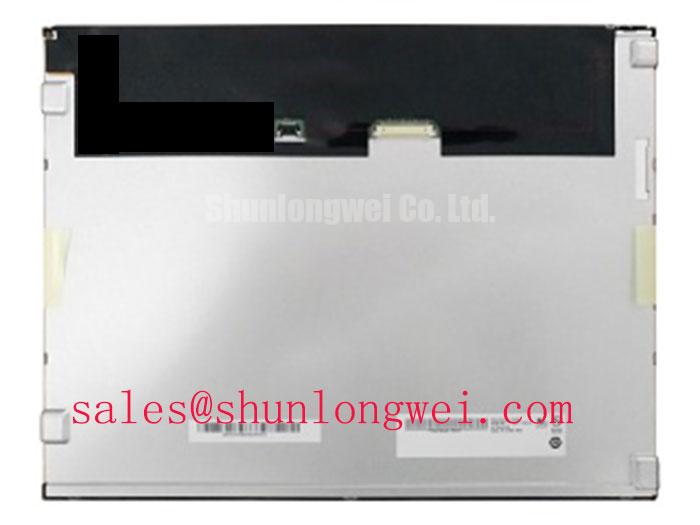
LP150X09-A3K1 is an LG Display TFT-LCD active-matrix color display module. The panel supply voltage, resolution, connector pinout, backlight type, dimensions and operating limits are not established here.
Measure the existing display assembly’s backlight input and control signals with the original panel connected, then compare their behavior with the LP150X09-A3K1 documentation before changing the driver. A lit screen does not establish electrical compatibility: the logic supply and backlight supply can follow different paths, and a fault in either path can leave the image faint, unstable or absent. Do not infer a WLED constant-current input, CCFL ignition requirement or dimming ratio from the model name.
For a repair, record whether the host provides a separate backlight enable signal, a brightness-control signal and any driver fault indication. Observe startup and shutdown as well as steady operation. If brightness changes produce visible banding, compare the control waveform, driver output and camera or photodiode observation across the intended brightness range. Design Consideration: PWM frequency, duty-cycle limits and driver protection behavior are system-dependent; assess flicker against the equipment’s viewing and imaging requirements rather than assigning an unverified frequency target to this panel.
Backlight optics also affect what a technician sees. Diffusion redistributes light across a display, so an apparently uneven image may require checks of the illumination path as well as the drive circuit. The optical principle is described in diffuser optics; it does not establish the internal optical construction of LP150X09-A3K1. In a power-topology comparison, LM150X06 is another display assembly to examine, not evidence that its backlight driver or electrical inputs are interchangeable with this module.
Flush-Mount Bezel Fit and Perimeter Support
Check the chassis opening against the LP150X09-A3K1 mechanical drawing and inspect where the existing bezel contacts the display before tightening any fastener. The module’s TFT-LCD construction identifies its display technology, but it does not specify the outer envelope, mounting-hole pattern, active-area position or permitted clamp load. Those dimensions must match the particular assembly being repaired.
Place the panel in the opening without forcing an edge into position. Look for uneven perimeter contact, cable strain and pressure marks that change as the bezel is seated. A dark-field image can help reveal nonuniformity, but it cannot by itself distinguish mounting stress from a pre-existing optical defect. Design Consideration: a compliant perimeter support should be assessed against the enclosure design so that sealing and shock isolation do not concentrate force on the visible area; fastener torque must follow the applicable mechanical documentation.
Connector reach matters as much as the front opening. Confirm cable exit direction, bend clearance and connector retention with the assembly in its installed position. For a same-class comparison, LM150X08-A4NA provides a separate model to evaluate. Matching a broad size class does not establish matching mounting geometry, pin assignment or display timing.
Thermal Gradients and Optical Color Shift
Inspect the installed display’s perimeter for concentrated heat from nearby electronics, then compare image uniformity after a cold start and after the enclosure reaches its normal operating condition. A change in color or brightness can involve the illumination system, optical stack, drive settings or external heat exposure. Measure and compare before attributing it to any particular internal material.
Design Consideration: where the enclosure places a heat source close to a display edge, review the available ventilation and heat-spreading paths while preserving the panel’s specified clearances and mechanical support. Record the ambient condition and the location of each temperature measurement. Without model-specific thermal limits or a documented aging test, neither an LED service-life figure nor a prediction of optical yellowing is an LP150X09-A3K1 specification.
For an ultrasound console or surgical-navigation display under compatibility review, include the enclosure, protective window and viewing conditions in the optical assessment. Glare treatment, touchscreen behavior and cold-start response belong to the complete display assembly unless the panel documentation explicitly assigns them to this module. Engineers tracing recurring image faults can use Industrial Display & HMI Solutions for broader diagnostic context while keeping measurements tied to the installed unit.
Digital Video Interface and Logic Power Rail Verification
Probe the logic supply at the panel connector during startup and shutdown, and compare the captured sequence with the original LP150X09-A3K1 pinout and timing requirements. The active-matrix TFT-LCD designation does not identify the connector voltage, video interface, pixel mapping or power-on timing. Do not connect a host output on the assumption that this model accepts a TTL RGB bus or an LVDS link.
Trace each signal from the controller schematic to the physical connector before evaluating an image artifact. If the documented interface is differential, check pair assignment, polarity, routing continuity and clock quality at the receiving end. If it is a parallel RGB interface, check clock, synchronization and data timing against the specified setup and hold requirements. JEIDA and VESA mapping become relevant only when the confirmed interface uses a format to which those mappings apply.
💡 Pro Tip: Keep documented differential signal pairs routed as matched paths, then verify clock and data margins on the assembled system rather than treating a nominal routing rule as proof of compatibility.
When the screen is split, colors are displaced or an image appears only after a restart, capture the host signals and panel supply at the same time. Compare the result with a known-good signal path if one is available, and inspect connector seating before changing controller settings. The system integrator should verify the required supply voltage and power sequence from the original panel documentation; both the acceptable margins and the corrective action depend on the confirmed interface and host design.