


Content last revised on October 15, 2026
Constant Luminance Output Control and LED Half-Life Verification
When an LQ084S3LG01 display shows uneven brightness, begin by separating luminance distribution from the display logic path. Record the brightness pattern at startup, after thermal stabilization, and during the intended dimming range. A fixed bright region near one edge can point toward optical or thermal distribution issues, while a uniform reduction across the panel requires a different inspection path involving the backlight supply and control signal.
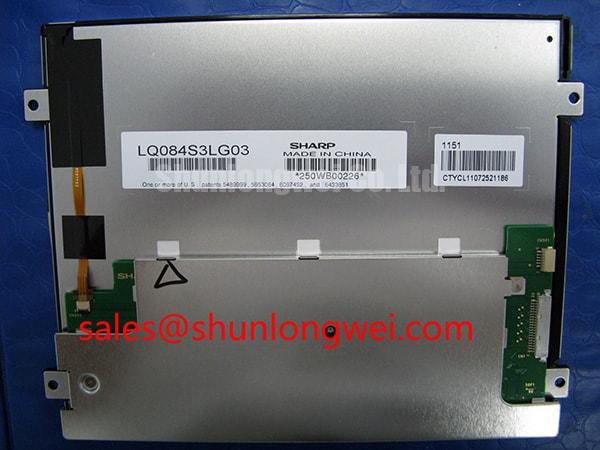
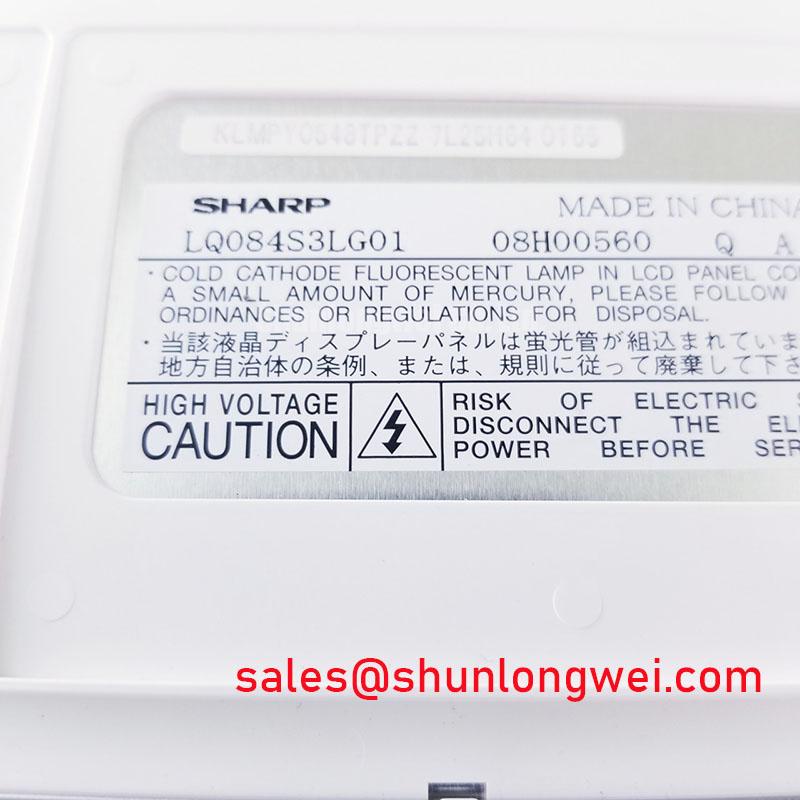
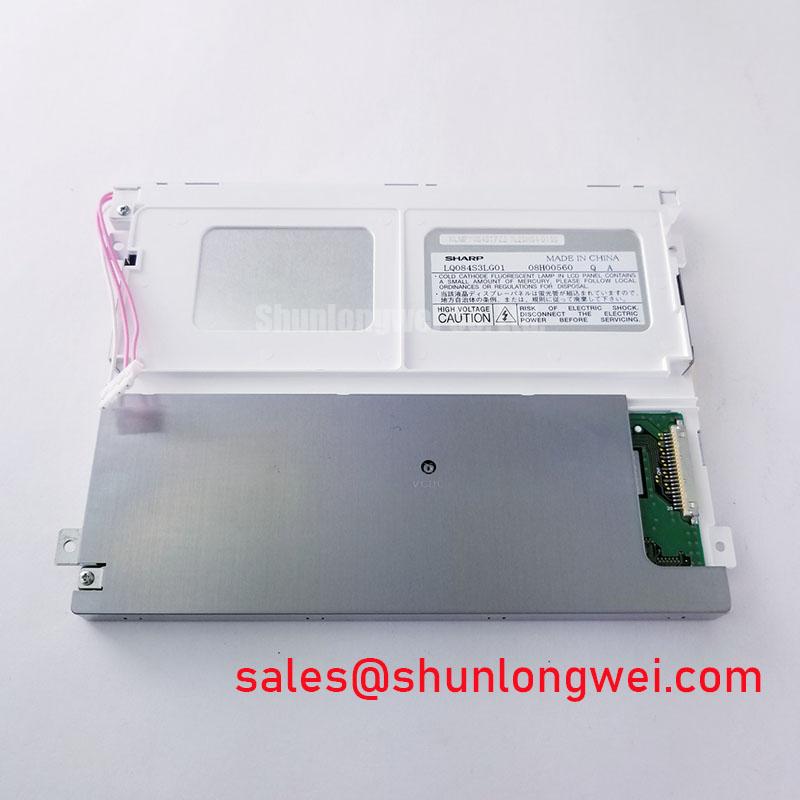
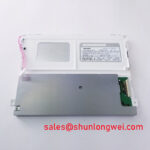
The supplied product baseline identifies this unit as a Sharp TFT LCD active matrix color display module in an industrial LCD and HMI panel category. The baseline does not establish a specific LED backlight rating, L70/B50 life value, PWM range, optical bonding construction, or heat spreader design. Those values must remain separate from general integration guidance when an engineer evaluates a replacement assembly.
For an LED-backlit system, a design consideration is to distribute heat away from narrow display edges and driver regions rather than allowing a concentrated thermal zone behind the active area. The mounting frame, rear cover, gasket compression, and adjacent electronics can alter local heat flow. During bench evaluation, use a thermal camera or contact measurement method to compare the perimeter, center, and backlight driver region under the same luminance setting. The purpose is to locate a gradient that may become visible as brightness non-uniformity or color drift.
Constant-current backlight control should be evaluated across startup, steady operation, and dimming transitions. If the equipment uses PWM, inspect duty-cycle tracking with the actual controller and confirm that the selected frequency does not introduce visible flicker, acoustic interaction, or interference with camera-based monitoring. The correct frequency and duty range are system-determined; they are not established as factory specifications for this model by the supplied baseline.
For railway passenger information equipment or a cab signalling display, luminance acceptance should be checked through the complete front assembly. A panel that appears uniform on an open bench can change after installation because the bezel, viewing window, sealing layer, and rear enclosure affect reflections and temperature. Engineers should also assess brightness stability at the lowest intended setting instead of qualifying the display only at full output.
CCFL Inverter and LED Driver Compatibility Assessment
Before connecting a replacement panel to a legacy display controller, identify the original backlight architecture from the equipment documentation and connector drawing. A CCFL inverter and an LED constant-current driver are different electrical subsystems; their high-voltage, current-control, enable, and dimming interfaces cannot be treated as interchangeable.
The LQ084S3LG01 baseline confirms the display category and Sharp manufacture, but it does not confirm CCFL tube count, inverter striking voltage, LED string configuration, backlight current, enable polarity, or dimming protocol. These are integration-critical items. The system integrator should map the original panel connector, backlight connector, controller output, and chassis return before applying power.
Cold-start evaluation should observe whether the backlight reaches stable output without repeated ignition attempts, audible resonance, or a brightness surge. For an LED driver, monitor current regulation and the relationship between enable, dimming, and display logic power. For a CCFL system, the inverter must be evaluated as part of the original backlight assembly, with appropriate high-voltage handling procedures. The display module category alone does not establish the inverter operating limits.
Ambient light testing is also an enclosure-level task. Direct sunlight, glazing, anti-glare treatment, viewing angle, and front-window reflections can change perceived contrast even when the panel electronics are operating correctly. Sharp’s Industrial Display Solutions resources and Sharp Display Solutions portal provide useful context for assessing display optics and industrial integration, while the exact replacement interface must be matched to the equipment documentation.
| Evaluation Item | LQ084S3LG01 | LQ070Y3LW01 | Engineering Decision |
|---|---|---|---|
| Manufacturer | Sharp | Listing reference for comparison | Confirm the required manufacturer and revision |
| Product category | Industrial LCD and HMI panel | Candidate comparison panel | Do not assume mechanical or electrical interchangeability |
| Form factor | TFT LCD active matrix color display module | Requires separate verification | Match bezel, mounting, viewing area, and connector position |
| Interface and backlight data | Consult original panel documentation | Consult original panel documentation | Verify voltage, signal mapping, enable, and dimming before power-up |
The related LQ070Y3LW01 can be reviewed as a separate candidate during sourcing, but its display size, electrical interface, mounting geometry, and optical behavior must be compared against the host equipment rather than inferred from the model family.
Flashlight Dark-Shadow Diagnosis for Logic and Backlight Faults
A dark display should first be classified by checking whether image information remains present when the backlight is inactive or severely reduced. Use a controlled flashlight at an oblique angle across the front surface while the display is commanded to show a known test image. Visible image structure under this condition suggests that the logic path and liquid-crystal switching may still be active, directing attention toward the backlight or its driver.
Run a simple primary-color sequence using red, green, blue, white, and black fields. Look for fixed vertical lines, horizontal interruptions, isolated blocks, color contamination, or a region that fails to follow the commanded field. A defect that remains in the same physical location through several colors deserves inspection of the panel interface, controller timing, flex connections, and possible internal display damage. A uniform loss of illumination with preserved image content points to a different branch of the service procedure.
Do not treat one visual symptom as proof of one failed component. Compare the suspect unit with a known-good signal source, check connector seating without flexing the glass assembly, and inspect the display while changing only one variable at a time. The flashlight method is a localization aid, not a substitute for an electrical interface check or a documented replacement test.
Viewing angle and front-surface reflections can also imitate a contrast fault. Check the panel at the intended operator position and at a modest change in angle, then compare the result under enclosure lighting and controlled bench lighting. This is particularly important for cab displays and passenger information terminals, where glazing and installation angle may affect the observed black level and color balance.
💡 Pro Tip: Disconnect power before reseating the display cable, then verify the connector orientation and locking mechanism before the next startup.
Digital RGB Bus Synchronization and Logic Power Verification
Interface compatibility must be established from the original controller documentation, connector pinout, and timing specification. The supplied baseline does not confirm whether this Sharp module uses TTL RGB, LVDS, a particular pixel depth, JEIDA mapping, VESA mapping, or a specific logic supply. Do not apply a controller output simply because the connector appears mechanically similar.
During commissioning, verify the logic rail rise and fall behavior against the panel documentation and the host controller sequence. White-screen startup, residual image behavior after shutdown, or intermittent initialization can involve power ordering, reset timing, enable sequencing, cable contact, or an incompatible signal format. Capture the relevant control and clock signals at the panel interface while comparing a successful and unsuccessful startup.
For a TTL interface, inspect the individual data and clock relationships at the connector. For LVDS, assess pair polarity, lane order, termination, routing symmetry, and the transmitter format selected by the controller. Differential routing should preserve a consistent reference and minimize avoidable skew; the final routing geometry and impedance target are determined by the interface specification and board stackup.
JEIDA and VESA mapping differences can create incorrect color channels, split images, or unstable picture content even when the pixel clock is present. Confirm the bit assignment, color order, lane mapping, sync polarity, and active-area timing before changing the panel or controller. When the host system is used in a railway display application, validate the complete startup and shutdown sequence at the installed cable length and enclosure temperature, not only with a short bench cable.
For enclosure integration, check the panel opening, bezel support, connector clearance, rear-cable bend path, and sealing interface as a mechanical system. Pressure applied to the glass or flex area can produce intermittent behavior that is difficult to reproduce on the bench. The technical background in The Ultimate Guide to Industrial TFT LCD Technology can support broader evaluation of TFT operating principles, selection criteria, and common integration issues.