Content last revised on October 7, 2026
Suppressing Pixel Jitter & Horizontal White Lines Induced by Adjacent 400V Motor Drives
On a marine radar or navigation bridge console, first determine whether a horizontal band appears in a stationary diagnostic image, moves with video content, or changes when a nearby motor drive starts. Those observations separate a possible display-path disturbance from an image generated upstream. Capture the panel input and relevant supply rails at the connector while repeating the operating condition. A photograph of the symptom is useful, but it cannot show whether the disturbance began at the video source, cable, connector or panel.
Design Consideration: A nearby 400 V motor drive can be an interference source, but proximity does not establish the cause of pixel jitter. Check shield continuity and the host equipment’s intended chassis termination before changing a cable. A circumferential shield connection can reduce coupling when the cable assembly and enclosure were designed for it; an added ground path can also alter common-mode current. Evaluate any common-mode ferrite with the actual cable and transmitter rather than treating it as a guaranteed cure. These are console-level measures, not stated properties of the LQ104V1DG31.
Do not assume the panel uses LVDS, TTL or a particular flexible-cable pinout from its model name. Confirm the interface in the Sharp specification and the original controller schematic, then compare clock quality and data timing at the receiving connector with the specified limits across the equipment’s intended temperature range. If the displayed band remains at the same screen location while the input waveform stays stable, move the investigation toward the panel, its power path and the mechanical condition of its connections.
Run full-screen red, green, blue, white and dark patterns from a known-good source. Mark persistent pixel defects separately from lines that appear only when a cable is moved or a drive changes state. A fixed vertical line warrants careful examination of the panel edge and bonded interconnect area, but it does not by itself prove a particular bond failure. Avoid pressing that edge to make a line disappear: the response may change the symptom without identifying a repairable cause.
VESA vs. JEIDA Data Mapping Alignment & Even/Odd Channel Signal Integrity
A split image or incorrect colors can point to a mapping or channel-order mismatch, provided the documented interface actually supports those arrangements. Check the host controller settings against the panel’s specified data mapping before changing timing registers or cable wiring. If the original drawings identify even and odd channels, compare their activity and connector assignments. Do not apply a VESA or JEIDA setting, or assume a dual-channel interface, solely because another industrial panel uses one.
Power sequencing deserves the same attention as image data when investigating a white screen or a retained image after shutdown. Measure the panel supply at its connector during startup and removal of power, alongside the video and backlight-enable signals. Compare the observed rise, fall and signal order with the applicable Sharp specification and the console controller design. The required voltage and timing must come from those documents; neither can be inferred reliably from the TFT-LCD module description.
For an incoming optical check, let the module and test fixture reach the specified test conditions before comparing response and uniformity. Low temperature can slow liquid-crystal transitions, so a trailing image in a cold console should be assessed again under controlled conditions rather than classified immediately as a permanent pixel defect. If the equipment includes a heater, confirm its control and sensor behavior from the equipment documentation. No particular sub-zero operating limit or heater arrangement is established here for the LQ104V1DG31.
When reviewing another display for a controller change, treat LMS700KF01-001 as a separate reference, not a drop-in substitute for this Sharp module. Compare documented active area, mechanical envelope, interface, mapping, supplies, backlight connection and timing before drawing any compatibility conclusion.
Industrial Bezel Mechanical Envelope Tolerances & Mounting Screw Torque Optimization
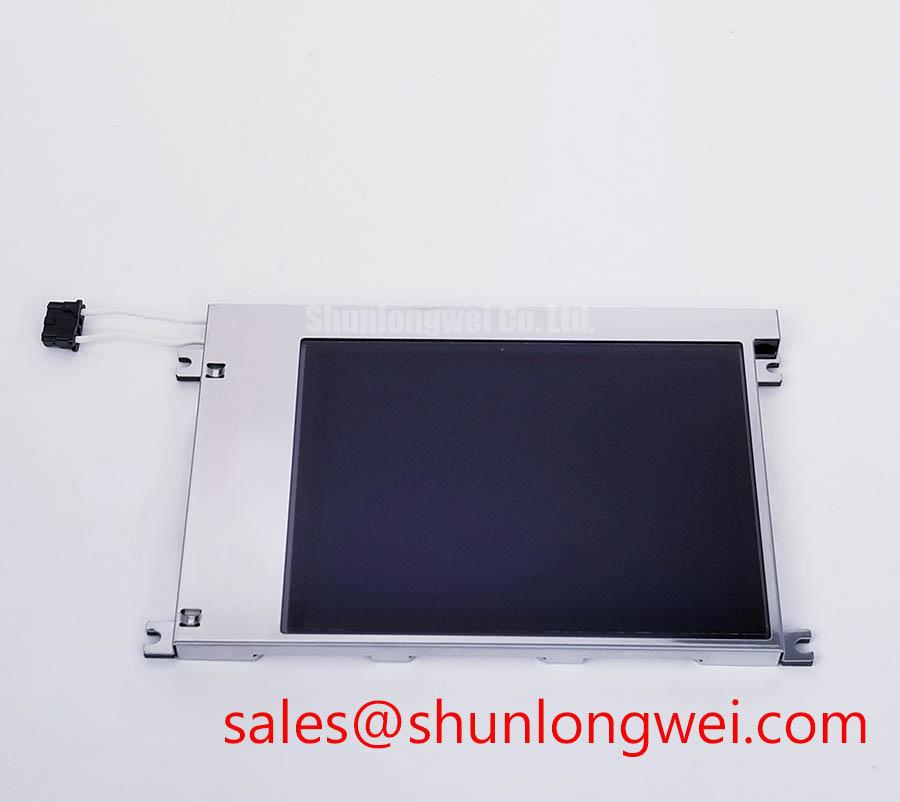
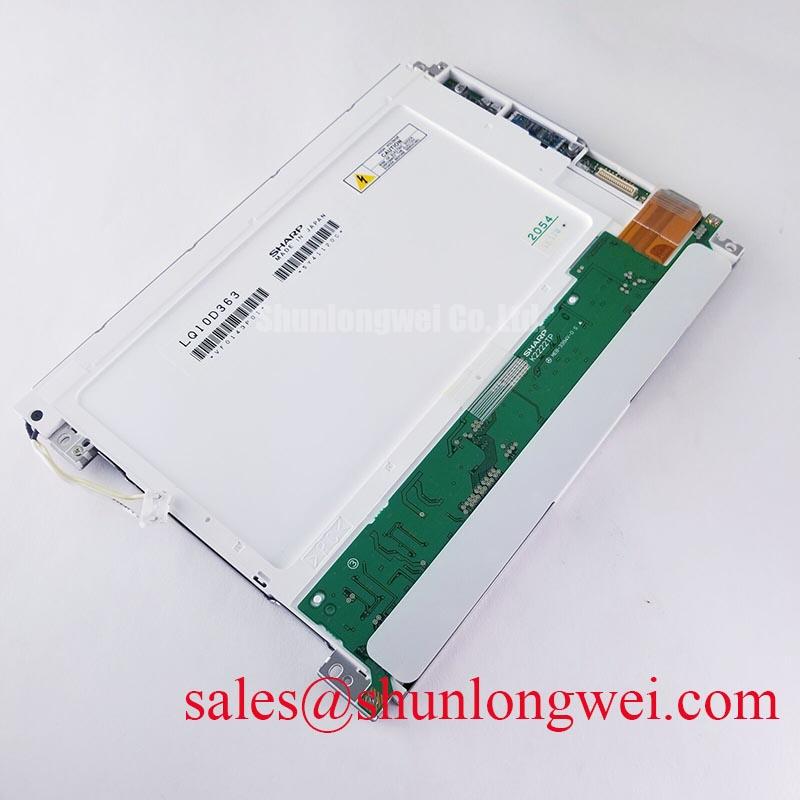
Before fastening the LQ104V1DG31 into a console bezel, compare the panel and aperture with the original mechanical drawing. Check the seating surface for burrs, verify that the gasket bears where the enclosure designer intended, and make sure the display is not being used to pull a warped frame flat. Dark-field images can reveal pressure-related brightness nonuniformity that a bright desktop image conceals. Record the pattern before and after installation to distinguish a mounting effect from an incoming optical condition.
💡 Bench Tip: Wear an antistatic wrist strap and support the flexible cable while releasing its connector latch; do not use the cable to pull the module free.
Use the fastener sequence and torque stated for the actual panel-and-enclosure assembly. A generic screw torque is not a Sharp mounting specification, and an overly tight bezel can itself change the observed optical pattern. Where a gasket is part of the console design, inspect its seating and compression against the enclosure drawing rather than assuming that a tight-looking joint is moisture resistant.
Route the signal cable without trapping it beneath the frame or placing sustained strain at the connector. If the documented interface uses differential pairs, preserve the cable and board geometry specified by the controller and panel designers, then verify signal quality at the receiving end under the console’s operating conditions. Do not assign a universal trace impedance or skew budget to this module without its interface specification. For flexible-cable replacement, match the documented contact orientation, pitch, conductor assignment and latch style before energizing the assembly.
An optically bonded cover, a wide-viewing-angle liquid-crystal mode and a sealed bezel are each distinct construction or integration details. None should be assumed from the industrial LCD category. If viewing-angle color shift matters at the bridge operator’s position, inspect the candidate module under the intended mounting angle and lighting conditions using the manufacturer’s optical test criteria.
Thermal Cycling Degradation of Polarizer Adhesives & Sealant Gasket Integrity
Inspect the unpowered module at oblique angles for edge lifting, surface haze and contamination, then repeat the optical inspection with full-screen dark and neutral images after it reaches the documented test temperature. Note whether an irregularity sits on an accessible outer surface, under an added cover, or within the display assembly. That distinction matters in a salt-laden bridge environment: cleaning an external surface will not resolve an internal optical defect, while opening the panel assembly risks changing its condition.
Design Consideration: Temperature cycling, moisture exposure and cleaning practices can affect the surrounding console assembly and may complicate interpretation of display symptoms. Evaluate the enclosure gasket, cable entry and any cover bonding against their own drawings and qualification records. Do not attribute a specific thermal-cycle range, polarizer adhesive formulation or sealant construction to the LQ104V1DG31 without the relevant factory documentation. The Industrial Display & HMI Solutions guide provides broader context for separating panel checks from enclosure-level environmental controls.
For backlight evaluation, measure brightness at repeatable screen locations with a calibrated instrument after the module has stabilized under the specified drive conditions. Record spatial uniformity and color appearance as well as the center reading; a single bright point can hide a dim edge or uneven illumination. Compare results with the applicable Sharp optical limits and a documented earlier measurement when available. A numerical backlight lifetime or brightness-decay curve should not be assigned to this model without an identified manufacturer test source.
Long-held radar scales, menu bars and status fields can leave visible retention during inspection. Display a permitted moving or uniform test image, observe whether the pattern changes, and compare it with the host’s display behavior before assigning the symptom to permanent panel damage. For a replacement decision, retain the measured optical record, connector observations and power-sequence captures alongside the original equipment’s acceptance criteria.