


Content last revised on October 7, 2026
Display Interface Timing, Pixel Clock and Skew Assessment
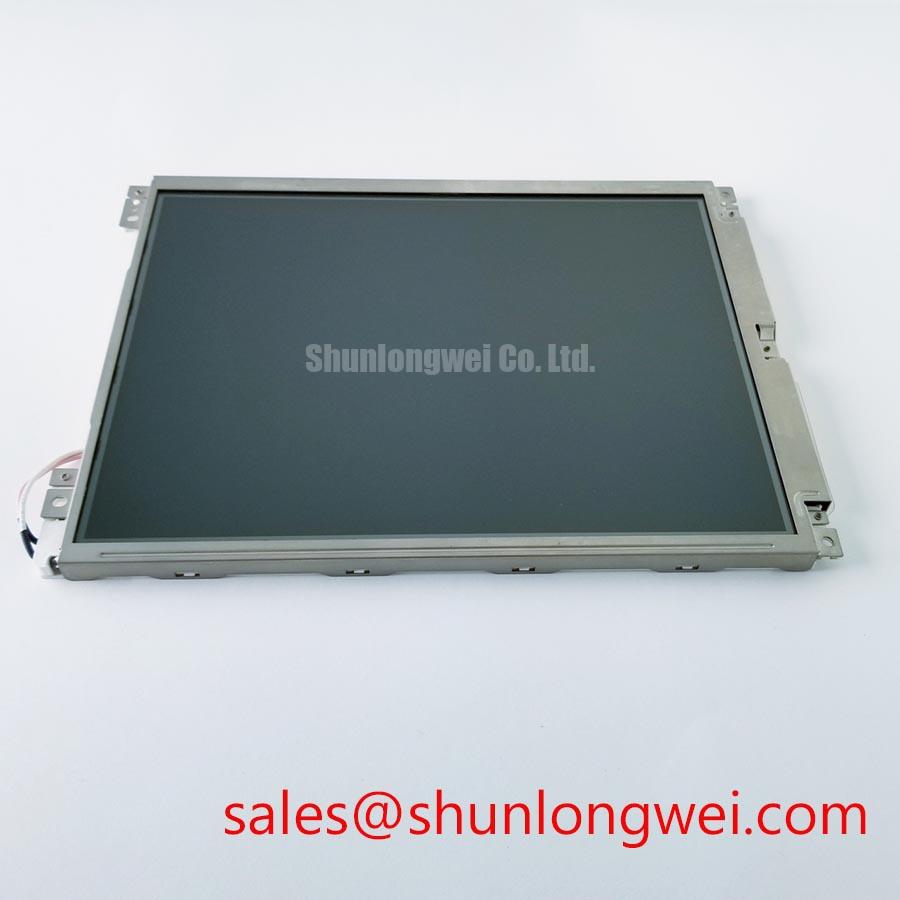
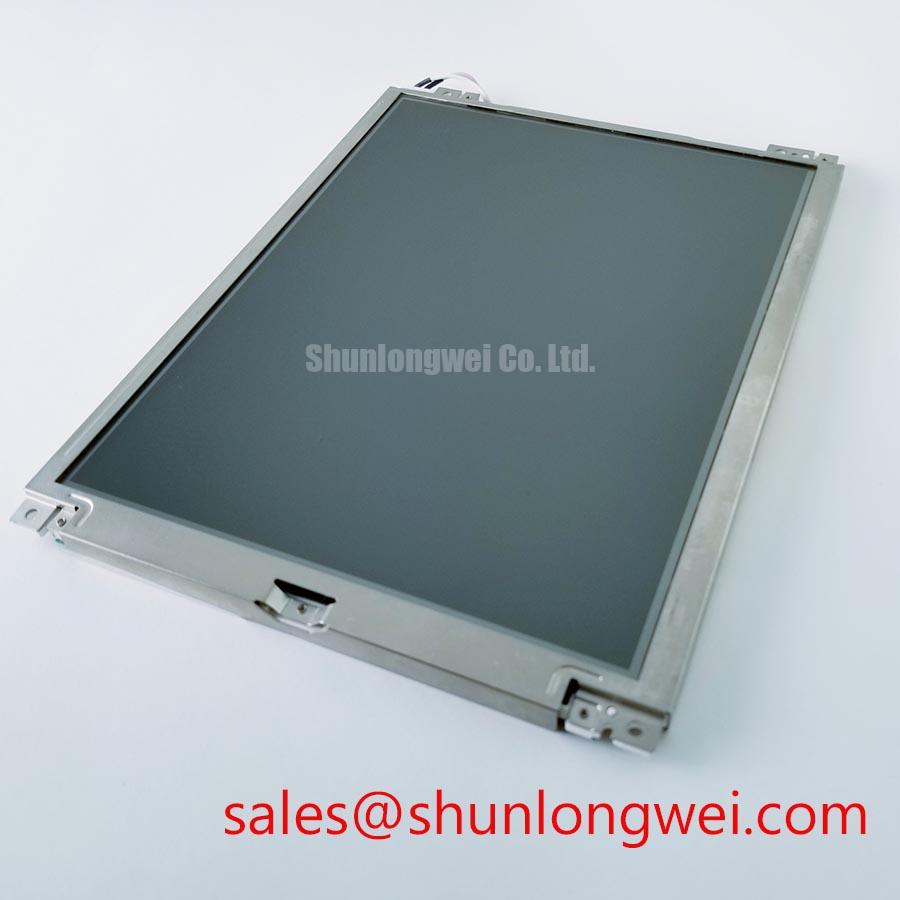
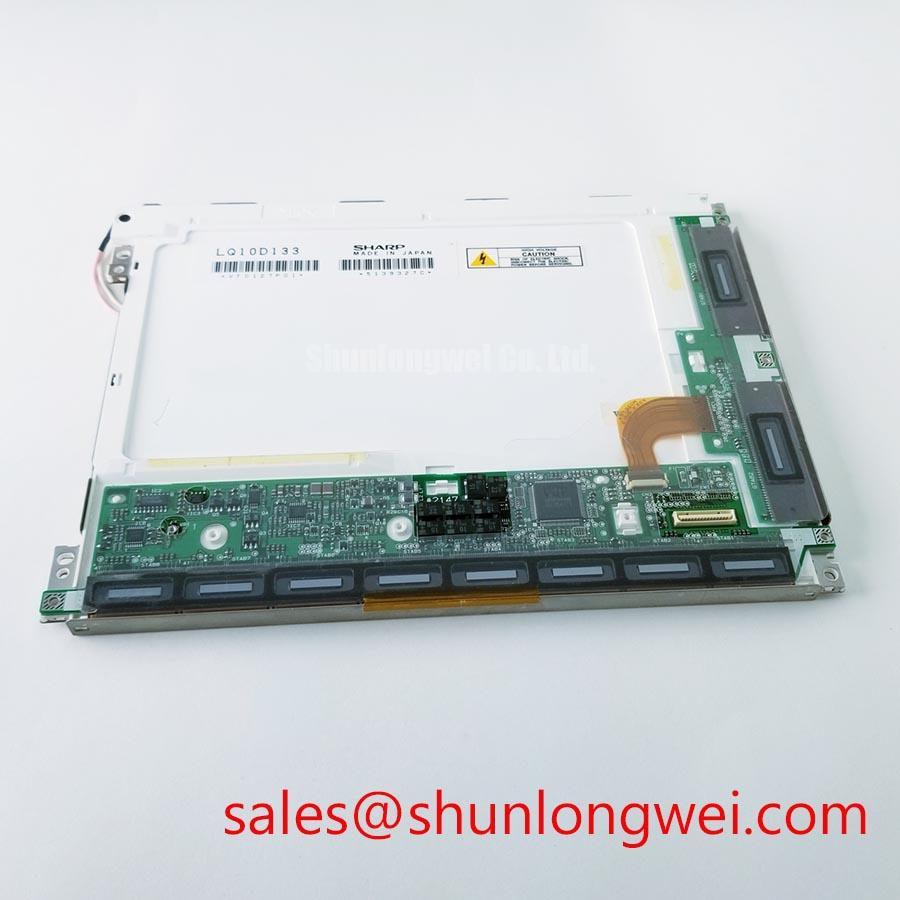
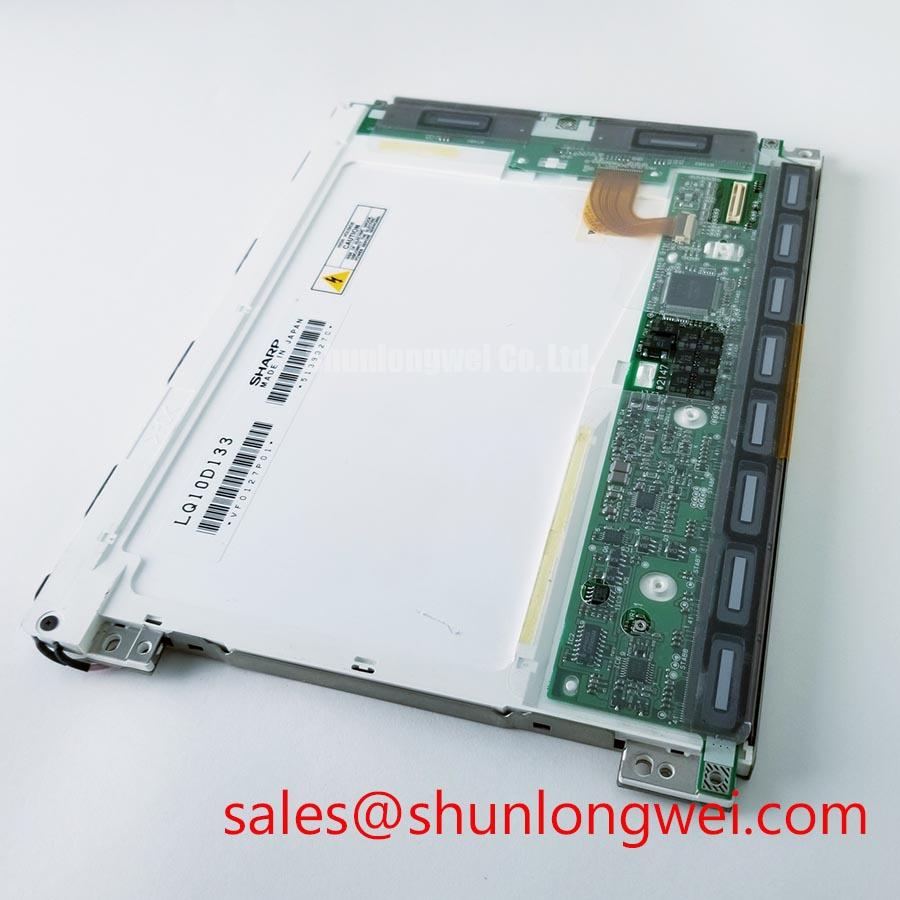
Begin incoming inspection of the Sharp LQ10D133 by checking the module label, connector condition, exposed glass edges, flexible circuits, and visible surface damage before applying power. The product is a TFT-LCD display module. The available hardware context does not confirm the panel’s supply voltage, pin count, resolution, brightness, viewing angle, backlight type, touch function, or interface mapping, so those items must be verified against the original equipment documentation before replacement.
For a high-voltage substation protection or SCADA dispatch console, start by tracing the display cable from the controller board to the LQ10D133 connector. Do not assume that a 20-pin or 30-pin harness is electrically interchangeable. Connector count alone does not establish the signal assignment, power pins, enable signal, or backlight control. If the verified interface uses LVDS, its differential-pair assignment and JEIDA or VESA data format must also be checked. Compare the original panel drawing, controller configuration, and cable keying before connecting the replacement module.
The logic supply must be confirmed from the original Sharp documentation or the equipment service manual. A system may use a particular logic rail, but the available product information does not establish whether this model accepts 3.3 V, 5.0 V, or another value. Measure the supply at the panel connector during power-up and inspect its rise profile with an oscilloscope. The timing values proposed in a system specification, including a 0.5 ms to 10 ms rise interval, should be treated as a system integration target rather than an LQ10D133 factory rating unless the original panel documentation explicitly confirms them.
If the verified interface uses LVDS, its routing should preserve the transmitter’s intended differential topology. A nominal 100 ohm differential characteristic impedance is a common design consideration for LVDS interconnects, but the cable, connector, PCB escape, and termination network must be assessed as one channel. Keep the pair geometry consistent through any adapter board and avoid long single-ended stubs. When a split image, repeated vertical pattern, unstable colour block, or intermittent loss of synchronisation appears, compare the signal path with a known-good assembly rather than assigning the fault to the LCD module immediately.
For an LVDS interface, JEIDA and VESA mapping errors can produce plausible backlight operation with incorrect grayscale, colour channels, or image alignment. Confirm the bit order and pixel packing in the controller firmware. Check the clock-to-data relationship at the receiver while the panel is operating across the intended industrial temperature range. The transmitter’s jitter margin and receiver hold timing are system-level compatibility questions; they cannot be certified from the model name alone. If an adapter is used, validate the complete timing path at cold start, warm restart, and repeated power cycling.
Display control circuitry should be evaluated through image behaviour and supply measurements. Look for stable grayscale ramps, neutral whites, black-field uniformity, and clean transitions between test patterns. Gamma reference voltages, source-driver levels, and controller configuration are not published in the supplied hardware summary. Do not alter gamma rails or write undocumented register values as a first repair step. Record the original controller settings and confirm whether the suspected defect follows the panel, cable, or video source.
For comparison work, the LM190E08-TLG6 may be reviewed as a separate same-category display reference. It should not be treated as a direct substitute for the LQ10D133 without matching active area, resolution, connector assignment, timing format, mounting envelope, optical stack, and backlight requirements.
Flush-Mount Bezel Integration and Perimeter Gasket Shock Isolation
Before installing the LQ10D133 into a flush-mount console, measure the equipment cutout, bezel overlap, glass viewing area, connector clearance, and rear component envelope. The available product information identifies it as a TFT-LCD display module but does not provide confirmed outside dimensions or mounting-hole coordinates. Use the original mechanical drawing rather than scaling dimensions from a product photograph.
The LCD should be supported through its intended mounting points without transferring chassis distortion into the glass or frame. A perimeter gasket can help separate the panel edge from vibration and metalwork, but its material, compression, thickness, and environmental performance must be selected by the system designer. Avoid pressure directly over the active area, polarizer edge, driver-bond region, or flexible circuit. A panel that displays correctly on a bench may develop corner mura or intermittent lines after an enclosure is tightened.
Cross-pattern tightening is a useful design consideration when several fasteners secure a display bezel. The suggested 0.35 N·m to 0.45 N·m range is an integration starting point only and must not be represented as an LQ10D133 factory torque specification. Confirm the fastener size, bracket material, gasket response, and manufacturer instructions before fixing a final value. Use a calibrated torque tool during validation and inspect the image on white, gray, red, green, blue, and black test fields after the bezel has settled.
💡 Bench Tip: Wear an ESD wrist strap, support the glass on a clean flat fixture, and keep the flexible cable within the bend limits stated by its original assembly documentation instead of folding it sharply around the bezel.
Dark-field optical mura can result from uneven mechanical loading, contamination, light leakage, assembly stress, or a damaged optical layer. It should not be diagnosed from one image alone. Capture the panel before mounting, after gasket placement, and after final fastening under identical camera exposure and ambient-light conditions. Compare the location and shape of the affected region. A defect that changes with enclosure pressure requires mechanical review before electronic replacement.
In high-EMI factory environments, the display cable path should be separated from switching nodes and high-current conductors wherever the cabinet layout permits. If the verified interface uses LVDS, its differential pairs should maintain controlled geometry through the connector transition, with 100 ohm ±10 percent treated as a general routing objective only when it matches the transmitter and receiver design. A proposed skew budget of 50 ps or less is likewise a system validation criterion, not a published LQ10D133 rating. Confirm signal integrity and error behaviour with the complete controller, cable, and panel assembly.
Display Cable Shielding and Connector Grounding
Inspect the display cable for creases, uneven insertion, contamination, exposed shield fingers where present, and damage near the stiffener. A cable that appears mechanically seated may still have incomplete contact on one side of the connector. Record the insertion orientation and locking-bar position before removal. Power must be removed before disconnecting or reconnecting the display cable, since an energized insertion event can affect both the panel interface and the controller output stage.
If the assembly uses a shielded cable, it should provide a controlled return path from the cable shield to the intended chassis or connector-shell reference. A 360-degree shell bond can reduce discontinuities where that connector arrangement is used, but its effectiveness depends on the enclosure, cable construction, grounding scheme, and frequency range. Do not connect every shield point indiscriminately to signal ground. Review the equipment grounding architecture and verify where the original design terminates the shield.
Near a 400 V variable-frequency motor drive, horizontal noise bands, pixel jitter, or sporadic image dropout may be associated with common-mode coupling, inadequate separation, ground potential differences, or an incorrect data map. These symptoms do not establish a single cause. Use a differential probe and a current probe where appropriate, compare the display path with the drive disabled and enabled, and examine both the panel supply and interface signals. Any ferrite component should be selected after measuring the disturbance spectrum and confirming that it does not degrade the required signal quality.
Backlight troubleshooting should begin at the driver input, enable signal, power regulation, and protection response. The available LQ10D133 information does not confirm the backlight type, its electrical requirements, dimming method, or protection features. Therefore, do not connect an unverified driver or assume that the panel includes a particular protection circuit. If the screen is visible under a strong external light but the backlight is dark, inspect the driver and enable path before concluding that the LCD cell has failed.
A stated LED lifetime such as 50,000 hours to 50 percent brightness must not be assigned to this model without a supporting Sharp specification and defined test conditions. Backlight brightness decay depends on its technology and operating conditions. During incoming inspection, record initial luminance and chromaticity under controlled conditions if those measurements are required by the equipment quality plan. Use the same instrument geometry and settings for later comparison.
The related LM64P10 can be examined as a separate display-solution reference when reviewing a broader panel and backlight topology. Its electrical interface must be assessed independently; a shared manufacturer does not prove connector, timing, or backlight compatibility with the LQ10D133.
Aluminum Heat Spreader Sizing and Thermal Interface Placement along Narrow Display Edges
Thermal evaluation should begin by mapping temperature across the rear frame, driver area, connector side, and narrow display edges during the actual operating pattern. Full-white images, high-brightness alarms, and static SCADA screens can produce different thermal distributions. If an aluminum rail or heat spreader is added, it should contact only the approved mechanical surfaces and should not press against the glass, polarizer, flexible circuit, or optical layers.
An aluminum spreader is a system-level thermal measure, not a confirmed feature of the LQ10D133. Its dimensions, surface treatment, attachment method, and interface material should be selected from measured heat sources and enclosure airflow. A thermal interface layer that is too thick can reduce mechanical stability; excessive clamping can create optical pressure marks. Verify the result with thermocouples or a calibrated infrared method while controlling emissivity and avoiding direct interpretation of reflective metal surfaces.
Claims about PMMA optical yellowing, L70 or B50 endurance, and long-term LED operation require defined materials, temperature conditions, current profile, and supporting reliability data. These values are not established for the LQ10D133 in the available product information. Treat them as qualification topics where applicable to the complete display assembly. If the console operates in direct sunlight, evaluate readability using the actual cover glass, viewing angle, ambient reflection, surface finish, and installed brightness. A contrast target above 500:1 at 50,000 lux should be treated as a project requirement only when the system specification defines the measurement method and acceptance conditions.
Anti-glare and anti-reflection performance should be verified on the received panel rather than inferred from the TFT-LCD category. Examine white-field reflection, black-field veiling, lettering sharpness, and the effect of polarized safety glasses. Surface cleaning must follow the original panel handling instructions; unsuitable solvents or abrasive cloths can damage the polarizer or surface treatment.
Touch functionality must also be confirmed before system redesign. The supplied data does not identify a resistive or capacitive touch layer, glove sensitivity, water rejection, controller interface, or touch calibration process. If the host console requires glove or wet-finger operation, verify that the installed LQ10D133 assembly actually includes the required touch hardware and that the controller firmware supports it. Do not infer touch capability from the LCD module designation.
For extended qualification, document supply stability, video format, backlight operation, enclosure temperature, image pattern, mounting condition, and visual inspection results. The engineering reference Industrial Display & HMI Solutions may be reviewed alongside the project’s own environmental and integration requirements. Final acceptance should be based on the verified LQ10D133 documentation and measurements from the complete SCADA display assembly.