Content last revised on October 19, 2026
Sharp LQ150X1LX66 Replacement Panel Verification
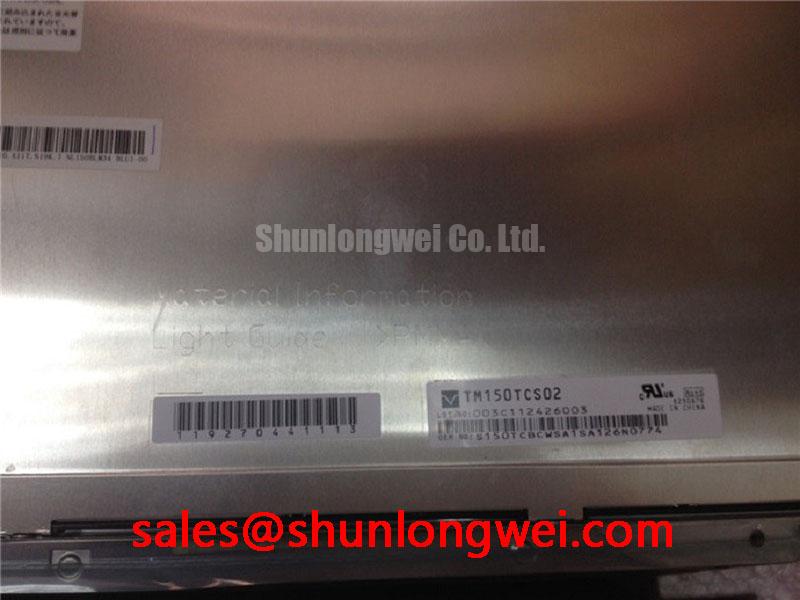
- Confirm the Sharp reference LQ150X1LX66 against the replacement panel label and host equipment records.
- Inspect the display connector, flex cable alignment, bezel contact surfaces, and mounting points before applying power.
- Prepare an ESD controlled bench for full screen color inspection and backlight uniformity checks.
- Verify the host controller interface, logic rail, timing configuration, and mechanical envelope from the original panel documentation.
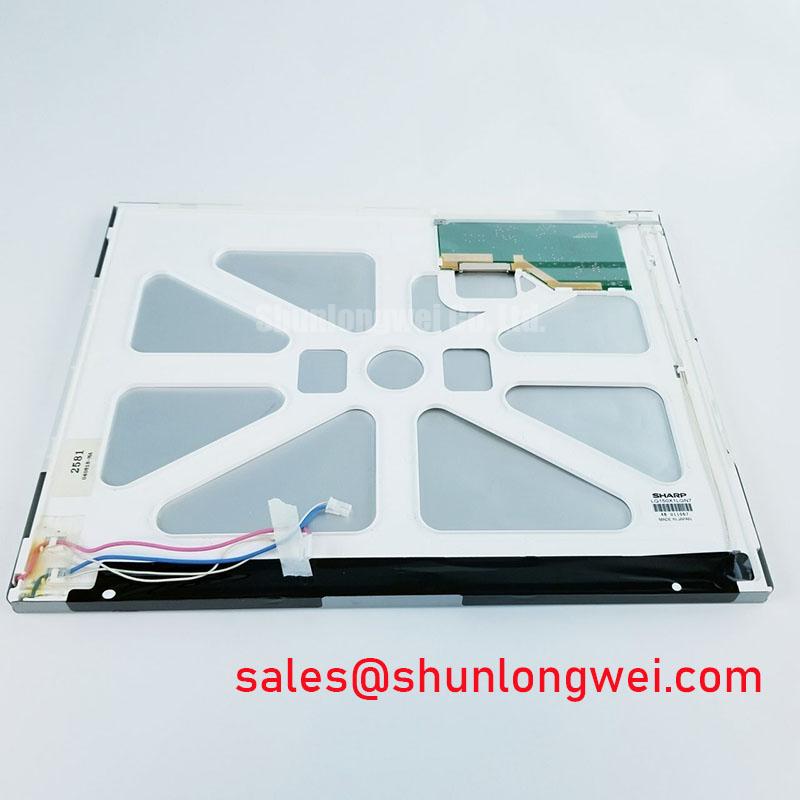
The LQ150X1LX66 is identified as a Sharp TFT LCD active matrix color display module. The available product identity identifies the manufacturer and display category, while interface voltage, timing, optical values, connector pinout, and mechanical dimensions should be matched to the equipment documentation before installation.
| Manufacturer | Sharp |
| Part number | LQ150X1LX66 |
| Product category | LCD Display Panel |
| Display construction | TFT LCD Active Matrix Color Display Module |
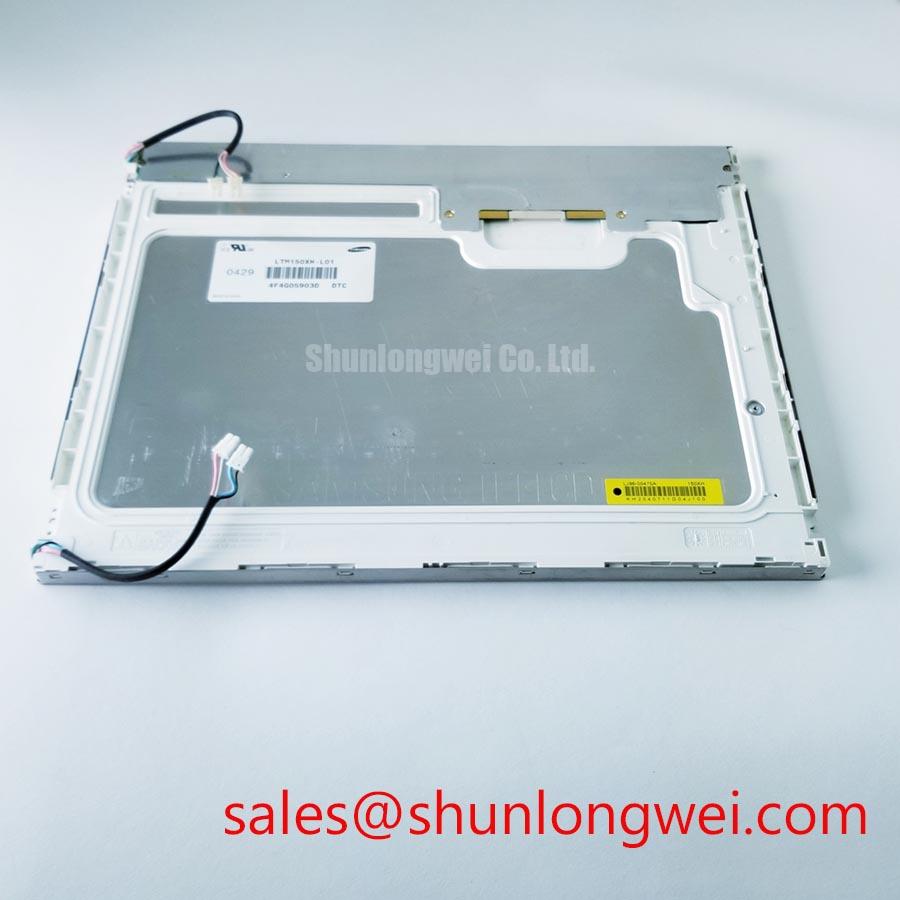
For a replacement assessment, compare the original panel’s diagonal format, active image area, connector orientation, controller timing, backlight driver arrangement, and mounting envelope. A comparison reference such as LQ150X1DWF1 should be treated as a separate device for engineering comparison rather than an automatic substitute.
Mitigating Gray-to-Gray GTG Response Time Escalation during Cold-Start Machine Power-Up
Cold start testing should begin with a moving grayscale pattern rather than a static image. At low temperature, liquid crystal switching can become visibly slower, producing trailing edges or gray transition lag even when the input timing remains stable. Record the first image after power application, then compare several gray transitions during the complete thermal cycle. This helps distinguish panel response behavior from controller initialization delay and unstable backlight startup.
The system evaluation temperature range should remain within the applicable panel ratings and account for the enclosure design. The panel’s perimeter seal, flex connections, and bezel pressure should be inspected after thermal cycling for movement, optical leakage, or localized image disturbance. Do not infer a guaranteed GTG value from the display category alone.
Where a conversion board or high speed differential link is used upstream, the routing team may evaluate a 100 Ω ± 10% differential target and a skew budget of 50 ps or less as a Design Consideration for that link, subject to its interface requirements. These values do not establish a native interface specification for the LQ150X1LX66. The system engineer should confirm the actual signaling architecture, then validate eye opening, transition timing, and image stability in the assembled equipment.
For outdoor navigation equipment, a harsh marine radar or bridge console may expose the panel to cold starts, vibration, and strong ambient illumination. Compatibility depends on the complete enclosure, controller, optical stack, and environmental protection rather than the LCD panel alone. Sharp’s display resources at Sharp Devices Europe and Sharp Display Solutions provide background for system level display evaluation.
Flush-Mount Open-Frame Bezel Integration and Perimeter Gasket Shock Isolation
Flush mounting should be established from the original mechanical drawing, with the bezel opening checked against the active display area and the rear clearance required by the connector and cable bend. If a complete dimensional drawing is unavailable, the installation team should measure the removed panel and compare every mounting datum before machining a replacement aperture.
Cross-pattern tightening is a Design Consideration for distributing bezel pressure. For M3 fasteners, an initial torque window of 0.35 to 0.45 N·m may be used only when it agrees with the chassis, gasket, and fastener design. The actual limit remains system determined. Excessive local compression can create dark-field mura, uneven luminance, or pressure related image changes that are mistaken for an electronic panel fault.
Use a compliant perimeter interface that supports the panel without forcing the viewing area against the chassis. Check the display before final tightening, then repeat the dark image inspection after the enclosure has reached operating temperature. Shock isolation should control movement while avoiding point loads near the glass edge, flex tail, or connector body.
Backlight service planning also needs a clear distinction between a component life estimate and a product guarantee. For an LED backlight, a commonly used Design Consideration is to examine a constant current backlight model toward a 50,000 hour point at a stated remaining brightness level, often 50 percent. That curve must come from the relevant backlight specification or test program and should not be presented as an LQ150X1LX66 life rating without a supporting source.
Host Digital Video Interface and Logic Power Rail Verification
Interface verification should start at the host connector and proceed toward the panel, checking signal naming, pixel clock polarity, data enable behavior, sync configuration, and color bit order. A 24 bit TTL RGB arrangement may be used by a host system, but the panel’s actual interface, exact pin assignment, and electrical limits must be confirmed from the original panel documentation rather than inferred from the model number.
Power sequencing requires an oscilloscope capture of the logic rail, display enable, reset behavior where applicable, and pixel activity. If the host design specifies a 3.3 V or 5.0 V logic supply, the integrator must verify which rail belongs to the replacement panel before connection. A rise time window such as 0.5 ms to 10 ms can be evaluated as a system timing requirement when imposed by the controller design and compatible with the panel requirements; it is not an automatic factory specification for this panel.
Split screen, incorrect colors, or unstable synchronization can result from mapping, clock phase, polarity, cable integrity, or power sequencing interaction. Compare the suspect path with a known good controller while observing the first complete frame after enable. If a differential converter is present, keep its pair routing controlled and validate the characteristic impedance and skew at the converter interface, not at an assumed native panel input.
Direct sunlight testing should use the actual cover lens, bezel, and viewing angle. An ambient contrast acceptance criterion for a bright bridge console must define the illumination and measurement geometry; it should not be confused with a panel contrast ratio measured under dark-room conditions. Anti glare performance also depends on the external window, surface reflections, contamination, and inspection geometry.
Full Screen Primary Color AOI Screening: Stuck Sub Pixels and Background Uniformity Audit
Incoming inspection should display full screen red, green, blue, white, black, and mid gray fields in sequence. View the panel directly at a controlled distance and inspect the dark field for backlight irregularities, pixel defects, and line defects. Supplementary oblique illumination can help identify surface contamination or scratches, but should not be used to judge backlight uniformity. The same location should be checked across multiple patterns before it is classified.
A persistent bright or dark point visible only on one primary color can indicate a sub pixel response issue, while a line defect that remains aligned with the same row or column across patterns warrants inspection of the signal path and panel edge region. These observations guide further testing but do not establish a single failure cause. Use image captures, location maps, and repeatability records so that the result can be compared with the equipment owner’s acceptance criteria.
Background uniformity should be checked after the panel has stabilized, with the camera exposure locked during comparison. Inspect corners, perimeter regions, and areas near mounting points for luminance variation or pressure related mura. A second inspection after bezel installation is valuable because mechanical loading can change the observed pattern without any change in the input video signal.
If an LED backlight is fitted, its driver should be evaluated for stable constant current operation, thermal behavior, and dimming control. PWM dimming in the approximate 200 Hz to 1 kHz range may be assessed as a system starting range when the controller and backlight driver support it, with flicker and camera banding verified at the selected operating point. The panel listing does not by itself certify a flicker free frequency range or a 50,000 hour backlight result. The underlying TFT display principles and selection considerations are discussed in The Ultimate Guide to Industrial TFT LCD Technology.
💡 Bench Tip: Disconnect power before inserting or removing the display cable, and engage the connector lock only after the flex cable is fully parallel and seated.