Content last revised on October 19, 2026
Shielded FFC/FPC Flat Flexible Cable Grounding across 360-Degree Connector Shells
Trace the installed display harness from the controller to the panel and identify where its shield actually terminates. A conductive connector shell only provides useful shielding when its contact surfaces, cable termination, and chassis connection form the intended return path. An ordinary flat cable does not become a shielded assembly simply because it passes through a metal enclosure.
As a Design Consideration, where the equipment uses a shielded harness and conductive shells, inspect the circumferential shield termination for loose clamps, contamination, or broken contact. Preserve the equipment’s intended grounding arrangement rather than adding an improvised connection between signal ground and chassis. Route the display harness away from switching-power conductors and compare image behavior with a known-good cable of the correct construction.
Pixel jitter and horizontal bands can accompany interference, but they can also reflect unstable supply rails, marginal timing, or damaged contacts. Correlate the disturbance with nearby switching activity and check the signal at the receiving end using appropriate probing. A common-mode ferrite is an equipment-level Engineering Recommendation only when measurements justify it; it is not an established accessory requirement for this panel.
Brightness-related banding deserves a separate check. If the installed backlight driver uses PWM dimming, compare its control waveform, illumination response, and audible behavior throughout the commanded brightness range. Select frequency and duty-cycle behavior against that driver’s requirements and system testing rather than assigning a universal flicker-free setting. The Industrial Display & HMI Solutions resource provides broader integration context for grounding, cabling, and display troubleshooting.
Field Alert: Isolate display and backlight power before reseating connectors, following the equipment’s discharge procedure.
Suppressing Localized Thermal Gradients to Prevent Chronic Optical Yellowing (Color Shift)
Map the enclosure temperature around the display edges, backlight power circuitry, and adjacent heat sources while the equipment operates under representative load. Compare the temperature pattern with any persistent discoloration or brightness imbalance. A warm edge and a yellow region are observations to investigate, not proof of a particular internal material failure.
As a Design Consideration, improve heat distribution without forcing the panel frame to act as an unintended structural heat sink. An enclosure heat spreader should preserve mounting clearances, cable access, and the panel’s permitted mechanical loading. Its dimensions and attachment method belong to the equipment’s thermal and mechanical design; adding an aluminum rail without checking frame distortion can introduce another source of optical nonuniformity.
Separate temperature effects from illumination-control behavior by keeping the image pattern, brightness command, and viewing position consistent during comparison. Inspect the backlight supply and driver for abnormal heating, unstable output, and recorded protection events. Where the driver provides fault reporting, interpret open-load or short-load indications using its own documentation rather than treating a dark panel as a definitive backlight diagnosis.
Cold-start evaluation should similarly follow the specified operating envelope. Record image settling, grayscale transitions, and illumination stability as the assembly reaches operating temperature. Do not compensate for slow response by changing panel timing or drive conditions outside the approved limits. Neither backlight service life nor optical maintenance performance can be established from a short warm-up test.
Surface Anti-Glare (AG) & Anti-Reflective (AR) Etched Coating for High Ambient Readability
Inspect reflections with the installed cover window in place before attributing poor readability to the LCD surface. Room lighting, window reflections, protective films, and viewing position can dominate the result. Anti-glare treatment redistributes reflected light, while anti-reflective treatment reduces reflection through a different optical approach; neither treatment should be attributed to the LQ150X1LX9K without a confirmed surface specification.
As a Design Consideration, evaluate small text, alarm colors, and intermediate grayscale patterns from the actual operator position. Look for washed-out dark areas, reflection-induced loss of detail, and changes when the observer moves. Viewing behavior alone does not establish the panel’s liquid-crystal mode or justify assigning a symmetric viewing-angle specification. The manufacturer resources at Sharp Devices Europe and the Sharp Display Solutions Official Portal provide context for display technology and product-specific documentation.
When evaluating a substation protection terminal or SCADA dispatch console, assess readability through the final enclosure window and verify controller compatibility before approving a replacement. The Sharp LQ150X1LG81 can be included in a documented comparison, but it should not be treated as a verified direct replacement without matching electrical, mechanical, optical, and backlight requirements.
If image instability accompanies the readability complaint, investigate it separately from surface optics. For a confirmed differential interface, assess impedance continuity, pair routing, and receiver timing against the applicable transmitter and panel requirements. A generic impedance target or skew allowance cannot establish compatibility for an unidentified signal interface.
Incoming Benchtop Inspection: COG/TAB Anisotropic Conductive Film (ACF) Integrity
Display full-field red, green, and blue patterns using a compatible controller, then inspect neutral grays and fine text for persistent lines, missing regions, and uneven illumination. Keep the controller settings and cable arrangement unchanged when comparing against a known-good assembly. This makes the comparison useful without turning a visual symptom into an unsupported internal-failure diagnosis.
For a dark screen, direct a flashlight obliquely across the viewing area and look for a faint changing image. A visible image supports further investigation of the illumination path, but it does not identify the failed component. Check the backlight power source, enable command, brightness command, and available fault outputs before deciding whether the panel assembly requires replacement.
As an Engineering Recommendation, inspect accessible frame edges and flex connections without pressing, twisting, or peeling them. Persistent line defects can involve the cable, controller, panel electronics, or bonded interconnections; ordinary visual inspection cannot confirm an ACF fracture or establish a particular COG/TAB construction. Record whether the defect follows the panel when tested with a compatible known-good harness and controller.
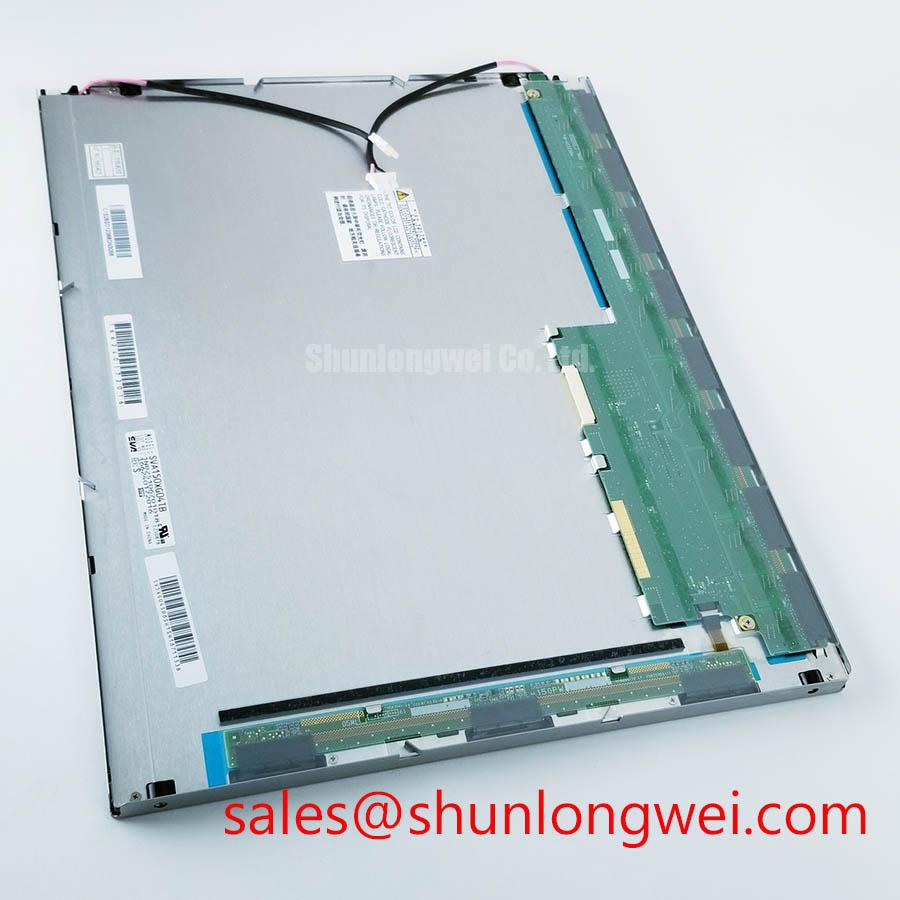
Finish the bench assessment by comparing the configured pixel timing, data mapping, setup and hold requirements, and clock quality with the panel interface specification. Where temperature-related instability is suspected, repeat the comparison within the documented operating limits. Attach the observed patterns, controller configuration, and cable identification to the inspection record so procurement can assess the exact LQ150X1LX9K module against the equipment’s acceptance requirements.