





Content last revised on October 5, 2026
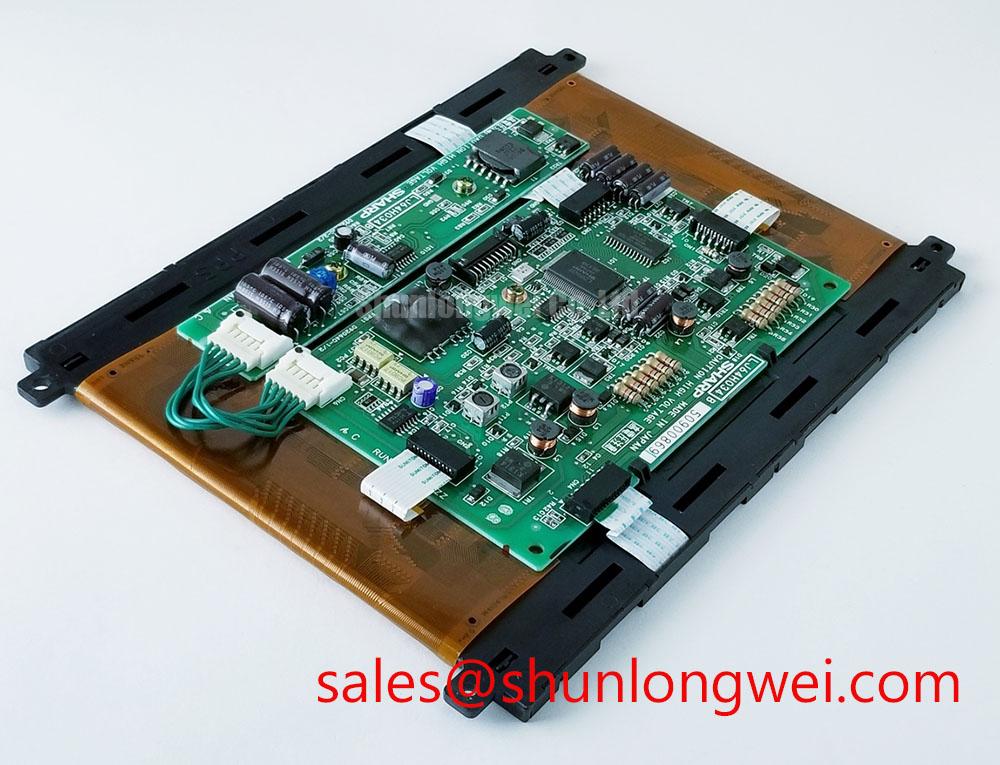
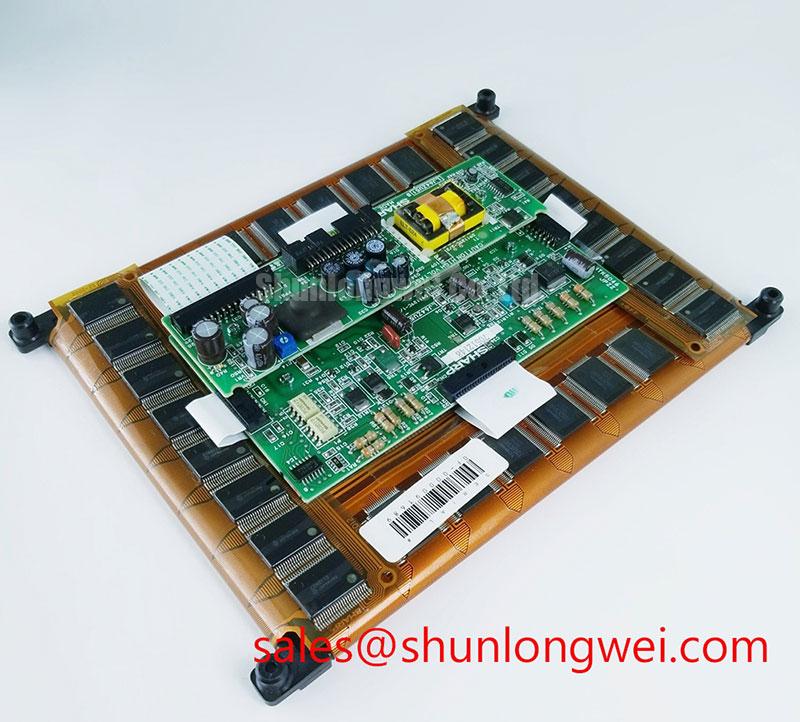
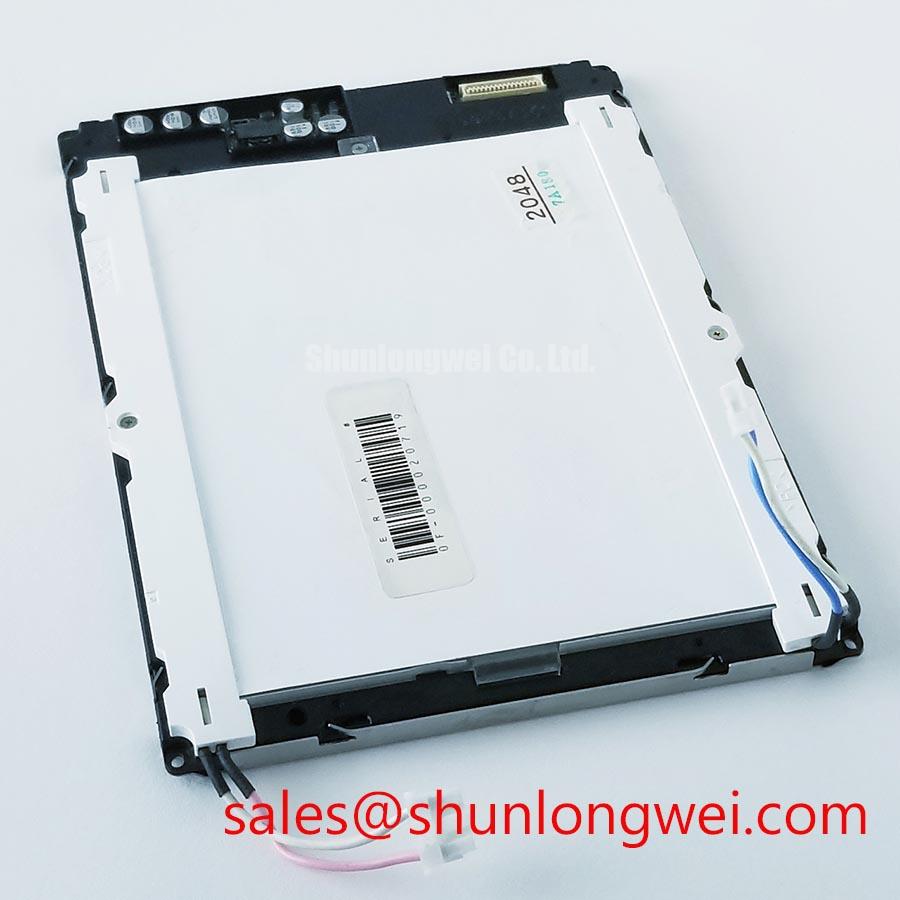
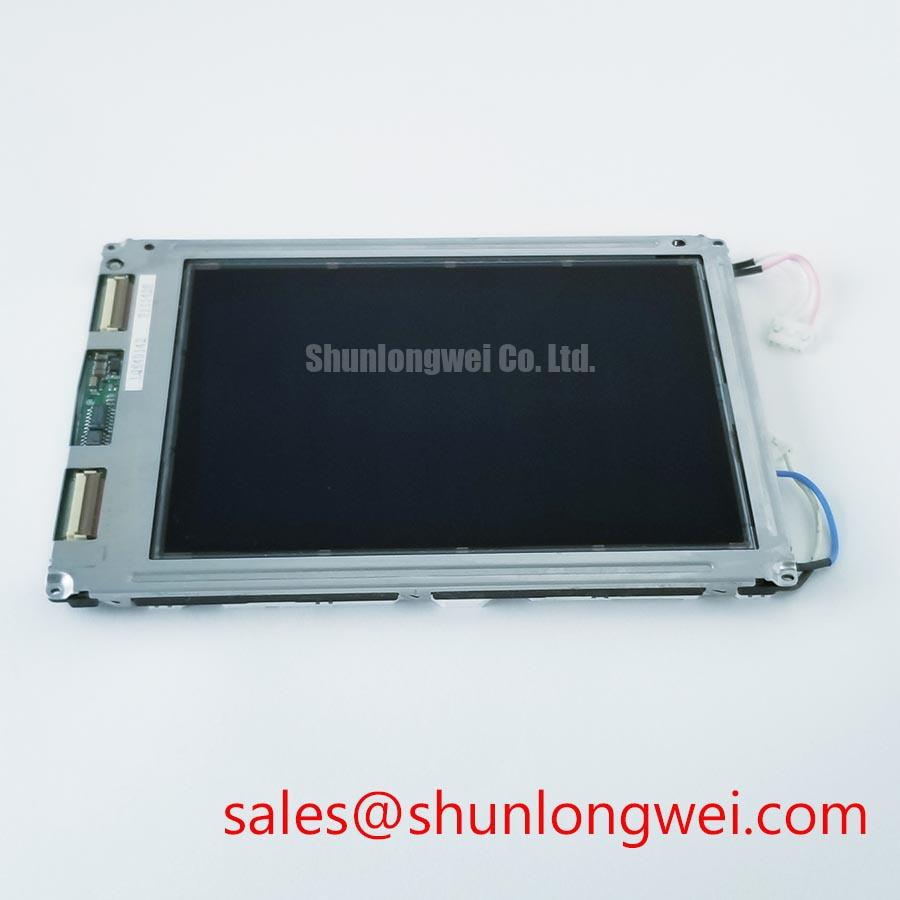
Begin incoming inspection by checking the Sharp marking, the TFT LCD module housing, connector condition, and visible glass or bezel damage before applying power to the LQ64D142. Use ESD controls, keep the panel on a clean grounded work surface, and record the connector orientation before removing any original cable.
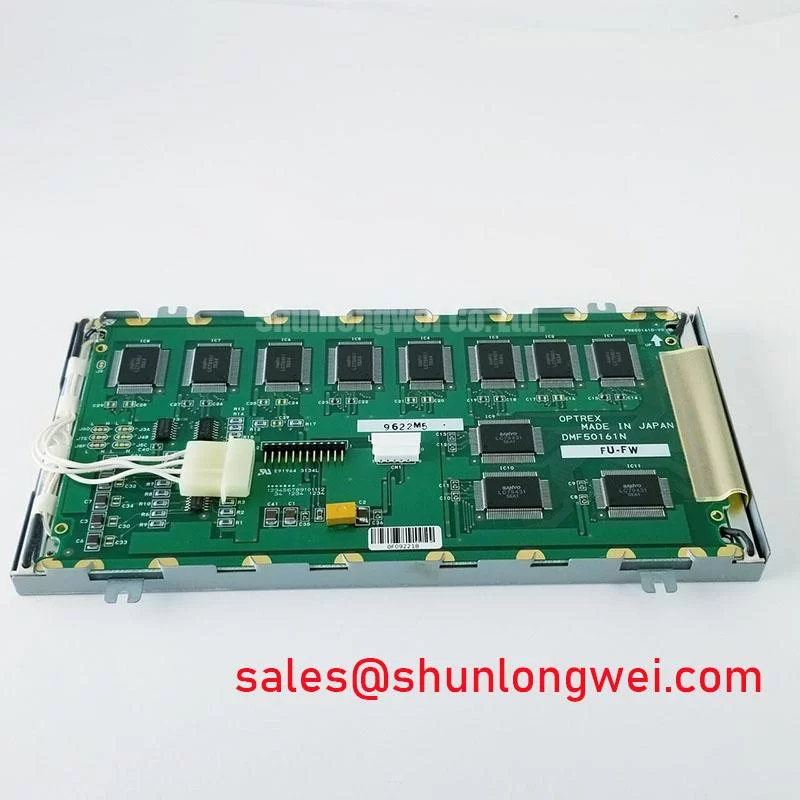
The LQ64D142 is identified in the available product information as a Sharp industrial grade LCD and HMI panel. Its package description is TFT LCD Display Module. Resolution, active area, luminance, viewing angle, backlight type, supply voltage, signal format, connector pin assignment, and operating temperature should be checked against the original Sharp panel documentation before installation.
| Item | Available information | Integration note |
|---|---|---|
| Model | LQ64D142 | Match the complete model marking before replacement. |
| Manufacturer | Sharp | Confirm the host equipment documentation uses the same panel version. |
| Product category | Industrial Grade LCD and HMI Panel | Suitable for engineering evaluation in industrial display assemblies when electrical and mechanical interfaces agree. |
| Package | TFT LCD Display Module | Inspect the exposed display area, bezel, flex connection, and mounting interface during receiving inspection. |
| Listing status | Product identity listed; detailed specifications require confirmation | Use the original panel documentation to confirm parameters not included in the available listing data. |
Display Inspection, PWM-Related Acoustic Noise, and EMI Evaluation
For a CNC operator panel or robot teach pendant, start the display check with a uniform test image and then inspect white, black, red, green, and blue fields across the entire active area. Look for stuck pixels, dead pixels, uneven illumination, intermittent bands, and changes that appear when the backlight control is adjusted. A camera can help document repeatable luminance differences, but it should not replace direct visual inspection under controlled room lighting.
The supplied information does not confirm whether the LQ64D142 uses a CCFL backlight or an LED backlight. The system integrator should verify the required backlight technology, inverter or driver arrangement, lamp wiring, and control method from the original panel documentation. A high voltage cold ignition value, a constant current value, a PWM dimming ratio, or a backlight life figure must not be assigned to this model without a supporting Sharp specification.
When a machine display is operated with PWM adjustment between 200 Hz and 1 kHz, the display engineer should observe both the optical result and the electrical behavior of the driver. Acoustic noise from a nearby magnetic or capacitive component can be influenced by switching frequency, mounting pressure, cable coupling, and enclosure resonance. A change in audible noise during dimming does not by itself identify the failed component. Compare the display assembly with the known good signal and lighting path, then inspect the driver output using suitable measurement equipment.
EMI evaluation should separate the panel from the surrounding power electronics. Operate the display while the CNC spindle or robot drive follows its normal switching profile, then compare the panel image, backlight control line, and display data activity. If horizontal noise or brightness modulation appears, check cable routing, return current paths, connector seating, and the physical distance from motor drive wiring. The LQ64D142 page does not establish independent EMC certification for the complete machine, so system level testing remains the responsibility of the equipment designer.
Backlight half life and MTBF figures are not confirmed in the supplied factory data. Do not use an assumed 50,000 hour value as a product guarantee. A maintenance team requiring a specific brightness retention target should request the original optical and backlight documentation and evaluate the complete panel, driver, enclosure temperature, and duty cycle together.
Logic Supply Voltage Sequencing from the Original Panel Documentation
Before connecting the LQ64D142 to a controller, identify every power and signal pin from the original Sharp documentation. The available product information does not confirm whether the panel logic supply is 3.3 V or 5.0 V, and it does not confirm the timing relationship between logic power, display data, backlight enable, and backlight power. Applying a guessed voltage can damage the module or produce misleading symptoms during troubleshooting.
Use an oscilloscope to observe the controller output during startup and shutdown. Check whether the panel supply reaches its intended level cleanly, whether the display data becomes active at the expected stage, and whether the backlight is enabled only when the host system permits it. The correct rise time, delay, reset behavior, and discharge path are system determined unless they are explicitly stated in the panel documentation.
The signal interface also requires confirmation. Do not assume that a replacement harness uses LVDS, TTL, JEIDA mapping, VESA mapping, or a particular differential impedance. If the host controller and panel use different data mapping, an image may appear split, incorrectly colored, unstable, or absent. Verify the connector pinout, bit order, clock polarity, lane arrangement, and cable direction against the original equipment drawing before making a harness.
Cold startup testing deserves a separate inspection record. Liquid crystal response can change at low ambient temperature, and an image that appears slow or smeared during a cold test may involve panel temperature, controller timing, backlight behavior, or the enclosure heat path. The supplied data does not confirm a rated operating range such as minus 20 degrees Celsius or minus 30 degrees Celsius for LQ64D142. If the equipment must start in a cold environment, the system designer should verify the official temperature rating and validate image response after the whole assembly reaches the intended condition.
A heater strip, if present in the equipment, should be evaluated as part of the enclosure design rather than treated as a panel specification. Confirm that the heater does not create local optical gradients, excessive bezel temperature, condensation, or connector stress. Use a gradual controlled test and record panel response, supply behavior, and image uniformity at the same time.
Shielded FFC and FPC Grounding across 360 Degree Connector Shells
Inspect the flat flexible cable path before powering the display. The cable should enter the connector squarely, with the exposed contacts positioned according to the connector design and the locking actuator fully engaged. A cable that is slightly skewed can create intermittent data behavior that changes when the enclosure is moved or the panel is pressed.
The LQ64D142 listing does not confirm the cable type, shield construction, connector shell arrangement, or grounding scheme. For this reason, a 360 degree shield termination, common mode ferrite, or LVDS cable configuration should not be presented as a factory feature of this model. The integrator should compare the original cable assembly with the replacement assembly and verify the approved grounding path at the controller and panel ends.
When the display is installed near a variable frequency motor drive, route display wiring away from high current switching conductors wherever the equipment layout permits. Keep signal and power return paths deliberate, avoid unnecessary cable loops, and inspect the connection between the panel frame, cable shield, controller ground, and chassis. The purpose is to reduce unwanted common mode coupling while avoiding an uncontrolled ground loop. Final performance must be verified on the complete machine during representative motor acceleration, deceleration, and idle conditions.
Pixel jitter, horizontal bands, or momentary image loss should be investigated by comparing the panel data clock and differential signal activity with a known good assembly. Confirm that the issue follows the cable, the controller output, the panel connector, or the surrounding drive state before replacing the LCD module. An oscilloscope or suitable differential probe can help reveal signal integrity changes, but probe loading and grounding technique must be controlled.
Connector retention is also important in a robot teach pendant because repeated handling can move the cable relative to the latch. Check the cable bend path, strain relief, panel bracket, and housing clearance during flex and vibration testing. The correct mechanical support depends on the equipment design; it should not transfer bending force into the LCD glass or connector body.
Bench Tip: Disconnect power before inserting or removing the display cable, protect the panel and controller with ESD controls, and engage the connector lock only after the cable is fully aligned.
For a broader system evaluation of industrial HMI enclosure practices, the related Industrial Display and HMI Solutions resource can be reviewed alongside the original equipment drawings. It should be used as engineering context rather than as a substitute for the LQ64D142 interface documentation.
Thermal Expansion Clearance Sizing across Heavy Industrial Metal Enclosure Cutouts
Mechanical inspection should begin with the panel cutout, bezel contact points, mounting holes, and fastener condition. Place the LQ64D142 into the enclosure without forcing the bezel against an uneven surface. Confirm that the display sits naturally in the opening and that the mounting arrangement does not twist the module as the fasteners are tightened.
The available factory data does not provide the LQ64D142 outline drawing, active area dimensions, mounting hole dimensions, bezel envelope, or approved fastener torque. These values must be taken from the original Sharp mechanical drawing or the equipment service documentation. Do not transfer a torque value from another LCD model, even when the panels appear similar.
Thermal expansion is a system level mechanical consideration. A metal enclosure, mounting bracket, gasket, bezel, and LCD module can respond differently as temperature changes. The design should provide controlled support while avoiding concentrated pressure on the display perimeter. Validate the assembly at the intended temperature range, after vibration exposure, and after repeated service access. Look for changes in dark field uniformity, bright field uniformity, image flicker, bezel marks, or localized optical distortion.
Vibration and shock testing should be performed with the actual cable routing and controller connection. A panel that operates correctly on a bench can behave differently when the enclosure transfers movement into the connector or when the cable is trapped against a sharp edge. Inspect the panel before and after testing, then compare the same full screen color fields to identify changes in pixel behavior or illumination uniformity.
The LM64P10 may be reviewed as a separate display option during a controlled replacement assessment, but compatibility must be established from electrical, optical, connector, firmware, and mechanical documentation rather than from size or appearance alone. It is not presented here as an automatic substitute for LQ64D142.
Backlight integration should also be checked at the subsystem level. The LMS700KF01-001 can be examined as a related display solution component, while the engineer confirms whether its interface, driver requirements, mechanical arrangement, and optical behavior match the host equipment. Any change to the backlight or driver requires renewed startup, dimming, thermal, vibration, and image uniformity testing.