

Content last revised on September 22, 2026
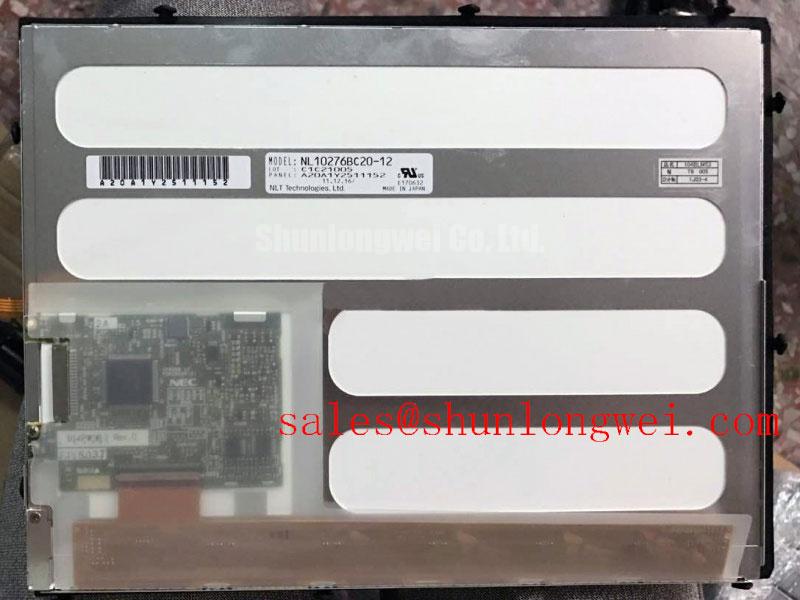
NEC NL10276BC20-12 Product Identification and Initial Inspection
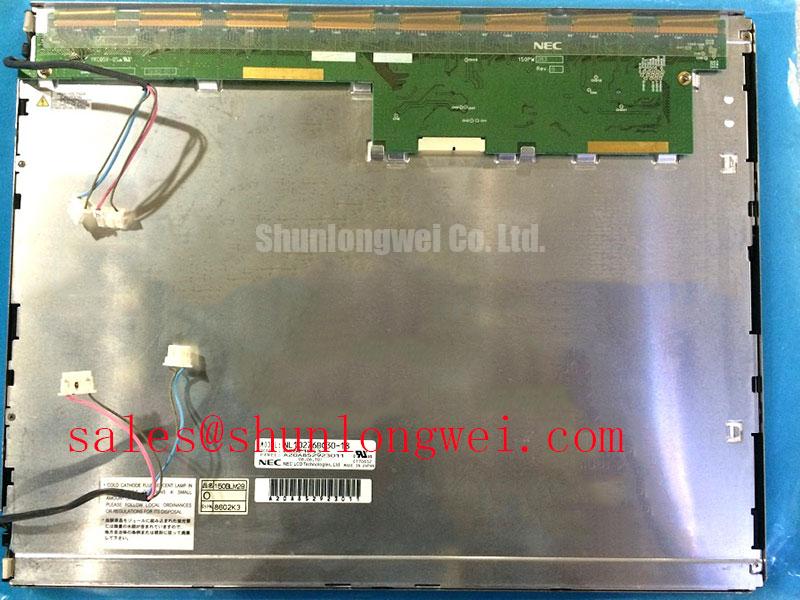
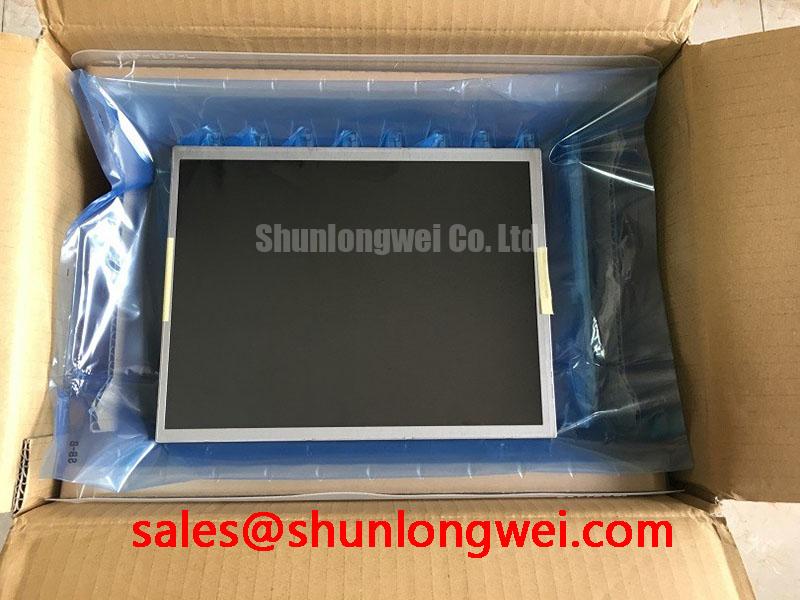
Begin incoming inspection by comparing the installed panel label with NL10276BC20-12, checking the TFT-LCD module housing for impact, frame distortion, connector damage, and contamination before applying power. The supplied factory information identifies this product as an NEC Industrial Grade LCD/HMI Panel in a TFT-LCD Display Module format.
| Parameter | Available product information |
|---|---|
| Model | NL10276BC20-12 |
| Manufacturer | NEC |
| Product category | Industrial Grade LCD/HMI Panel |
| Display construction | TFT-LCD Display Module |
The supplied factory data does not confirm the panel’s resolution, active-area dimensions, interface type, logic supply voltage, backlight construction, optical coating, viewing angle, contrast ratio, or operating-temperature limits. Those values should be taken from the original NEC panel documentation or the equipment manufacturer’s service documentation before the module is connected to an AGV, forklift terminal, or industrial HMI controller.
Mitigating Gray-to-Gray Response Time Escalation during Cold-Start Machine Power-Up
For a cold-start evaluation, allow the complete display assembly and its wiring harness to reach the intended ambient condition before judging image quality. A temporary gray-to-gray response delay can be influenced by liquid-crystal temperature, the host timing controller, panel drive conditions, and the selected image transition. It should not be treated as proof of a defective NL10276BC20-12 without comparison against a known-good unit using the same controller and signal source.
The first practical check is the power-up sequence. Verify the display supply requirement from the original panel documentation rather than assuming a common LCD voltage. Confirm that the controller enables the panel only after the required supply rails are stable, and check whether the host system uses a separate display-enable or backlight-enable signal. White-screen behavior, a delayed image, or residual content after shutdown can have several possible origins, including incorrect sequencing, an unsuitable timing controller, unstable cabling, or a mismatch between the replacement panel and the original display interface.
Cold-start testing should record the displayed image, the host supply behavior, and the display timing at the same time. If the system uses TTL or LVDS signaling, the integrator should verify clock stability, data hold requirements, lane mapping, and the timing controller’s temperature limits from the applicable interface documentation. These are system integration conditions, not confirmed factory parameters for this model. An oscilloscope comparison with the original working display can help distinguish a panel response issue from a controller or wiring problem.
Perimeter sealing also deserves inspection when the panel is used in an outdoor vehicle terminal or an enclosed operator station. A damaged gasket, uneven bezel pressure, or a housing gap can allow humidity and dust to reach the display assembly. Thermal cycling between a cold warehouse and a warmer vehicle cabin may produce condensation if the enclosure, venting, and warm-up procedure are not designed for the installation. The enclosure engineer should validate sealing and condensation control as part of the complete HMI assembly; the available product information does not specify an independent ingress rating for the display module.
Do not infer an operating range of −30°C to +85°C for this panel from a general industrial application requirement. Those limits must be confirmed in the original NEC documentation or the equipment specification. If the panel is being considered for a rugged AGV or forklift telematics display, verify the complete temperature profile, vibration environment, optical performance, and controller compatibility before approving the replacement.
Backlight Thermal Dissipation and Light-Guide Preservation
Backlight construction and brightness specifications are not included in the supplied factory data for NL10276BC20-12. The system integrator should therefore verify whether the original assembly uses an LED backlight, the required driver arrangement, the brightness target, and the approved electrical interface from the original panel documentation. It is not appropriate to assume an edge-lit rail, a particular light-guide material, or a specified lifetime for this model without a supporting factory document.
For an HMI installed in a forklift or AGV cabin, inspect the rear clearance and the heat path around the display before final installation. A metal mounting bracket, controller board, or sunlight-exposed enclosure can create a local temperature rise near the display perimeter. The thermal review should consider heat generated by the display assembly, heat transferred from nearby electronics, direct solar loading, and the airflow available inside the terminal housing. Any heat spreader or mechanical frame should be evaluated for compatibility with the panel’s mounting points and should not create concentrated pressure on the LCD glass.
Brightness uniformity should be checked with a consistent test image and a repeatable measurement method. Uneven illumination, a warm edge, or a localized dim region may also be associated with the backlight driver, connector seating, optical assembly condition, or mechanical stress. A single visual symptom does not establish one specific failure cause. Compare the suspect display with the original unit and check the driver output, connector contacts, and enclosure temperature before replacing additional parts.
The terms L70 and B50 should only be used for this model when they are supported by the relevant manufacturer documentation. They describe a particular lifetime test method and cannot be assigned from the product category alone. The same caution applies to claims about optical yellowing, high-nit performance, or long-term sunlight exposure. For direct-sunlight installations, designers should evaluate the complete display window, cover glass, optical film, brightness control, and enclosure temperature as one assembly.
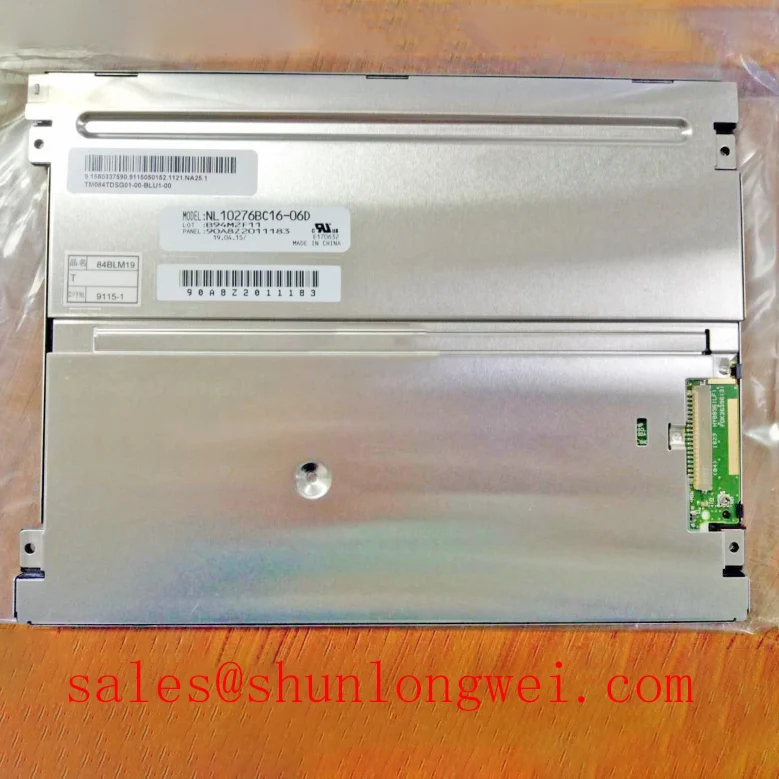
For a compatible size and resolution comparison, engineers may also review NL10276BC16-06. This reference should be treated as a separate model for dimensional, electrical, optical, and interface verification. It is not a substitute recommendation for NL10276BC20-12, and the two products should not be interchanged until the equipment documentation confirms compatibility.
Display Cable Routing and Signal Integrity
Before routing a replacement display cable, identify the actual interface used by the host controller and the panel. The supplied product information confirms the TFT-LCD module category but does not confirm TTL, LVDS, connector pinout, JEIDA mapping, VESA mapping, or a logic supply voltage. The system integrator should verify the required supply voltage and signal format from the original panel documentation. Do not connect a controller simply because its connector appears mechanically similar.
Where the approved interface uses differential signaling, route the cable as a controlled transmission path with a continuous reference and minimal unnecessary length. The required characteristic impedance, pair spacing, pair polarity, termination method, and skew allowance must come from the controller and panel interface specification. A generic 100-ohm assumption should not be presented as an official parameter of NL10276BC20-12. The same principle applies to any proposed flex cable: the cable assembly, connector, ground return, and controller layout must be assessed together.
Split-screen artifacts, intermittent color blocks, or unstable image data may indicate a mapping error, signal integrity problem, connector issue, or an unsuitable timing controller. Confirm the lane order and color mapping against the known-good assembly, then compare clock and data waveforms at the panel connector. Check for cable folding near the connector, uneven insertion, contamination, and mechanical movement during vibration testing. If the display changes when the harness is moved, investigate the complete mechanical retention method rather than assigning the symptom to the LCD glass alone.
Power-on rise time and shutdown behavior also belong to the host system validation plan. The timing controller should be checked for correct enable order, stable reset behavior, and a controlled backlight transition. The supplied data does not confirm a specific rise-time window for this model, so values such as a millisecond-level delay must not be used as a product specification. The equipment designer should measure the actual rail and control signals and compare them with the original NEC documentation.
Viewing-angle behavior, contrast performance in sunlight, and anti-glare treatment are also not specified in the supplied product record. If the display is intended for a rugged telematics terminal, evaluate the installed optical stack under the real operator viewing position, cabin lighting, protective window, and sunlight direction. Do not transfer a contrast ratio such as greater than 500:1 to this model without an official source. The broader principles of TFT display selection, interface verification, and optical integration are discussed in The Ultimate Guide to Industrial TFT-LCD Technology.
Incoming Benchtop Inspection: Display Bonding and Driver Connection Integrity
Incoming inspection should begin with the module unpowered. Check the bezel, glass edge, flex connections, connector latch, mounting surfaces, and visible driver-bond areas under controlled lighting. Do not press the active area or apply force to the glass while checking for a suspected line defect. The supplied information identifies the unit as a TFT-LCD Display Module but does not document a specific COG, TAB, or ACF construction, so those internal bonding methods should be confirmed from the original technical drawing before being used as a diagnosis.
A practical bench test can use a full red image, a full green image, a full blue image, a full white image, and a black image. Inspect the panel from the normal viewing position, then from oblique angles without touching the active area. A narrow line, localized dark region, color shift, or intermittent segment should be documented with the test image, cable position, ambient condition, and controller used. This record is more useful than assigning a single fault to the panel before the signal path has been checked.
A flashlight inspection at an oblique angle can help separate an external surface mark from an internal display or illumination irregularity. Keep the light source outside the viewing path and avoid heating the panel. If a dark shadow appears to move with the viewing angle, inspect the cover, bezel, and optical stack. If a fixed line remains in the same image position, compare the input signal and timing controller output with a known-good assembly. These observations can narrow the investigation, but they do not independently prove a micro-fracture, bond failure, or backlight fault.
Mechanical installation should release stress evenly around the frame. The enclosure should provide adequate support without twisting the module, and the gasket should contact continuously without folds or compression gaps. Uneven fastening pressure can influence image uniformity and can also make later troubleshooting difficult by changing when the symptom appears. Maintenance Note: inspect the display gasket and enclosure airflow during scheduled service, especially after repeated cold starts, vibration exposure, or bezel removal.
When evaluating NL10276BC20-12 as a replacement for an AGV or forklift rugged telematics display, confirm the mechanical envelope, connector orientation, controller compatibility, power requirements, optical requirements, and environmental limits from the original equipment documentation. The available factory record supports identification as an NEC Industrial Grade LCD/HMI Panel and TFT-LCD Display Module, while the unlisted electrical and optical values remain system-level verification items.