Content last revised on October 20, 2026
High-Voltage Striking Potential and Secondary Coil Insulation Testing
Separate a missing image from missing illumination before investigating the backlight power stage. As a Design Consideration, illuminating the screen obliquely with an external light can help reveal whether the host is still producing recognizable graphics. A faint image supports further investigation of the illumination circuit, but it does not prove that the panel electronics, cable, or controller are fully functional. Observe whether the screen briefly illuminates during startup and whether its behavior changes with the brightness command.
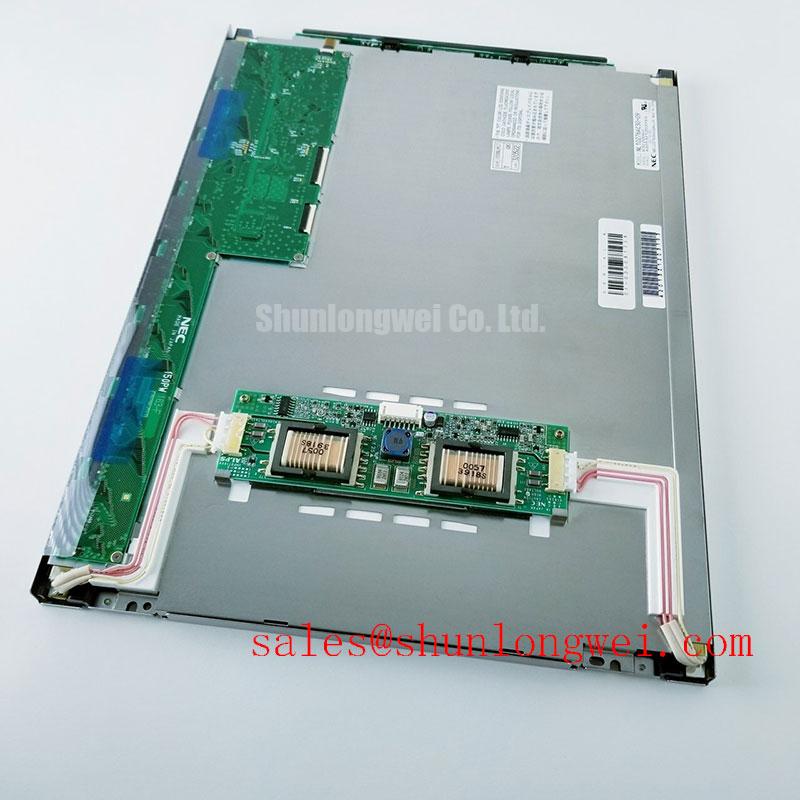
Trace the installed backlight assembly to its driver documentation before selecting test equipment. For a documented CCFL system, ignition behavior and sustained lamp operation require different interpretations: a brief startup pulse followed by shutdown can involve the lamp load, connector condition, driver protection, or supply collapse. Any high-voltage measurement requires an appropriately rated probe and a measurement arrangement suitable for that driver. A general lamp-striking range must not be treated as an official NL10276BC30-21A rating.
Where the equipment documentation identifies a transformer-based inverter, assess winding insulation using the inverter manufacturer's procedure. Applying an insulation tester across an assembled display can expose connected electronics to an unsuitable test voltage. Visual evidence of tracking, damaged insulation, or contamination is useful, but a successful visual inspection does not establish insulation reliability. Disconnect boundaries, test voltage, and acceptance criteria belong to the documented assembly procedure, not to a generic screen-repair checklist.
For a separately documented constant-current LED system, examine the enable signal, dimming command, supply stability, and fault output together. Open-load and short-load protection can interrupt illumination even when the input supply appears normal. Design Consideration: capture the startup sequence rather than checking only the settled voltage after shutdown. Protection thresholds, allowable load configuration, and restart behavior must come from the particular driver; they are not interchangeable specifications across display assemblies.
Brightness-related flicker and audible noise also require correlation rather than immediate parts replacement. Compare the brightness command with the optical symptom and driver behavior under the same operating condition. PWM frequency, duty-cycle limits, and current regulation are system-dependent. Do not prescribe a universal dimming frequency or infer backlight efficiency from screen appearance. Likewise, backlight lumen-maintenance life and electronic MTBF describe different quantities and should not be combined into a lifetime promise.
The NEC NL6448BC33-64 is a separate display reference when reviewing related NEC display assemblies, not a backlight driver or an established electrical match. Compare its own documentation independently before drawing conclusions about shared power circuitry, cable assignments, or service parts.
Surface Anti-Glare and Anti-Reflective Treatment for High Ambient Readability
Inspect reflections with the display both powered and unpowered to distinguish surface glare from low illumination. As a Design Consideration, compare the bare viewing surface with any protective window installed in front of it. A reflective cover, contamination, or an unsuitable cleaning residue can reduce readability even when the LCD is producing a stable image. Changing the observation angle and shielding the screen from direct ambient light helps separate those effects without altering the display electronics.
Anti-glare and anti-reflective treatments address different optical mechanisms. Anti-glare treatment spreads reflected light, while an anti-reflective treatment reduces reflection through its optical design. Neither term establishes a particular coating process, sunlight-readable performance, or viewing-angle specification for this model. Do not apply polishing compounds or an aftermarket film as a diagnostic shortcut: changing the surface can introduce haze, alter perceived contrast, or interfere with a touch overlay.
Assess grayscale visibility from the intended operator position using a stable test pattern. An image that remains readable head-on but loses dark-detail separation off-axis calls for comparison with the specified viewing characteristics and the enclosure geometry. It does not, by itself, identify the liquid-crystal mode. Avoid assigning TN, IPS, MVA, or symmetric viewing-angle claims to the NL10276BC30-21A without model-specific support. Manufacturer-level background is available through industrial TFT display solutions, but product-family information does not replace an individual panel specification.
Temperature-related image lag needs a different observation method from glare testing. Design Consideration: compare moving edges and grayscale transitions after the assembly has stabilized within its documented operating range. Liquid-crystal response can slow as temperature falls, while illumination startup can change independently. Record ambient conditions and warm-up behavior so that a cold-start symptom is not mistaken for a permanent signal-path defect. Heater control, if present in the host assembly, requires its own thermal design and documentation.
A touch overlay should be evaluated separately from the underlying LCD. Glove response and operation with water on the surface depend on the touch technology, controller configuration, grounding, and cover construction. They are not inherent features of this display designation. For a factory-automation machine-tool HMI terminal, assess screen readability and touch behavior with the actual protective window and operator-access geometry before approving an integration.
Suppressing Pixel Jitter and Horizontal White Lines Near Motor Drives
Correlate image disturbance with motor-drive activity before changing the display or adding suppression components. Record whether jitter appears during acceleration, switching transitions, or steady operation, then compare that behavior with a static test image. Design Consideration: this correlation can identify a useful test condition, but it does not establish that electromagnetic interference is the sole cause. Cable intermittency, host timing, power instability, and panel faults can produce overlapping symptoms.
Identify the actual interface and connector assignments before probing the image cable. Parallel interfaces and differential links require different measurements; a familiar connector shape does not establish either one. For a documented differential interface, examine signal integrity at the receiver using suitable probing techniques and the specified electrical limits. For a parallel interface, compare clock-to-data timing against the relevant transmitter and receiver requirements. Setup time, hold time, and jitter allowance must be evaluated as a complete timing relationship.
Field Alert: Isolate equipment power and follow its discharge procedure before disconnecting or reseating display and backlight connectors.
Restore the original cable routing and chassis connections before experimenting with additional shielding. As a Design Consideration, keep the display interconnect away from high-current switching paths where the enclosure permits, and examine shield termination for continuity and mechanically sound contact. A shield treatment that works in one cabinet can behave differently in another because the return paths and enclosure bonds differ. Common-mode suppression should therefore be assessed through repeatable measurements, not selected solely because a screen shows horizontal bands.
Do not impose a generic differential impedance or skew budget on an unidentified interface. Cable construction, connector transitions, transmitter capability, and receiver timing together determine the permitted interconnect. If a disturbance changes when the cable is moved, investigate seating, strain, routing, and contact condition before attributing it to the panel. If it changes with host power loading, inspect the supply at the display connector during the event rather than relying on an unloaded power-supply reading.
During cross-model evaluation, the NEC NL8060BC31-42 should be treated as a separate comparison candidate, not an established substitute. Compare native resolution, active area, mounting geometry, interface mapping, controller support, and illumination requirements before considering a change. Related model names do not demonstrate interchangeability. Assembly-level grounding and environmental assessment are discussed further in Industrial Display & HMI Solutions; EMC acceptance remains a property of the completed equipment and its test configuration.
Incoming Benchtop Inspection and Display-Bond Integrity Assessment
Run an incoming display on a compatible, documented controller before installing it behind the machine's bezel. Support the module without twisting its frame, inspect connector latches and mounting surfaces, and ensure that the test cable is not pulling on the display connection. Design Consideration: a repeatable bench arrangement helps distinguish an incoming module issue from a fault introduced by the host cable, power source, or mechanical installation.
Display full-screen red, green, and blue patterns sequentially, then examine neutral grayscale content and fine image detail. The primary colors help expose channel-related abnormalities; grayscale and fine detail reveal problems that uniform colors can conceal. Record the location and persistence of lines, dark areas, or unstable regions. This is a practical inspection sequence, not a claimed manufacturer acceptance standard or a substitute for documented pixel-defect criteria.
If the screen is dark, use oblique external illumination to look for recognizable content while keeping the host image unchanged. A faint graphic is useful evidence for investigating illumination, whereas a persistent line visible across different patterns calls for comparison with the signal source and cable. Neither observation alone proves a driver-bond defect. Avoid pressing the glass edge, flexing bonded connections, or applying local heat to provoke a response; those actions can alter the condition being investigated.
COG, TAB, and anisotropic conductive film describe construction and interconnection methods, not a diagnosis obtainable from a line on the screen. Do not assign a particular internal construction to the NL10276BC30-21A without supporting documentation. When a defect remains at the same screen coordinate with a known-compatible source and verified cable, preserve photographs and test conditions for technical assessment rather than attempting an improvised bond repair.
For procurement review, retain the complete model designation, label photographs, controller identification, cable reference, observed defect pattern, and bench-test conditions. Distinguish a module-only requirement from an assembly that includes an overlay, bezel, driver, or harness. Before closing the inspection, repeat the relevant image test after normal warm-up and after final mechanical installation; a change between those conditions directs attention to mounting stress, connection stability, or the host environment.