Content last revised on September 29, 2026
Digital RGB Bus Synchronization and Logic Power Rail Verification
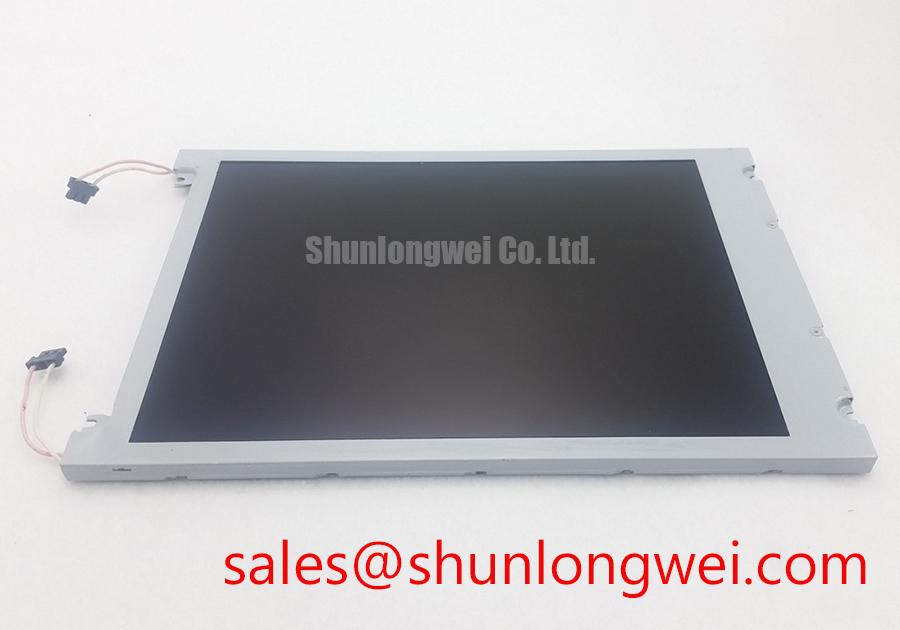
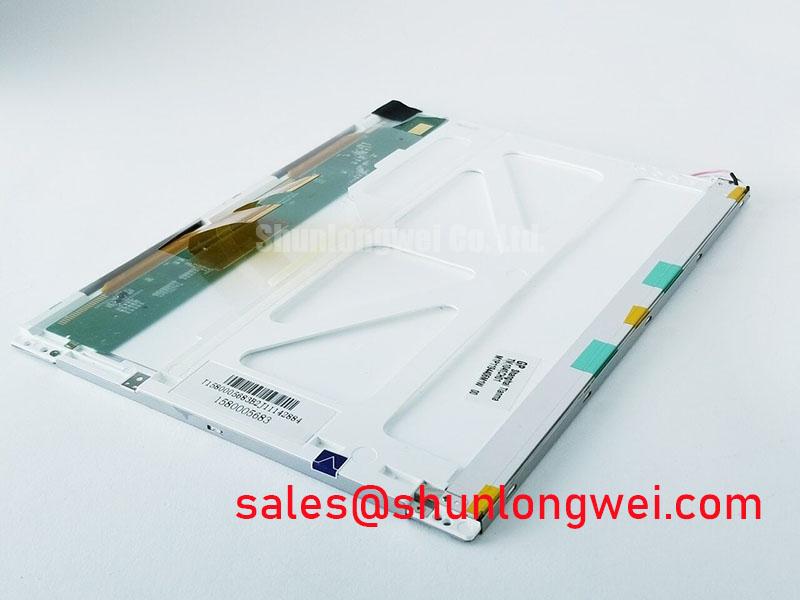
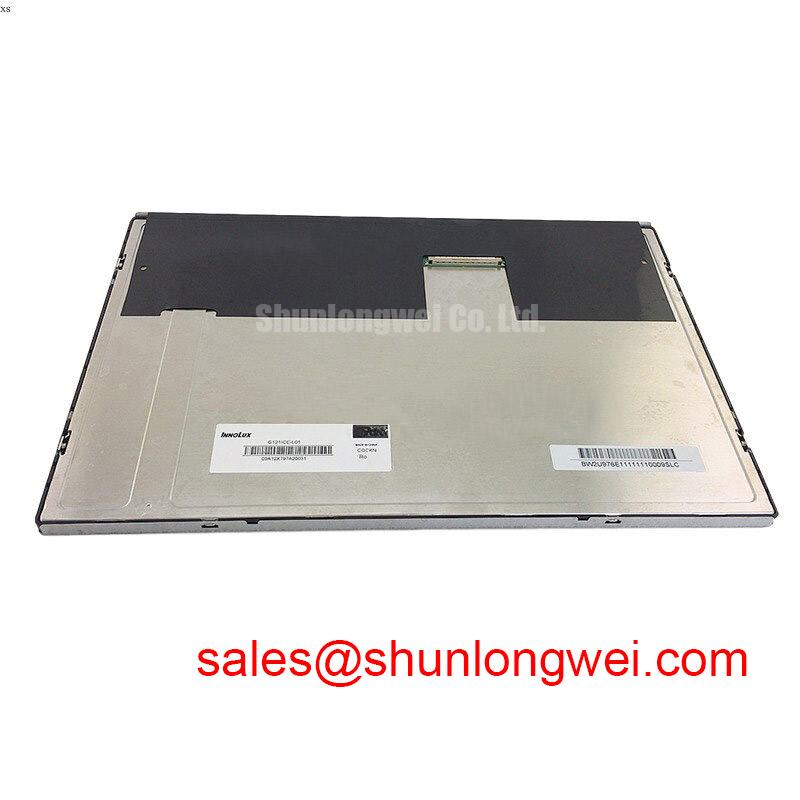
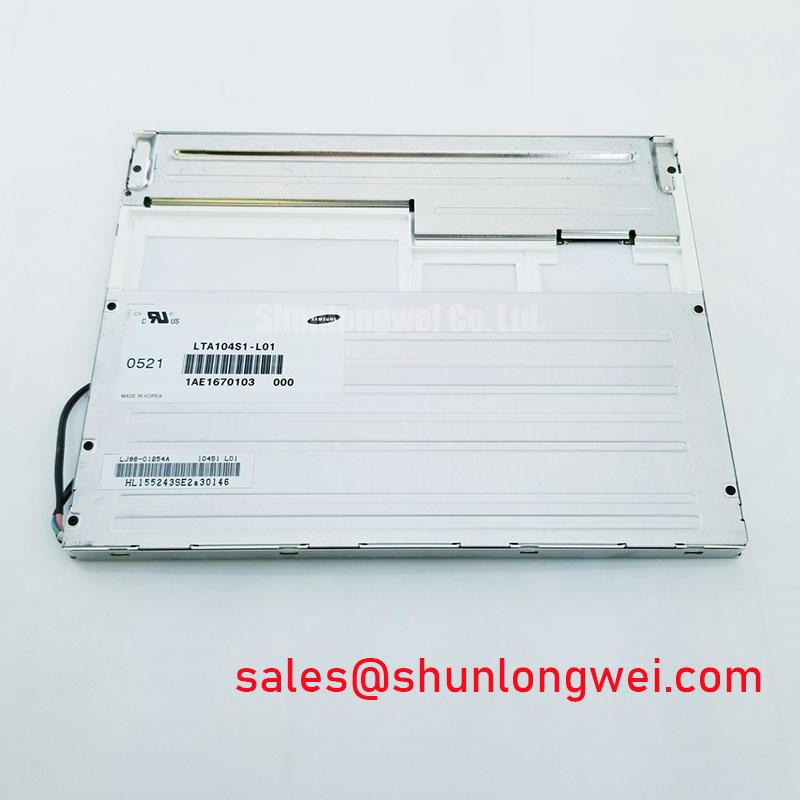
Begin the service inspection by isolating power, checking the panel label against NEC NL6448AC30-21, and examining the TFT-LCD module, connector area, flexible cable, bezel contact surfaces, and mounting points for contamination or mechanical stress. Record the original display orientation and cable routing before removal. The available factory identification confirms this product as an industrial-grade LCD/HMI panel manufactured by NEC, supplied as a TFT-LCD display module with an official factory specification status. Interface voltage, timing, optical values, dimensions, and backlight requirements must be verified against the original panel documentation and the equipment service manual before replacement.
The NL6448AC30-21 can be evaluated for industrial HMI panels, control cabinets, monitoring terminals, and marine radar or navigation bridge consoles when its electrical interface, mechanical envelope, optical performance, and environmental requirements match the host system. As a distributor, we recommend treating the installed panel documentation as the controlling reference for any value not stated in the available factory specification data.
Before connecting the replacement display, identify the host controller output format from the equipment schematic rather than assuming that a similar connector guarantees compatibility. The panel category and module construction identify the NL6448AC30-21 as a TFT-LCD display, but the integrator should verify whether the original system uses a TTL digital RGB interface, another parallel display format, or a dedicated controller board. Connector keying, cable position, signal naming, and ground reference should all be compared with the known-good assembly.
Logic power verification is a mandatory commissioning step. Do not apply a presumed supply rail simply because another industrial display uses a similar connector. The system integrator should verify the required supply voltage from the original panel documentation, then observe the power-on and power-off behavior at the panel connector with an oscilloscope. The display enable signal, timing signals, data activity, and supply rise sequence should be checked together so that a white screen, split image, unstable synchronization, or residual image is not attributed to the panel before the host timing path has been confirmed.
For a 24-bit RGB arrangement, inspect the red, green, and blue data groups as complete buses. A displaced bit, incorrect channel order, or inconsistent data mapping can produce color errors or divided image content even when the panel receives power. JEIDA and VESA mapping should be confirmed from the original controller and panel documentation rather than selected by trial and error. Where the equipment uses a board-to-board or cable transition, maintain a controlled return path and avoid routing high-current switching conductors beside the display clock and data conductors.
The requested 100-ohm differential routing check applies only where the actual system uses differential signaling. It should not be presented as a confirmed electrical specification of this NEC module without the applicable panel datasheet. As a Design Consideration, the engineer should verify the host transmission standard, characteristic impedance, termination arrangement, clock quality, and receiver threshold behavior as one signal path. An oscilloscope comparison with a known-good display assembly is more useful than a continuity test alone.
Optical evaluation also belongs in the installation test. If the display is intended for a sunlit bridge console or another high-ambient location, assess readability at the actual viewing angle and lighting condition. Do not claim a contrast ratio above 500:1, anti-glare treatment, or sunlight performance unless the original optical specification confirms those values. The enclosure window, polarizer condition, surface reflection, software color palette, and panel brightness setting can all affect field readability.
For a compatible reference within the same display sourcing workflow, engineers may review NL10276BC16-06. It should be treated as a separate model requiring its own interface, optical, mechanical, and environmental comparison rather than as an automatic substitute.
Diffuser Film and Prism Sheet Thermal Buckling Prevention under Continuous Full-Duty Operation
Long-duration static screen operation should be assessed at the complete assembly level. A fixed alarm page, radar scale, status banner, or navigation graphic can expose weaknesses in the host display-control strategy even when the LCD module itself is electrically functional. Use screen-saver behavior, controlled image rotation, suitable luminance management, and scheduled inspection where the application permits. These are system-level design considerations and are not factory guarantees for the NL6448AC30-21.
Thermal inspection should begin with the installed bezel, rear cover, ventilation path, and mounting frame. A narrow metal rail or heat-spreading feature may be considered when the enclosure creates a localized hot area, but its size, attachment method, and thermal effect must be determined by the equipment designer. Avoid pressing a heat spreader directly against active display surfaces or flexible connections. The aim is to reduce uneven thermal loading while preserving the panel’s intended mechanical freedom.
The available product information does not confirm diffuser-film material, prism-sheet construction, PMMA optical parts, LED lifetime values, or L70/B50 performance for this model. Those characteristics must not be inferred from the product category. If the panel is installed in a continuously operating control station, measure temperature at the enclosure and display perimeter during representative duty rather than relying on an assumed optical stack design. Look for uneven luminance, expanding bright areas, edge shadowing, or changes after thermal stabilization, then compare the result with the original unit where possible.
Clock jitter, data hold behavior, and timing margin should be investigated at the TTL transmitter and the panel connector when image instability appears after warm-up. A transmitter may remain within its own logic limits while the complete cable and connector path becomes sensitive to noise or grounding conditions. Verify the signal at the panel end, inspect connector retention, and compare timing at cold and warm operating points defined by the equipment documentation. The display module should not be assigned a timing fault until the host controller, cable, and power rails have been checked together.
Mechanical compression is another source of optical non-uniformity. The bezel should support the panel evenly without concentrated pressure at one corner. Fasteners should be tightened in a cross-pattern using the equipment manufacturer’s procedure, while leaving the intended gasket and frame surfaces correctly seated. Do not use the mounting screws to force a warped panel into alignment.
⚠️ Maintenance Note: Inspect the enclosure ventilation path and perimeter sealing material during scheduled service, because blocked airflow or a displaced gasket can increase thermal and contamination stress around the display assembly.
Mitigating Gray-to-Gray Response Time Escalation during Cold-Start Machine Power-Up
Cold-start assessment should be performed with the display installed in its real enclosure, not only on an open service bench. Record the time from system power application to stable image presentation, then observe gray transitions, moving graphics, alarm overlays, and fine text at the lowest operating condition specified for the equipment. A slow visual response may involve panel temperature, controller timing, image-processing settings, or a host-side refresh issue, so it should be investigated as a system behavior rather than assigned to one cause.
The supplied factory information does not confirm a gray-to-gray response rating, liquid-crystal formulation, perimeter sealant chemistry, or an operating range of minus 30 degrees Celsius to plus 85 degrees Celsius for the NL6448AC30-21. Those values must not be added to the product specification without the relevant NEC documentation. If the host system is expected to operate below room temperature, the integrator should verify the permitted panel range and conduct a controlled cold-start test using the original equipment sequence.
Power sequencing deserves close attention during this test. The display supply, controller output, enable signals, and video data should be observed from initial energization through stable operation. If the unit shows a white screen, incomplete image, or a retained image after power removal, first compare the sequence with a known-good assembly. Check whether video data is present before the display is ready, whether the host keeps an enable line active during shutdown, and whether the supply decays as intended by the equipment design.
Flexible printed cables require a separate inspection. Preserve the original bend direction and do not fold the cable sharply at the connector exit. Repeated service access can stress the copper traces, stiffener area, or connector latch even when the exterior appears clean. The connector should be fully seated with its locking mechanism engaged, and the cable should be supported so that vibration is not transferred directly into the contact area. If intermittent pixels or color changes occur, compare the cable position at rest and during a controlled, non-invasive movement test while monitoring the image.
Vibration and shock qualification belong to the complete display assembly. The mounting frame, gasket, bezel, connector retention, and cable strain relief should be reviewed as one mechanical path. In a marine radar or navigation console, salt-laden air and repeated enclosure access also make sealing discipline important. The NL6448AC30-21 should not be described as independently salt-fog certified or as having a guaranteed ingress rating without a supporting manufacturer document. The host enclosure designer must establish the required protection level and validate it on the assembled equipment.
For a related display topology review, the system designer may consult NL10276BC30-24D as a separate NEC display reference. Compatibility still depends on the original equipment interface, mounting arrangement, optical requirements, and power sequencing.
Surface Anti-Glare and Anti-Reflective Treatment for High Ambient Readability
Readability in direct sunlight should be verified at the actual console position, with the equipment window, visor, lighting, and operator viewing direction installed as they will be in service. The product information supplied for the NL6448AC30-21 does not confirm an anti-glare coating, anti-reflective etched surface, viewing cone of 85 degrees in four directions, or a contrast ratio above 500:1 at 50,000 lux. These properties must therefore remain verification items rather than advertised factory specifications.
When the image appears washed out, separate external reflection from insufficient panel luminance. Change the operator viewing angle, cover the enclosure window temporarily for comparison, and inspect the surface for contamination or scratches. If readability improves substantially after the external reflection is reduced, the enclosure window or surface finish may be contributing to the issue. If the image remains weak under controlled lighting, compare the panel drive level and host graphics settings with the original unit.
TN, IPS, and MVA viewing behavior should not be assumed from the model number or from the fact that the module is intended for industrial HMI use. The integrator should identify the panel technology from the original NEC documentation when viewing-angle symmetry, grayscale inversion, or operator position is critical. A display that is readable from one direction may show reduced contrast or tonal changes from another, especially when the operator is standing beside rather than directly in front of the console.
For high-salt or high-humidity locations, surface cleaning should use the equipment manufacturer’s approved method. Avoid aggressive solvents, abrasive wipes, and excessive liquid near the bezel or connector side. Full optical bonding, moisture sealing, and dust resistance cannot be claimed for this module from the available factory description alone. If the host equipment requires optical bonding or a sealed front assembly, the complete display construction must be specified and tested by the system manufacturer.
The maintenance team should also inspect the perimeter gasket after panel replacement. Uneven compression, trapped debris, or a damaged seal can create local light leakage and allow contamination into the enclosure. Any condensation observed after a cold-to-warm transition should be treated as an enclosure and environmental-control issue requiring investigation of temperature change, ventilation, sealing, and moisture management. The Ultimate Guide to Industrial TFT-LCD Technology can be used as a general reference when planning display evaluation and service measurements.
Before approving the NL6448AC30-21 for a replacement position, the responsible engineer should document connector compatibility, confirmed supply requirements, video mapping, mechanical fit, surface readability, cable retention, start-up behavior, and enclosure sealing. Any unconfirmed value should remain an open verification item against the original NEC documentation and the host equipment service specification.