Content last revised on September 26, 2026
Suppressing Pixel Jitter and Horizontal White Lines Near Motor Drives
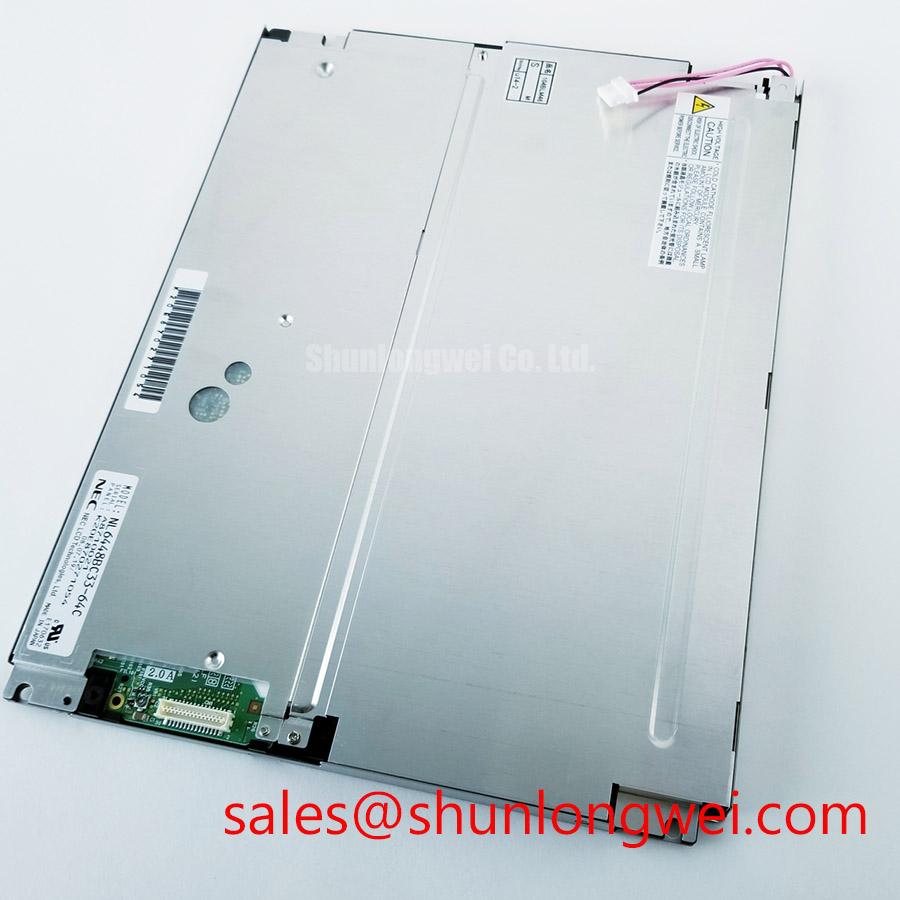
Inspect the connector seating and display surface of the NEC NL6448BC33-74H before applying power, then compare its label and mechanical fit with the panel removed from the equipment. The confirmed product classification is an industrial-grade TFT-LCD display module. Its supply voltage, interface pinout, optical ratings, backlight requirements and dimensions are not established by the available product information, so those details must be checked against the original panel documentation before a powered test or replacement decision.
For an HMI located near a motor drive, begin by recording whether an apparent line defect changes when the drive is enabled, its load changes, or the display cable is moved. A line that responds to cable position warrants inspection of connector engagement, cable routing and the host signal path. A line that remains fixed across test patterns calls for a separate panel inspection. Neither observation, by itself, identifies the failed part.
Shield termination and common-mode suppression are Design Considerations for the equipment wiring, not confirmed features or installation requirements of the NL6448BC33-74H. If the original equipment uses a shielded display cable, check that its termination matches the host design and that the cable is not strained at the connector. Any proposed ferrite or routing change should be assessed with the display operating beside the actual drive: compare the visible image and host-side waveforms before and after the change. First confirm the panel interface from its documentation; an LVDS-specific cable practice should not be applied to an unidentified interface.
Cold-start image changes also need separation from electrical interference. Liquid-crystal response can slow as temperature falls, making moving edges appear less distinct even when the incoming signal is stable. That is a Design Consideration, not a verified low-temperature rating for this model. If the enclosure has a heater, verify its control and measure the temperature at the panel during the symptom. Do not assign a permissible cold-start temperature or heater setpoint to the module without the applicable factory specification. Broader enclosure and operating-environment questions are covered in Industrial Display & HMI Solutions; the model-specific limits still govern this panel.
Interface Synchronization and Logic Power Rail Verification
Treat the interface named in this heading as a hypothesis until the NL6448BC33-74H pin assignment is confirmed. The system integrator should verify the required supply voltage from the original panel documentation. The same check must establish the data format, connector orientation, timing and backlight connection. Applying a remembered voltage or pinout from another NEC panel is not a substitute for that match.
On a documented, current-limited bench fixture, observe the logic rail at the panel connector during startup rather than relying only on a static power-supply reading. Compare the measured rise and enable sequence with the original documentation and the host schematic. If a picture is split, unstable or incorrectly colored, capture the relevant host signals and compare them with a known-good signal path. Supply sequencing, data timing, connector seating and mapping are separate checks; the visual symptom does not establish which one is responsible.
Do not assume that a differential routing impedance, JEIDA or VESA mapping, or a particular backlight drive method applies to this module. Each depends on the confirmed interface and backlight specification. A brightness change over service life should likewise be evaluated by comparing measured luminance under repeatable drive and ambient conditions with the equipment’s acceptance criteria. No lifetime or brightness-decay figure for the NL6448BC33-74H is established here.
For a replacement evaluation, compare the original unit with the candidate at the connector, electrical, mechanical and optical levels. The NL10276BC16-06 can be included in that comparison, but the available information does not establish it as a direct replacement. Matching an image area alone cannot confirm the mounting envelope, pinout, timing or backlight compatibility.
Incoming Benchtop Inspection: Display Attachment Integrity
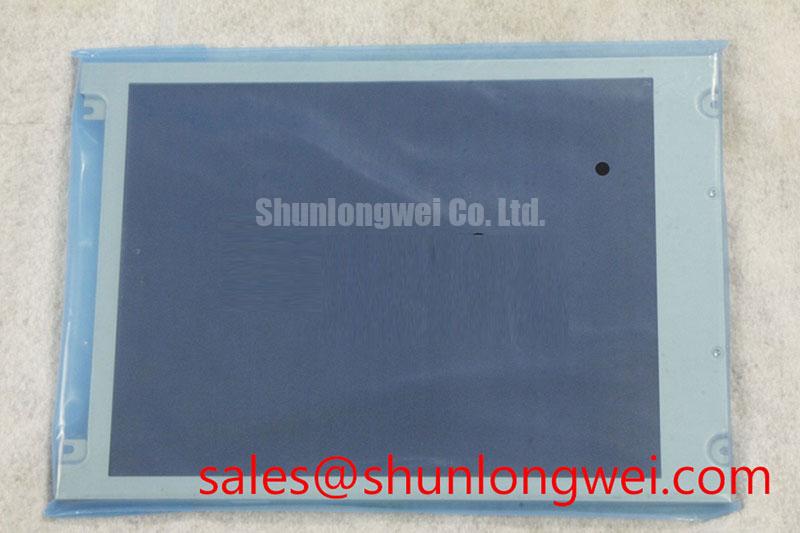
Start the incoming inspection with the power off. Check the visible display surface for pressure marks and scratches, then examine the external connector and cable path for bent contacts, uneven insertion or strain. Internal attachment construction cannot be confirmed from the product classification alone, so a visible line defect should not be labelled an ACF or driver failure without supporting inspection data.
Once the correct fixture and electrical limits have been verified, display full-screen red, green and blue images, followed by white, black and a fine text pattern. Record the position of any persistent pixel anomaly against the same image coordinates on each pattern. Change the viewing angle and room illumination before deciding whether a faint mark belongs to the image, the front surface or a reflection. Keeping the camera position, exposure and panel operating condition consistent makes later comparisons useful to a repair engineer.
For a dim region, compare the powered image with the screen viewed under oblique external light. This can help distinguish a visible image with insufficient illumination from missing image information, but it is not a conclusive fault test. A stationary vertical or horizontal line should be documented across several patterns and checked against the host output and cable seating before the panel itself is condemned.
Bench Tip: Disconnect power before reseating the display cable, and align its contacts evenly while using suitable ESD protection.
If a defect appears only during a cold test, log panel temperature and the time since power-up alongside the photograph. Repeat the pattern at a documented reference condition before attributing the difference to a permanent pixel fault. For equipment exposed to vibration, inspect how the host assembly supports the module and cable; any strain relief or mounting change is an equipment-level Design Consideration that must preserve the panel’s documented clearances and fixing arrangement.
Optical Surface and Display Readability Inspection under Direct Industrial Lighting
Assess readability from the positions people actually use, with the installed cover glass and lighting present. A face-on bench image can conceal reflections or angle-dependent contrast loss. Photograph fine text and grayscale ramps from the required viewing positions, then repeat with the equipment’s normal illumination. Record glare separately from uneven illumination and pixel defects so that one effect does not mask another.
The NL6448BC33-74H is identified here as a TFT-LCD display module; its liquid-crystal mode, viewing-angle limits and surface treatment are not confirmed by the available product information. TN, IPS and MVA behavior should therefore be treated as comparison concepts, not assigned characteristics of this model. Check the factory optical specification before using any viewing-cone claim as a procurement acceptance criterion.
Where a host provides brightness control, test text legibility at the settings used in service and watch for visible flicker or uneven dimming. The permissible control method and frequency depend on the documented backlight and driver arrangement; neither is established for this module. In a potential railway passenger-information or cab-signalling display evaluation, the equipment team should confirm the required viewing positions, ambient-light performance, electrical fit and mounting fit against its own system requirements rather than infer suitability from the industrial-grade classification.