

Content last revised on September 22, 2026
PD064VT5 Product Identification and Installation Verification
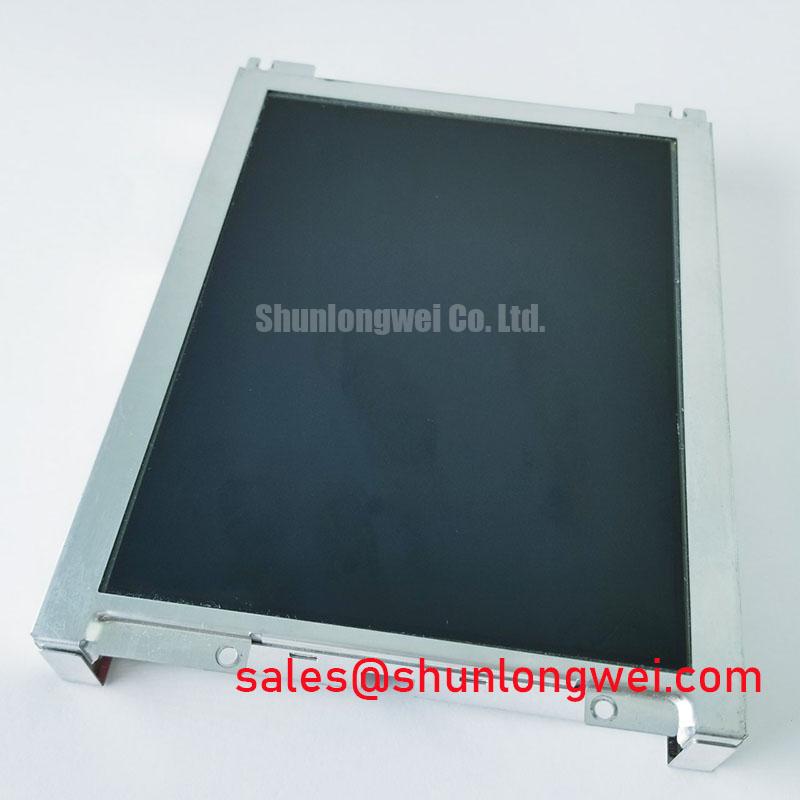
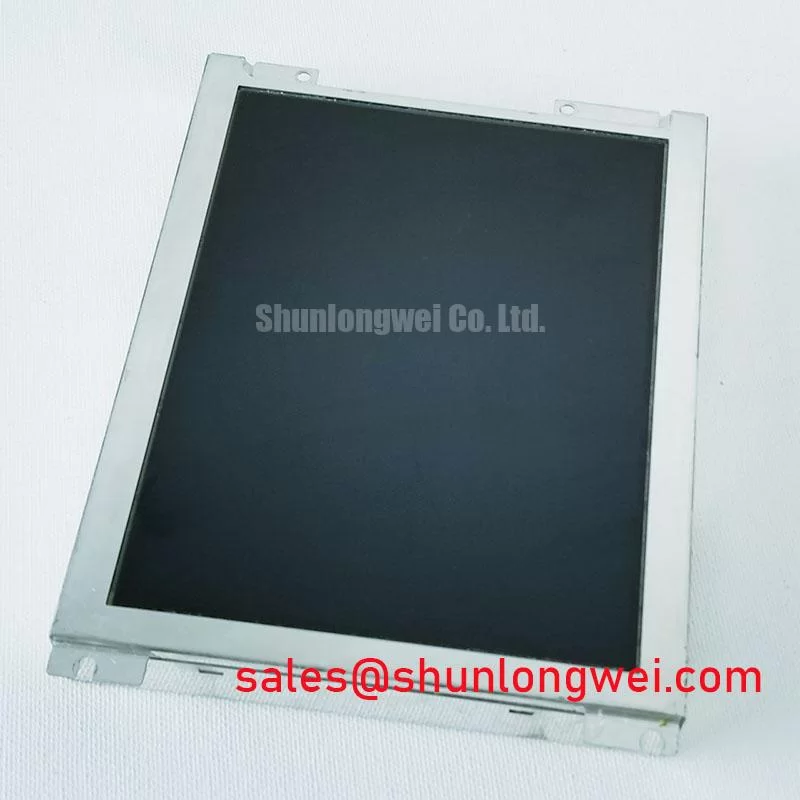
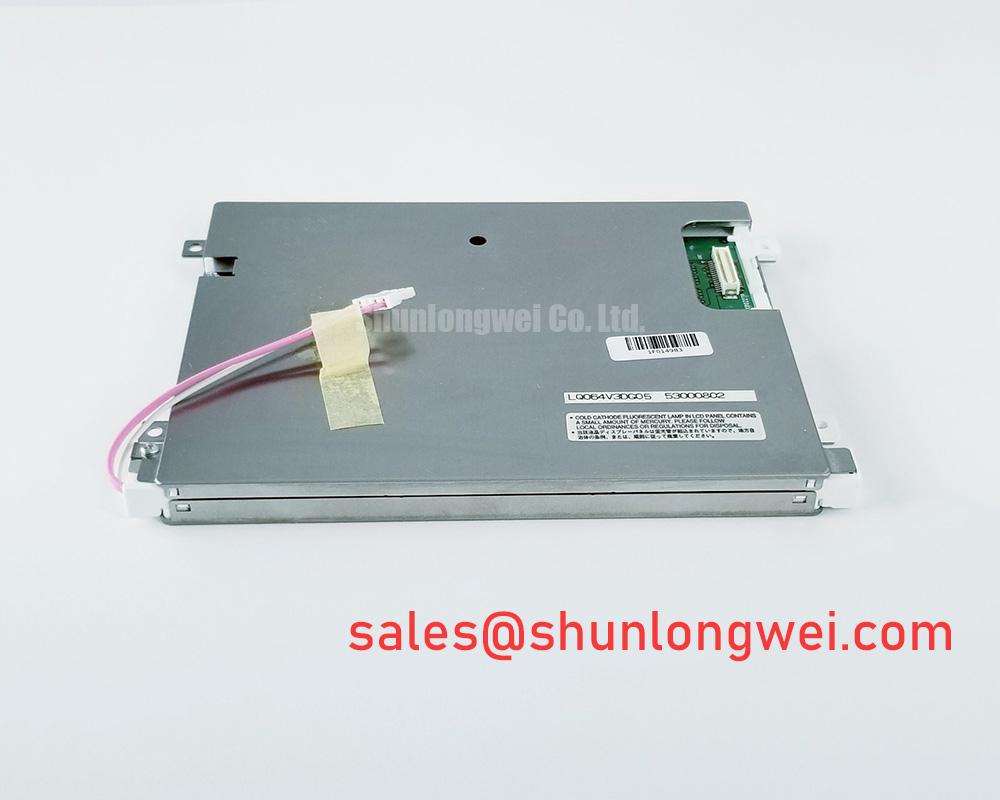
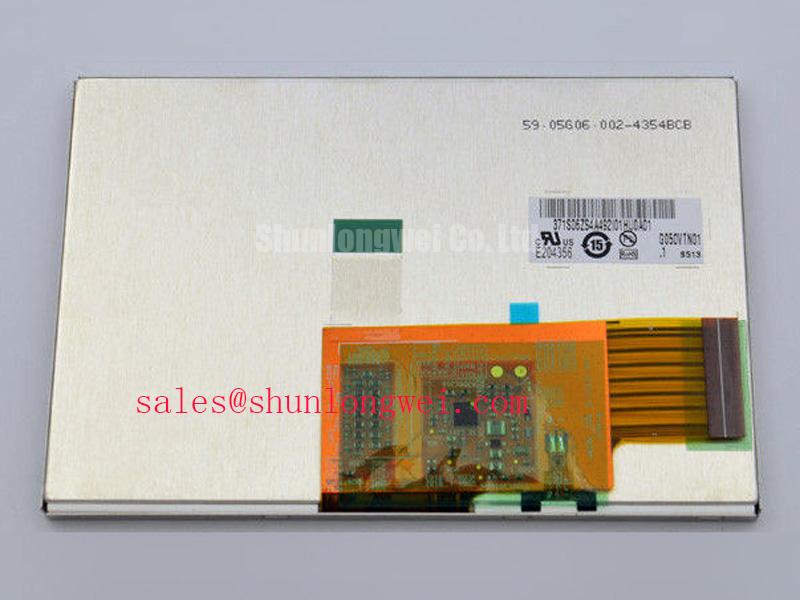
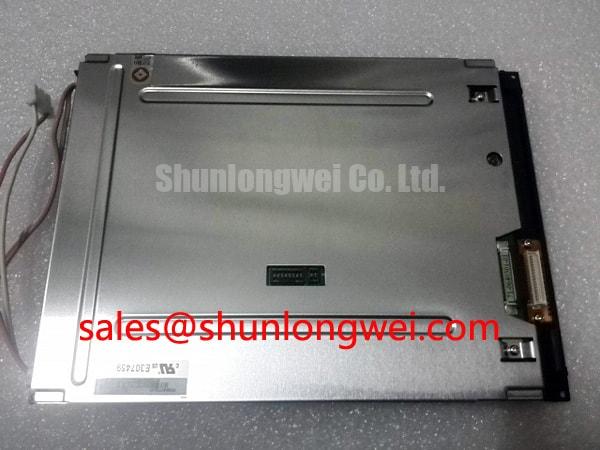
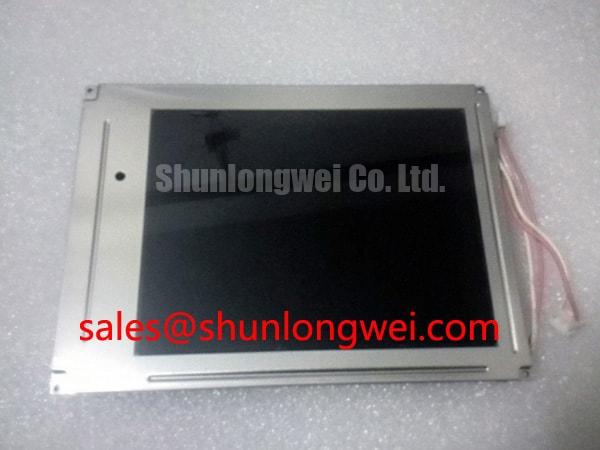
Before fitting PD064VT5 into an industrial HMI assembly, verify the replacement unit against the original panel documentation, inspect the TFT LCD Display Module for housing or connector damage, and confirm that the system wiring matches the required interface. The supplied factory record identifies this product as an Industrial Grade LCD/HMI Panel manufactured by PVI (Prime View International). Its documented enclosure description is TFT-LCD Display Module, with official factory specification status recorded for the listed product identity.
| Parameter | Documented Information |
|---|---|
| Model | PD064VT5 |
| Manufacturer | PVI (Prime View International) |
| Product category | Industrial Grade LCD/HMI Panel |
| Module type | TFT-LCD Display Module |
| Specification status | Official Factory Spec Verified |
Chassis Fastener Torque and Optical Mura Control
Use the original equipment service documentation to confirm the chassis envelope, bezel clearance, mounting-hole pattern, and fastener specification before installing PD064VT5. The supplied factory data does not state an M3 mounting torque, bezel tolerance, panel thickness, or allowable mechanical compression. Those values must therefore remain system-level design inputs rather than being assigned to this model.
During installation, place the display on a clean, level support surface and tighten fasteners progressively in a cross-pattern when the equipment construction requires it. The purpose is to distribute mechanical load evenly and avoid local pressure that may appear as uneven brightness or dark areas. This is a general Design Consideration, not an official PD064VT5 torque rating. Designers should confirm the permitted torque from the chassis manufacturer or the original service manual, then inspect the active image after assembly.
For a potential replacement in a harsh marine radar or navigation bridge console, enclosure sealing, vibration control, salt exposure, and optical cover compatibility require separate system verification. The product record supplied here does not establish an ingress rating, shock rating, vibration rating, or sunlight readability specification.
Full Screen Primary Color and Uniformity Audit
Bench testing should begin with the panel disconnected from the installed machine and handled according to the equipment service procedure. Display a full red field, followed by full green, full blue, white, and black test images when the controller and source equipment support those patterns. Observe the complete active area for persistent bright points, dark points, line defects, uneven illumination, and image regions that change when the connector or harness is gently stabilized.
A 45 degree inspection light can help reveal surface contamination, cover reflections, or localized shadows while the display is unpowered. This inspection does not prove an internal panel failure. If a suspected defect appears, compare the same test pattern through a known-good signal path and record whether the issue follows the display, cable, controller, or power assembly. The available factory information does not publish pixel defect limits, luminance uniformity limits, contrast data, optical response data, or a formal acceptance test for this model.
For field service teams, record the test image, ambient conditions, connector seating state, and supply readings taken from the original panel documentation. A repeatable record is more useful than assigning a fixed electrical threshold that has not been published for PD064VT5.
Differential Flex Routing and Interface Verification
Do not assume a logic supply voltage, differential impedance, data mapping, connector pinout, or power-on timing from the model number alone. The supplied factory record does not confirm a 3.3 V supply, a 5.0 V supply, LVDS, JEIDA, VESA mapping, a 100 ohm differential requirement, or a rise-time window. The system integrator should verify the required supply voltage and interface from the original panel documentation before applying power.
When the interface is known, inspect the flex cable for cracked stiffeners, pushed-back contacts, contamination, and incomplete insertion. Check continuity with the equipment isolated, then compare the signal path with a known-good assembly. Split-screen images, unstable synchronization, or intermittent lines may indicate an interface, grounding, timing, or controller problem; they should be verified with an oscilloscope and wiring comparison rather than assigned to a single cause.
Routing remains a system-level concern. Keep high-current switching conductors separated from sensitive display wiring where the equipment layout permits, provide appropriate strain relief, and validate the assembled harness under the actual switching and vibration conditions. The page record does not provide a PD064VT5 pin assignment or signal integrity limit. Broader power conversion references are available from SanRex and Shindengen; those resources do not replace the original display documentation.
Field Alert: Disconnect equipment power and follow the service discharge procedure before inserting or removing the display cable, because connector contact during an uncontrolled power state can expose the interface to electrical stress.
Backlight Drive and Flicker Evaluation
The supplied information does not identify the PD064VT5 backlight technology, backlight connector, driver topology, dimming method, ignition requirement, PWM capability, rated lifetime, or half-life condition. Do not describe this unit as LED, CCFL, WLED, constant-current driven, or capable of a specific dimming ratio without confirmation from the original panel documentation.
For a dark display, first determine whether the image data is present by checking the controller output or using the equipment’s approved diagnostic screen. Then inspect the backlight supply path, connector seating, enable signal, brightness command, and protection state according to the system schematic. A dark screen can involve the display, backlight driver, cable, controller, or power source, so each stage should be measured against a known-good assembly.
When evaluating use in an outdoor marine radar or navigation bridge console, designers should verify optical readability through the installed cover, behavior across the specified enclosure temperature range, condensation control, and electromagnetic compatibility at the complete equipment level. PD064VT5 itself is not represented here as independently certified for CISPR, EN 55011, marine approval, or any other system certification. Long-duration display integration practices can be reviewed in Industrial Display & HMI Solutions, while the final acceptance limits must come from the equipment specification.