Content last revised on October 14, 2026
Normally White TN Grayscale Inversion Mitigation and Viewing Direction
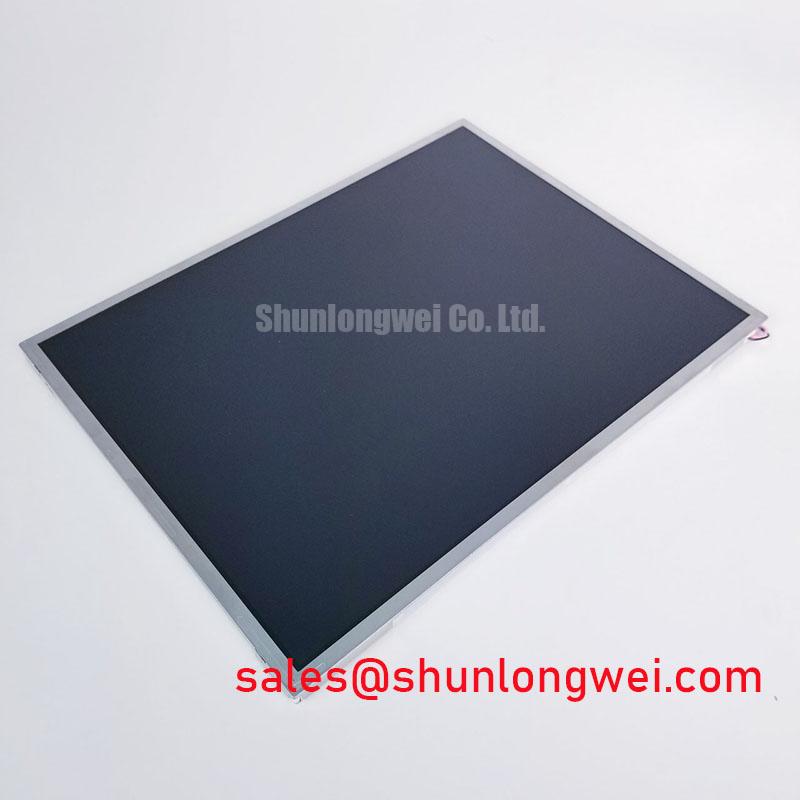
When the original display is specified as a normally white TN design, viewing direction becomes a practical installation parameter rather than a cosmetic detail. TN panels can show grayscale inversion when viewed outside their preferred vertical or horizontal direction, while IPS and MVA technologies are generally evaluated with broader, more symmetrical viewing behavior. The TCG104SVLQAPNN-AN20 should therefore be aligned with the operator’s actual eye position, especially when installed in a fixed vehicle console or a tilted HMI enclosure.
During bench evaluation, display a grayscale ramp and several mid-level interface screens while changing the viewing angle in the same direction used by the vehicle operator. Look for changes in text contrast, shadow detail, and warning-color separation. Do not infer IPS or MVA performance from the product category alone. The original panel documentation and the replacement sample should establish the applicable optical technology and viewing-angle requirements.
Surface glare also changes the perceived result under warehouse lighting or direct outdoor illumination. An anti-glare surface can reduce reflected overhead light, but excessive surface diffusion may soften small text and fine icons. Compare the screen with the intended enclosure window, bezel, and ambient light path in place. Kyocera’s industrial TFT-LCD display technology information provides useful background for reviewing optical and industrial display terminology without treating general technology descriptions as model-specific specifications.
Backlight ageing should be assessed from measured luminance records rather than assumed service-life figures. If a system specification refers to a 50,000-hour point at 50 percent brightness, confirm whether that value applies to the complete display, the LED assembly, or a particular driver condition. Constant-current operation, enclosure temperature, duty cycle, and thermal uniformity all influence the observed decay curve. The stated TCG104SVLQAPNN-AN20 product identity does not by itself establish a particular backlight lifetime rating.
CCFL Inverter or LED Driver Identification During Replacement
Before connecting a replacement, identify whether the host equipment uses a CCFL high-voltage inverter or an LED backlight driver. A cold-cathode lamp system may require a high-voltage striking event, while an LED system normally uses controlled current and may include PWM brightness control. These are different electrical architectures and cannot be interchanged based on the panel’s external size or color performance.
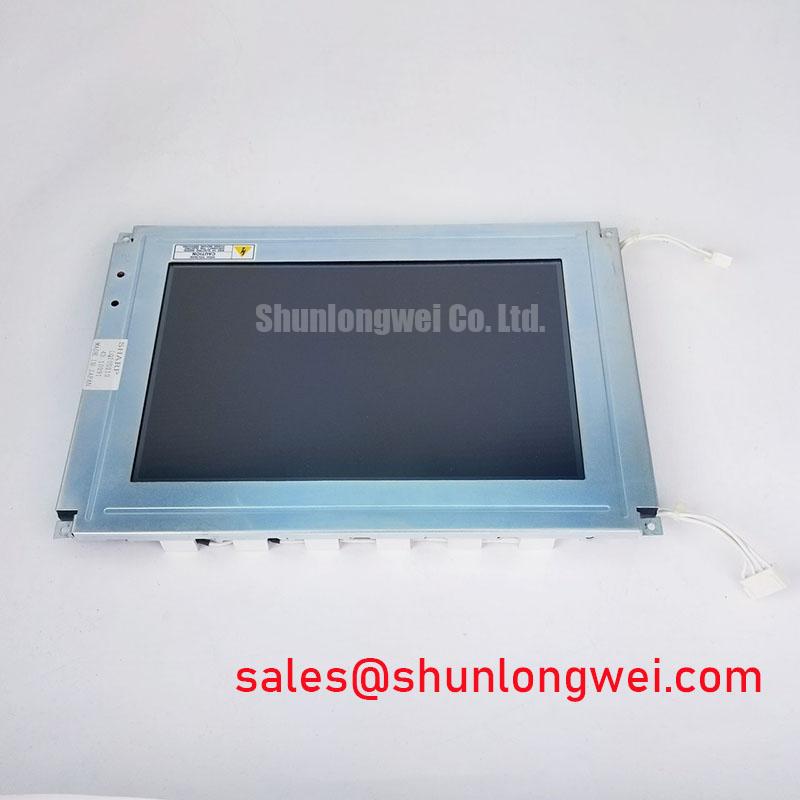
Inspect the original harness, inverter board, enable signal, brightness input, and connector keying. For a CCFL-equipped assembly, ignition behavior should be evaluated with instruments and probes rated for the circuit’s high-voltage waveform; a high-voltage cold-start value must not be assigned to this Kyocera model unless it appears in the applicable manufacturer documentation. For an LED driver, check the actual dimming method, polarity, enable timing, and current regulation at the system interface.
Where PWM dimming is used, review the driver frequency and duty-cycle response across the operating range. A practical engineering check is to look for audible resonance, visible flicker through a moving object, and brightness nonlinearity at low duty cycles. The commonly evaluated 200 Hz to 1 kHz range is a system-level test consideration, not an official specification for this display module.
| Evaluation item | TCG104SVLQAPNN-AN20 | NL8060BC21-09 replacement review |
| Manufacturer | Kyocera | Confirm from product documentation |
| Category | TFT-LCD active matrix color display module | Confirm from product documentation |
| Form factor | Decoded baseline, standard form factor | Compare mechanical drawing |
| Interface and backlight | Verify against the original panel documentation | Verify before substitution |
For a same-class replacement investigation, engineers can review NL8060BC21-09 as a separate device candidate for comparison. Connector pinout, display timing, mounting points, optical stack, and backlight control still require direct comparison before installation.
EMI Immunity, Shield Continuity, and Image Noise Diagnosis
Pixel jitter and horizontal noise bands should be investigated at the complete display link, not at the LCD glass alone. In equipment containing variable-frequency motor drives, inspect the routing of the video cable, power conductors, motor wiring, and chassis bonding points. A shielded FFC or LVDS cable can lose much of its noise-control value if its shield termination is interrupted at the connector, folded sharply, or separated from the enclosure reference.
Use a known-good image source and compare the display while the motor drive changes operating state. Note whether interference follows drive speed, cable movement, brightness setting, or enclosure access-panel position. A common-mode ferrite component may be considered where the system test identifies common-mode coupling, but its impedance behavior, current rating, and placement must be selected by the system designer rather than assumed as a built-in feature of the Kyocera module.
The display cable should be routed with controlled strain and without forcing the connector against the panel frame. Confirm that the locking mechanism is fully engaged and that the flexible cable enters squarely. Field Alert: Disconnect system power before reseating the display cable, and use ESD protection at both the connector and panel edge.
For broader enclosure, grounding, and harsh-environment service checks, use the practical reference on Industrial Display and HMI Solutions. It can support maintenance planning for AGV operator panels, forklift telematics screens, CNC pendants, and variable-frequency-drive cabinets without replacing the equipment manufacturer’s EMC validation.
Thermal Uniformity and Long-Term Optical Stability
Localized heat at a narrow display edge can produce uneven brightness, color drift, or accelerated ageing in nearby optical and backlight components. Check the enclosure temperature distribution after the display has reached normal operating conditions, paying attention to areas beside the backlight entry, driver board, power converter, and sealed bezel. A thermal image is useful for locating gradients, but it should be interpreted alongside luminance and color measurements.
An aluminum heat-spreader rail may be considered when the mechanical design permits it, provided that it does not press against the panel, obstruct the optical path, or create a new stress point. The rail dimensions, contact method, and enclosure airflow are system-design decisions. Do not represent a particular heat-spreader arrangement, PMMA construction, optical bonding method, or L70/B50 lifetime value as an official feature of the TCG104SVLQAPNN-AN20 without supporting manufacturer documentation.
For industrial HMI use, avoid leaving a high-contrast static screen active during extended idle periods when the host system permits screen rotation or controlled blanking. This is a display-system design consideration rather than a guaranteed burn-in prevention function. Verify the power sequence as well: the controller should establish the required supply and enable order specified for the original panel, while the service team checks for white-screen flashes, incomplete startup, and residual images during repeated power cycles.
Mechanical installation deserves the same attention as optical testing. The bezel should support the display evenly, the flexible cable should have a relaxed bend path, and vibration isolation should not twist the panel corners. In cold-start testing, measure the time required for the image, backlight, and touch or control interface to become usable; do not assign a universal response time when the host electronics, enclosure temperature, and driver behavior determine the result.