

Content last revised on October 6, 2026
Optical Luminance and Backlight Retrofit Checks
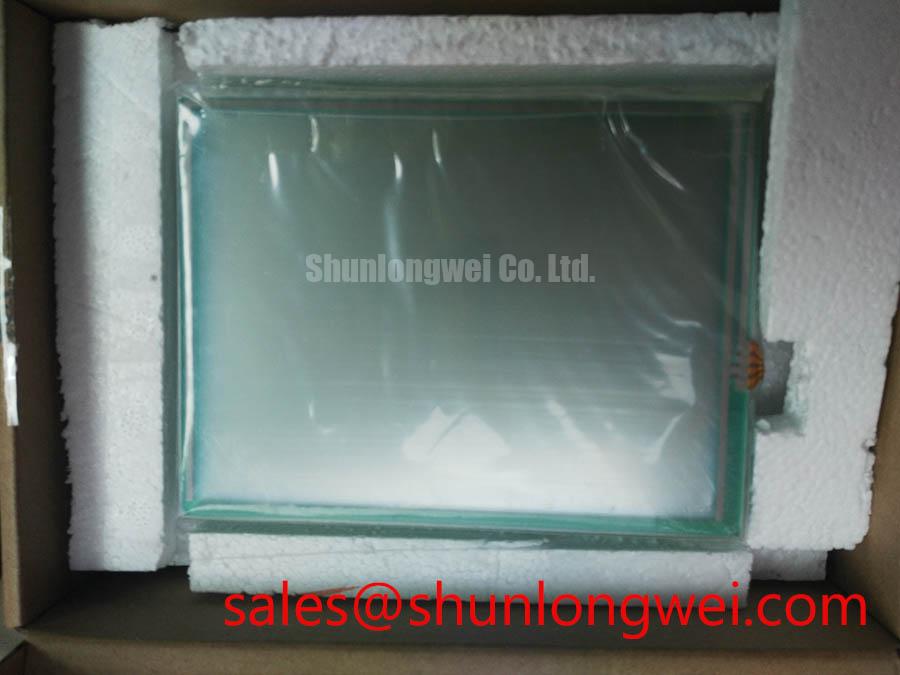
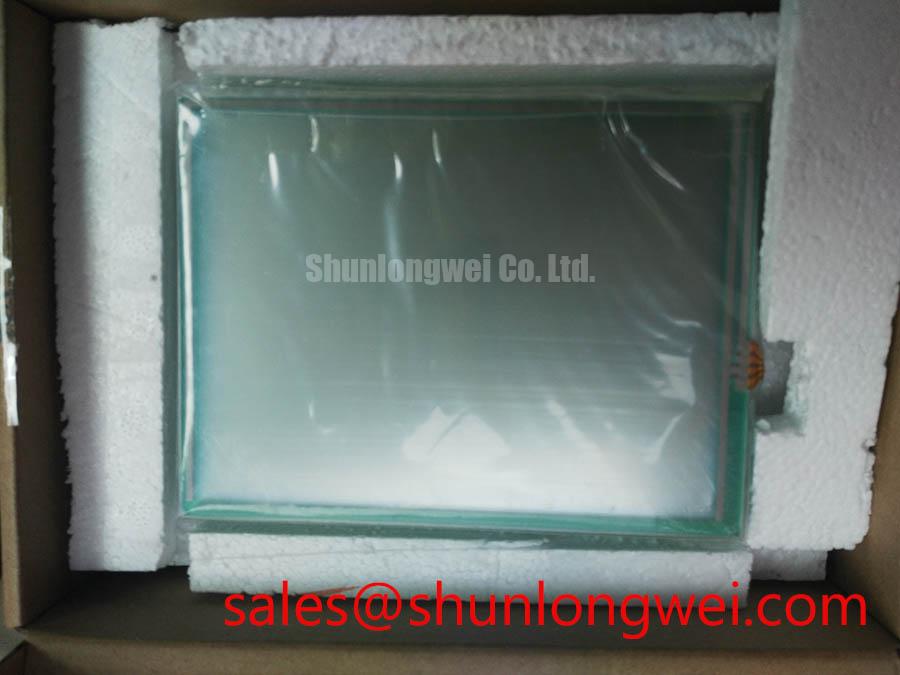
With power isolated, inspect the mounting opening, connector position, and touch surface of the existing operator panel before assessing TP-3459S1 as a replacement. The verified product identity is a DMC industrial LCD/HMI panel supplied as a touch screen assembly. The available factory information does not establish its dimensions, display interface, supply voltage, backlight type, or environmental ratings, so those details must be checked against the original equipment documentation before connection or installation.
A dim image does not, by itself, identify a failed display assembly. With the equipment in a safe service state, compare the displayed image, illumination, and brightness-control response with a known-good unit or the machine’s service documentation. An image visible under external light but lacking illumination can help narrow the investigation toward the backlight power path; uneven brightness calls for inspection of the panel, its drive circuitry, and any optical parts accessible under the approved service procedure.
Do not select a backlight driver for TP-3459S1 from a general LCD retrofit guide. Its backlight technology and electrical requirements are not specified in the verified product information. A proposed lighting modernization is therefore a separate engineering assessment: identify the installed light source and driver from the equipment drawings, confirm their connector and control signals, and measure brightness and temperature in the assembled enclosure. Driver protection and fuse coordination should be evaluated against the documented electrical characteristics of that system, not assigned assumed values to this touch screen assembly.
If the operator station presents a washed-out image, distinguish illumination problems from viewing-angle and image-processing effects before replacing hardware. Compare the same test image from the operator’s normal viewing positions and check whether the host’s color or gamma settings have changed. IPS, MVA, and other optical modes have different viewing behavior, but no optical mode is confirmed here for TP-3459S1.
Storage, Enclosure Fit, and Moisture Inspection
Inspect the perimeter, viewing area, connector, and mounting surfaces for signs of moisture exposure, staining, or mechanical stress before energizing a stored assembly. Record the condition of the original enclosure gasket and the way the panel is supported. A replacement that fits the visible opening can still load the touch surface unevenly if its mounting depth, bezel contact, or cable exit differs from the original installation.
Temperature and humidity limits for TP-3459S1 are not included in the verified product information. Treat storage exposure and cold-start image lag as questions for the original panel documentation and an equipment-level test, rather than assigning this model a thermal-cycle or humidity rating. As a Design Consideration, allow an assembly brought from a cold or humid environment to reach the conditions specified by the equipment service procedure before inspection and power-up.
For a potential petrochemical operator-station repair, verify the enclosure approval, sealing arrangement, and permitted maintenance procedure separately. The panel’s industrial product category does not establish hazardous-area approval for either the assembly or the completed station. When checking a proposed mechanical replacement, compare the active display area as well as the outside dimensions: a matching opening does not guarantee that graphics will appear in the intended place. The discussion of display aspect ratios and screen form factors is useful context, but the required aspect ratio must come from the original display specification.
Display Interface and Logic Power Verification
Trace the existing display harness to its controller before applying power to TP-3459S1. Confirm the connector orientation, pin assignment, ground returns, logic supply, touch interface, and backlight connections from the original panel and host documentation. The verified information identifies a touch screen assembly; it does not identify a TTL RGB bus, an LVDS interface, a logic voltage, or a power-on sequence. Connector shape alone is not evidence of electrical compatibility.
If the documented host interface uses LVDS, compare its channel assignment, clocking, and JEIDA or VESA bit mapping with the documented requirements of the intended panel. If the documented interface instead uses parallel RGB, check its clock and synchronization signals against that panel’s timing specification. A split, shifted, or incorrectly colored image can have several causes, including signal mapping and timing; observe the signals against a known-good path before assigning a cause. For broader test planning, The Ultimate Guide to Industrial TFT LCD Technology provides context for industrial display selection and evaluation.
As an Engineering Recommendation, preserve the routing and return-path arrangement specified for the documented display interface, then verify clock and data quality in the assembled equipment. Servo-drive interference and cable placement are system-level considerations; an individual panel should not be treated as proof of completed-equipment EMC compliance. 💡 Pro Tip: Keep documented differential signal pairs together through the replacement harness, and verify the resulting image and clock behavior before closing the enclosure.
Brightness Control and Service Acceptance
After confirming the documented electrical interface, test brightness control across the settings used by the machine. Watch for flicker, uneven illumination, or a change in touch response while the enclosure is open for approved service measurements. Any backlight current, dimming waveform, thermal limit, or expected service life must be taken from the applicable manufacturer and equipment documentation; none is established by the verified identity information for TP-3459S1.
Check whether the host controller produces the intended grayscale transitions and whether any accessible controller settings match the original configuration. Gamma or color errors should be evaluated with repeatable test images before changing hardware or settings. As a Design Consideration, compare temperatures at accessible enclosure locations during normal operation when assessing ventilation or mechanical changes; do not infer an internal heat-spreader design from the assembly’s product name.
Complete the replacement assessment by recording the confirmed part identity, physical fit, harness pinout, supply requirements, display timing, touch operation, and assembled-equipment observations. Leave any unverified rating or interface characteristic open until the original panel documentation resolves it.