




Content last revised on October 12, 2026
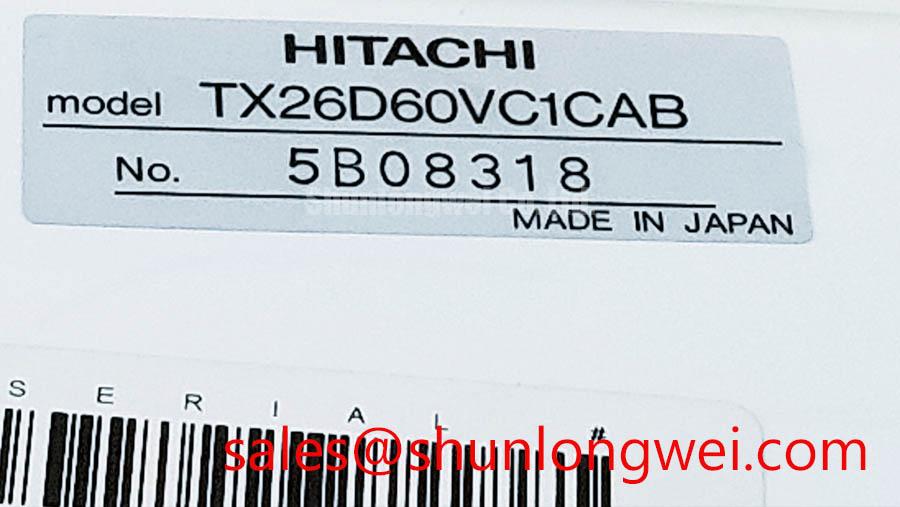
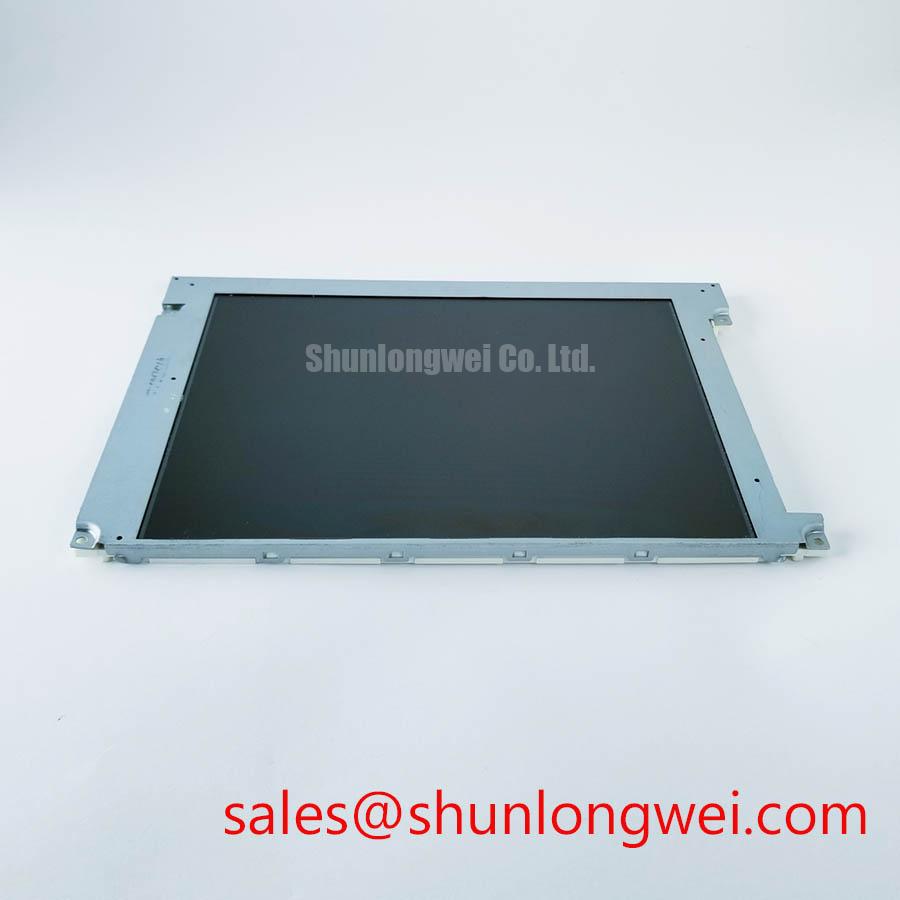
TX26D60VC1CAB KOE / Hitachi TFT LCD Industrial Display Module
Measure the panel supply rails and inspect the FFC seating before removing the display from a protection relay or SCADA console; a partially engaged connector can produce white lines, unstable images, or intermittent backlight behavior that resembles panel failure.
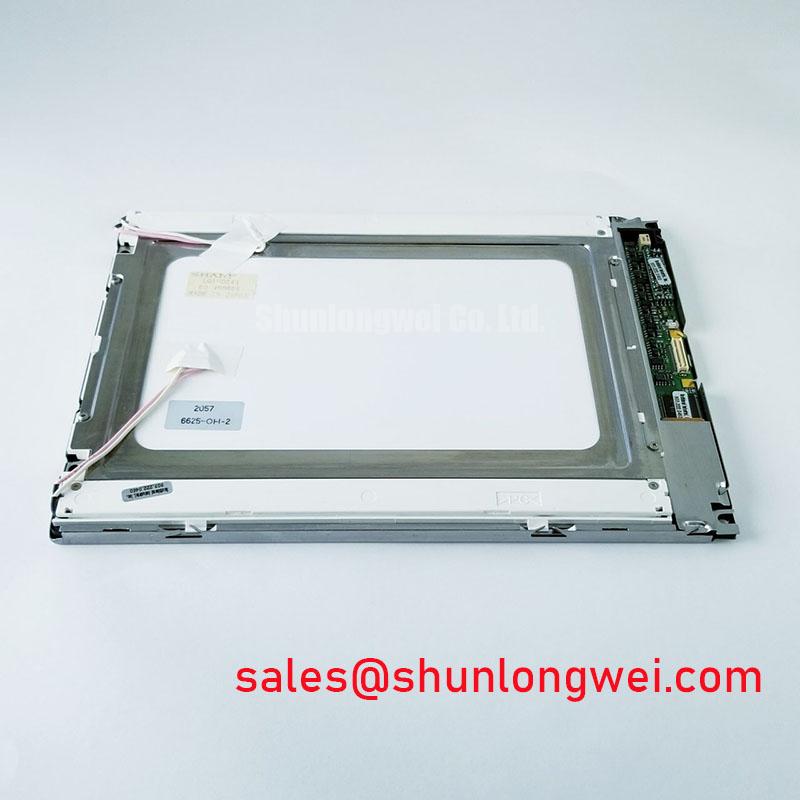
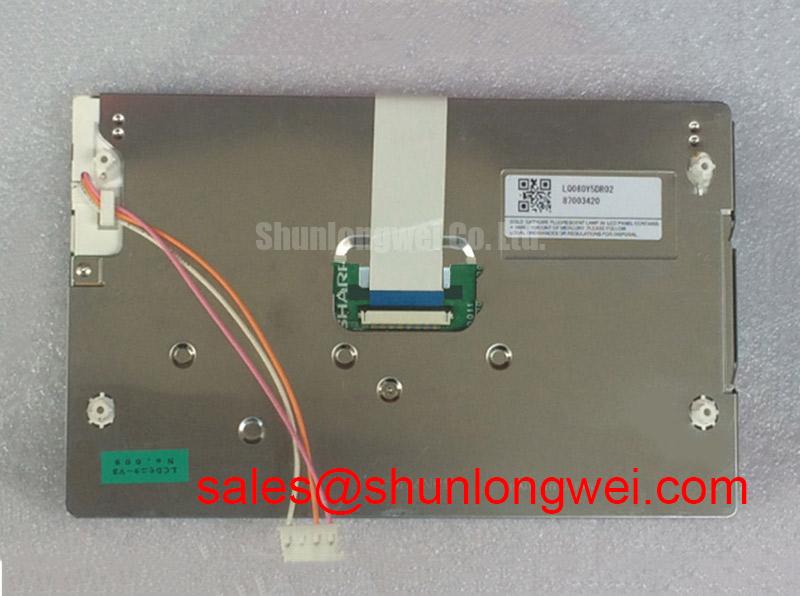
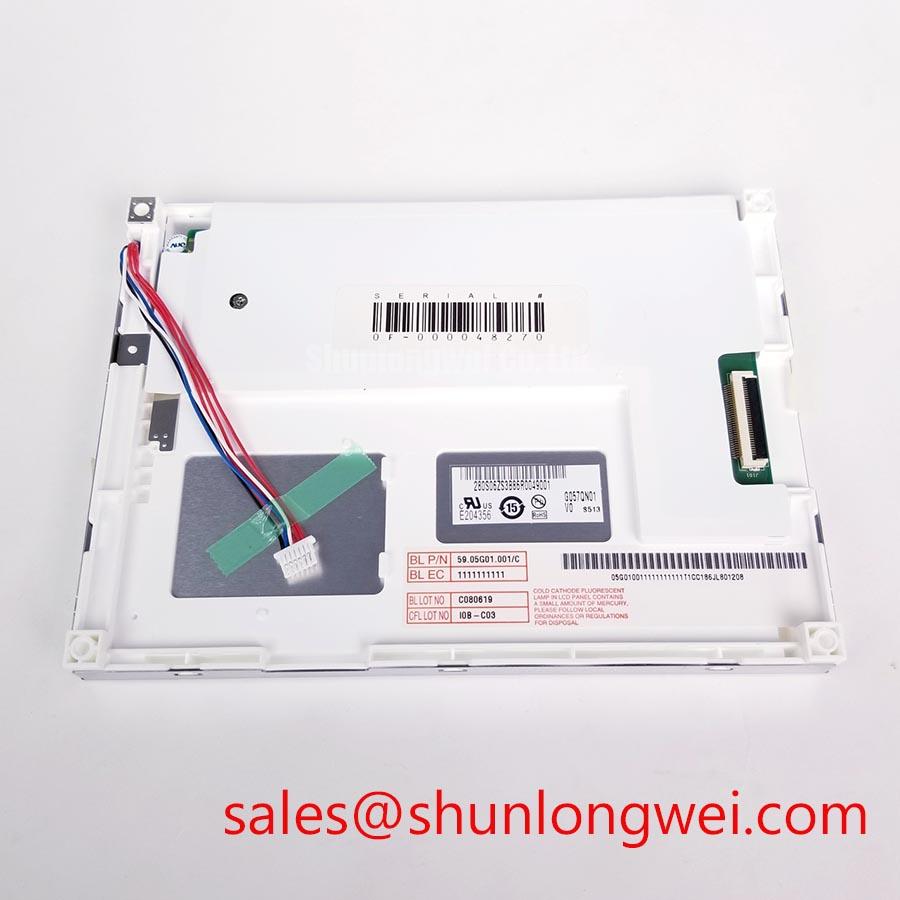
TX26D60VC1CAB is a KOE / Hitachi TFT LCD active matrix color display module listed for industrial HMI and display service work. Its confirmed product category is an Industrial Grade LCD/HMI Panel with a decoded baseline and standard form factor. The available product identity does not assign an unverified resolution, viewing technology, backlight type, supply voltage, connector pinout, or mechanical dimension, so those values should not be substituted from a visually similar panel.
- Manufacturer: KOE / Hitachi
- Product category: Industrial Grade LCD/HMI Panel
- Display construction: TFT-LCD Active Matrix Color Display Module
- Specification status: Decoded Baseline / Standard Form Factor
- Primary evaluation: Industrial control panels, operator terminals, protection equipment, and SCADA display assemblies
For a high-voltage substation protection or SCADA dispatch console, technicians should compare the original panel label, connector orientation, cable pitch, active image area, mounting points, interface protocol, and backlight control method before installation. A panel that fits the aperture can still fail system integration if its timing, data mapping, or power sequencing differs from the host electronics.
Backlight Rail Thermal Dissipation & Light Guide Plate Preservation
Backlight service begins at the display edges: inspect the illumination pattern at low, medium, and maximum brightness while watching for localized bright zones, corner falloff, or a warm strip along one rail. These observations help separate optical uniformity problems from image-data faults. The TX26D60VC1CAB should not be assigned a specific LED brightness rating or light-guide material from the model number alone.
Aluminum edge rails, brackets, and rear covers form part of the host assembly’s thermal path. As a Design Consideration, the mechanical stack should avoid pressing directly on the optical layers, blocking intended air gaps, or concentrating heat beside one edge of the panel. Localized temperature rise can accelerate optical discoloration and brightness non-uniformity, but the acceptable limit is determined by the complete panel and enclosure design rather than by a generic display-module rule.
When a replacement is being qualified, record the initial brightness distribution with a fixed camera position and stable drive setting. Repeat the observation after the assembly has reached thermal equilibrium. Do not describe a 50,000-hour half-brightness value as a guaranteed characteristic of this model unless it appears in the applicable backlight specification. LED lifetime is strongly affected by junction temperature, drive current, enclosure temperature, and dimming profile.
Optical components used in LCD backlights can redirect or diffuse light, and the behavior of brightness-enhancement films should be considered when a replacement panel appears brighter at one viewing angle but darker at another. The general optical role of diffuser and prism structures is described in this reference on optical prisms and brightness enhancement films. It should be used as background engineering information, not as confirmation of the internal construction of TX26D60VC1CAB.
CCFL or LED Backlight Inverter and Ignition Debugging
Before connecting a replacement panel to an older inverter, identify whether the host assembly uses the original backlight architecture or a later LED driver conversion. The TX26D60VC1CAB product identity supplied here does not confirm CCFL tubes, dual-channel inverter operation, cold-strike voltage, PWM dimming range, or a specific backlight connector assignment.
For a CCFL-equipped host, technicians should use an appropriately rated differential probe and follow the inverter manufacturer’s measurement procedure. Audible buzz, delayed ignition, or uneven illumination can involve transformer loading, lamp aging, grounding, control-enable timing, or mechanical resonance. High-voltage probing around an open display assembly requires isolation, controlled access, and a discharge procedure defined by the service facility.
For an LED-driver host, confirm the enable polarity, current-control method, dimming command, and fault-return behavior from the original system documentation. Do not connect a presumed CCFL inverter or LED driver solely because the connector appears compatible. The related TX31D208VM0BAB may be reviewed as a same-family display solution during system-level topology analysis, but compatibility remains dependent on the host controller, cable, and backlight electronics.
Signal integrity also affects apparent backlight faults. If the panel lights but shows unstable text or intermittent lines, compare the source clock and data activity at the panel interface with a known-good assembly. TTL and LVDS transmitters have different timing relationships, so clock jitter, setup time, hold time, and temperature drift must be evaluated against the actual controller and cable combination.
| Evaluation item | TX26D60VC1CAB | TX26D60VC1CAB service comparison |
|---|---|---|
| Manufacturer | KOE / Hitachi | Use the original panel label |
| Category | Industrial Grade LCD/HMI Panel | Confirm the host equipment category |
| Construction | TFT-LCD Active Matrix Color Display Module | Compare the complete panel assembly |
| Form factor status | Decoded Baseline / Standard Form Factor | Check mounting and cable geometry |
| Interface and backlight | Not assigned in the supplied baseline | Verify from the original system documentation |
Suppressing Pixel Jitter & Horizontal White Lines Near 400V Motor Drives
When the display is installed near variable-frequency motor-drive equipment, begin with cable routing rather than panel replacement. Keep the display cable separated from switching-node, motor, and braking-resistor wiring wherever the enclosure permits. A shield termination that is loose at one end can allow common-mode interference to appear as moving pixels, horizontal bands, or random refresh disturbances.
Inspect the FFC or LVDS cable for skewed insertion, uneven locking, sharp bending at the connector exit, and contact contamination. A shielded cable or common-mode ferrite may be considered at the system level when conducted or radiated interference is demonstrated, but neither accessory should be treated as a confirmed standard feature of TX26D60VC1CAB. Measure the disturbance with the motor drive both disabled and operating through its normal speed range, then compare the panel supply and data reference behavior.
For optical diagnosis, display a full white field, full black field, mid-gray field, and a fine checkerboard pattern. A horizontal artifact that changes with motor speed points the investigation toward system coupling, while an artifact that remains fixed with the drive isolated may require inspection of the panel, controller, or cable. This approach avoids assigning a single cause from appearance alone.
At the incoming-QA bench, discharge the host, use ESD protection, and seat the flex cable squarely before locking it; ⚠️ Field Alert: never insert or remove a display cable while the panel or controller is powered.
Controlled Differential-Impedance Flex Routing to Suppress High-Frequency Jitter
LVDS routing should preserve pair geometry, reference continuity, and connector alignment from the transmitter to the panel. A nominal 100-ohm differential environment is a common system design target for LVDS links, but the correct value, termination arrangement, and allowable loss must be confirmed against the actual controller and cable specification. Do not infer the interface voltage or data mapping from the external shape of the connector.
Power sequencing deserves the same attention as signal routing. The system integrator should verify the required logic supply, reset behavior, display-enable timing, and backlight-enable order from the original panel documentation. If the panel shows a white screen during startup or retains an image after shutdown, capture the rail and control transitions with an oscilloscope and compare them with the host controller sequence rather than changing voltage values experimentally.
JEIDA and VESA mappings can place color channels and synchronization bits in different positions. A split image, incorrect colors, or unstable synchronization therefore calls for a mapping comparison and a known-good cable test. The TX18D216VM0BAA can be included in a neutral compatibility review when service teams are comparing related display options, while the original connector, timing, and mechanical requirements remain the controlling criteria.
For broader evaluation of industrial TFT selection, optical behavior, interfaces, and common integration issues, consult The Ultimate Guide to Industrial TFT LCD Technology. The amorphous-silicon TFT reference provides general background on a common active-matrix technology, but it does not establish the internal TFT material or construction of this specific KOE / Hitachi module.