

Content last revised on September 10, 2026
LJ320U27 Integration Overview
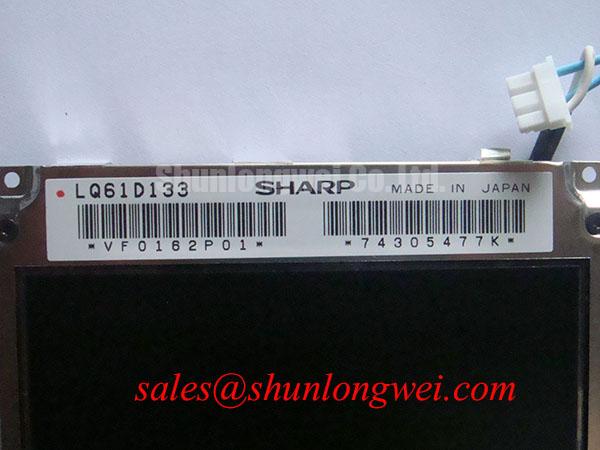
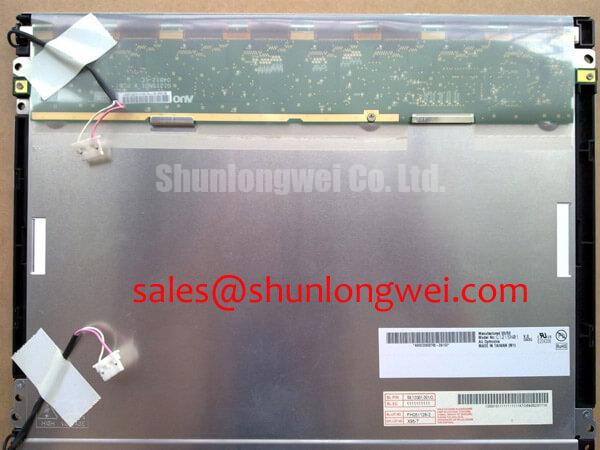
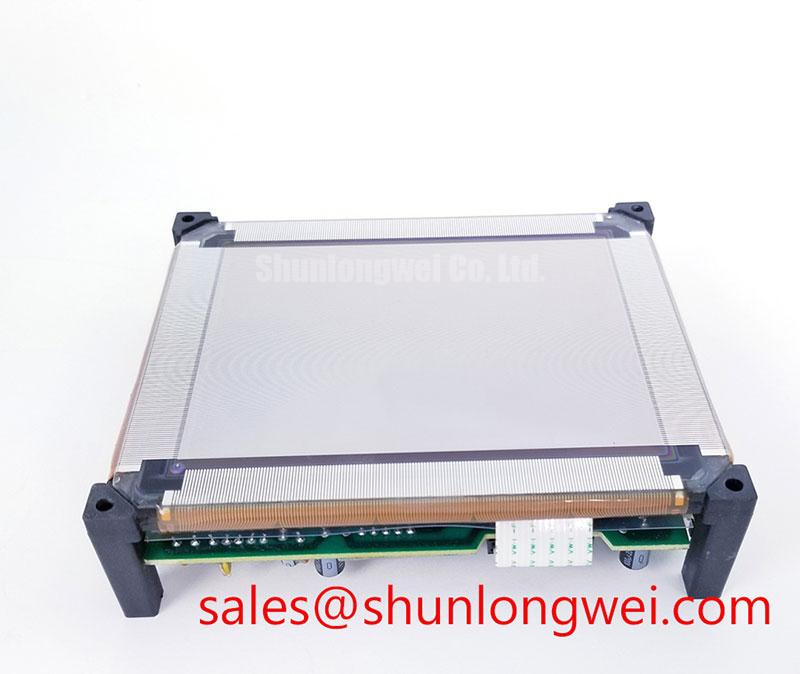
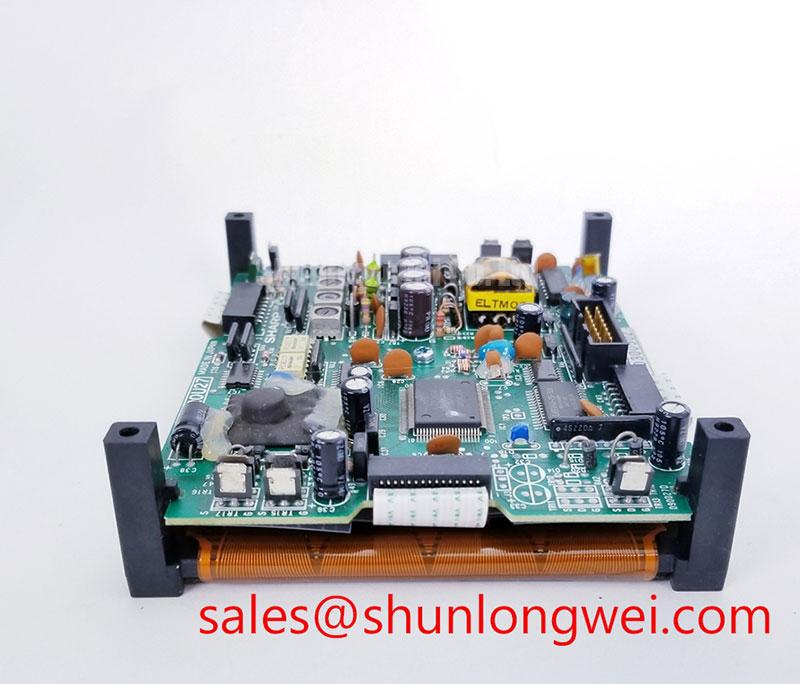
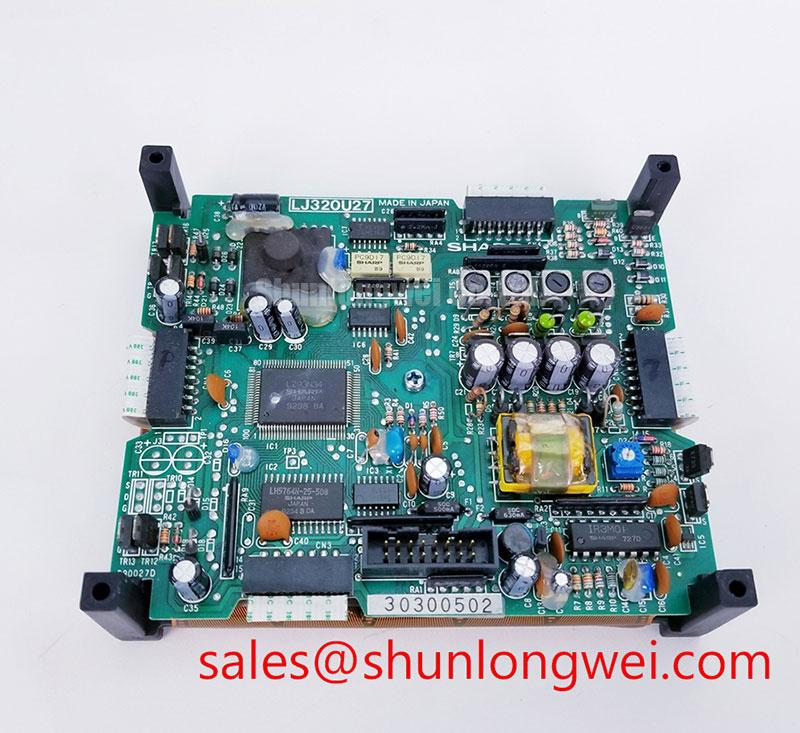
Before connecting the LJ320U27, inspect the display connector, cable latch, bezel seating, and panel surface under controlled lighting, then compare the original equipment documentation for signal assignment and power sequencing. This Sharp unit is identified as a TFT LCD display module. The available factory identification confirms the product category and module format; the system integrator should verify electrical, timing, optical, mechanical, and backlight requirements from the original panel documentation before replacement or new integration.
| Model | LJ320U27 |
| Manufacturer | Sharp |
| Product Category | TFT LCD Display Module |
| Module Format | TFT LCD Display Module |
Industrial EMI Noise Immunity, Chassis Shielding Continuity and Common Mode Ferrite Chokes
When pixel jitter, intermittent sparkles, or horizontal disturbance appears after installation, start by examining cable routing and chassis bonding before attributing the symptom to the LJ320U27 itself. In equipment located near motor drives, switched power supplies, or contactors, display interconnects can receive common mode noise through the cable shield, cabinet seams, or an unbonded connector shell.
Where the host system uses a shielded FFC or differential display cable, verify continuity of the shield termination at the intended chassis reference. A full circumference shield termination is often preferable to a long drain wire connection when the enclosure design permits it. A common mode ferrite may also be evaluated at the cable entry point, subject to measurement of image quality and signal integrity in the actual equipment.
A 100 Ω differential impedance target with a tolerance of ±10% and a channel skew budget no greater than 50 ps are Design Considerations for high speed differential display links, not official LJ320U27 specifications. These values should be checked against the controller, cable, and original panel documentation. The same installation review is useful when evaluating a similar display solution such as LQ150X1LG11, because connector assignment and interface timing remain system specific.
💡 Pro Tip: Keep each differential pair routed as a closely coupled pair with controlled length matching, then verify the received pixel clock and data eye against a known good signal path.
VESA vs. JEIDA Data Mapping Alignment and Even Odd Channel Signal Integrity
A panel that powers up with incorrect colors, divided imagery, or alternating pixel corruption should first be checked for data mapping alignment. VESA and JEIDA conventions arrange color bit significance differently, so a mechanically compatible cable does not establish image compatibility. Confirm the configured mapping in the display controller and compare it with the original equipment panel documentation for the LJ320U27.
The required logic supply must also be verified from the original panel documentation. Do not assume a supply voltage based on connector appearance, board family, or another Sharp display. The controller power ramp, signal enable order, backlight control relationship, and cable pinout all require confirmation at the system level before a replacement panel is energized.
Even and odd channel behavior deserves separate attention where the host link uses multiple data paths. A localized split screen artifact can indicate mapping disagreement, a marginal connector contact, cable damage, or a receiver timing issue. Use oscilloscope comparison with a known good installation where available, rather than relying on a single visual symptom as proof of one cause.
Cabinet level isolation around power conversion areas should also preserve suitable clearance between display wiring and higher energy conductors. The general concepts behind PCB creepage and clearance practices are relevant to enclosure and harness review, although they do not define an official certification or insulation rating for the LJ320U27.
Preventing Localized Light Guide Plate Compression Warp on Dark Screen Fields
Inspect the mounted panel with a dark image and a uniform gray image after the final bezel is tightened. Localized brightness variation, pressure marks, or corner distortion can arise from chassis flatness, an opening that constrains the module, uneven gasket loading, or fastening sequence. These conditions should be assessed as an enclosure integration issue unless the original panel documentation establishes another cause.
Design Consideration: use the display mechanical drawing from the original equipment to verify the outer bezel envelope, support locations, clearance around the active area, and permitted fastening method. Tightening fasteners in a cross pattern can help distribute force across the mounting structure, but the final torque must be determined by the chassis design and the documented panel mounting requirement. Do not use a generic fastener value as an LJ320U27 factory rating.
If dark field nonuniformity remains after the enclosure is released, compare the result with a known good mechanical assembly and inspect whether the cable or rear housing is being pulled sideways. Avoid introducing unsupported spacers or adhesive materials inside the display stack. For broader enclosure, sealing, thermal, and interface planning, the Industrial Display & HMI Solutions engineering guide provides useful system level context.
For sourcing comparison, LM057QC1T08 can be reviewed as a separate display module option. Its suitability must be determined through documented checks of dimensions, interface, optical requirements, controller compatibility, and power sequencing rather than assumed interchangeability.
Mitigating Gray to Gray Response Time Escalation during Cold Start Machine Power Up
During cold start assessment, display motion, menu transitions, and radar overlay updates should be observed after the equipment reaches its actual operating condition. Lower ambient temperature can slow liquid crystal response in many LCD technologies, which may make moving content appear less stable or more blurred. This is a Design Consideration and does not establish a temperature rating, response time, or optical performance claim for the LJ320U27.
Where an enclosure includes environmental heating, the controller should coordinate panel power, image signaling, and backlight activation according to the original display documentation. Engineers should verify whether delayed image initialization, heater control, or temperature monitoring is already defined by the equipment manufacturer. Direct sunlight, moisture control, coating condition, and enclosure ventilation also affect field readability, but no sunlight contrast or anti glare specification should be assumed without the relevant Sharp documentation.
For marine radar and navigation bridge console evaluations, assess cable shielding, enclosure sealing, display readability, and controller mapping as separate verification items. Fast current transients elsewhere in the cabinet can be investigated with appropriate measurement methods; the operating principle of a Rogowski coil is one established approach for observing fast changing current without treating the display module as the source of the disturbance.