Content last revised on October 19, 2026
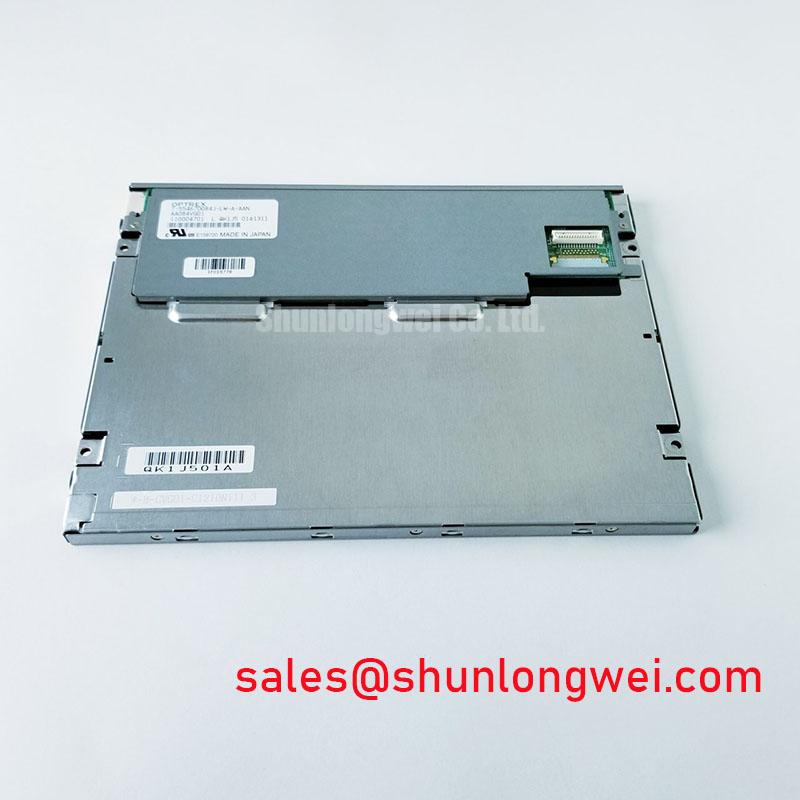
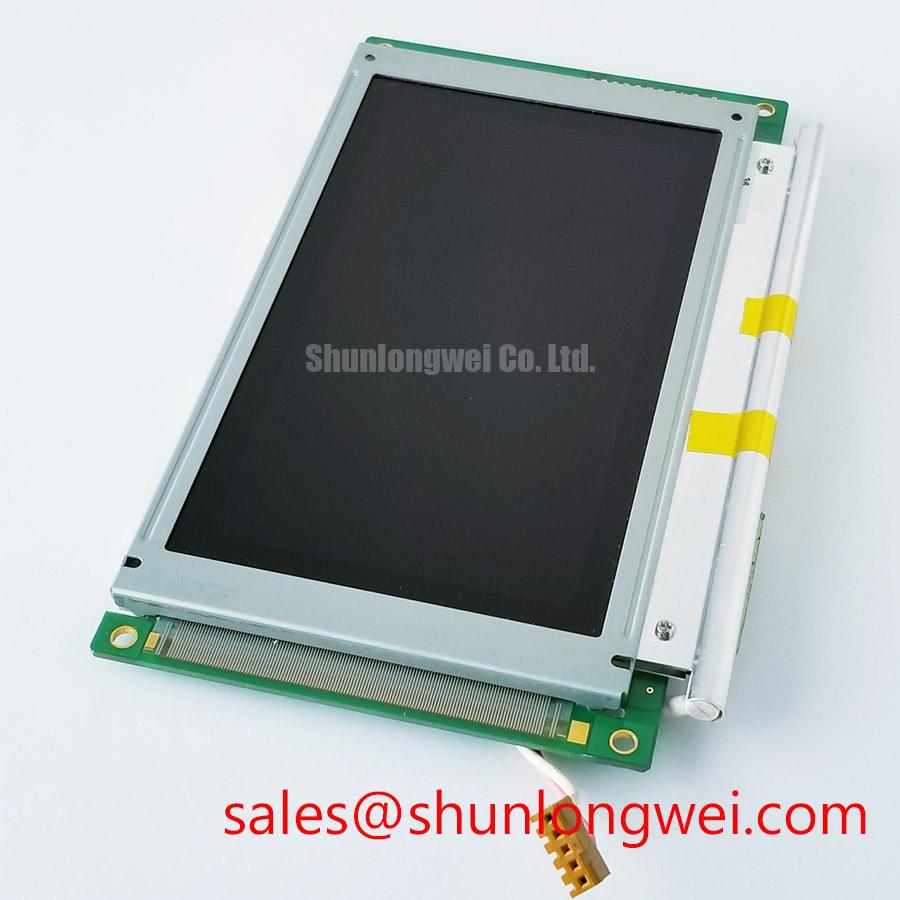
AA084VJ11 Mitsubishi Electric LCD/HMI Panel
- Check the installed panel label against AA084VJ11 and Mitsubishi Electric identification before removing the original display.
- Record the existing connector orientation, cable locking position, mounting aperture, and bezel contact points.
- Confirm the host display controller, logic supply, video format, backlight interface, and power sequencing from the equipment documentation.
- Inspect the panel harness and connector for crease marks, incomplete locking, contamination, or mechanical strain before applying power.
AA084VJ11 is identified as a Mitsubishi Electric industrial-grade LCD/HMI panel using a TFT-LCD active-matrix color display module in a decoded baseline, standard form factor. The supplied product data does not establish a complete interface pinout, display resolution, optical specification, backlight electrical rating, or mechanical drawing. Those values should be treated as documentation-controlled replacement criteria rather than inferred from the model number.
| Manufacturer | Mitsubishi Electric |
| Model | AA084VJ11 |
| Product category | Industrial Grade LCD/HMI Panel |
| Display construction | TFT-LCD Active Matrix Color Display Module |
| Specification status | Decoded Baseline / Standard Form Factor |
| Interface, dimensions, optical data, and electrical ratings | Consult the applicable panel documentation |
TTL 24-Bit Digital RGB Bus Synchronization & Logic Power Rail Verification
For a controller described as using a TTL 24-bit RGB path, begin by comparing the replacement panel’s connector map with the original harness rather than relying on connector appearance. Confirm the red, green, and blue bit order, pixel clock, horizontal and vertical timing signals, data enable behavior, ground allocation, and logic supply requirements. JEIDA and VESA mappings are not interchangeable assumptions; an incorrect mapping can produce color inversion, misplaced channels, split images, or unstable synchronization even when the panel illuminates normally.
The proposed power-on window of 0.5 ms to 10 ms should be treated as a system integration test condition from the installation brief, not as an AA084VJ11 factory rating. Capture the logic rail and display enable relationship with an oscilloscope while the controller starts, checking for premature video activity, supply overshoot, or a reset release that occurs before the panel is ready. The system integrator should verify whether the host requires a 3.3 V or 5.0 V logic rail from the original panel documentation and interface board design.
For cable routing, a nominal 100-ohm differential characteristic impedance applies to differential interfaces such as LVDS and does not automatically define a TTL RGB bus. If the installed assembly includes an LVDS converter or differential extension, match the cable and PCB routing to that interface standard. Keep related timing conductors grouped according to the controller design, avoid unnecessary stubs, and verify the signal eye and clock relationship at the panel-side connector. A suitable comparison unit for same-size and same-resolution selection work is TCG084SVLQAPNN-AN20-SA; its interface and mounting details still require a direct compatibility review.
Backlight aging should be evaluated through measured luminance and current regulation during service testing. A stated 50,000-hour period to 50 percent brightness is not presented here as an AA084VJ11 life specification. If a constant-current LED driver is used in the host equipment, record brightness uniformity, dimming behavior, and thermal conditions against the equipment’s maintenance criteria rather than applying an assumed life curve.
Single Vertical Hairline Defect & Sub-Pixel Column Driver Open-Circuit Localization
When a single vertical line appears, use a controlled primary-color sequence to determine whether the defect follows the image data or remains fixed at one physical column. Display full red, green, and blue fields, followed by white and black fields, while observing the line at normal viewing distance and under magnification. A line that changes color with the active sub-pixel can point toward a column or data-path issue, while a line that remains optically bright or dark across fields requires inspection of the panel drive and optical stack.
A 45-degree flashlight inspection is useful with the display unpowered and again with a uniform dark field displayed. A dark shadow, local reflection, or disturbed surface appearance can separate a cover or polarizer issue from an electronic line defect. LCD polarizers and optical glass affect how ambient light is reflected and absorbed; the basic optical relationships are described in this LCD polarizer and optical glass reference. Avoid pressing the active area or flexing the bezel during this inspection, since mechanical pressure can change the symptom and obscure its origin.
Contrast figures such as greater than 500:1 at 50,000 lux, along with anti-glare behavior, must be confirmed against the applicable panel specification or measured under a defined optical test setup. They should not be assigned to AA084VJ11 solely from the product category. For a medical display enclosure, check that the viewing window does not introduce localized stress, glare, or a mismatch between the panel surface and the bezel aperture.
Suppressing Pixel Jitter & Horizontal White Lines Induced by Adjacent 400V Motor Drives
Pixel jitter near a variable-frequency motor drive should first be correlated with drive switching, motor acceleration, and cabinet operating states. Separate the display harness from high-energy motor conductors where the enclosure permits, maintain a deliberate return path, and avoid routing the video cable alongside the motor output bundle for long parallel distances. The exact shielding termination must follow the host equipment’s grounding architecture; a shield connected incorrectly at one end or both ends can produce different common-mode behavior.
For a shielded FFC or LVDS cable, inspect the shield termination, connector shell contact, cable bend radius, and locking mechanism as one electrical assembly. Common-mode ferrite components may be evaluated where the system EMC design supports them, but their impedance profile, placement, and thermal behavior must be validated with the actual cable and display controller. They are not identified as standard AA084VJ11 accessories.
Horizontal white bands can be associated with interference coupling, unstable timing, grounding discontinuity, or a disturbed power rail. Use a known-good signal path for comparison and capture the panel-side clock, data activity, enable signal, and logic supply while the adjacent drive changes state. The optical section should also be checked under the same illumination conditions. Brightness enhancement films and diffuser structures influence the way nonuniform illumination appears; background information is available in this optical diffuser and brightness enhancement reference.
💡 Pro Tip: Keep the differential pair geometry and return path consistent through every connector transition, because an otherwise compliant cable can still show pixel jitter when the board-to-cable transition is poorly controlled.
Solid-State WLED Constant-Current Driving, 1000:1 PWM Dimming & Flicker Suppression
Do not assume that AA084VJ11 uses a solid-state WLED backlight, a CCFL assembly, or a particular dimming ratio without matching the panel documentation and the original host driver. The installation brief references comparison between a high-voltage CCFL ignition circuit and a constant-current LED driver, including a proposed 1000:1 PWM dimming target. These are system-level evaluation conditions, not confirmed factory features of this panel.
During replacement work, identify the backlight connector, driver topology, enable signal, dimming method, and current feedback arrangement before powering the assembly. An incompatible driver can cause no illumination, uneven brightness, acoustic noise, repeated restart behavior, or excessive connector stress. Measure the backlight response while changing brightness through the host control range, checking whether the visible modulation follows PWM, analog current control, or a combined method.
For low-temperature operation, liquid-crystal response time can change as the panel temperature falls, producing motion smear, delayed gray transitions, or residual image effects. A heater strip should not be treated as a standard panel feature; if the equipment includes one, its control must be evaluated as part of the enclosure thermal design. Static images should be rotated or managed through the host interface where operationally appropriate, while any long-term image retention assessment should use the equipment’s documented display qualification method.
Mechanical integration is equally important. Confirm the bezel opening, mounting points, connector clearance, FPC bend path, and latch engagement before final fastening. The FPC should enter the connector without torsion or lateral pull, and the enclosure should not compress the active area. For moisture and dust control, an optical-bonded or sealed assembly must be verified from the actual panel construction and enclosure design; the supplied AA084VJ11 data does not establish a factory optical-bonding or ingress rating. Additional application guidance is available in Industrial Display & HMI Solutions.
⚡ Safety Interlock Note: Disconnect power before reseating the display cable or handling any backlight connector, and confirm the host discharge procedure before service.