Content last revised on September 13, 2026
AA121SP03 Mitsubishi Electric TFT LCD Display Module Inspection
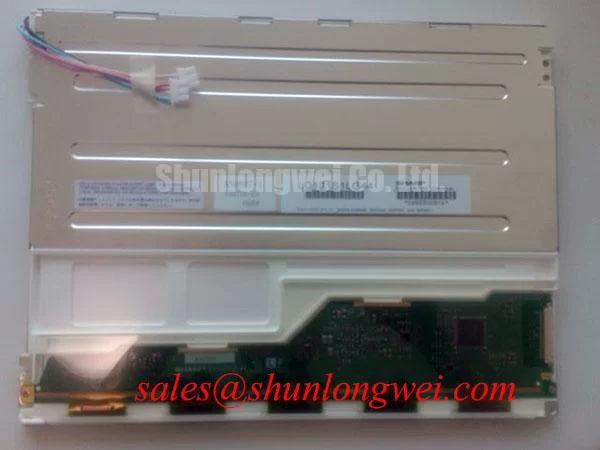
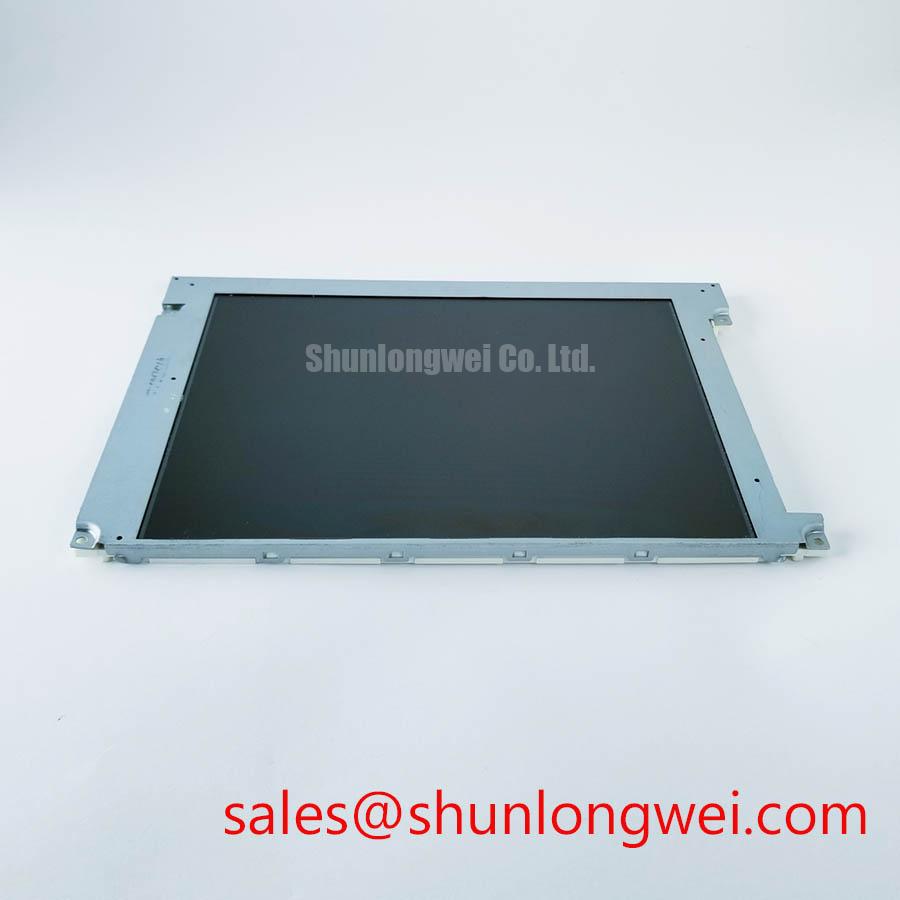
Begin incoming inspection by checking the AA121SP03 Mitsubishi Electric TFT LCD Display Module for cracked glass, bezel distortion, connector damage, and visible contamination before applying power. Record the model marking and compare the physical assembly with the removed panel from the industrial HMI or equipment display. The supplied factory data identifies this unit as an Industrial Grade LCD/HMI Panel manufactured by Mitsubishi Electric, with a TFT-LCD Display Module construction and an Official Factory Spec Verified status.
Because the available factory parameter set does not state the panel resolution, active-area dimensions, interface voltage, pin assignment, luminance, viewing angle, backlight architecture, or touch technology, those values should be confirmed against the original panel documentation before installation. This distinction matters during field replacement: a mechanically similar display can still fail to start, show an incorrect image format, or produce unstable touch operation if the host system expects a different electrical interface.
| Parameter | Verified information |
|---|---|
| Model | AA121SP03 |
| Manufacturer | Mitsubishi Electric |
| Product category | Industrial Grade LCD/HMI Panel |
| Package or housing description | TFT-LCD Display Module |
| Specification status | Official Factory Spec Verified |
For a repair engineer, the first electrical check should be made with the equipment isolated and the display disconnected from the controller. Inspect the mating connector under magnification, check for pushed-back contacts, and compare the cable orientation with the known-good assembly. Do not infer a 3.3 V or 5.0 V supply from the model number alone. The system integrator should verify the required supply voltage, signal standard, timing, and backlight requirements from the original panel documentation.
Controlled 100-Ohm Differential Impedance Flex Routing to Suppress High-Frequency Jitter
When the host controller uses a high-speed differential display link, route the replacement panel cable along the same physical path as the original assembly and keep it away from switching nodes, motor inverter harnesses, contactors, and unshielded power conductors. A controlled differential impedance is a Design Consideration, not a confirmed factory parameter for the AA121SP03. If the host documentation specifies a 100 ohm differential channel, the cable, connector, and PCB transition should be treated as one transmission path rather than evaluated separately.
At the incoming inspection bench, compare the differential pair arrangement, shield termination, drain connection, and cable length with the removed part. A split-screen image, intermittent color block, or unstable frame can have several possible causes, including incorrect data mapping, connector contact resistance, clock quality, grounding, or a damaged cable. Verify the signal against a known-good path with suitable probing technique rather than assigning the symptom to the LCD module immediately.
JEIDA and VESA mapping should be confirmed from the controller and original panel documentation. The supplied factory information does not identify the mapping used by this model. A mismatch may leave the backlight operating while the displayed image contains swapped color channels, abnormal grayscale, or an unusable screen layout. The correct repair action is to confirm the mapping and lane order before changing firmware or modifying wiring.
Power sequencing also requires system-level verification. The available factory data does not specify logic-supply rise time, enable timing, reset timing, or backlight enable delay for the AA121SP03. Designers should measure the actual startup waveform at the panel connector and compare it with the original system behavior. If the display is being evaluated in a heavy mining shovel or earthmoving equipment telematics display, the test should include cable movement, enclosure vibration, and electrical noise from the surrounding control system without presenting those conditions as factory endurance ratings.
Sub-zero operation deserves a separate bench check. Liquid-crystal response can change with temperature, so engineers evaluating an outdoor or unheated operator cabin should observe gray-to-gray transitions, image retention, startup behavior, and touch response after the complete display assembly reaches the intended test temperature. The supplied specification does not provide a temperature range or a measured response-time curve for this model. A heater strip or enclosure heater can be considered only as part of the equipment thermal design, with its control thresholds determined by the system engineer and validated through environmental testing.
For a same-size or same-resolution comparison, first confirm the original panel’s resolution, active area, connector position, mounting pattern, interface, and power requirements. The linked AA104VC01 may be reviewed as a separate display option, but it should not be treated as a drop-in replacement without a documented compatibility check.
High-Nits Edge-Lit LED Rail Thermal Dissipation and Backlight Preservation
Backlight behavior should be checked after the image signal has been verified. Apply a full-white test field, then inspect the display from the normal operator position and from oblique angles. Look for edge brightness differences, localized glow, flicker, color tint, and gradual brightness changes after warm-up. These observations are practical incoming-QA checks; they are not a substitute for a Mitsubishi Electric luminance, chromaticity, or uniformity specification, none of which is included in the supplied parameter set.
The AA121SP03 factory data supplied here does not confirm whether the module uses a particular backlight topology, LED current, optical guide material, luminance rating, or lifetime curve. Do not assign a PMMA light-guide construction, L70 value, B50 value, or 50,000-hour brightness result to this model without a supporting factory document. When a separate backlight driver is used, the integrator should verify its output current, enable polarity, dimming method, fault behavior, and thermal interface against the original system design.
For high-electromagnetic-interference equipment, differential routing should maintain consistent geometry through the flex cable, connector breakout, and controller board. This is a Design Consideration intended to reduce reflections and common-mode disturbance. The final arrangement should be tested while nearby servo drives, contactors, and communication equipment operate in their normal states. A display module by itself cannot be described as independently certified for whole-equipment EMC compliance.
Thermal spreading near a display edge can be evaluated when a measured hot spot is present, but the heat-spreader material, rail dimensions, airflow, and mounting method must be selected from the complete enclosure design. Avoid pressing a conductive rail directly against an unverified optical or electrical area. Measure the temperature distribution across the display frame and compare the result with the panel manufacturer’s documented limits before adopting a mechanical change.
Where a companion display or backlight assembly is being considered, the G104VN01 V1 can be examined as a separate Mitsubishi Electric display solution. Its electrical and optical compatibility with the AA121SP03 must be confirmed independently. Connector similarity, panel size, or matching brand alone does not establish interchangeability.
Preventing Localized Light Guide Compression Warp on Dark Screen Fields
Dark-field inspection is useful because it reveals nonuniform pressure, frame distortion, uneven illumination, and contamination that may be less visible on a white screen. Display the black, dark-gray, red, green, blue, and white test fields at the controller’s native format. Inspect the panel at normal viewing distance first, then use a controlled oblique angle to identify localized mura. Record whether the pattern remains fixed with the image, moves with the cable, or changes after the display is gently repositioned in its enclosure.
The supplied AA121SP03 information does not state the outer bezel envelope, mounting-hole drawing, fastener specification, allowable frame compression, or approved tightening torque. Those mechanical values must therefore come from the original Mitsubishi Electric installation documentation or the equipment manufacturer’s drawing. A generic fastener torque value should not be presented as an AA121SP03 factory requirement. When replacing the panel, use the original spacers, brackets, washers, and compression features where their condition is verified.
Cross-pattern tightening can be considered as a general assembly method for distributing frame load, but the sequence and final torque remain system-dependent. Inspect the display after installation with the same dark-field pattern used before mounting. If a bright or dark patch appears only after the bezel is secured, release the mechanical load under controlled conditions and repeat the inspection. This approach helps separate enclosure stress from an optical defect without claiming a single definite cause.
💡 Bench Tip: Disconnect power before inserting or removing the display cable, and keep the flex connector perfectly square during insertion so the contacts do not scrape or partially engage.
Touch operation should be evaluated separately from image quality. The supplied factory data does not identify whether this exact configuration includes a resistive, capacitive, or other touch layer, so the host documentation must be checked before any touch test is planned. If the equipment uses a glove-operated or wet-panel interface, test with the approved gloves and controlled moisture condition used by the equipment maker. A failure under wet conditions may involve the touch controller, protective overlay, grounding, calibration, or contamination; it should not automatically be attributed to the LCD viewing cell.
For a telematics display installed in a heavy mining shovel or earthmoving machine, the practical acceptance test should combine full-screen pixel inspection, connector retention, touch response where applicable, backlight stability, and cable movement under the enclosure’s normal mechanical constraints. These are integration checks rather than field-life claims. No sample count, failure rate, MTBF value, or operating-hour prediction is established by the supplied AA121SP03 data.
Surface Anti-Glare and Anti-Reflective Evaluation for High Ambient Readability
Evaluate readability under the actual lighting geometry expected at the operator station. Use the same viewing direction, protective window, internal reflections, and external light sources found in the equipment. Check black-level appearance, grayscale separation, bright-field glare, and reflected shapes on the surface. The supplied factory parameters do not confirm an anti-glare coating, anti-reflective treatment, viewing-angle specification, or LCD cell mode for the AA121SP03.
Do not classify this Mitsubishi Electric module as TN, IPS, or MVA without a supporting technical document. Viewing-angle figures such as 85 degrees in four directions must not be assigned to this model from general industry examples. Instead, measure the installed display at the required operator positions and compare the result with the original panel or the approved equipment acceptance criteria.
Surface treatment also affects cleaning and touch performance. The equipment maintenance procedure should define the approved cloth, solvent, pressure, and cleaning frequency. Avoid abrasive materials and unapproved chemicals until the cover-surface documentation has been checked. If a protective window is fitted, assess the combined reflection and haze of the window and LCD rather than judging the panel alone.
High ambient readability is also influenced by backlight output, display contrast, enclosure shading, viewing direction, and camera or sensor exposure when the panel is monitored remotely. If the screen appears washed out, verify the complete optical path and the display settings before changing the panel. A replacement should be accepted only after the image, interface, mechanical fit, and environmental test conditions match the equipment requirement.
Engineers performing a broader LCD integration review can consult The Ultimate Guide to Industrial TFT LCD Technology as a practical reference for panel interfaces, optical evaluation, and installation checks. The article does not replace the original AA121SP03 documentation. For procurement and repair records, retain photographs of the received module, connector condition, installed orientation, test pattern results, and the host equipment’s approved panel specification.