

Content last revised on October 12, 2026
High-Humidity Storage Considerations & Delamination Prevention Protocols
Humidity exposure should be assessed through the complete display assembly rather than through the LCD cell alone. For an AGV or forklift telematics terminal, inspect the enclosure gasket, cable entry points, front bezel seal, and any condensation path before powering the panel after storage. Moisture around the connector can create intermittent logic faults that resemble a damaged display or unstable host controller.
Sub-zero operation introduces a separate diagnostic concern: liquid-crystal response becomes slower as viscosity rises, so gray-to-gray transitions may appear delayed during cold startup. This behavior should be separated from a timing mismatch by comparing a moving test pattern with a static gray ramp while monitoring the host clock and data activity. Do not compensate by changing the panel timing until the display controller documentation and the known-good signal path have been checked.
Perimeter sealing should also be evaluated after repeated industrial thermal cycles. A visible edge stain, localized haze, or expanding dark boundary can justify a controlled inspection for seal degradation or moisture ingress. These observations are practical design considerations, not confirmed environmental ratings for this model. Thermal limits, humidity limits, and storage conditions should be taken from the applicable AUO documentation for the exact production version.
For high-EMI factory environments, the host board designer should route high-speed differential pairs with a controlled differential impedance target appropriate to the selected interface. A 100 ohm differential target is a common design consideration, not an AUO specification for this panel. Pair skew, return-path continuity, connector transitions, and cable shielding should be validated together because a well-routed PCB trace cannot correct a poor harness transition.
Practical reference material on LCD optical behavior and viewing-angle variation is available in this viewing angle reference and this LCD polarizer and optical glass reference.
24-Bit Digital RGB Bus Synchronization & Logic Power Rail Verification
Before changing a controller board, compare the host pixel clock, synchronization signals, and RGB data mapping with the original panel configuration. A TTL RGB interface can display an image while still producing incorrect colors or unstable line timing when the bit order, polarity, or active-edge selection is wrong. JEIDA and VESA mapping conventions must be matched to the host output rather than selected by visual trial and error.
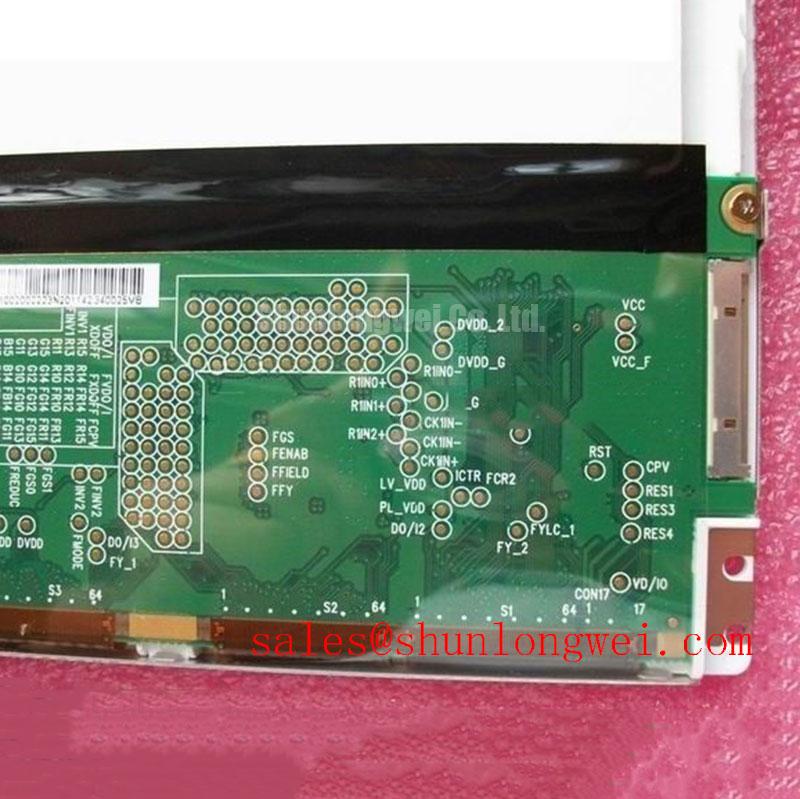
The phrase “24-bit RGB” describes a data organization, not a complete electrical interface specification. Confirm the actual connector assignment, logic rail, enable sequence, clock polarity, horizontal and vertical timing, and data hold requirements from the original system documentation. The host supply must not be assumed from the model number. If a replacement controller offers selectable logic rails, the required setting must be verified against the panel documentation and measured during power-up.
Power sequencing deserves attention when the display is installed in a mobile terminal. Observe the rise of the logic supply, panel enable behavior, backlight enable state, and video activity with the same ground reference. A panel that receives data before stable logic power may show a white screen, partial image, or intermittent startup, but these symptoms can also originate in the controller or harness.
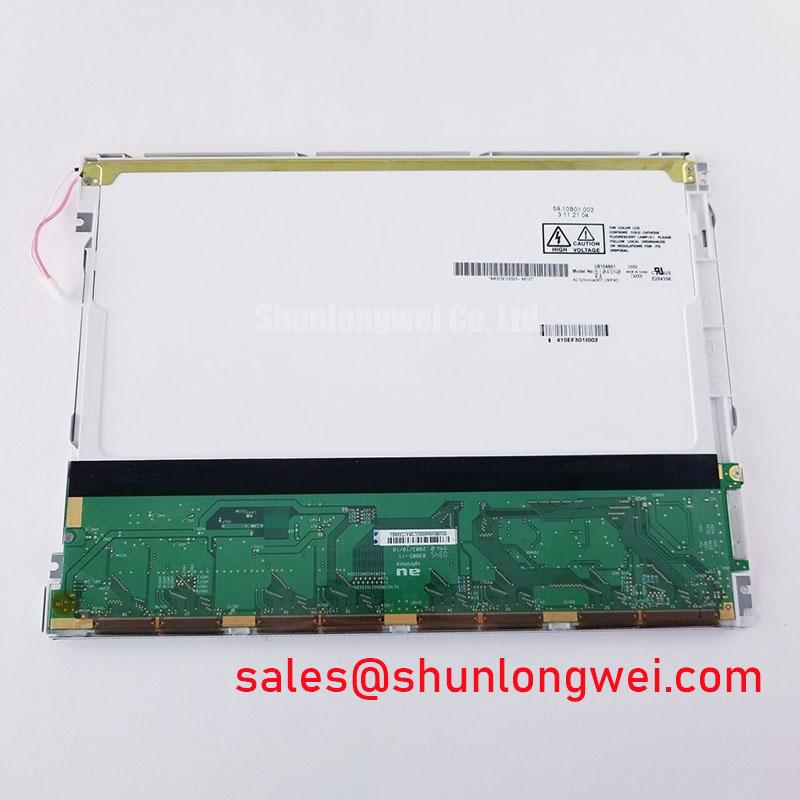
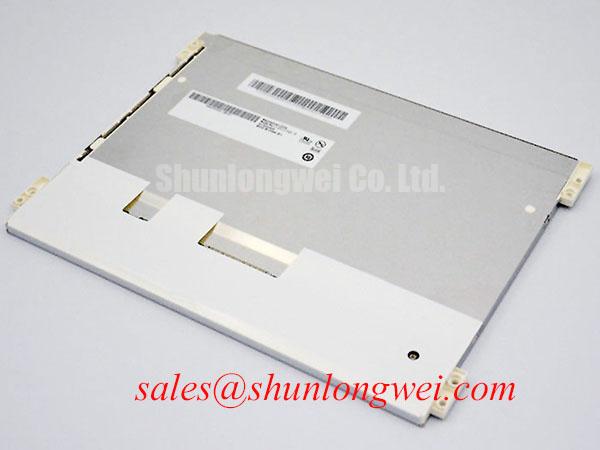
| Item | B104SN03-V0 | G121SN01-V2 |
|---|---|---|
| Manufacturer | AUO | Not stated in the supplied product data |
| Category | Industrial LCD/HMI Panel | Display replacement candidate |
| Form factor status | Standard form factor | Confirm against host mechanical drawing |
| Interface compatibility | Verify from original panel documentation | Verify from original panel documentation |
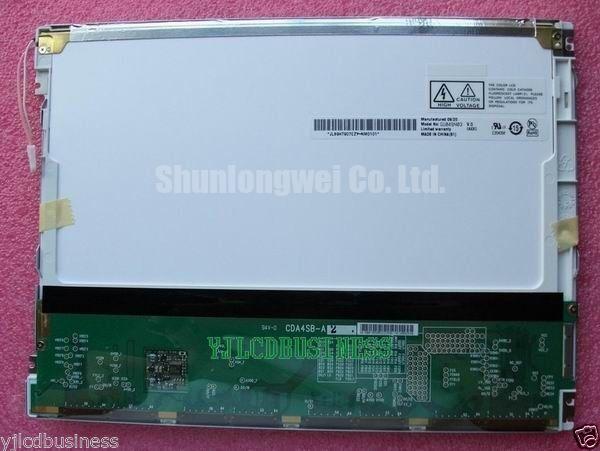
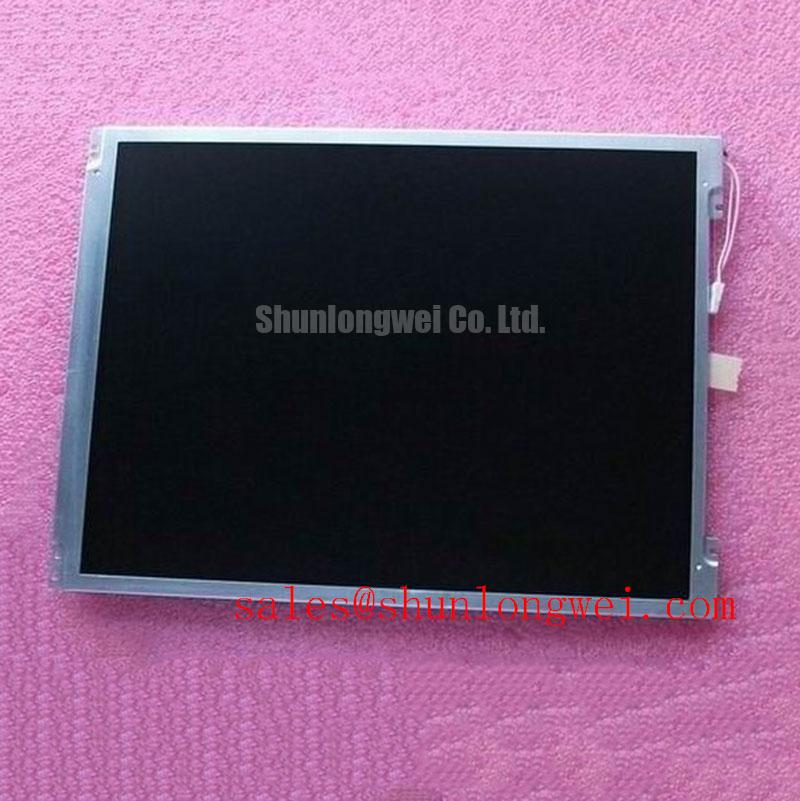
For a field replacement review, engineers can compare the mechanical and electrical records for G121SN01 V2 alongside the B104SN03-V0. This is a neutral compatibility check, not a substitute recommendation. Backlight control should be reviewed separately: PWM frequency, enable polarity, current regulation, and duty-cycle response belong to the host backlight circuit and must not be inferred from the LCD model name.
💡 Pro Tip: Keep the clock and data pair routing consistent through the connector and harness, then verify the received waveform at the panel side rather than judging compatibility only from a temporary image.
Full-Screen Primary Color AOI Screening: Stuck Sub-Pixels & Background Uniformity Audit
Run a controlled red, green, blue, black, and white pattern sequence after the panel has reached a stable operating condition. The objective is to distinguish fixed sub-pixel defects from signal mapping errors, backlight non-uniformity, contamination, and localized optical pressure. Record the defect position relative to the active area and repeat the test at different gray levels.
A stuck sub-pixel usually remains tied to a repeatable color state across several source patterns, while an RGB mapping error affects groups of pixels or entire color channels. A split screen or offset image points the investigation toward timing, mapping, or signal integrity. These are diagnostic directions rather than single-cause conclusions.
For background uniformity, inspect full-screen white and mid-gray fields in a controlled ambient-light condition. A 45-degree flashlight inspection can help reveal whether a dark region changes with viewing angle or shadow position. If the defect follows the illumination geometry, investigate the backlight and optical stack; if it remains tied to image content, compare the source pattern and panel-side data path.
Do not press the active area or bezel while testing. Localized force can change the optical appearance and create a misleading temporary result. Check the bezel, mounting points, and cable strain relief before attributing a line defect to the panel electronics. Engineers assessing service stock should retain the test pattern, connector orientation, and host timing configuration with the replacement record.
High-EMI equipment can also produce color noise or unstable vertical bands without creating a permanent pixel defect. Compare the display with motors and switching actuators in their normal operating state, then repeat the test with the signal harness arranged as it is in the enclosure. The system-level EMC result depends on the host, cable, grounding, shielding, and enclosure; the LCD module itself should not be represented as independently certified for complete equipment EMC compliance.
Industrial Bezel Mechanical Envelope Tolerances & Mounting Screw Torque Optimization
Mechanical installation begins with the chassis aperture, bezel overlap, connector clearance, and panel seating surface. Compare the replacement outline with the original drawing before drilling or modifying the enclosure. A nominally similar display can still fail installation if the connector exits into a bracket, the active area is displaced, or the bezel applies uneven pressure.
Use a cross-pattern fastening sequence when the chassis uses multiple screws, allowing the panel to settle evenly against its support surface. Any torque value must come from the panel or equipment assembly documentation. A general M3 fastening value may be useful as a starting design consideration, but it is not an official B104SN03-V0 specification and should not override the manufacturer’s mechanical instructions.
Localized bezel pressure can appear as clouding, dark-field mura, or a brightness change near an edge. Loosen the mechanical constraint during diagnosis and compare the screen without flexing the assembly. Do not use the display face as a structural member. Brackets should support the perimeter while leaving the active area free from concentrated force.
Clock jitter, data hold time, and signal margins should be checked across the intended temperature window using the actual transmitter, cable, and connector arrangement. A panel-side waveform that looks clean on a bench may degrade after routing through a forklift display enclosure. Validate the complete path with the host running its normal graphics mode and with the backlight switching under expected load.
For broader repair planning involving industrial TFT technology, interface selection, and optical evaluation, consult The Ultimate Guide to Industrial TFT LCD Technology. The same checks are relevant when the B104SN03-V0 is evaluated for an AGV operator display, forklift telematics terminal, CNC pendant, or industrial HMI enclosure, subject to confirmed electrical and mechanical compatibility.