

Content last revised on October 2, 2026
Optical Luminance Checks and CCFL-to-LED Retrofit Considerations
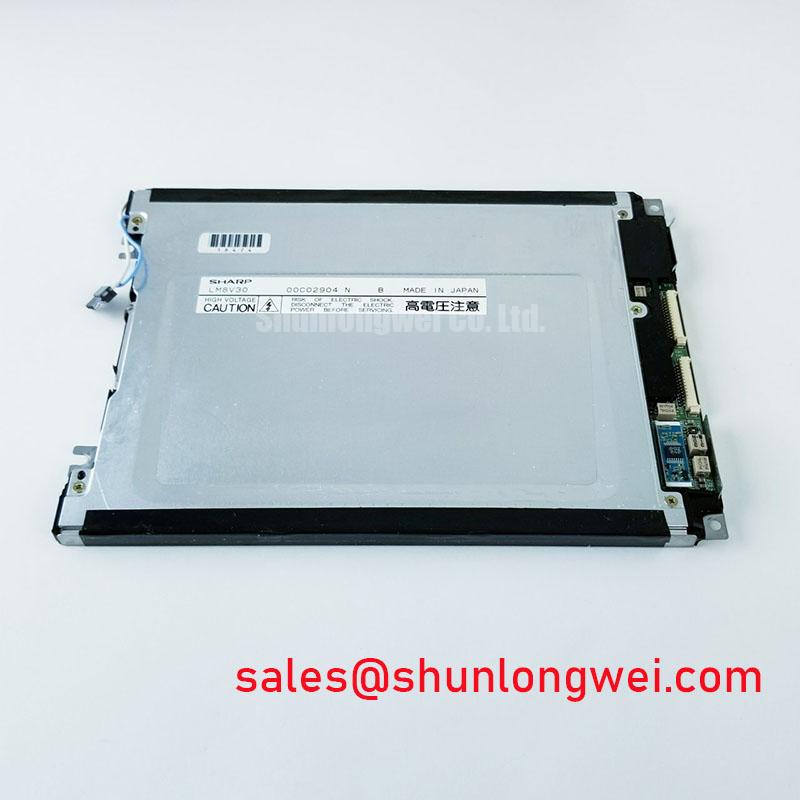
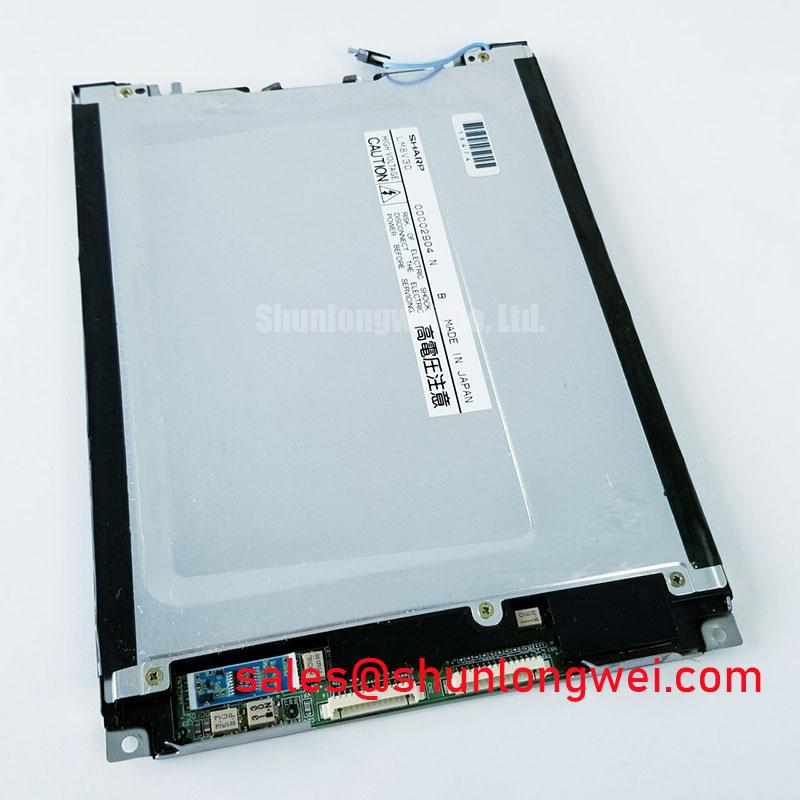
Inspect the Sharp LM8V30 housing and connector area for damage before removing an installed panel, then record the markings and cable orientation against the equipment service documentation. The confirmed product classification is a TFT-LCD display module for industrial display and HMI evaluation (Official Specification). The supplied factory information does not establish its display dimensions, resolution, electrical ratings, interface pinout, backlight type, optical ratings or operating temperature limits. Those details need confirmation from the original panel documentation before a repair team applies power or approves a replacement.
When a display becomes difficult to read, check the complete optical path before attributing the change to the panel. Compare the image at the same brightness setting and under similar ambient light. Record whether the dimness covers the whole screen, follows an edge, or changes with the equipment’s brightness control. A photograph taken with fixed camera exposure can help document a trend, but it cannot replace a calibrated luminance measurement. For LM8V30, no factory luminance value or degradation curve is available in the supplied specifications, so a measured result should be compared with the original equipment acceptance criteria rather than an assumed panel rating.
The backlight technology must be identified from the original Sharp documentation and the installed display assembly. A proposed CCFL-to-LED conversion is a system modification, not a stated feature or approved retrofit for this model. As a Design Consideration, a repair engineer evaluating such a change should check the available space, light distribution, thermal path, brightness control and electrical isolation. The appropriate driver and dimming method are determined by the verified backlight assembly and host controller. Neither an ignition voltage, a PWM range nor an expected service life can be assigned to LM8V30 from the information provided.
Readability also depends on the front window. Clean and inspect that window separately from the LCD surface, looking for scratches, haze, residue or a displaced seal that could scatter light. For a proposed passenger information display or cab signalling installation, designers should assess reflections and viewing position in the actual enclosure. No sunlight contrast ratio or anti-glare coating specification has been established for LM8V30. A bench comparison under representative lighting is more useful than treating a generic optical target as a factory claim.
The display is one part of a larger image and illumination chain: controller output, cable, panel electronics, brightness control and any external lighting hardware all require separate identification. The LM64P10 display listing provides a related display option for examining equipment-level arrangements; it does not establish a shared backlight driver or electrical compatibility with LM8V30.
Radiated Emissions Troubleshooting and Display Grounding
If horizontal noise bands or intermittent pixel disturbance appear after service, first reproduce the symptom with the cabinet closed and the original cable routing restored. Then compare the display during equipment idle and switching operation. Check connector seating, cable damage, shield termination where specified by the equipment maker, and the continuity of the intended chassis-bonding path. A disturbance that changes with nearby motor-drive activity warrants measurements of both the video signals and the host supply; it does not, by itself, identify an EMC fault in LM8V30.
Grounding arrangements must follow the host equipment design. A multipoint backplate connection, a star arrangement and a cable shield termination are different choices, not interchangeable fixes. As a Design Consideration, keep the display cable away from noisy power wiring where the enclosure permits, preserve the original bonding scheme and test any routing change with the cabinet in its operating configuration. Add-on suppression parts should be evaluated against signal integrity rather than installed solely because visible noise is present.
The supplied LM8V30 specifications do not identify its video interface, connector pinout, differential impedance or timing budget. The system integrator should verify each from the original panel documentation and controller schematic before selecting a cable or probing live signals. A similarly shaped connector does not establish LVDS compatibility. CISPR Class A or Class B compliance applies to an assessed equipment configuration; it cannot be attributed to this display module on the basis of its product classification.
When reviewing another panel for the same maintenance job, compare documented active area, resolution, mounting points, connector assignment, supply requirements and backlight control before considering optical appearance. The LM190E08-TLG6 listing can be used as a separate comparison reference, not as evidence that it is a direct replacement for LM8V30.
Preventing Localized Display Pressure Marks on Dark Screen Fields
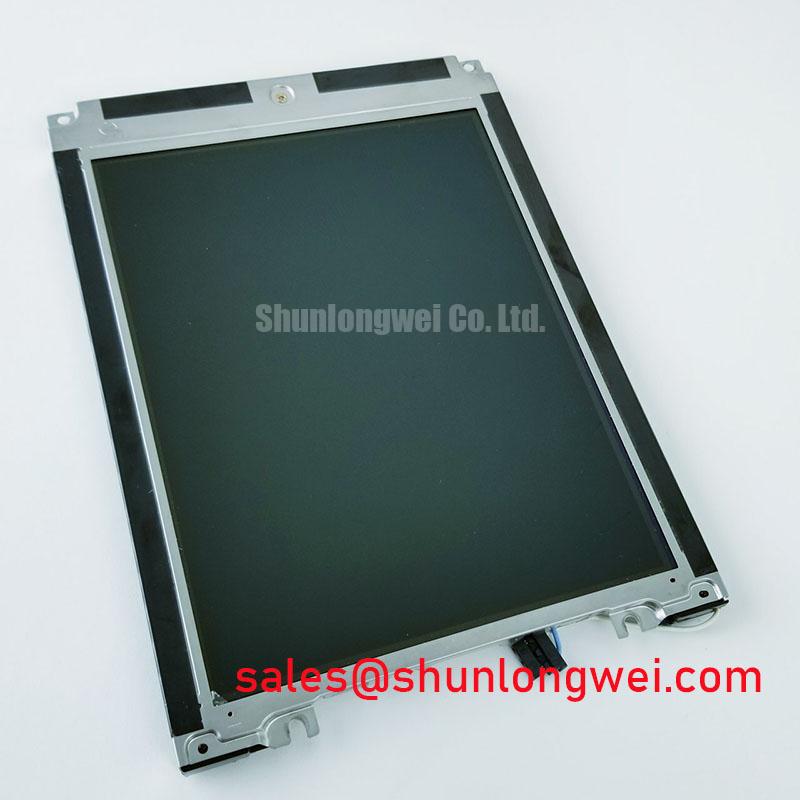
Display a uniform dark field and inspect the image from the normal viewing position before tightening the surrounding enclosure. If a bright patch changes as the bezel is fitted, stop and examine the mechanical stack-up rather than assuming an internal optical defect. Check for a trapped cable, uneven gasket contact, distorted front window or fastener that pulls one corner of the assembly harder than the others. These observations can help locate externally applied pressure without making an unsupported claim about the module’s internal light-guide construction.
Use the mounting drawing and torque instructions for the verified display assembly. No LM8V30 bezel dimensions, fastener specification or torque limit are present in the supplied factory information. As a Design Consideration, bring enclosure fasteners into contact evenly, confirm that the gasket remains seated around the viewing aperture, and recheck the dark-field image after final assembly. The acceptable compression and fastening method must be set by the enclosure and panel documentation.
Thermal movement can alter that fit over time. During maintenance, look for a gasket that has shifted, hardened or ceased to contact the mating surface consistently. Check whether ventilation openings and intended airflow paths remain clear. These checks matter in a sealed display cabinet because condensation or a stressed front window can reduce readability even when the LCD continues to produce an image. Maintenance Note: Isolate power before reseating a display cable or adjusting the panel’s mounting hardware.
For cold-start complaints, record the ambient and enclosure temperatures, the time since power-up, and whether slow image changes improve as the equipment warms. Liquid-crystal response can vary with temperature, but no low-temperature operating limit or response-time figure has been supplied for LM8V30. A heater, if present in the equipment, should be assessed through its own control documentation. Do not use an assumed panel temperature rating to authorize operation outside the verified equipment limits. The Industrial Display & HMI Solutions guide offers broader enclosure and environmental design context; panel-specific limits still require the original Sharp documentation.
Contrast Stability and Temperature-Related LCD Behavior
When grayscale appears to reverse or contrast changes with viewing position, begin with a fixed test image and a repeatable observer position. Compare the result with a known-good installation using the same controller settings, then inspect the front window and any applied film for changes. LM8V30 has no confirmed LCD viewing-mode designation, viewing-angle figures or dynamic-contrast feature in the supplied specifications. TN, IPS and MVA behavior should therefore be treated as display-technology context, not as an identification of this panel.
Temperature can affect perceived contrast as well as the speed of image transitions. Log the conditions under which a symptom occurs and repeat the test after the assembly reaches a stable operating temperature. If the host changes brightness or image processing automatically, hold those settings constant where the service procedure allows; otherwise the comparison may mix panel behavior with controller behavior. Any proposed temperature compensation belongs to the documented host and panel design and requires validation in the installed enclosure.
For a display exposed to strong ambient light, assess legibility at the actual viewing angles with the equipment’s front window in place. Compare clean and contaminated window conditions, and verify that a proposed surface treatment does not obscure fine text or signalling symbols. No anti-glare finish, symmetric viewing cone or sunlight-readability rating has been established for LM8V30. The appropriate acceptance test is the equipment’s required image content under its expected lighting conditions.
Finally, separate brightness drift from contrast complaints by recording the same image, brightness command and measurement geometry at each inspection. This creates a usable service record without assigning an unsupported backlight decay curve or lifetime to the module. If replacement is being evaluated, obtain the original LM8V30 electrical, mechanical and optical specifications first, then check the candidate against the installed controller, enclosure and maintenance acceptance criteria.