
Content last revised on September 10, 2026
NEC NL8060BC31-01 Industrial TFT-LCD Display Module
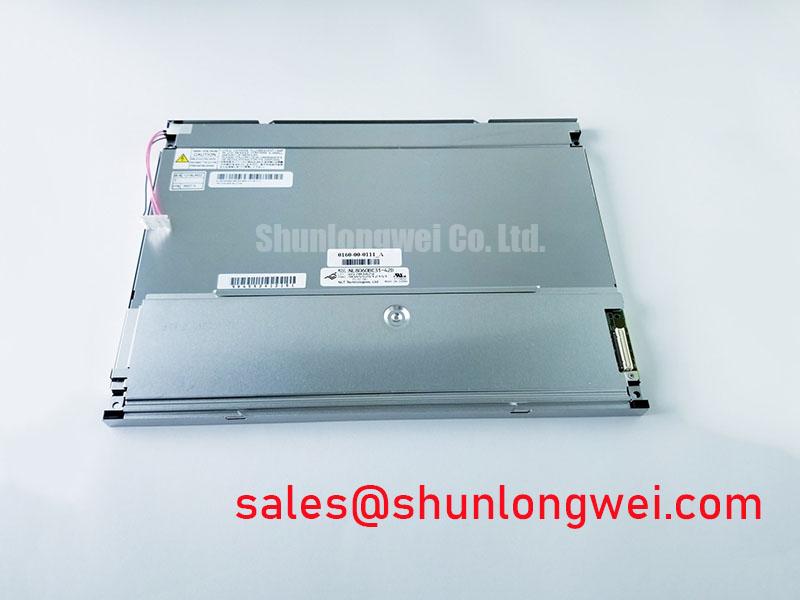
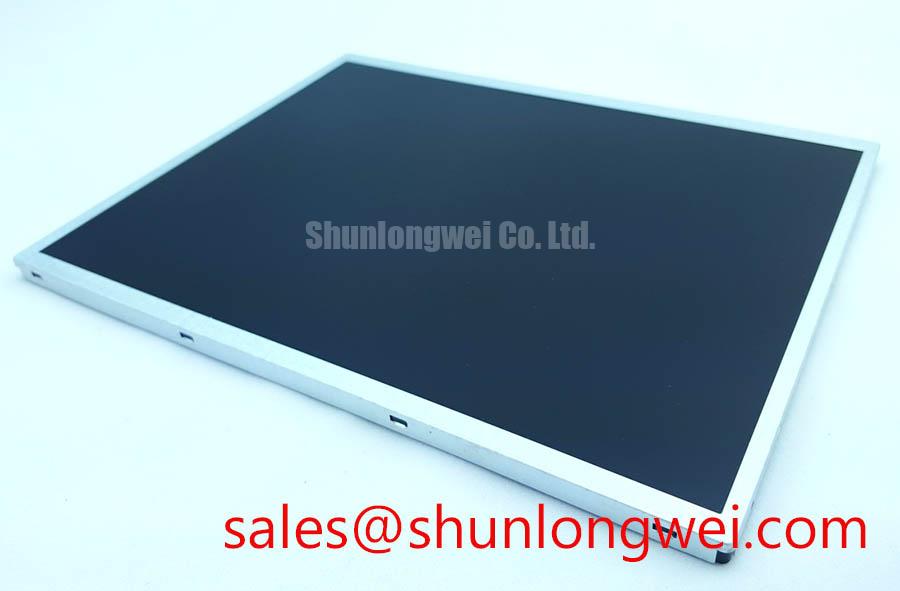
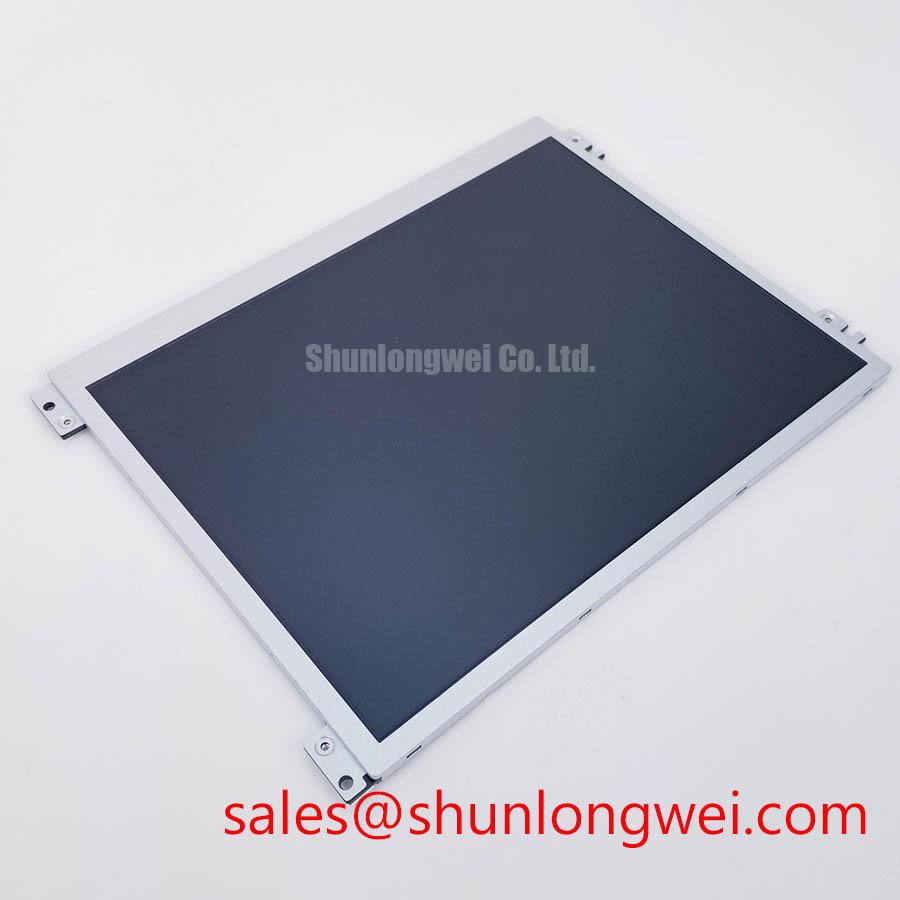
Inspect the label, display face, perimeter frame, mounting points, and connector condition before applying power to an NL8060BC31-01 assembly removed from industrial equipment. This NEC unit is identified as an Industrial Grade LCD/HMI Panel in a TFT-LCD Display Module enclosure. Before a replacement decision, service teams should match the complete model code, physical outline, mounting geometry, display connector arrangement, original host-board interface, and the documented power sequence of the equipment.
| Parameter | Identification |
|---|---|
| Model | NL8060BC31-01 |
| Manufacturer | NEC |
| Product category | Industrial Grade LCD/HMI Panel |
| Module type | TFT-LCD Display Module |
The available factory identification confirms the product class and module identity, but it does not establish panel supply requirements, signal standard, backlight architecture, brightness, optical coating, operating temperature, viewing direction, or mechanical dimensions. The system integrator should verify those requirements from the original panel documentation and the host equipment drawing before electrical or mechanical integration.
Preventing Frame Lag & Image Smearing in Cryogenic Storage & Outdoor Industrial Facilities
For an industrial TFT-LCD module such as the NL8060BC31-01, technicians working in low-temperature facilities should separate a display response issue from an interface issue before replacing the panel. A slow-looking transition, residual image appearance, or delayed menu redraw can arise from the display operating below the conditions expected by the original equipment design. It can also arise upstream, where a controller is delivering incorrect timing, unstable supply rails, incomplete initialization, or an unsuitable image refresh configuration.
Liquid-crystal response changes with temperature. This is a general display-physics principle rather than an NEC specification for this model. At low temperature, image transitions can appear less immediate because the liquid-crystal material responds more slowly. A controlled test is more useful than visual assumption: allow the equipment to stabilize at its actual operating temperature, show a known-good static image and a changing grayscale pattern, then compare the result with the same panel path at a controlled ambient condition. If the symptom follows environmental temperature while the source timing and supply conditions remain unchanged, the display operating environment deserves further investigation.
Outdoor cabinets and refrigerated industrial areas also place mechanical stress on the enclosure. Repeated changes in temperature can affect bezel retention, display gasket compression, cable routing, connector seating, and the interface between the module frame and the system chassis. These checks should be made without flexing the glass or levering against the panel edge. Look for a frame that is being twisted by the host cutout, a cable held under tension, moisture paths around the enclosure opening, or mounting hardware that concentrates load at one corner.
💡 Pro Tip: Route the display cable with enough service slack that enclosure movement or maintenance access cannot pull sideways on the module connector.
Backlight ageing should also be handled as a system diagnostic question rather than a fixed lifetime claim. The supplied factory information for the NL8060BC31-01 does not specify a backlight technology, brightness-retention curve, or service-life rating. A dim image can reflect the panel illumination system, the host backlight driver, a control signal, a cable issue, contamination on the viewing surface, or an optical path problem in the machine. Compare the display against a known-good unit where possible, measure the host driver only according to its own documentation, and inspect the enclosure window before assigning responsibility to the panel.
When reviewing an alternate display path, product names alone are insufficient evidence of compatibility. The NL192108JC18-03ND can serve as a neutral reference point during a separate display sourcing review, but its mechanical, optical, electrical, and timing requirements must be independently compared with the original installation. A same-family or similar-format assessment does not establish drop-in interchangeability.
High-Voltage Striking Potential & Secondary Coil Insulation Testing
Do not infer the illumination technology of the NL8060BC31-01 from the module category or from the age of the host machine. The available official identification does not state whether this specific display uses a particular backlight type, its input characteristics, dimming method, insulation rating, or ignition behaviour. Service personnel should therefore identify the original power path from the equipment documentation, inspect the cable assembly and driver board, and apply the test method specified for that host subsystem.
Where an industrial display assembly contains a separate high-voltage illumination circuit, its electrical safety assessment belongs to the complete driver, cable, connector, enclosure, and display assembly. A panel-level statement should not be used to claim insulation performance for the finished equipment. Design Consideration: isolate the display cable from power wiring, maintain the original protective barriers, and verify that any replacement cable or connector preserves the host equipment’s documented creepage, clearance, shielding, and retention arrangement.
Audible noise, intermittent illumination, flashing during startup, or brightness changes under vibration do not prove a single failure mechanism. They may indicate a driver protection event, poor connector contact, cable damage, supply instability, thermal behaviour in the host enclosure, or an interaction with the display control path. A practical investigation begins with power removed: examine connector locks, inspect cable strain relief, check for witness marks from enclosure contact, and compare the module-side connection with a known-good signal path. Powered tests should be performed only with the service documentation and appropriate qualified test procedures.
Optical readability under sunlight also depends on the system, not the panel designation alone. The supplied factory information does not specify a contrast ratio, anti-glare treatment, anti-reflective treatment, luminance value, or sunlight-readability classification for this model. The viewing window, protective cover, enclosure recess, ambient light angle, and user position all affect field readability. For control displays, evaluate the actual installed stack-up with representative content, including pale graphics, dark text, alarms, and low-contrast status indicators.
For potential railway passenger information terminals or cab signalling display repairs, the relevant question is whether the original display assembly’s electrical interface, mechanical retention, optical presentation, and system approvals can be maintained. The NL8060BC31-01 should be assessed as a replacement module by exact identity and documented compatibility, rather than being assigned unverified transport, safety, or environmental certifications.
Suppressing Pixel Jitter & Horizontal White Lines Induced by Adjacent 400V Motor Drives
When horizontal white lines, pixel shimmer, image dropout, or intermittent colour distortion appears near motor-drive equipment, first compare the fault at the source output, cable entry, host controller connector, and display connector. The effect may be associated with noise coupling, but it may also be caused by a marginal connector, a damaged conductor, ground-reference disturbance, controller timing instability, or a panel that is not receiving the intended initialization sequence.
The official details available for NL8060BC31-01 do not identify its signal interface as LVDS, TTL, JEIDA, VESA, or any other defined format. It would be inappropriate to assign a connector pinout, data mapping, clock polarity, common-mode range, or timing tolerance without the original documentation. Before connecting a unit, confirm the host-side interface standard, pin assignment, logic levels, signal orientation, and power-up sequence from the original panel documentation. An interface mismatch can create an active image that is unstable, incorrectly coloured, shifted, or blank.
Design Consideration: differential display links rely on paired conductors that see similar external interference, while parallel data paths rely on controlled timing relationships across multiple conductors. Cable shielding, chassis bonding, routing separation, connector shell contact, and the position of any approved suppression parts should remain aligned with the host equipment design. If a symptom changes when a drive switches state or when the display harness is repositioned, use an oscilloscope and a known-good path to determine whether the source signal or reference environment is changing.
Do not add ferrites, grounding jumpers, shielding foil, or replacement cable constructions as a universal cure. Such alterations can change the system’s signal integrity or grounding scheme. Engineering Recommendation: preserve the original harness topology first, inspect the shield termination and chassis contact surfaces, then test modifications only under the authority of the equipment design and validation process. The same approach applies to cable length changes, connector adapters, and substitutions of controller boards.
Technicians diagnosing signal-path behaviour can use The Ultimate Guide to Industrial TFT LCD Technology as supporting reading on display integration principles. The operational decision for this NEC module still depends on the equipment-specific panel datasheet, harness drawing, interface documentation, and measured behaviour of the installed system.
Suppressing Localized Thermal Gradients to Prevent Chronic Optical Yellowing & Color Shift
Check for local heat sources before attributing colour shift, uneven brightness, or image discoloration to the NL8060BC31-01 itself. A display mounted beside a power supply, processor heat sink, illumination driver, or unventilated enclosure wall can experience uneven thermal loading across its frame and viewing area. The available factory identification does not define this model’s internal optical materials, allowable edge temperature, colour-shift limit, or illumination lifetime metric. Those characteristics must not be assumed.
A useful inspection sequence starts with the host mechanics. Check that the display frame sits flat in the opening, that no bracket is pressing into the active viewing area, and that heat-producing boards are not directly transferring load into the module. Inspect for blocked air paths, dust accumulation, warped cover windows, degraded sealing materials, and cabling that traps heat against the display rear. If the original installation uses a metal rail, conductive pad, or heat-spreading feature, retain its intended location and interface condition unless the equipment design documentation specifies a change.
Design Consideration: distribute unavoidable heat through the host chassis rather than allowing a concentrated source to remain beside a narrow display edge. The final heat path is system-determined and should be verified with measurements under realistic duty, enclosure state, ambient exposure, and display content. Thermal assessment should include the actual control-board workload and illumination setting because those operating conditions can differ substantially between bench service and field operation.
Colour or brightness non-uniformity should be recorded in a repeatable way. Display the same full-screen neutral image from a known source, observe the panel after thermal stabilization, and compare it with a reference unit under the same optical conditions. Photographing the screen with fixed camera settings can help preserve evidence, but photographic colour alone is not a calibrated measurement. Inspect the external cover lens as well, since scratches, residue, yellowed protective windows, and reflected ambient light can alter the perceived display appearance.
For railway passenger information and cab signalling display service, compatibility evaluation should include the panel outline, securing method, connector clearance, wiring bend radius, host thermal arrangement, and the documented interface sequence. The NL8060BC31-01 is officially identified as an NEC industrial-grade TFT-LCD display module; all additional electrical, optical, environmental, and mechanical limits should be confirmed against the original equipment documentation before installation.