

Content last revised on September 22, 2026
DMF 50773NF FW Identification and Preinstallation Checks
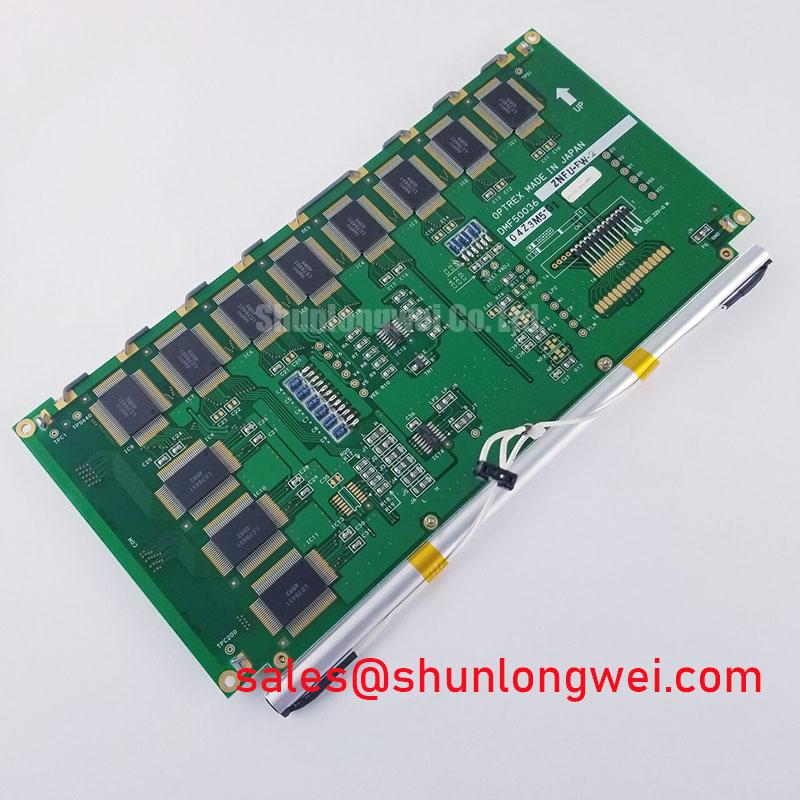
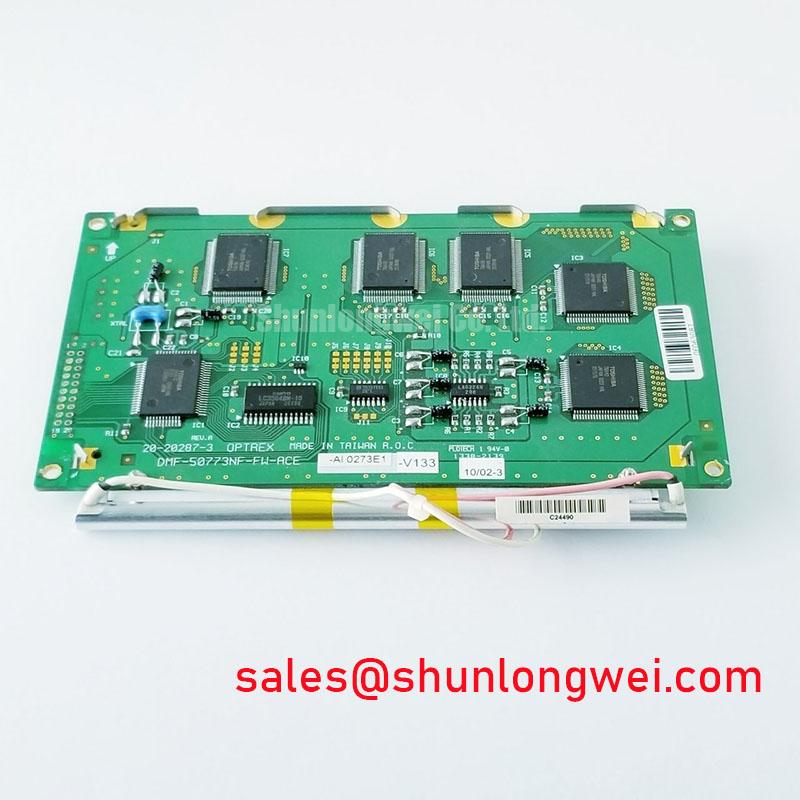
Start the bench check by recording the label, inspecting the TFT LCD display module for cracked glass or frame distortion, and confirming that the replacement reference is DMF 50773NF FW before connecting power or signal cables.
This Kyocera / OPTREX product is identified in the supplied factory data as an industrial grade LCD/HMI panel in a TFT LCD display module format. The available product record confirms the manufacturer and product category, but it does not publish the supply voltage, interface pinout, active area, resolution, viewing direction, brightness, contrast ratio, backlight type, or mechanical drawing. Those values must be checked against the original panel documentation and the equipment service manual before installation.
| Item | Available specification status |
|---|---|
| Model | DMF 50773NF FW |
| Manufacturer | Kyocera / OPTREX |
| Product category | Industrial grade LCD/HMI panel |
| Display construction category | TFT LCD display module |
| Specification status | Model and category identified in the supplied product record; detailed specifications require verification |
| Supply and interface data | Verify from the original panel documentation before energizing |
Incoming Benchtop Inspection: COG/TAB Anisotropic Conductive Film Integrity
Place the unpowered display on an ESD controlled bench and compare the glass edge, bonded flex areas, connector position, and rear label with the removed unit. COG or TAB bonding cannot be confirmed as a special internal construction from the available factory record, so the inspection should focus on observable conditions rather than assuming a particular bonding process. Look for glass edge chips, lifted flex material, pressure marks, contamination around the connector, and frame deformation that could place stress on the display during mounting.
A practical first test is a controlled primary color sequence using the equipment’s known good display controller or a validated test source. Display red, green, blue, white, and black fields one at a time, allowing the image to settle before changing the field. Record whether a defect remains fixed to the same physical location, follows the signal source, or changes when the cable is gently supported without applying force to the glass. A fixed vertical line, a localized missing area, or an intermittent region should be compared with the known good signal path before any conclusion is made.
Use a flashlight at approximately 45 degrees to inspect dark areas while the backlight is operating. If image content can be seen in a region that appears dark, the observation may point toward a backlight, optical, or illumination path issue rather than a complete loss of LCD addressing. If no image information can be distinguished, check the supply, controller enable conditions, cable seating, and signal activity. This method is a diagnostic aid, not a product specific acceptance threshold.
Backlight control also requires system level verification. If the host uses PWM dimming, an oscilloscope should be used to measure the actual waveform at the display interface and compare it with the original unit. A control frequency in the 200 Hz to 1 kHz range may be encountered in industrial systems, but this is a design consideration and not an official DMF 50773NF FW rating. Confirm duty cycle linearity across the operating range, because irregular control behavior can produce visible flicker, uneven brightness, or audible activity in the associated driver. The required waveform, amplitude, polarity, and enable timing remain determined by the host system.
⚠️ Field Alert: Disconnect power and allow the equipment supply rails to discharge before inserting or removing the display cable, because an energized connector can expose signal contacts to an unintended electrical transient.
Surface Anti Glare and Anti Reflective Coating for High Ambient Readability
Do not assume that the model has a particular anti glare or anti reflective surface treatment unless the original panel documentation identifies it. Inspect the replacement and removed display under the same workshop lighting angle. Differences in reflected ceiling lamps, sunlight, or control cabinet lighting can be mistaken for a contrast fault when the actual issue is surface reflection.
Viewing behavior should also be checked from the operator’s real position rather than from a centered bench position only. TN, IPS, and MVA are different panel technologies with different grayscale and color behavior, but the available factory information does not identify the panel technology used in this model. A claimed symmetric viewing result such as 85 degrees in four directions must not be assigned to this display without a supporting Kyocera or OPTREX document. When the unit is considered for a telematics display in heavy mining shovel or earthmoving equipment, verify readability from the seated operator position, through the enclosure window, and with the normal visor or protective cover installed.
The timing controller and host graphics chain should be checked before changing any display settings. Gray scale voltage generation, gamma correction, frame timing, and image polarity are normally controlled by the panel electronics and the host interface together. If gray areas appear crushed, washed out, or uneven, compare the source timing and image data with the original panel. Do not adjust gamma values blindly, because an apparent optical problem may originate in the controller configuration or an incompatible timing profile.
For a differential interface, the system integrator should verify the cable construction, termination, common reference, and trace impedance from the equipment documentation. A nominal differential impedance of 100 ohms with a 10 percent tolerance is a common high speed design consideration, not an official specification for this model. Likewise, a low skew target may be useful during a board review, but the allowable value must come from the controller and interface documentation. Measure the known good signal path with suitable probing before modifying the cable or display settings.
Optical bonding, sealing, and protective window arrangements must also be treated as system functions. The supplied data does not confirm full optical bonding, an air gap, an adhesive type, or a specific ingress protection level. Designers evaluating the display for exposed operator cabins should verify moisture control, gasket compression, condensation behavior, and cleaning chemical compatibility from the equipment design documents. A display module by itself should not be represented as having a complete enclosure sealing rating.
Industrial EMI Noise Immunity, Chassis Shielding Continuity and Common Mode Ferrite Chokes
When horizontal noise bands, pixel jitter, or intermittent image loss appear near a variable frequency motor drive, begin at the complete signal path. Check the controller output, display cable routing, connector retention, chassis reference, and power return before attributing the behavior to the LCD module. A display fault and an installation related interference problem can produce similar symptoms.
Inspect the cable shield termination at both the display side and controller side according to the equipment grounding design. A cable with nominal shielding performance can lose much of its benefit if the shield is interrupted by a long pigtail, a loose clamp, paint at the bonding surface, or an unsuitable connector shell. The correct termination method depends on the cabinet architecture, protective earth strategy, and signal interface. The system engineer should verify shield continuity with the equipment unpowered and confirm the result against the approved wiring diagram.
Common mode ferrite components can be evaluated when conducted interference is suspected, but their impedance behavior must match the signal type and bandwidth. Adding a ferrite without checking the differential waveform can increase edge distortion or create a new signal integrity problem. Use an oscilloscope at the source and receiver ends to compare eye quality, timing stability, and disturbance correlation during motor acceleration and deceleration. Any PWM backlight control should be checked at the same time, since brightness modulation can be confused with display data interference.
For narrow or exposed cable routes, keep the display signal path separated from motor output conductors where the cabinet design permits. The final routing, shield connection, filtering, and grounding arrangement must be validated through system testing. The DMF 50773NF FW product record does not provide an independent EMC certification claim, and a display module cannot be described as having passed a complete machine level CISPR or EN 55011 assessment by itself.
Material and insulation questions should remain tied to the actual assembly. Polyimide film is widely discussed as a flexible electrical insulation material, but the presence, grade, thickness, and qualification of any film in a particular cable or panel cannot be inferred from the model reference. General background is available in Polyimide Film High Voltage Dielectric Insulation in Power Circuit Assemblies. Similarly, impact ionization and avalanche multiplication are semiconductor junction phenomena described in Impact Ionization and Avalanche Multiplication in High Voltage PN Junctions; they should not be used as an unsupported explanation for a display symptom.
Aluminum Heat Spreader Sizing and Thermal Interface Placement Along Narrow Display Edges
Inspect the enclosure contact points around the display before adding any heat spreader. A metal rail can improve heat distribution only when it has a suitable thermal path and does not press on the glass, flex connection, polarizer, or frame. The supplied factory information does not define an aluminum rail size, allowable contact pressure, thermal resistance, LED lifetime, L70 value, B50 value, or optical material construction for this model.
Measure temperature at several locations during a representative operating cycle, including the controller area, backlight driver area, narrow display edges, and the hottest nearby cabinet surface. Compare the readings with the original panel and with the equipment manufacturer’s environmental limits. A local hot spot may be related to the backlight driver, enclosure airflow, power conversion, cable heating, or mechanical contact. Thermal imaging is useful for locating patterns, but emissivity differences between glass, metal, labels, and coatings should be considered when interpreting the image.
Any thermal interface material should be placed only where the mechanical drawing permits it. Do not bridge an undocumented gap with a compressible pad or force the display frame against a heat spreader. The mounting structure must preserve glass flatness, connector alignment, and the original sealing arrangement. If the equipment uses a protective window, verify that the added structure does not create a trapped air pocket or obstruct the intended heat path.
Direct sunlight testing should use the actual window, visor, bezel, and viewing angle used in service. A contrast value greater than 500 to 1 under 50,000 lux must not be presented as an official DMF 50773NF FW characteristic because it is not included in the supplied record. Use the test only as a system acceptance method if the equipment specification defines that requirement. The same principle applies to anti glare coating, optical bonding, backlight uniformity, and long term LED operation: verify the manufacturer’s documentation or qualify the complete assembly under controlled conditions.
For broader enclosure, HMI, and harsh environment integration references, engineers can review Industrial Display and HMI Solutions alongside the equipment specific mechanical, electrical, and environmental requirements.