
Content last revised on September 10, 2026
Full Screen Primary Color AOI Screening: Stuck Sub Pixels and Background Uniformity Audit
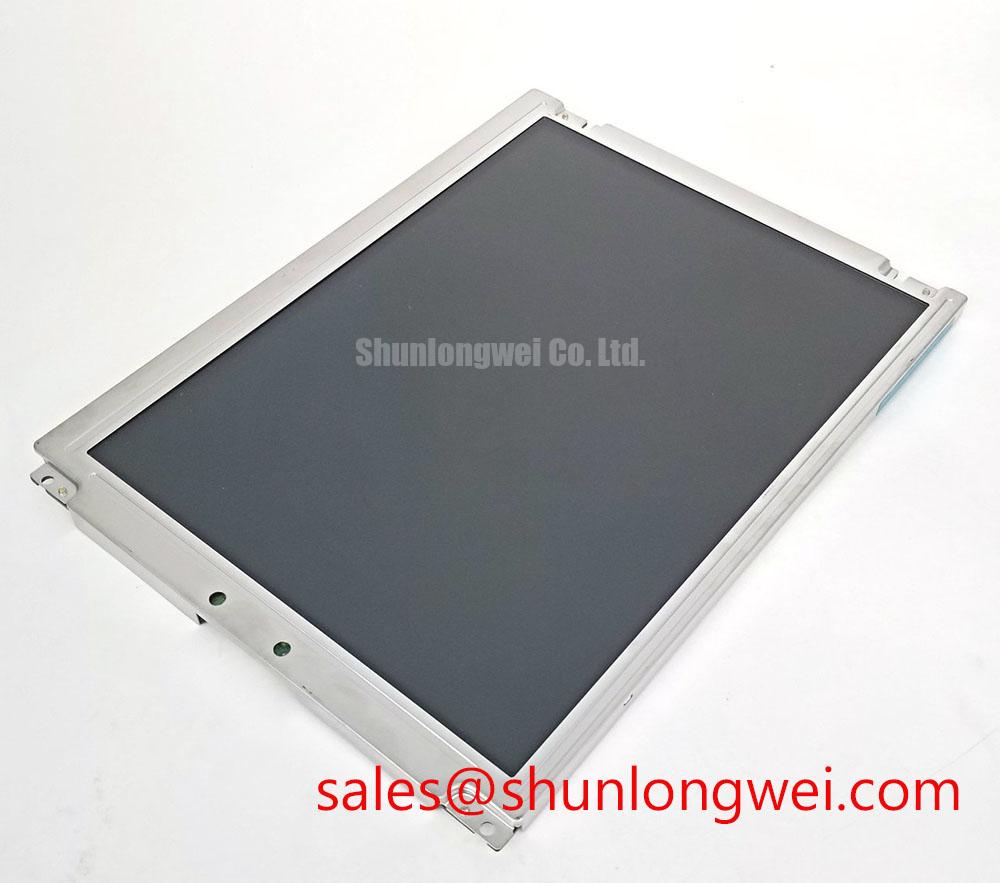
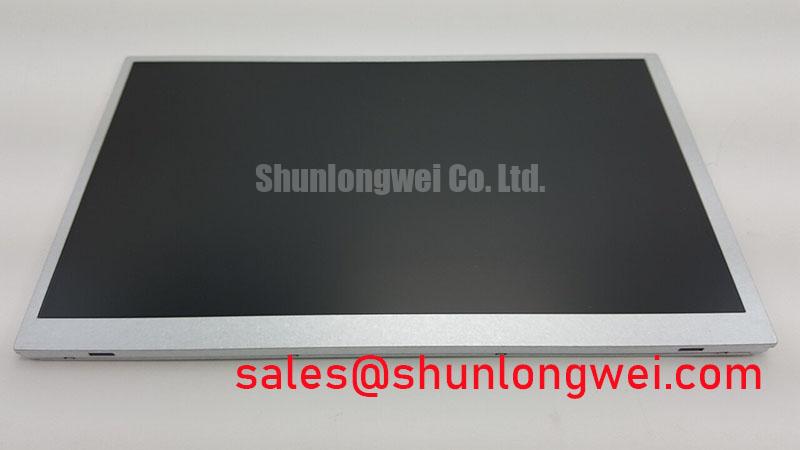
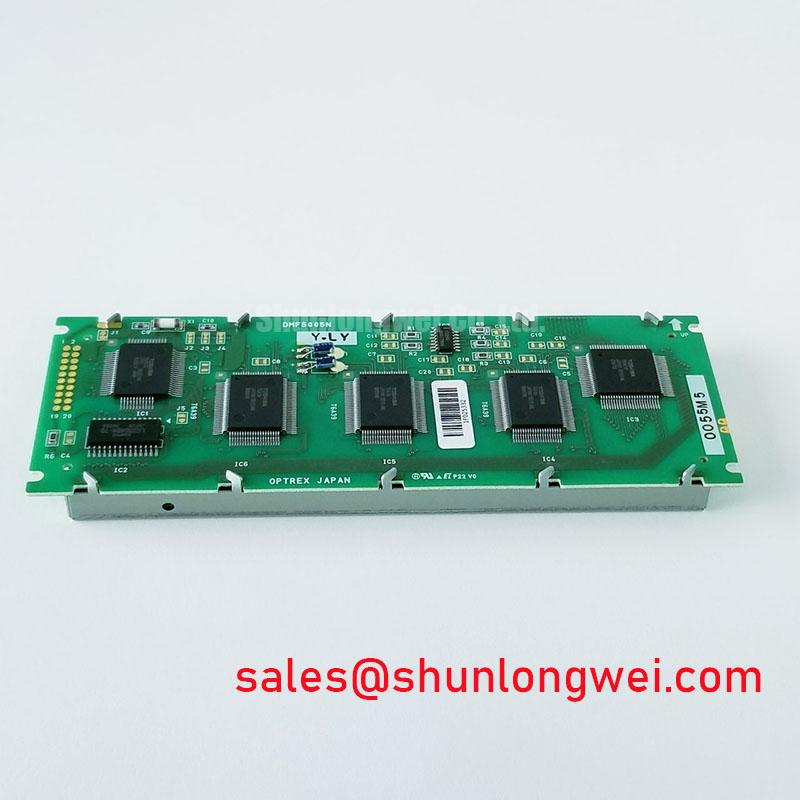
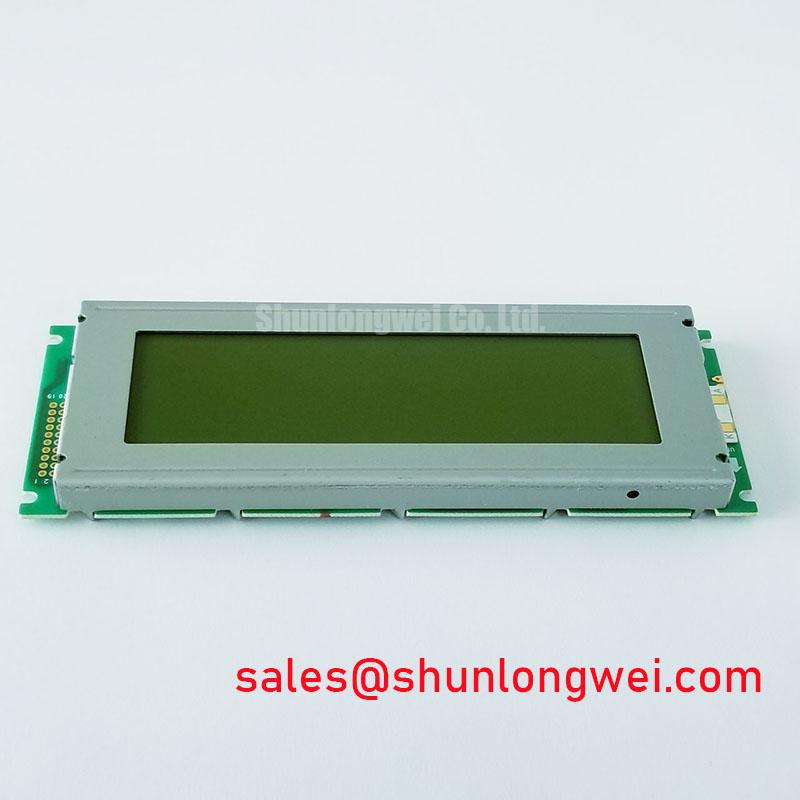
Begin the incoming inspection of the DMF5005N-LY-CNE-DCN by checking the module label, connector condition, exposed glass, bezel, and mounting points before applying power. The manufacturer identity is listed as Kyocera / OPTREX, and the product is identified as an Industrial Grade LCD/HMI Panel in a TFT LCD display module format. Record the installed panel orientation and compare the replacement unit with the original equipment documentation before connecting any cable.
For a bench AOI check, display a full red field, a full green field, and a full blue field in sequence. Inspect the entire active area from a normal working position, then repeat the inspection under a black field and a white field. This sequence helps separate permanently abnormal sub pixels from broad luminance nonuniformity. A single bright or dark point should be documented by location, while a larger shadow, edge gradient, or repeating vertical feature should be compared with the known good display path and controller settings.
A 45 degree flashlight inspection can assist when the screen is dark. Move the light source across the front surface without pressing the glass. A shadow that changes with the viewing angle may be associated with external reflection, bezel interference, or backlight distribution. A line that remains fixed in the image area may require signal-path investigation, including the display cable, timing controller output, connector seating, and source data format. This method does not by itself identify a specific internal failure mode.
The available factory information confirms the product category, manufacturer, TFT LCD module construction, and official specification status, but it does not provide a verified pinout, resolution, active-area dimension, supply voltage, interface type, luminance rating, or viewing angle. Those values should be taken from the original Kyocera / OPTREX documentation for the exact revision. The system integrator should verify whether the host uses TTL or LVDS signaling rather than assuming compatibility from the connector shape.
When the host uses LVDS, inspect differential-pair continuity and compare the pixel clock and data activity with a known good unit. Clock jitter, incorrect termination, polarity reversal, or an unmatched data format can produce unstable colors, intermittent lines, or a display that appears functional but renders incorrect grayscale levels. For TTL systems, verify the individual data bit order, clock edge, enable signal, and hold behavior against the controller documentation. JEIDA and VESA mapping should also be confirmed from the original panel specification; they are not interchangeable assumptions.
💡 Pro Tip: Keep the differential data path physically consistent and verify clock and data timing at the receiving interface during temperature testing instead of relying only on a static image check.
For an industrial CNC operator panel or robot teach pendant, compare the replacement display at the same controller output settings used by the original panel. Check startup behavior, image centering, color order, touch overlay alignment if fitted, and the response of the backlight control circuit. A successful image at room temperature does not establish timing margin across the complete operating temperature window, so the equipment designer should validate cold and warm operation with the actual cable assembly and enclosure.
Optical Luminance Degradation Curve and CCFL to LED Modernization Retrofit Pathways
The DMF5005N-LY-CNE-DCN is identified in the supplied factory data as a TFT LCD display module, but the exact backlight technology and its electrical ratings are not confirmed in that data. Do not assume that the unit contains a CCFL backlight or an LED array. The system integrator should verify the required backlight supply, connector pin assignment, enable logic, dimming method, and driver characteristics from the original panel documentation.
For a service assessment, measure the backlight output under the same image conditions used for the original display and document the result as a reference value rather than treating one reading as a factory guarantee. A gradual reduction in perceived brightness can also be influenced by optical contamination, diffuser condition, driver current regulation, ambient illumination, panel aging, or a changed viewing angle. Repeating the measurement with a calibrated luminance instrument provides a more useful comparison than visual judgment alone.
Where an older panel uses a high voltage fluorescent backlight, a modernization project may evaluate an LED retrofit, but the electrical interface must be redesigned or verified as a complete system. CCFL ignition behavior, transformer drive, lamp current, LED constant current regulation, open-load response, short-circuit protection, and thermal behavior are different design problems. A retrofit should not be connected to the existing backlight output until the voltage and current path have been confirmed.
Constant-current LED drivers commonly provide an enable input and may provide PWM or analog dimming. The exact dimming range, frequency, duty-cycle linearity, and fault reporting capability belong to the selected driver and are not official specifications for this display model unless stated in its original datasheet. As a Design Consideration, the control engineer should select a dimming method that avoids visible flicker and audible interaction with the mechanical assembly, then verify it with a photometric measurement and an oscilloscope at the driver interface.
The frequently quoted 50,000 hour half-life or MTBF figures seen in LED product literature cannot be assigned to the DMF5005N-LY-CNE-DCN without a Kyocera / OPTREX source defining the test conditions. Backlight life depends on temperature, drive current, optical requirements, switching profile, and enclosure heat removal. Treat any life estimate as source-dependent Field Data or a manufacturer-specific reliability claim, not as a universal rating for the complete display assembly.
Backlight fault diagnosis should begin with the controller enable signal and the driver input, followed by inspection of the output current and protection status. An open circuit may cause the driver to enter protection, while a short or excessive load may produce a different shutdown response. These symptoms can overlap with connector damage, wiring errors, or an incorrectly configured replacement driver. Compare the fault output and waveform with the original equipment service documentation rather than assigning a single cause from the visual symptom.
For applications such as CNC operator panels and robot teach pendants, test the display during repeated power cycles and brightness changes. Confirm that the panel starts correctly after the host controller has completed its power sequence and that the backlight does not flash, remain latched off, or generate unwanted noise. The control firmware and driver should be reviewed together because the display module itself does not establish the complete system-level dimming or protection behavior.
Preventing Localized Light Guide Plate Compression Warp on Dark Screen Fields
Before installing the module into an existing bezel, compare the original opening, support lands, screw locations, connector clearance, and glass exposure. The supplied factory information does not specify the external dimensions, active area, mounting-hole pattern, or allowable bezel tolerance for this exact part. These mechanical values must therefore be verified from the original drawing or a controlled measurement of the removed unit.
Dark-field inspection is useful after mechanical installation because uneven pressure can become visible when the display shows black or low-gray content. Inspect the panel before tightening, after the first fastening sequence, and after the enclosure has been fully assembled. If a localized shadow appears only after the bezel is fitted, release the mechanical load and compare the image again. This does not prove a particular internal optical defect, but it identifies a relationship between the enclosure assembly and the displayed nonuniformity.
Use a cross-pattern fastening sequence when the chassis design requires several screws, allowing the panel to settle evenly. The correct torque is determined by the original mechanical drawing, fastener type, gasket design, and chassis material. A generic torque value should not be presented as an official specification for this display. The bezel should support the module without pressing directly on the active glass area, flexing the frame, or trapping the cable.
The display supplier documentation should also be checked for any specified gasket, spacer, grounding, or insulation arrangement. Do not add compressible material inside the optical area unless the mechanical design has been validated. Cable routing deserves equal attention: a cable folded against the rear of the module can transfer force into the connector or create a local contact point when the cover is closed.
For sourcing decisions, the TCG084SVLQAPNN-AN30-S may be reviewed as a separate display option during a same-class comparison. It should not be treated as a drop-in replacement without confirming electrical interface, optical stack, mounting envelope, controller timing, and backlight requirements against the equipment documentation.
When the panel is installed in an industrial HMI, inspection should include the front cover, sealing interface, cable bend path, and any metal edge near the glass. The enclosure design determines how vibration, thermal expansion, and maintenance access affect the display. Designers should validate the assembled unit under actual machine operating conditions, especially when the screen is mounted in a handheld pendant that is repeatedly tilted or carried.
Polarizer Durability and Optical Retardation Film Inspection under Direct Industrial Lighting
Inspect the front polarizer under the same lighting conditions found at the machine, not only under diffuse laboratory light. Look for scratches, pressure marks, edge lifting, localized gloss changes, and reflections from the protective window. The available official product data does not confirm the polarizer type, retardation film structure, anti-glare treatment, viewing-angle specification, or liquid-crystal mode for this exact model. TN, IPS, and MVA behavior should not be inferred from the model number.
Display a grayscale ramp and several saturated color fields while viewing the panel from the operator position and from practical off-axis positions. A change in contrast or grayscale order can result from viewing direction, controller configuration, temperature, or panel technology. Record the observation together with the viewing position and image source. This creates a repeatable acceptance record without assigning an unverified viewing-cone value to the module.
Direct industrial lighting can expose reflections that are hidden during a standard bench test. Check the panel with the enclosure window, protective film, and operator lighting installed. If the front window introduces double images or strong glare, the corrective action may involve the enclosure optical design rather than the LCD module. Surface treatment, cover spacing, and incident light direction should be evaluated as a combined assembly.
Cold operation requires particular attention to response time. Liquid-crystal response can change with temperature, and a moving cursor or rapidly changing numeric display may show more trailing than it does at room temperature. The exact response-time specification and operating temperature range for the DMF5005N-LY-CNE-DCN must be verified from the applicable factory datasheet. If a heater is considered, its control method, sensor location, warm-up sequence, and effect on the enclosure must be validated by the system designer rather than prescribed from generic LCD practice.
Power sequencing should also be checked during low-temperature testing. Confirm the host supply behavior, display enable timing, backlight startup, and image initialization using the actual controller. A delayed image may originate in the host firmware, signal timing, backlight driver, or panel temperature response. Comparing each stage with a known-good signal path is more reliable than treating the delay as evidence of one specific component fault.
For engineering reference on enclosure-level display integration, the Industrial Display and HMI Solutions resource can support broader evaluation of mechanical, optical, and environmental interfaces. It should complement, not replace, the exact Kyocera / OPTREX documentation required for the DMF5005N-LY-CNE-DCN.
Safety Interlock Note: Disconnect power before inserting or removing the display cable, and verify the host controller and backlight driver are fully de-energized.