



Content last revised on September 12, 2026
Incoming QA Checks for the NEC NL6448BC33-31
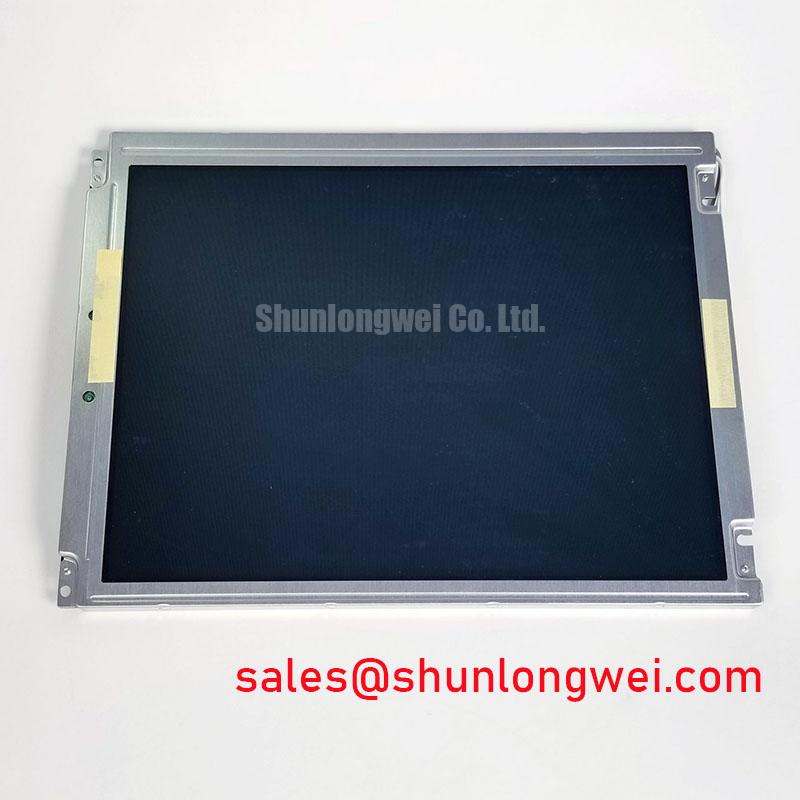
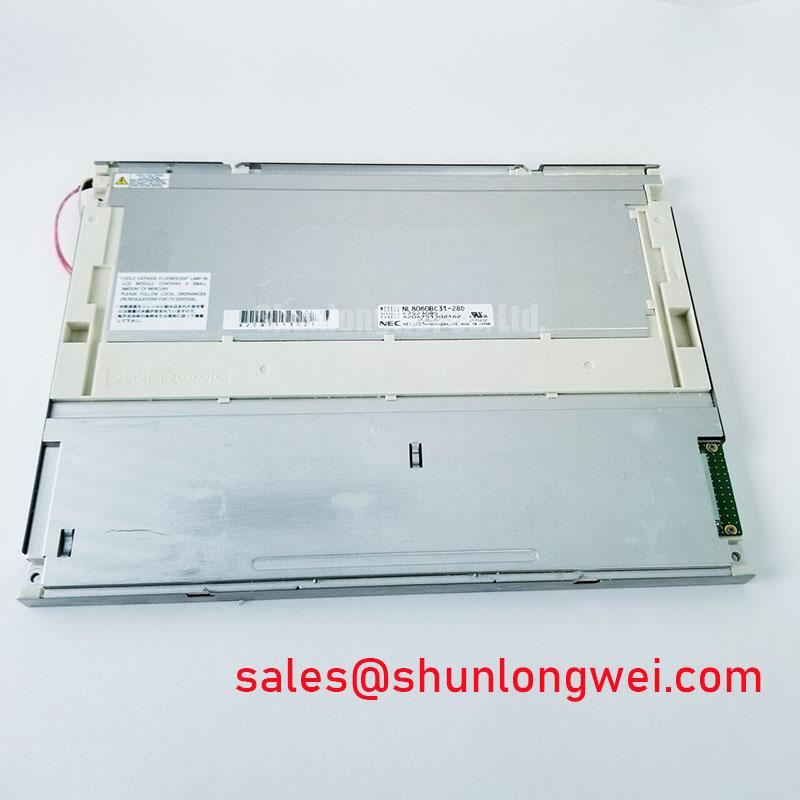
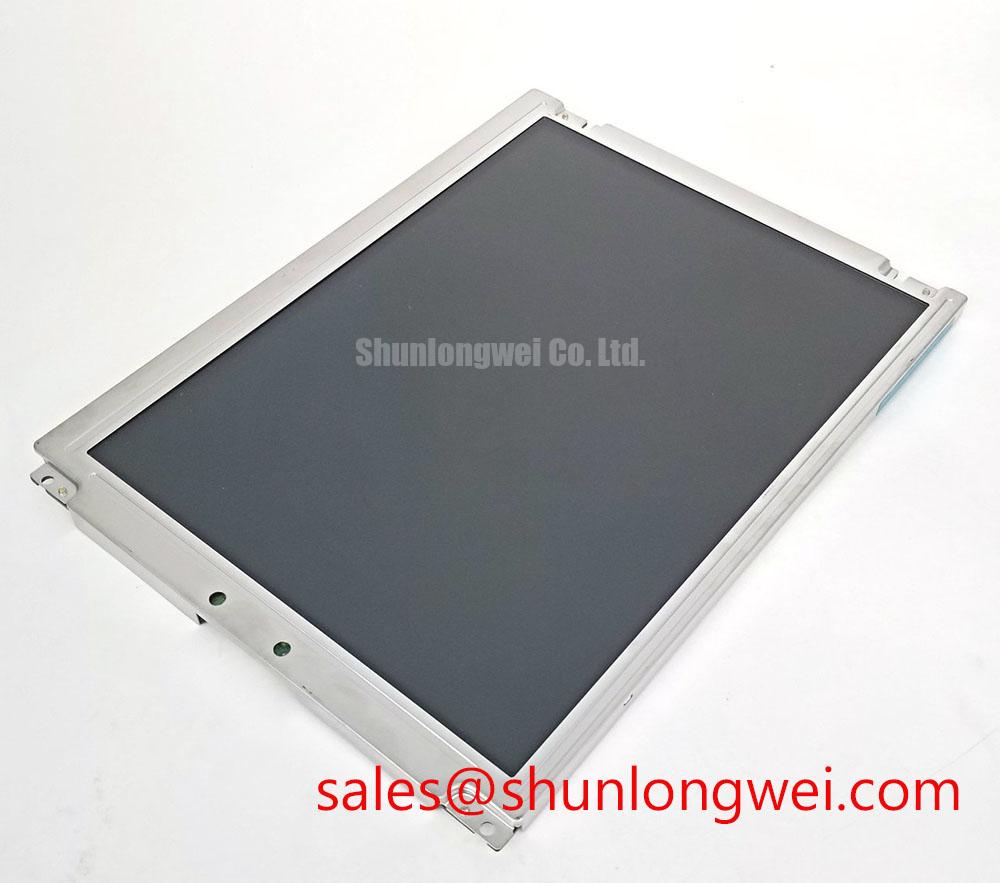
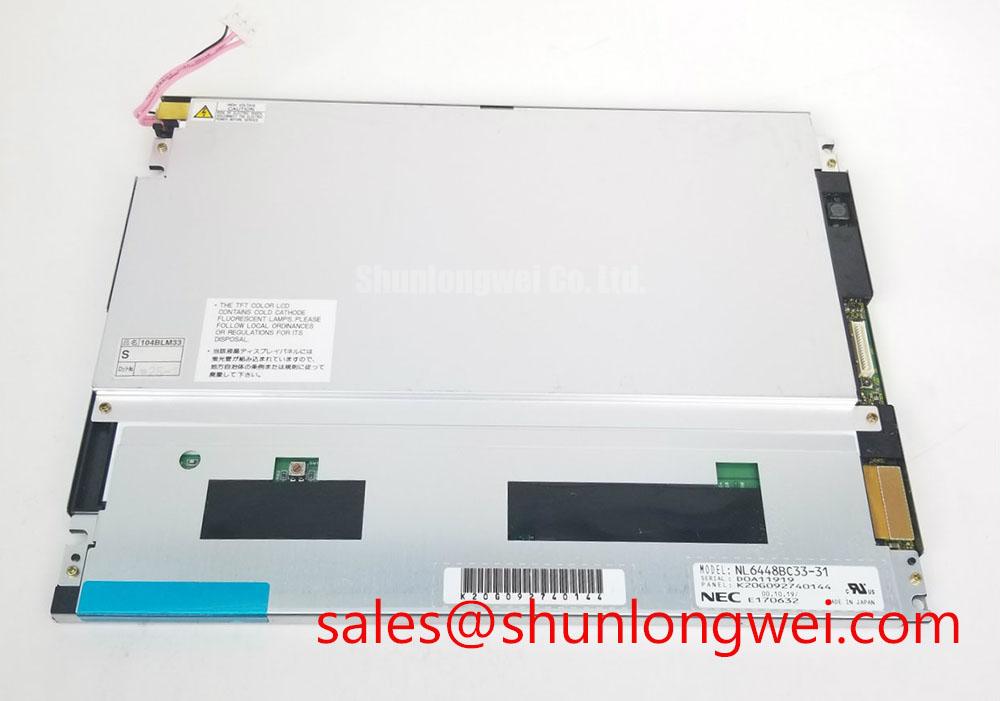
Begin by inspecting the NEC NL6448BC33-31 TFT LCD display module under controlled light, checking the visible panel surface, frame, connector area, and label against the equipment service record before applying power. Record any scratches, pressure marks, glass-edge damage, contamination, or connector deformation before installation.
The supplied factory profile identifies this unit as an Industrial Grade LCD/HMI Panel manufactured by NEC, with a TFT-LCD Display Module construction and an official factory specification status. The available product information does not confirm the panel resolution, active-area dimensions, luminance, viewing technology, interface pin assignment, logic voltage, or backlight electrical limits. Those values must be taken from the original panel documentation or the host equipment service manual rather than inferred from the model number.
For incoming optical inspection, display a sequence of full-field test images in white, black, red, green, blue, and neutral gray. A uniform full-screen image makes bright pixels, dark pixels, line defects, dust contamination, and localized luminance differences easier to identify. Repeat the inspection at several brightness settings because some defects are less visible near minimum drive conditions.
When this panel is evaluated as a replacement in a hazardous petrochemical Zone 2 operator station or field monitoring terminal, the display module itself should not be treated as an independent explosion-proof or EMC-certified assembly. The enclosure, cable glands, protective window, grounding scheme, power supply, and system certification remain the responsibility of the equipment integrator.
Super IPS or MVA Viewing Claims and Multi-Angle Console Evaluation
Multi-angle operator consoles require stable grayscale and color perception when viewed from the side, above, or below. The supplied factory data for the NL6448BC33-31 does not confirm a Super IPS or MVA panel type, nor does it provide a verified symmetric viewing specification of 85/85/85/85. These characteristics should therefore be measured or confirmed from the original NEC documentation before they are used in a purchasing specification.
A practical viewing test uses the same grayscale ramp and color patches at the normal operator position and at the actual installation angles. Look for grayscale inversion, contrast collapse, color shift, and loss of small text detail. This is more useful than relying only on a nominal viewing-angle figure because the perceived result can also be affected by the front cover, optical bonding, ambient reflections, and display controller settings.
Surface treatment also requires verification. An anti-glare finish can reduce reflected overhead lighting and sunlight, but the exact coating type, surface haze, and optical performance are not confirmed in the supplied data for this model. In a bright control-room or outdoor monitoring enclosure, evaluate the assembled display with the final protective window and lighting arrangement. A panel that appears acceptable on a bench can show distracting reflections after installation behind a cover.
The video path should be checked separately from the optical panel. If the host system uses a differential display link, the integrator should verify the transmitter and receiver specification, cable construction, termination, common-mode range, and signal routing. A 100 ohm differential impedance target may be used as a general high-speed layout design consideration where it matches the selected interface standard, but it is not an official parameter for this LCD module based on the supplied information. Skew, return-current continuity, and connector quality should be validated with the actual controller and cable assembly.
For comparison work, engineers reviewing another NEC industrial display may consult NL10276BC16-06. This is a separate product and must be checked independently for mechanical dimensions, interface compatibility, optical behavior, and electrical ratings before any substitution decision.
TTL RGB Bus, Timing Control, and Logic Rail Verification
The product profile does not confirm whether the NL6448BC33-31 uses a TTL RGB interface, LVDS, or another display connection. Do not connect a controller solely because the connector appears mechanically similar. Confirm the original pinout, signal direction, pixel-data mapping, clock polarity, synchronization signals, backlight control, and logic supply requirements from the equipment documentation.
If the installed system uses a parallel RGB bus, inspect the complete timing relationship between pixel clock, data enable, horizontal synchronization, vertical synchronization, and the RGB data lines. Split-screen images, shifted graphics, missing color channels, or unstable text can result from several conditions, including incorrect mapping, unsuitable timing, a damaged cable, connector contact resistance, or controller configuration errors. Compare the suspect panel with a known-good signal path using the same controller and cable wherever possible.
Power sequencing should be verified at the panel connector with an oscilloscope rather than assumed from a generic LCD replacement guide. The system integrator should confirm the required supply voltage from the original panel documentation and then check rise behavior, enable timing, reset behavior, and backlight activation in the host equipment. If the documentation lists more than one rail, measure each rail at the panel connector during startup and shutdown.
T-CON operation is normally assessed through its visible output rather than by probing undocumented internal nodes. A stable gray ramp can reveal problems in grayscale generation, gamma correction, clock timing, or data mapping. Vertical bands, abnormal transitions, or a localized loss of gray levels may require comparison of the panel supply, controller output, and cable seating before the T-CON is considered a suspected fault.
Sub-zero operation requires particular caution. Liquid-crystal response can change as temperature falls, producing visible gray-to-gray transition elongation or motion smearing. The supplied factory information does not provide a confirmed operating-temperature range, heater specification, response-time curve, or power-on restriction for this model. Designers should verify those values from the original NEC documentation and test the complete display assembly at the intended environmental limits. If a heater is present in the host equipment, its control method and thermal distribution should be validated without exposing the panel to abrupt thermal stress.
The same verification applies to touch functionality. The supplied data identifies an LCD display module, but it does not confirm an integrated resistive or capacitive touch layer. Glove operation, wet-finger response, touch controller compatibility, and cover-glass behavior must be documented by the complete HMI assembly manufacturer rather than attributed to the LCD module alone.
Backlight, Thermal Path, and Field Troubleshooting
The available factory profile does not confirm whether this particular unit uses WLED, CCFL, or another backlight arrangement. Do not retrofit a backlight driver based on appearance or connector count. Identify the original backlight type, current or voltage requirements, enable and dimming signals, connector polarity, and protection method from the panel documentation and host equipment schematic.
For an LED-based system, thermal evaluation should focus on the complete edge and rear assembly. Check whether the metal frame, mounting bracket, driver board, and enclosure create a localized heat path near the display edge. The purpose of a heat spreader is to distribute heat and prevent concentrated temperature rise, but its geometry and attachment method must be determined by the system designer after measuring the assembled unit. The supplied data does not establish LED lifetime, L70, B50, half-life, or MTBF values for this model, so no such figures should be used for a purchase or maintenance guarantee.
If the host assembly uses a constant-current WLED driver, inspect current regulation during startup, normal brightness, and dimming transitions. Flicker can be associated with driver control, PWM interaction, unstable supply behavior, camera sampling, connector faults, or a controller mismatch. Verify the waveform with suitable measurement equipment and compare it with the driver documentation. Do not assume a particular dimming ratio or claim that the display provides a specific PWM performance without a confirmed source.
For legacy equipment, the original backlight may require a high-voltage ignition circuit. The presence of an inverter, shielded high-voltage lead, or lamp connector should be treated as an assembly-level clue only. High-voltage backlight servicing requires isolation, discharge control, and the procedures specified by the equipment manufacturer. The LCD module page does not establish a safe working voltage, ignition voltage, insulation rating, acoustic behavior, or replacement inverter compatibility.
Optical contrast should be measured with the final front surface, enclosure, and ambient lighting. A nominal contrast figure from a different panel family cannot be transferred to the NL6448BC33-31. Under strong sunlight or industrial lighting, glare, protective windows, viewing direction, and backlight output may dominate readability. Record black-level appearance, white-field uniformity, and reflected-light behavior at the intended installation location.
For a wider system-level review of display integration, grounding, cable routing, environmental sealing, and operator-interface service practices, engineers can refer to Industrial Display & HMI Solutions. The linked material should be used as general engineering guidance, while the panel-specific limits remain subject to the original NEC documentation.
🔧 Bench Diagnostic: Disconnect power before inserting or removing the display cable, protect the exposed connector from electrostatic discharge, and confirm that the flex cable is fully parallel and evenly locked before applying power.
When the display is being integrated with a related NEC solution, NL10276BC30-24D may be reviewed as a separate display product for system-level comparison. Mechanical fit, electrical interface, optical output, and controller compatibility must be verified independently; product-family naming alone does not establish interchangeability.