Content last revised on October 25, 2026
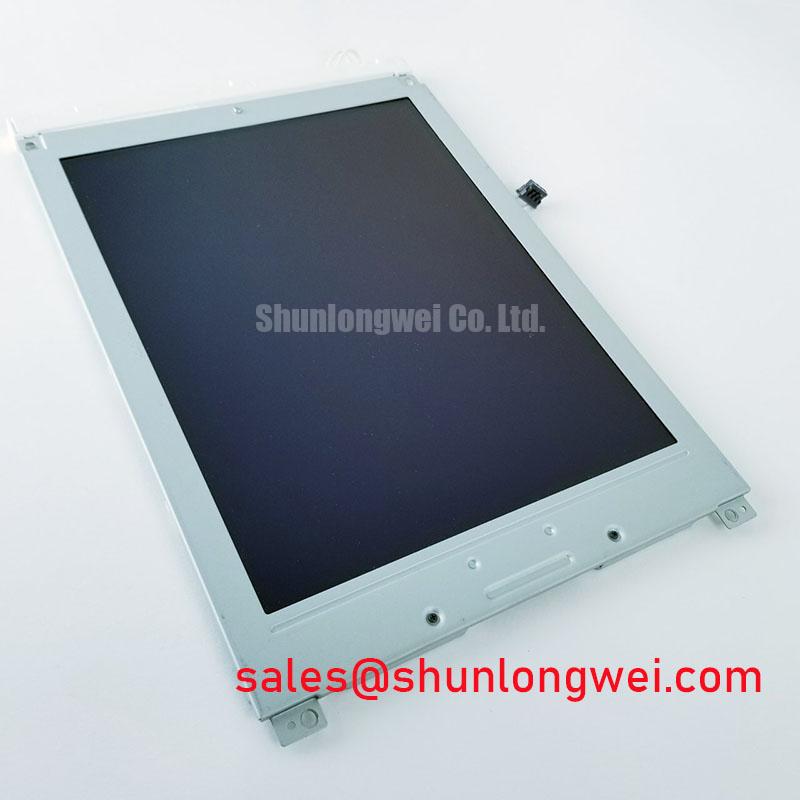
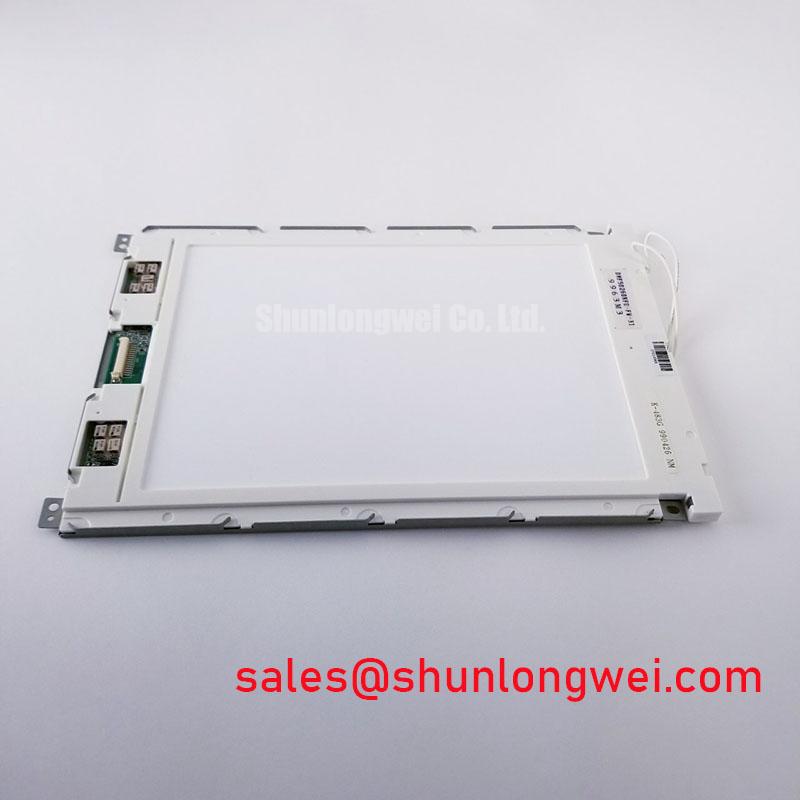
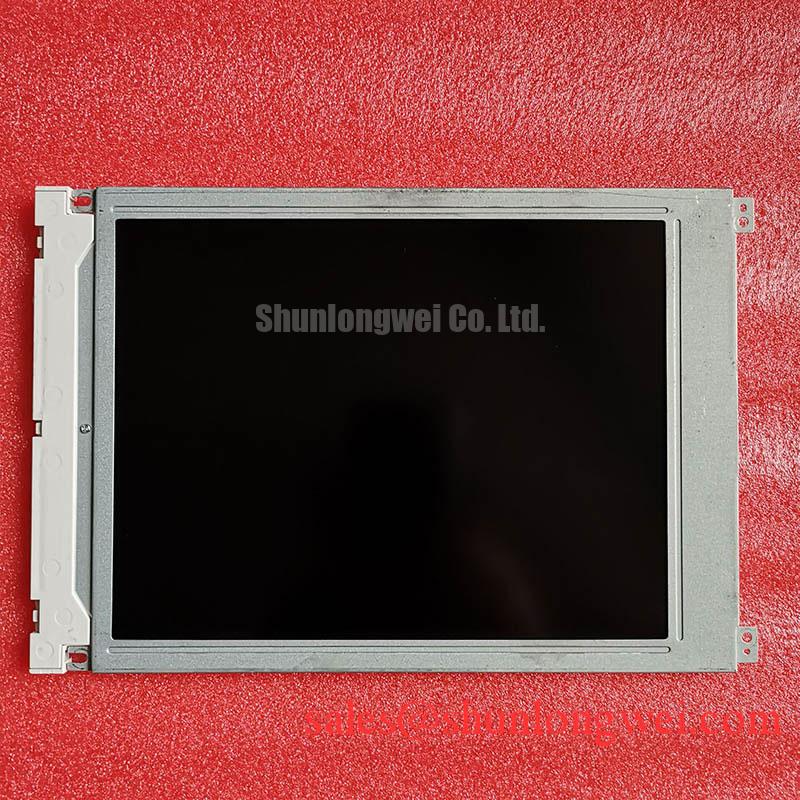
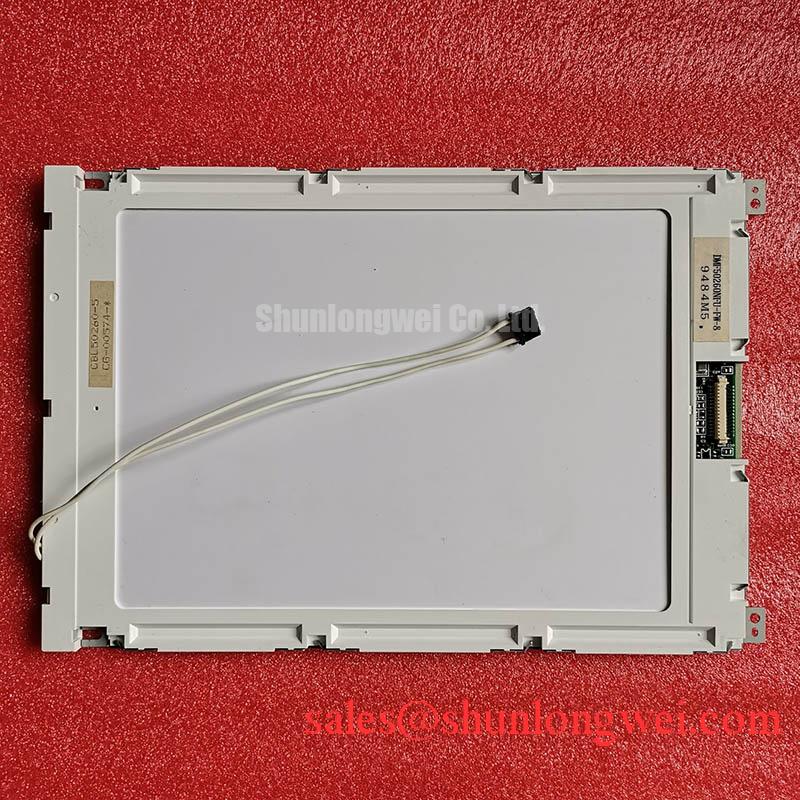
DMF50260NFU-FW-8 Identification and Replacement Assessment
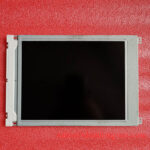
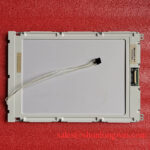
When a marine radar console shows a blank or faint image, first confirm the panel’s exact part number and inspect the display connection with the equipment isolated from power. The DMF50260NFU-FW-8 is identified as a Kyocera / OPTREX industrial LCD panel with an FSTN / STN monochrome passive-matrix format. These details identify the display class, but do not establish its drive voltage, pinout, dimensions, backlight type, or interface timing.
For a replacement assessment, compare the original panel label and connector arrangement, then check the equipment documentation for electrical and mechanical requirements. The panel may be evaluated for a marine radar or navigation bridge console when the system’s environmental protection and display requirements are compatible; the application alone does not establish suitability for sunlight, salt exposure, or any specific backlight configuration.
Assessing Readability in Direct Sunlight without Active Backlight Illumination
With the backlight off, distinguish an unlit display from a panel that remains visible by reflected ambient light. FSTN/STN identifies a monochrome passive-matrix display type, but does not by itself confirm a transflective polarizer, sunlight-readable contrast, anti-glare or anti-reflection treatment, or resistance to ultraviolet exposure. Do not attribute fading, bubbles, or uneven appearance to a specific internal material without supporting product documentation.
Inspect the front surface under consistent lighting and view the display from the normal operating angle. Compare the affected screen with a known-good unit or the equipment’s documented appearance; note whether the defect changes with viewing angle or ambient illumination. Such observations help separate a panel-viewing issue from a missing image signal, but are not a substitute for the panel’s optical specifications.
Field alert: Do not apply an assumed CCFL ignition voltage or probe an undocumented high-voltage backlight circuit; first establish the installed backlight type and its service procedure.
For optical terminology, Gamma Correction and Non-Linear Display Tone Reproduction explains how display tone reproduction affects perceived gradation; it does not specify this panel’s optical performance. When evaluating a replacement in bright surroundings, assess the complete console, including its cover, ambient-light conditions, viewing angle, and any glare-control measures.
Logic Power (VDD) vs. Liquid Crystal Bias Power-Up Sequence Coordination
Before powering a replacement, use the original panel documentation and equipment schematic to establish the supply rails, connector pinout, signal format, and power-up sequence. The DMF50260NFU-FW-8’s known product description does not confirm a 5.0 V or 3.3 V logic supply, a negative bias rail, or particular FLM, LP, or CP timing. Treating those values or signals as confirmed could damage the display or connected controller.
For a passive-matrix display, the controller and bias circuitry must operate within the requirements specified for the particular panel. If characters wash out, appear faint, or show unstable contrast, inspect the documented bias and logic supplies under operating conditions and check synchronization signals at the panel connector against the equipment’s known-good waveforms. Ripple, incorrect timing, or an incompatible bias setting are possible areas to investigate, not diagnoses from appearance alone. Temperature compensation should likewise follow the specified circuit and panel requirements rather than an assumed thermistor characteristic.
For a cross-model assessment, the LM64K112 can be considered as a separate candidate, but its compatibility with the DMF50260NFU-FW-8 cannot be inferred from the model names. Compare verified documentation before treating either part as a substitute.
| Compatibility check | DMF50260NFU-FW-8 | LM64K112 |
|---|---|---|
| Display category | FSTN / STN monochrome passive matrix | Confirm from product documentation |
| Pinout, supply, timing, and outline | Confirm from the panel and equipment documentation | Confirm from the panel and equipment documentation |
| Replacement decision | Requires a point-by-point electrical and mechanical compatibility check | |
When the installation is exposed to demanding conditions, use The Ultimate Guide to Industrial TFT LCD Technology as a general display evaluation reference, not as a specification for this monochrome panel.
Inspecting and Cleaning Zebra Connectors Where Fitted
First establish whether the panel uses an elastomeric zebra connector; the supplied product description does not confirm its connector construction. If the assembly documentation identifies a zebra strip, inspect its seating, alignment, and contact surfaces before reassembly. Missing rows or columns can be associated with contact or alignment problems, but can also arise from the panel, controller, or signal path.
Use the equipment maker’s approved cleaning method for the exposed contacts and allow any permitted cleaning agent to evaporate fully before restoring power. Avoid scraping conductive pads or changing bezel compression by guesswork: uneven clamping can affect contact, while excess force can stress the glass or assembly. Use anhydrous isopropyl alcohol (IPA) only if permitted by the service documentation for the actual assembly.
After reassembly, check whether the same rows or columns remain absent and compare the panel-side signals with a known-good path where available. If the fault persists, reassess the controller output and panel compatibility rather than repeatedly increasing mechanical pressure.
Backlight Identification and CCFL Driver Checks Where Applicable
The product identification provided here does not confirm that the DMF50260NFU-FW-8 includes a CCFL backlight, nor does it specify an ignition voltage, operating voltage, tube current, or ballast network. Identify the installed backlight from the equipment documentation and service information before testing its driver.
If the equipment documentation confirms a CCFL assembly, follow its specified isolation, measurement, and discharge procedures. A dark screen may involve the backlight, its driver, panel power, or image signals; determine which subsystem is present and test it using the equipment’s documented limits. Do not select a ballast capacitor by trial and error or assume that a current value for another backlight applies to this display.
When replacing the panel, verify the complete interface and mechanical fit against the original unit’s documentation, including backlight arrangement where applicable. A matching monochrome display category alone does not establish interchangeability for a marine radar or navigation console.