

Content last revised on September 25, 2026
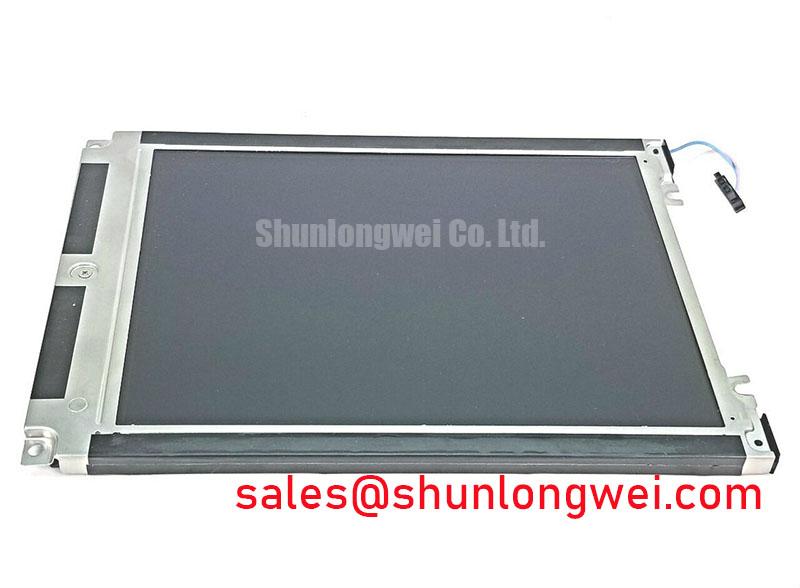
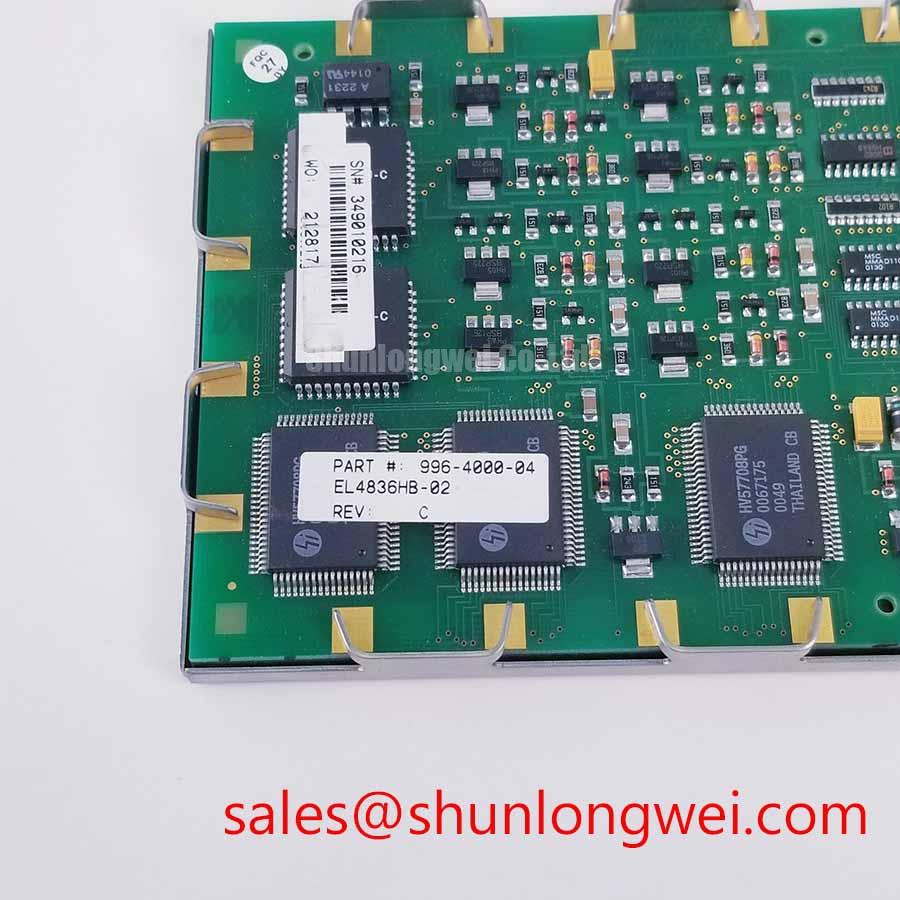
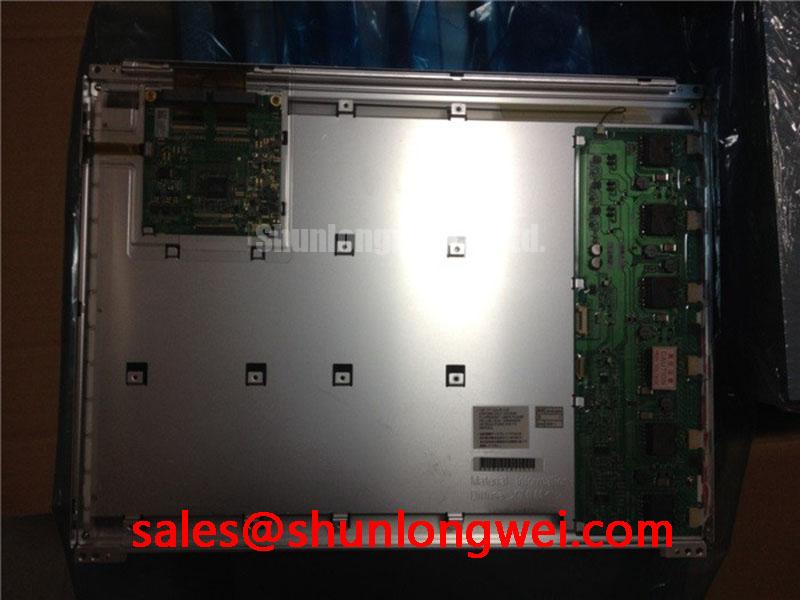
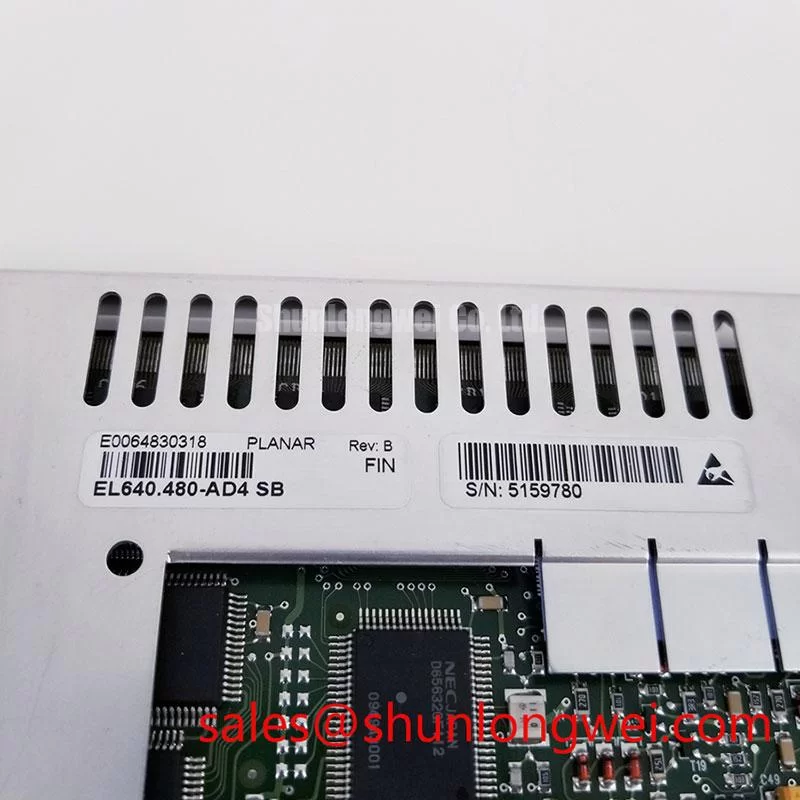
Incoming QA for the Planar EL640.480-AD4 SB Panel
| Parameter | Official Factory Information |
|---|---|
| Model | EL640.480-AD4 SB |
| Manufacturer | Planar |
| Product Category | Industrial-Grade Electroluminescent Display Panel |
| Panel Technology | Electroluminescent (EL) Panel |
| Specification Status | Official Factory Spec Verified |
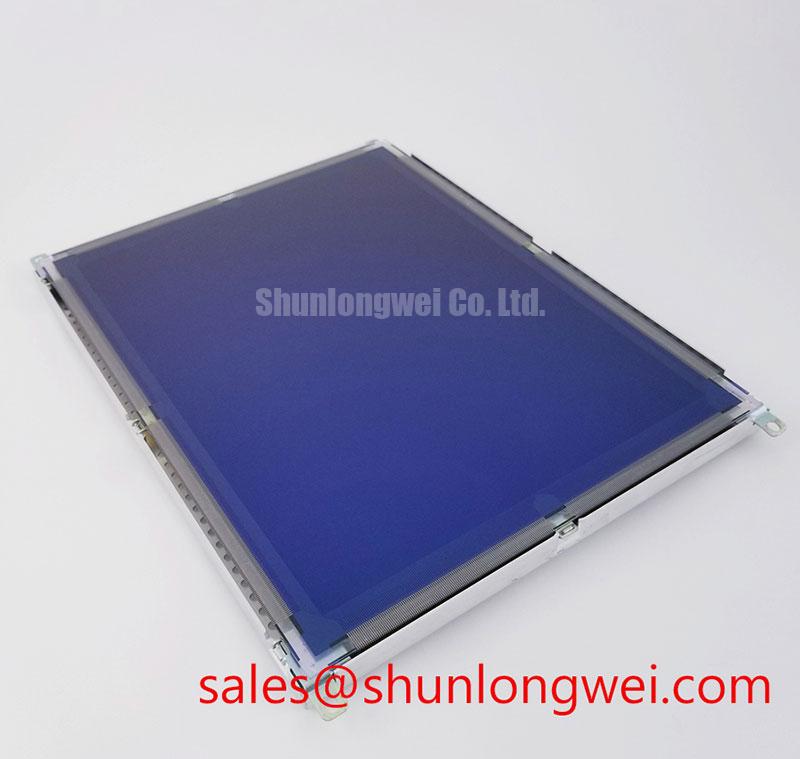
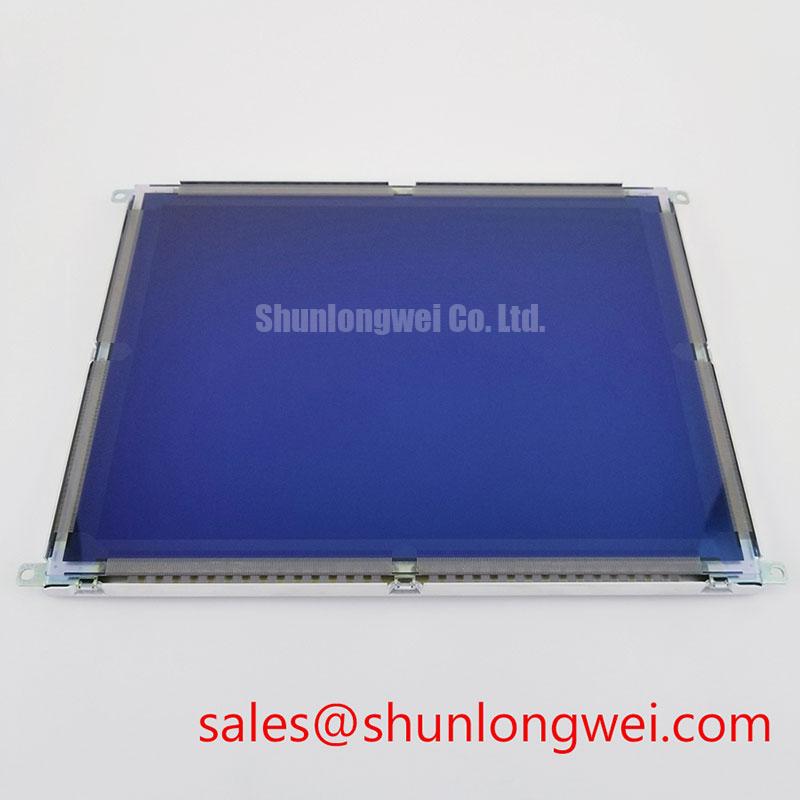
Inspect the panel surface under uniform illumination, then record visible scratches, edge damage, connector condition, and any dark or irregular display areas before connecting it to the host equipment.
The EL640.480-AD4 SB is identified as a Planar industrial-grade electroluminescent display panel. The confirmed product information does not provide a complete electrical pinout, supply voltage, luminance value, viewing angle, response time, touch interface, or mechanical drawing. Those values should not be substituted with assumptions from another Planar family member.
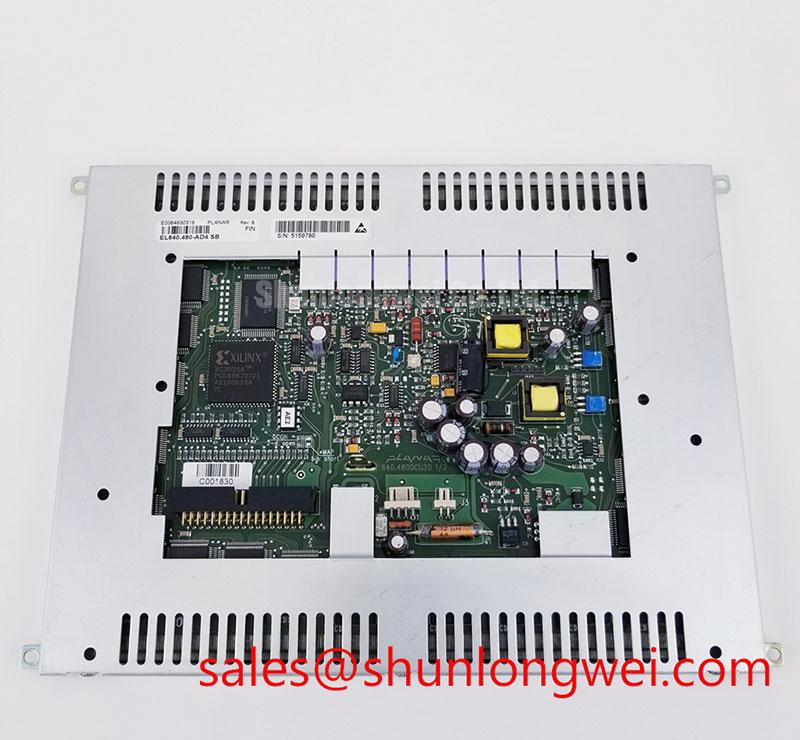
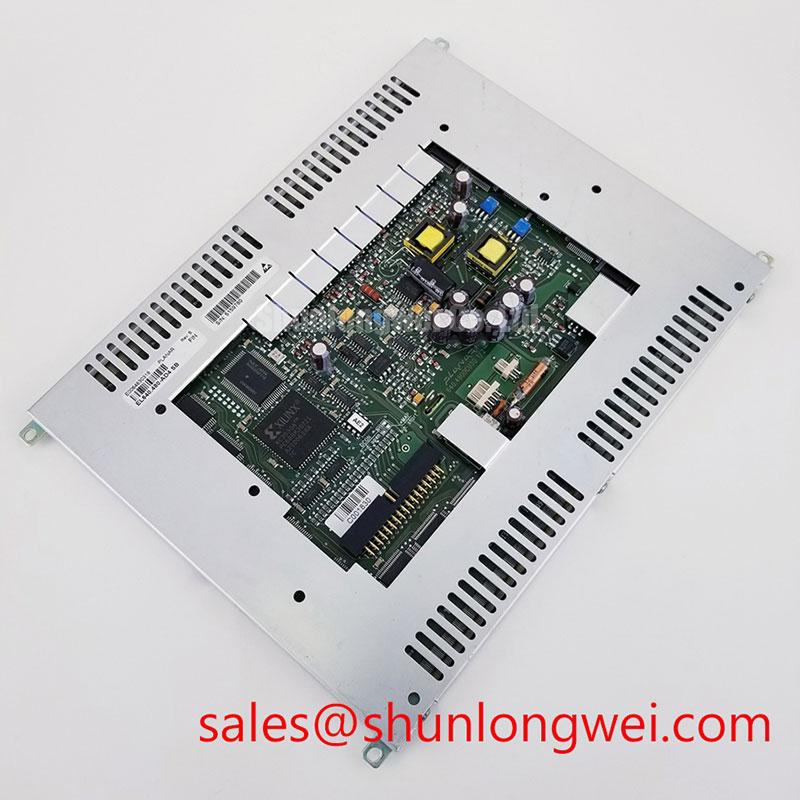
For incoming inspection, use a known compatible controller or the original equipment interface. Check that the panel connector is fully seated and that the cable enters the connector without lateral force. Inspect the locking mechanism, contact alignment, flex cable folds, and any signs of contamination. A panel that powers up but shows unstable data can require signal path verification rather than immediate replacement.
Display the full range of test images available from the host system. A uniform white field helps reveal brightness nonuniformity, while red, green, blue, black, and mid-level gray fields help expose stuck pixels, intermittent rows, column irregularities, and localized contrast changes. Photograph the active area under consistent lighting so that incoming inspection records remain comparable.
High-precision surgical navigation and ultrasound diagnostic displays require careful system-level validation. This panel may be evaluated for such equipment only after the integrator confirms optical performance, interface compatibility, enclosure conditions, and applicable medical equipment requirements. The panel itself should not be described as independently certified for a complete medical display system.
When an equivalent display assembly is being assessed, engineers can review NL10276BC30-18 as a separate same-category selection reference. Electrical, mechanical, and optical compatibility must be checked independently before any substitution decision.
Electroluminescent Panel Drive and Visual Stability Checks
Measure the panel supply and display enable signals at the equipment interface while observing the screen for flicker, brightness cycling, or loss of uniformity during a controlled power sequence.
The confirmed factory information identifies an electroluminescent panel, but it does not state the operating voltage, drive waveform, row and column architecture, luminance half-life, shock rating, low-temperature response, or viewing-angle specification. Values such as high-voltage AC amplitude, pulse symmetry, net DC bias, or resonant charge recovery must therefore be treated as system-design matters unless they are confirmed by the original Planar documentation.
For a replacement evaluation, preserve the original controller and record the waveform at the designated interface using suitable measurement equipment. Engineers should examine whether the drive signal remains stable during start-up, steady display, brightness transitions, and shutdown. An oscilloscope comparison with a known-good panel can help distinguish a display fault from controller timing, cable integrity, or power-conversion issues.
A symmetrical alternating drive concept can be relevant to electroluminescent panel systems because maintaining balanced excitation is a design consideration for controlling net DC stress. The actual pulse amplitude, frequency, switching sequence, and charge recovery network remain determined by the original controller and panel interface. They should be verified against the equipment documentation rather than inferred from the model name.
Brightness drift should be assessed using the same test image, viewing geometry, warm-up condition, and measurement method used for the approved assembly. A visual comparison alone is useful for screening but does not establish a luminance lifetime or half-life rating. No field-life or failure-rate value is assigned here without an authoritative test source.
Designers evaluating the panel for a high-precision ultrasound or surgical display should also verify ambient temperature, enclosure airflow, optical cover transmission, glare control, and the effect of any touch overlay. AG or AR treatment, glove operation, wet-touch response, and capacitive or resistive touch capability are not confirmed product parameters in the available factory data.
Interface, Cable, and System-Level Compatibility
With power removed, inspect the mating connector and cable for bent contacts, uneven insertion depth, cracked strain relief, or a cable fold that places tension on the panel connector.
The model information supplied for this product does not define the connector pin assignment, host signal standard, logic levels, display drive arrangement, or power sequencing. The system integrator should verify the required supply voltage and interface configuration from the original panel documentation and the equipment service record.
Do not assume that a panel using the same display category has the same connector orientation or signal mapping. Check the original harness drawing, connector keying, cable length, mounting points, active area, and controller firmware requirements. A mechanically compatible panel can still produce a blank screen, incorrect image geometry, unstable synchronization, or permanent interface damage when the electrical mapping is different.
The supplied product description does not confirm a separate LED or CCFL backlight assembly, touch controller, or dedicated fault output. Display-drive open-circuit, short-circuit, overvoltage protection, and diagnostic reporting should be investigated in the host display controller. Measure the relevant supply rails and control signals at the system connector, using the original service limits and a known-good assembly as the comparison reference.
For systems using a related display driver or companion panel, NL128102BC28-04 can be reviewed as a separate system-topology reference. It should not be treated as an automatic electrical companion or a confirmed substitute for the Planar panel.
Electromagnetic compatibility is also a system property. In an industrial cabinet, route display cables away from high-current switching paths where practical, preserve the original shield termination method, and verify image stability while nearby servo or inverter equipment operates. These are design considerations, not an independent EMC certification claim for the panel.
⚡ Bench Tip: Use ESD protection and make the flex cable parallel to the connector before locking it, because an angled insertion can damage contacts even when the latch appears closed.
Fault Isolation for Industrial HMI and Diagnostic Displays
Compare the suspect panel with a known-good unit using the same controller, cable, image pattern, and power sequence before assigning the fault to the display assembly.
A completely dark screen may involve the panel, controller, supply rail, enable timing, cable, or display drive section. Intermittent rows or columns may involve contact integrity, signal timing, mechanical stress, or the panel itself. The correct procedure is to observe the signal path and repeat the test under controlled conditions rather than relying on a single symptom-to-cause conclusion.
For a no-image condition, check whether the host controller completes its normal start-up sequence, whether the display interface remains active, and whether the panel connector maintains contact when the harness is gently positioned within its permitted mechanical range. Do not probe unknown high-voltage panel drive nodes without confirming the test method and instrument rating from the service documentation.
For uneven brightness, compare the screen using a uniform field and inspect the supply and drive waveform for periodic modulation. If the variation follows the cable or controller during a cross-test, the panel may not be the originating assembly. If the variation remains with the panel, document its location and operating condition for engineering review.
For image artifacts, verify the source image, controller configuration, timing parameters, and connector seating. A replacement panel should match the original resolution and interface requirements; the confirmed information here does not provide a full timing table or pinout, so those items require direct documentation review.
For a medical display application, image quality acceptance should include pixel screening, uniformity assessment, grayscale evaluation, viewing-position checks, and verification of the complete display system under its intended enclosure conditions. Optical treatment, touch response with gloves or moisture, and resistance to servo-generated interference require application-specific testing.
The technical background at The Ultimate Guide to Industrial TFT LCD Technology provides broader display integration context. High-voltage power references such as partial discharge detection and avalanche breakdown concern broader electrical engineering topics and should not be interpreted as confirmed failure mechanisms or ratings for this Planar display.