


Content last revised on October 17, 2026
AUO G121X1-L02 Replacement Inspection
- Confirm the installed panel marking matches G121X1-L02 and AUO identification before removal.
- Record the existing cable orientation, connector position, backlight wiring, and mounting-hole alignment.
- Inspect the cabinet frame, sealing gasket, ventilation path, and display window for distortion or contamination.
- Compare the replacement panel interface and power requirements with the original system documentation before energizing.
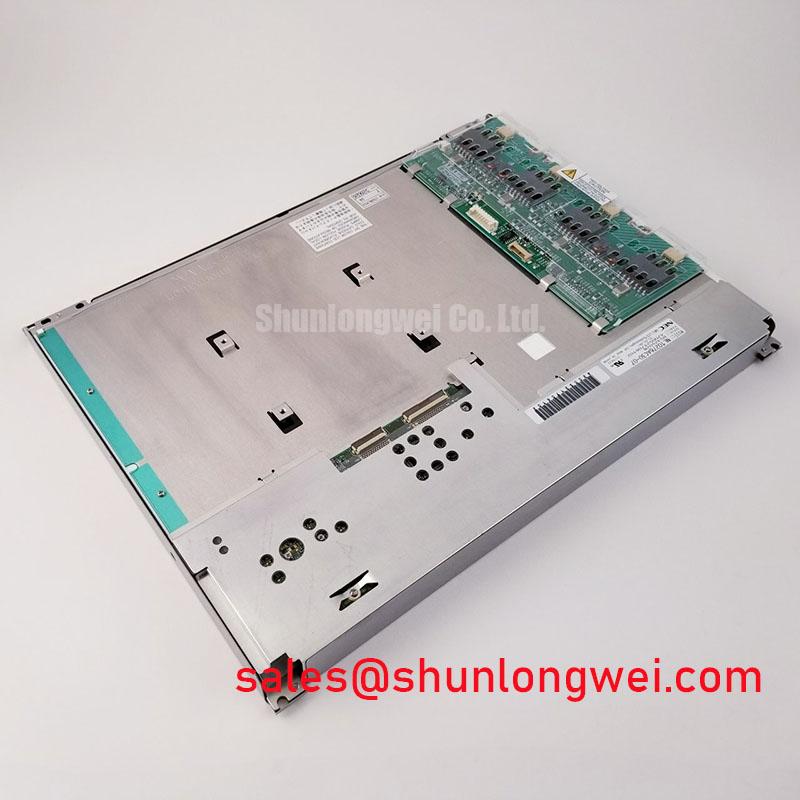
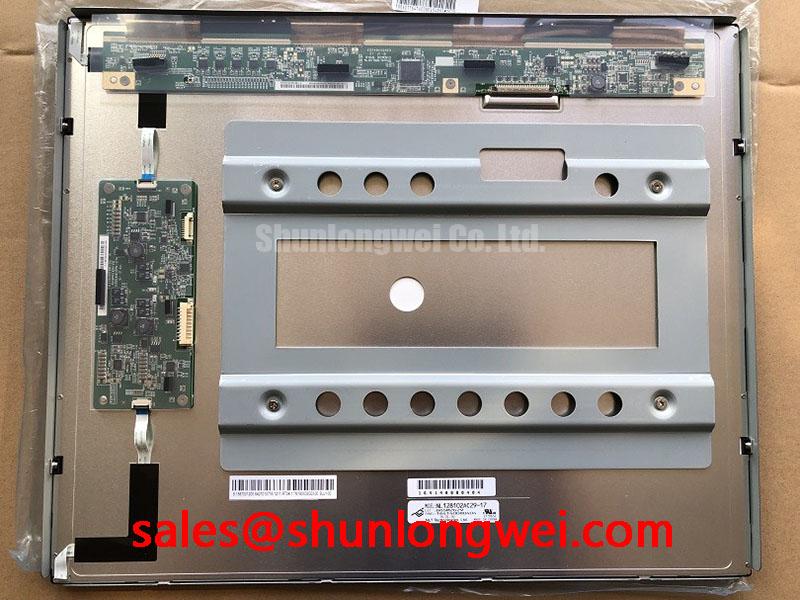
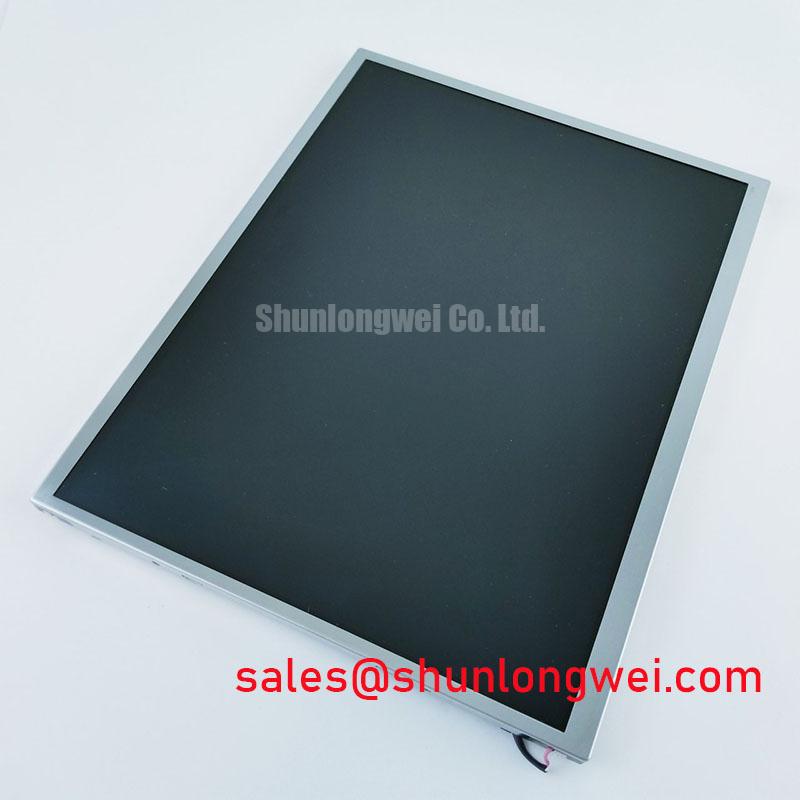
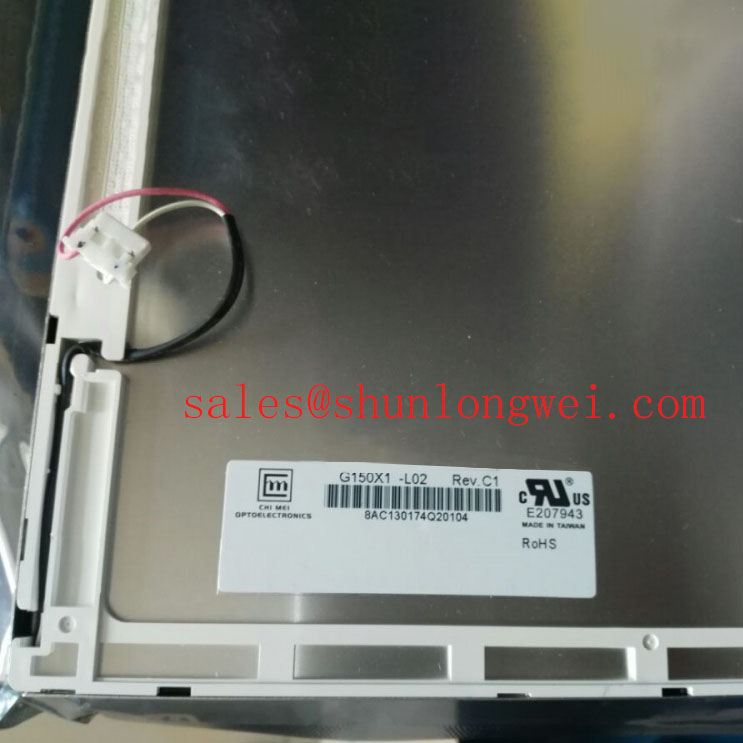
Use a controlled, de-energized inspection to establish the replacement baseline for the AUO G121X1-L02. The supplied product classification is an Industrial Grade LCD/HMI Panel using a TFT-LCD Active Matrix Color Display Module in a decoded baseline, standard form factor. Resolution, active-area dimensions, connector assignment, logic supply, backlight configuration, and optical limits should be matched against the panel documentation retained with the original SCADA or protection terminal.
This model may be evaluated for industrial operator stations, control cabinets, and high-voltage substation protection or SCADA dispatch consoles when mechanical clearance, display timing, environmental sealing, and electrical compatibility have been established. AUO’s industrial display information can be reviewed through AUO Corporation Industrial Display & Embedded Systems.
Industrial EMI Noise Immunity, Chassis Shielding Continuity & Common-Mode Ferrite Chokes
Check the complete signal path from the host controller to the display before attributing pixel jitter or horizontal noise bands to the panel. In cabinets containing variable-frequency motor drives or high-current switching equipment, the FFC or LVDS cable should be routed away from noisy power conductors, with the intended shield termination preserved at the chassis interface. A shield that is interrupted by paint, a loose clamp, or an uneven enclosure seam can allow common-mode interference to enter the display link.
Common-mode ferrite components are system-level suppression parts, not an identified built-in feature of the G121X1-L02. Their suitability depends on cable construction, signal rate, grounding arrangement, and the interference spectrum measured at the cabinet. Engineers should compare the display waveform with a known-good signal path while checking chassis continuity and connector seating. Avoid adding suppression components that create excessive capacitive loading or disturb the differential signal balance.
Backlight ageing should also be separated from data-link noise. A generic “50,000-hour to 50% brightness” curve must not be assigned to this AUO model unless it appears in the applicable panel or backlight documentation. For maintenance planning, record brightness uniformity, startup behavior, and driver temperature over time rather than converting a generic industry figure into a guaranteed service life.
For broader enclosure, grounding, sealing, and HMI integration guidance, see Industrial Display & HMI Solutions.
Polarizer Durability & Optical Retardation Film Inspection under Direct Industrial Lighting
Inspect the polarizer surface under the actual cabinet lighting angle, not only under a bench lamp. Direct illumination can reveal scratches, pressure marks, localized haze, uneven reflections, or surface contamination that may be difficult to see when the display is powered. The gasket should contact the bezel evenly so that frame distortion does not transfer mechanical stress into the visible area.
Viewing-angle behavior must be treated as a panel-specific optical specification. The frequently cited 85°/85°/85°/85° symmetric viewing cone is associated with particular IPS or MVA display specifications and should not be attributed to the G121X1-L02 without matching documentation. Likewise, TN grayscale inversion characteristics should not be presumed for this model. Compare grayscale steps, alarm colors, and fine text from the normal operator position and from the required service angles.
Anti-glare treatment can be affected by cleaning chemicals, abrasive cloths, repeated wiping, and contact with a hard bezel edge. Use a clean, compatible procedure defined for the installed panel surface. If the replacement is fitted behind a protective window, evaluate reflections and contrast after the window, gasket, and cabinet door are fully assembled. The a-Si TFT background described in Amorphous Silicon TFT Technology provides useful technology context, but it does not replace the model-specific optical sheet.
Maintenance Note: Inspect the display gasket and cabinet airflow during scheduled service so dust ingress, condensation, and localized heat do not develop unnoticed.
20-Pin/30-Pin Differential LVDS Timing, Pixel Clock & Skew Compensation
Identify the installed connector and pin assignment before connecting a replacement harness. A 20-pin or 30-pin cable cannot be selected by appearance alone, because connector position, power pins, enable lines, data mapping, and backlight contacts vary between panel families. The original panel documentation should define the required logic rail, timing sequence, and interface mapping for the G121X1-L02 installation.
When the host uses a differential display link, inspect pair routing, reference return, connector retention, and cable bend radius. A nominal 100-ohm differential routing target and a 50 ps skew budget are common engineering considerations for high-speed links, but they are system design values rather than confirmed factory specifications for this panel. The commissioning engineer should verify the actual signal quality at the panel connector with an appropriate probe arrangement.
Power sequencing deserves attention when a replacement produces a white screen, delayed image, split image, or residual frame after shutdown. Confirm that the logic supply rises and falls in the order required by the original controller, and check enable and reset behavior with the display disconnected before repeating the test under load. The commonly used 0.5 ms to 10 ms rise-time window should not be treated as a G121X1-L02 rating unless documented for the exact assembly.
JEIDA and VESA data mapping are not interchangeable assumptions. Compare the host configuration with the original panel image, color order, and connector definition. If the existing unit is no longer available for comparison, the integrator should use the correct panel documentation rather than correcting split-screen artifacts through arbitrary software timing changes. A related display option for cross-checking form-factor requirements is G121ACE-LH1, subject to independent electrical and mechanical verification.
Suppressing Acoustic Capacitor Buzz & EMI Emissions across 200 Hz to 1 kHz PWM Frequencies
Separate audible noise from the panel image path by observing the backlight driver, cabinet structure, and mounting frame while changing brightness commands. Acoustic buzz may originate from a driver, transformer, capacitor, enclosure panel, or mechanically stressed bracket; it should not be assigned to the G121X1-L02 without tracing the vibration source.
Legacy systems may use a high-voltage CCFL inverter, while other assemblies use a constant-current LED driver. The presence of either configuration must be established from the original wiring and panel documentation rather than inferred from the model number. A reported CCFL ignition range of 1500 to 1650 Vrms, or a 1000:1 PWM dimming ratio, is not an official rating for this listing and should not be used as a replacement specification.
For PWM-related flicker or emission checks, observe the brightness command, driver output, display illumination, and cabinet noise together across the operating range. Keep the backlight return path controlled and prevent its switching current from sharing sensitive signal returns. The appropriate PWM frequency, dimming range, filter arrangement, and conducted-emission treatment remain system-determined and should be validated in the completed enclosure.
Where the display installation includes a separate auxiliary display or driver stage, engineers may review G121SN01 V2 as a related AUO display solution. It should be assessed as a separate component, with its own interface, power, mounting, and backlight requirements.