



Content last revised on October 25, 2026
Full-Screen Primary Color AOI Screening: Stuck Sub-Pixels & Background Uniformity Audit
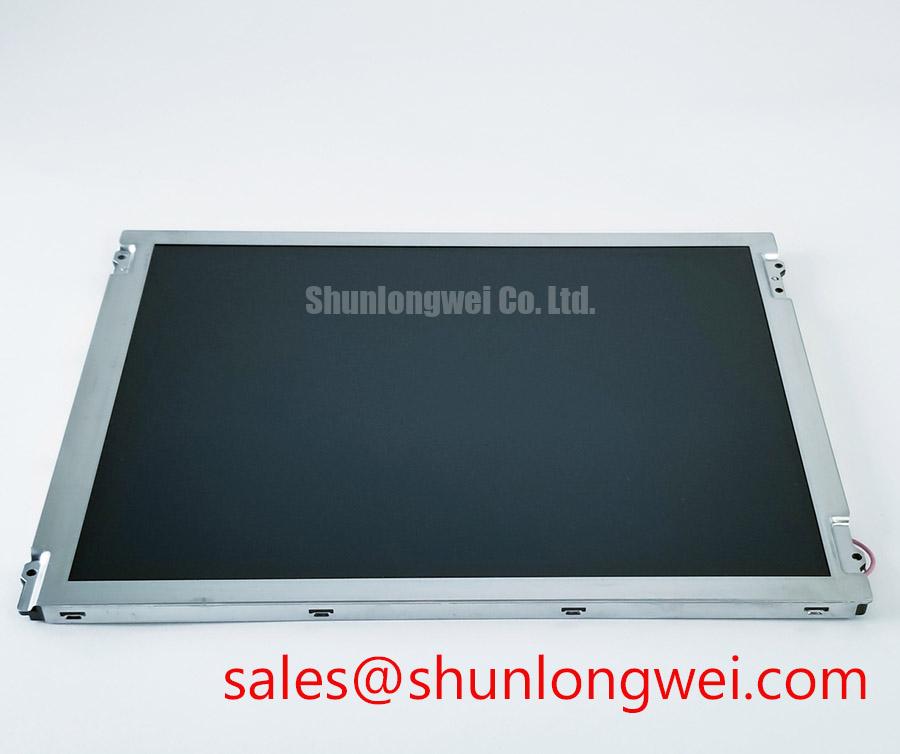
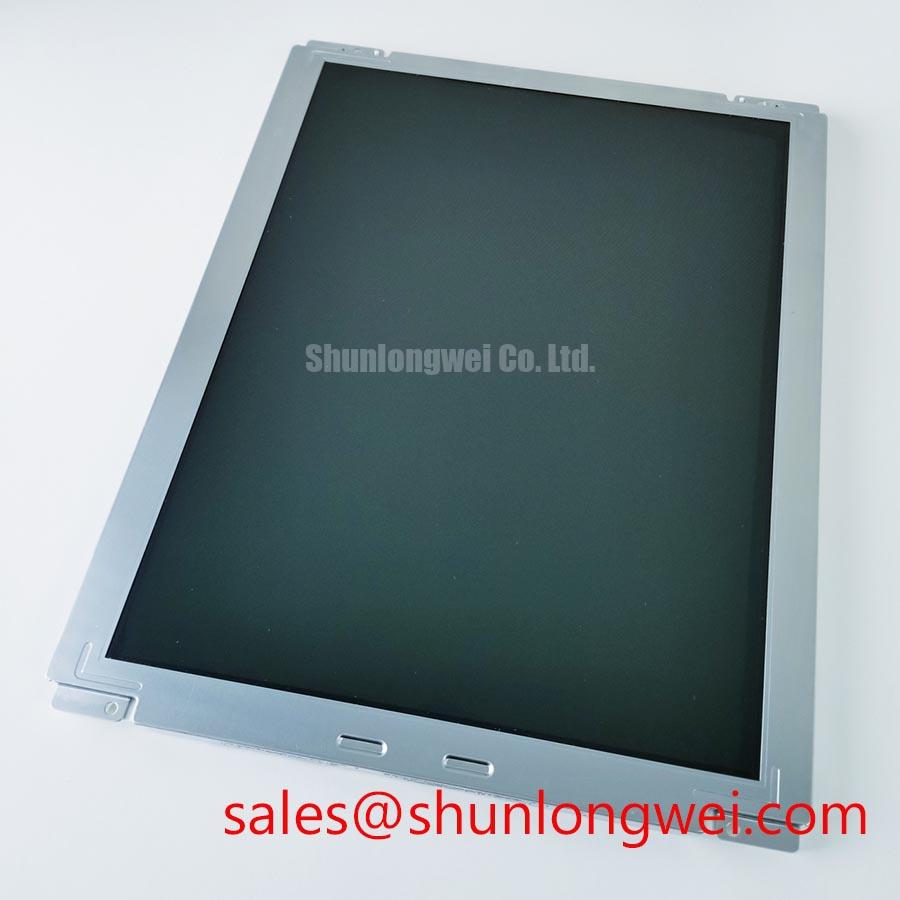
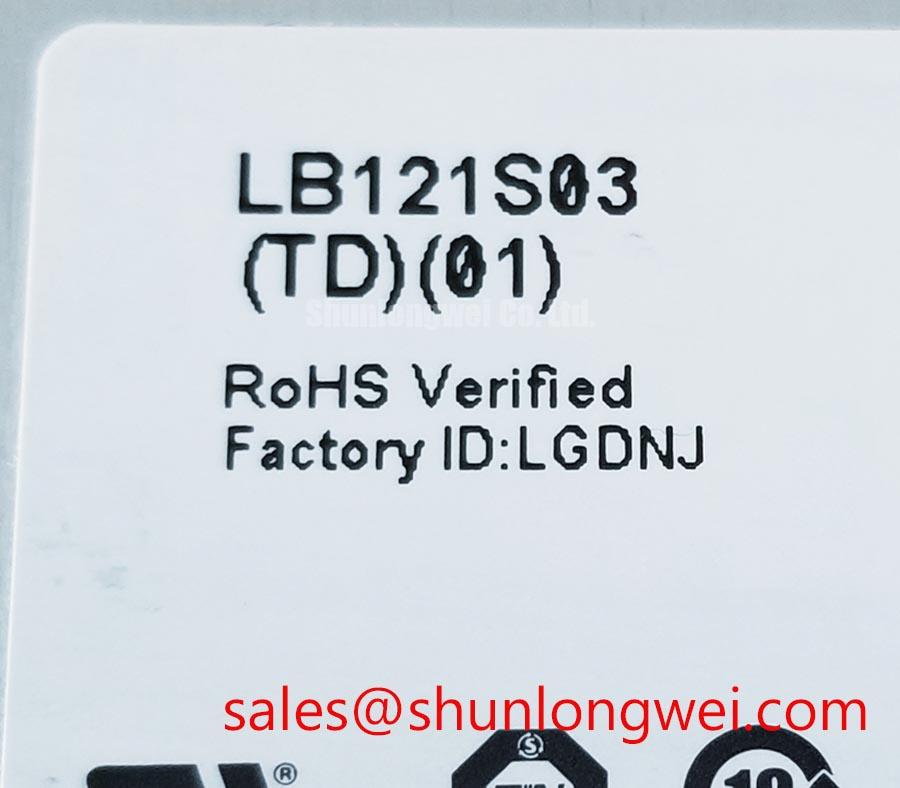
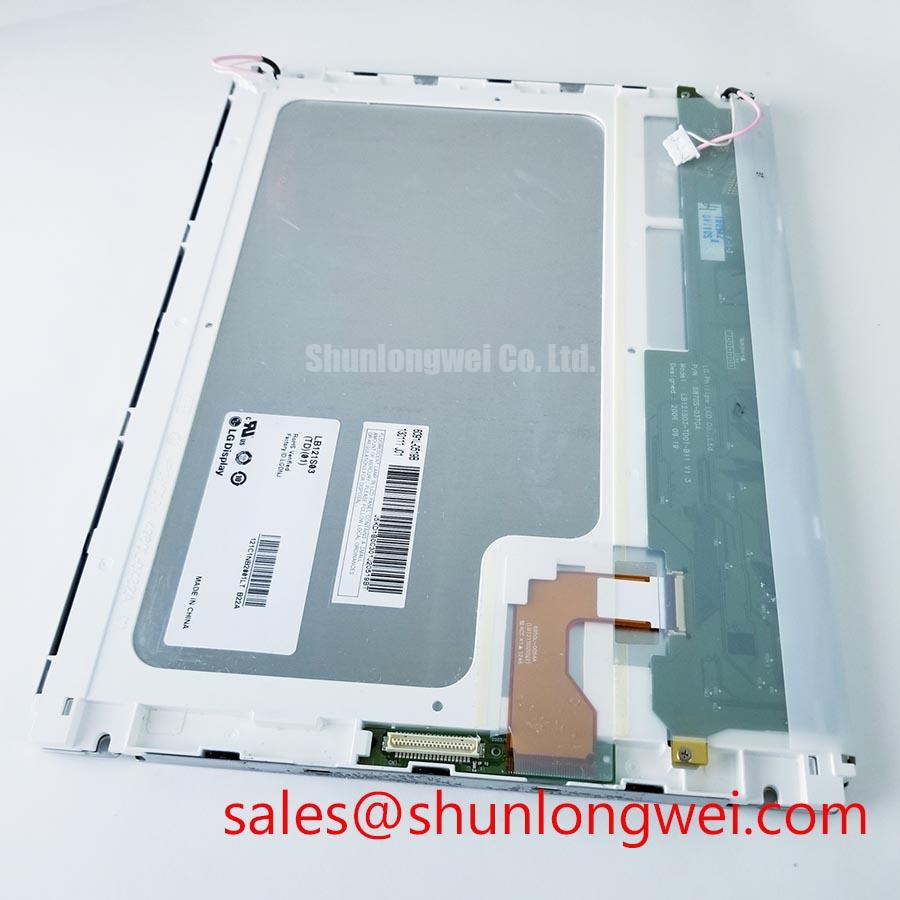
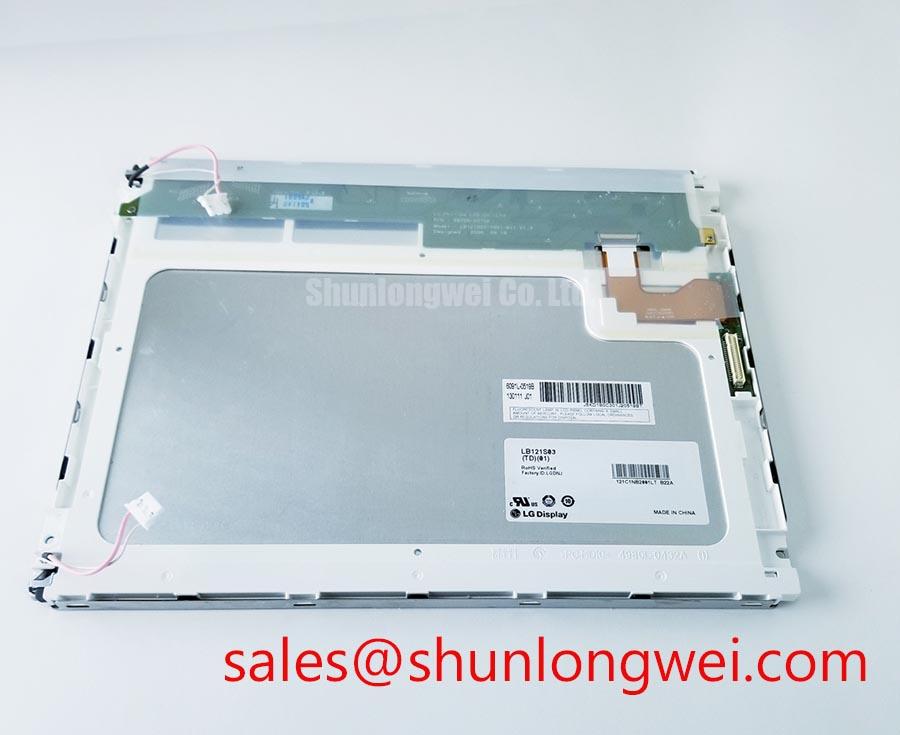
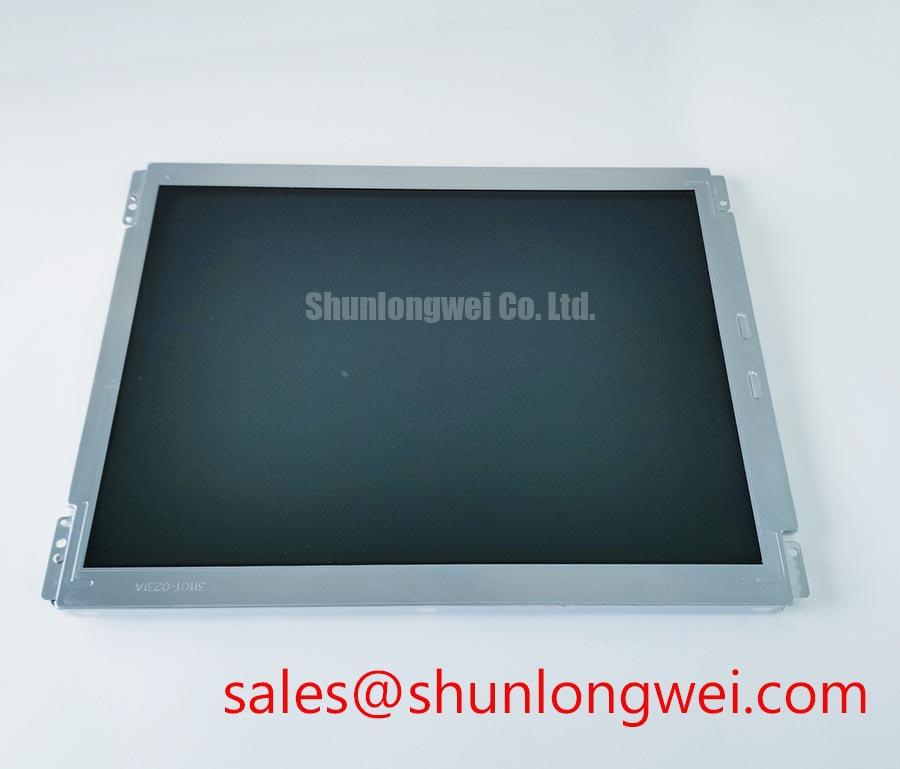
Run the red field first on the LG Display LB121S03-TL01, followed by green and blue, keeping the image source and brightness setting unchanged throughout the sequence. As a Design Consideration, this primary-color screening can reveal persistent bright or dark subpixels, missing color information, and defects that change with the displayed pattern. Record the location and appearance of each anomaly rather than assigning a failure mechanism from appearance alone. Formal acceptance should follow the applicable pixel-defect criteria.
Continue with white, black, and neutral-gray fields to inspect broad shading, edge brightness, and localized patches. Keep ambient illumination and viewing position consistent. An automated optical inspection setup also needs controlled camera exposure and focus; otherwise, camera processing can exaggerate apparent nonuniformity or conceal low-level defects. Compare suspicious areas with the same image displayed through a known-good signal path.
If the screen appears dark while the controller remains active, illuminate its surface obliquely with a flashlight and look for a faint changing image. As a Design Consideration, a visible image can help separate an illumination-path problem from a complete loss of image generation, but it does not identify the failed component. Persistent lines likewise require checks of the source, cable, connector seating, and panel electronics; their appearance alone does not establish an internal bond fracture.
Evaluate brightness control through the installed backlight driver. Where that driver accepts PWM, inspect its control waveform alongside observed flicker, brightness progression, and audible behavior. Frequency and duty-cycle limits belong to the driver specification and system validation. Check startup and shutdown waveforms as well: image instability or a white screen during transitions warrants comparison of supply, valid video, and backlight-enable timing against the required sequence.
Grayscale Inversion Assessment & Viewing Direction Alignment
Move a neutral-gray test image through the intended operator viewing positions and record where dark tones lose separation or reverse their apparent brightness. Design Consideration: establish the panel’s optical mode and preferred viewing direction before using TN-specific expectations to accept or reject it.
For a panel with asymmetric angular response, enclosure orientation can materially affect readability. Evaluate text, alarm colors, and closely spaced gray levels from the actual operating position. IPS and MVA labels also do not establish identical viewing performance across products; compare the relevant optical specifications under their stated measurement conditions. The general operating principles of an active-matrix display are explained in Thin-Film-Transistor Liquid-Crystal Display (TFT LCD) Technology.
Assess reflected light with the intended protective window and bezel installed. As a Design Consideration, surface treatment, cover reflections, viewing angle, and ambient illumination jointly affect readable contrast. A dark-room contrast rating does not establish sunlight readability, and an anti-glare finish should not be assumed without a specified surface treatment. Compare small text and dark interface elements under representative workplace lighting.
When evaluating the LB121S03-TL01 for a CNC operator panel or robot teach pendant, check viewing geometry alongside controller compatibility. A comparison with G121ACE-LH1 should examine resolution, active area, outline, mounting points, interface mapping, and illumination requirements independently. Neither a shared size class nor a similar product description establishes a direct replacement.
Display Uniformity & Thermal Assessment under Continuous Operation
Observe image uniformity as the assembled display reaches a stable operating temperature under its intended brightness setting. Design Consideration: temperature-dependent shading can justify examining enclosure pressure, ventilation, and heat sources near the display. It does not establish which internal optical layer is responsible. Avoid assigning a particular diffuser, prism material, or light-guide composition to this model without manufacturer documentation.
Any proposed heat-spreading rail should be assessed against the mechanical drawing, mounting surfaces, and measured enclosure temperatures. Its placement should avoid transferring assembly loads into the display perimeter. Where environmental limits are relevant, the Industrial Display & HMI Solutions guide provides broader integration context; model-specific acceptance remains tied to the applicable specifications and equipment tests.
At the intended lower operating temperature, compare startup behavior, grayscale transitions, and image settling with the warm condition. As an Engineering Recommendation, system designers should evaluate any response compensation within the supported controller functions and panel limits. Brightness drift or slow transitions should be measured directly rather than converted into unsupported backlight-life predictions.
Temperature testing should also preserve a stable video path. Confirm the actual interface before applying LVDS routing practices or JEIDA/VESA mapping assumptions. If the documented interface is LVDS, assess differential routing, clock-to-data timing, and connector transitions against the transmitter and receiver requirements. 💡 Pro Tip: When LVDS is confirmed, preserve differential-pair symmetry through cable transitions and connector breakouts, then verify timing at the receiver under the intended operating conditions.
Industrial Bezel Mechanical Envelope Tolerances & Mounting Screw Torque Optimization
Compare the bezel opening, mounting locations, connector clearance, and panel outline with the assembly drawing before tightening the display into its enclosure. Design Consideration: the bezel should retain the module without pressing on its active surface or forcing the frame to accommodate misaligned mounting points. Fastener size, engagement depth, and tightening torque must follow the actual mounting arrangement rather than a generic screw recommendation.
Inspect gray and dark fields as the assembly is secured. If localized shading changes with fastening, release the load and investigate seating, spacers, gasket contact, and enclosure flatness. This comparison can reveal sensitivity to assembly pressure without proving a specific internal defect. Vibration assessment should examine retention and cable support while avoiding additional stress on the display frame.
Route flexible cables with sufficient movement allowance for assembly and service, using the cable specification to determine permissible bending. Check that connector locks engage fully and that enclosure movement does not pull on the connection. Repeated bending capability belongs to the specified cable construction; it should not be inferred from the flexibility of an installed tail.
Complete the assembled check with representative static interface content, then change to a uniform field to inspect temporary image persistence. As an Engineering Recommendation, application designers may evaluate screen blanking or content movement where persistent graphics are operationally unnecessary. Record readability, connector retention, startup behavior, and uniformity with the final bezel fitted so that acceptance reflects the installed configuration.