
Content last revised on October 7, 2026
LB121S03-TL02 Identification and Pre-Installation Checks
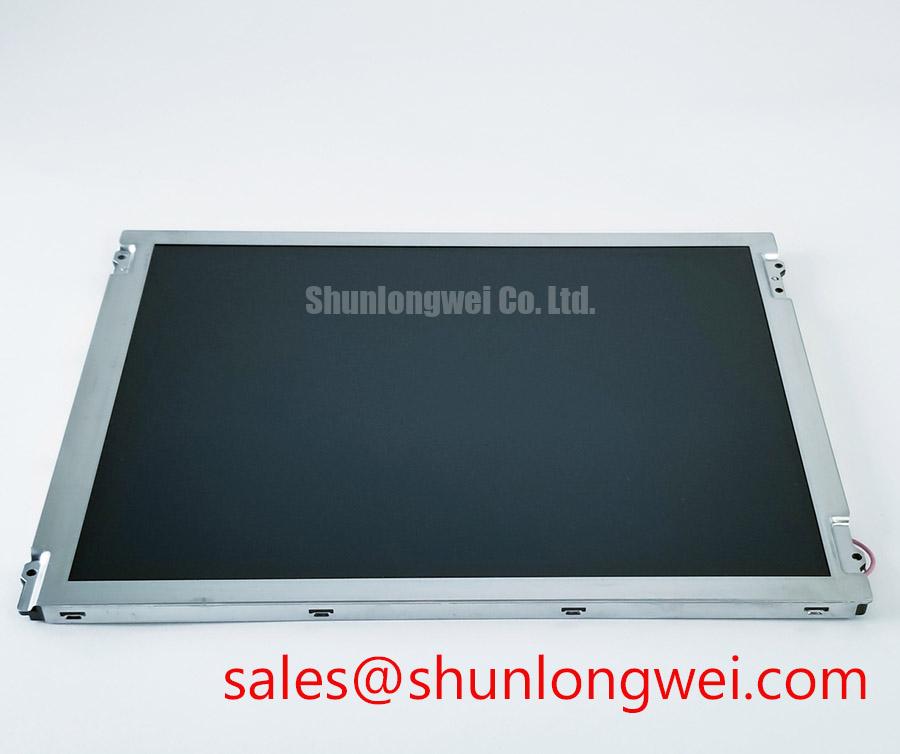
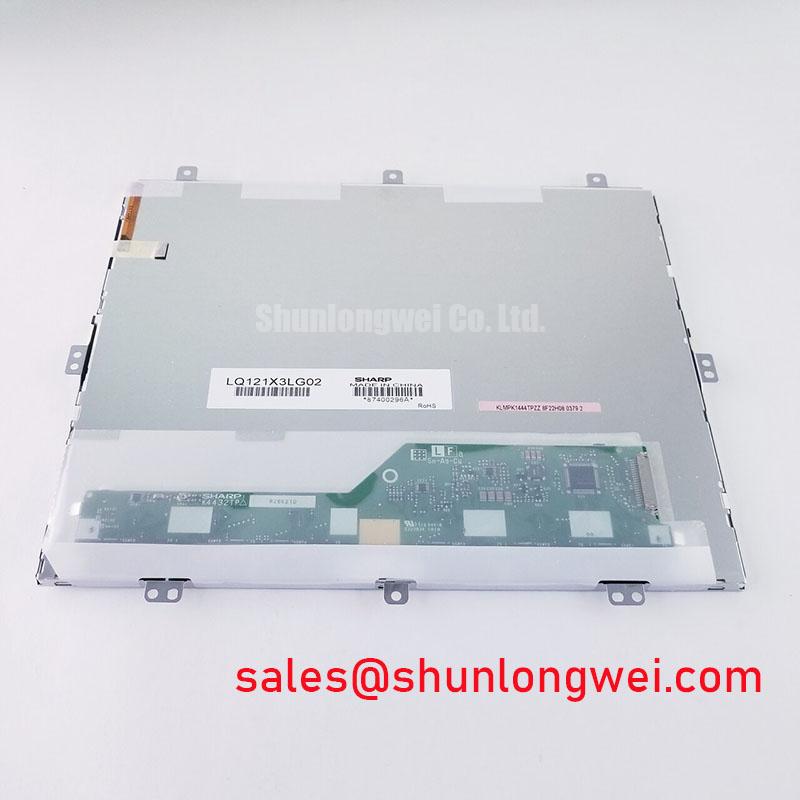
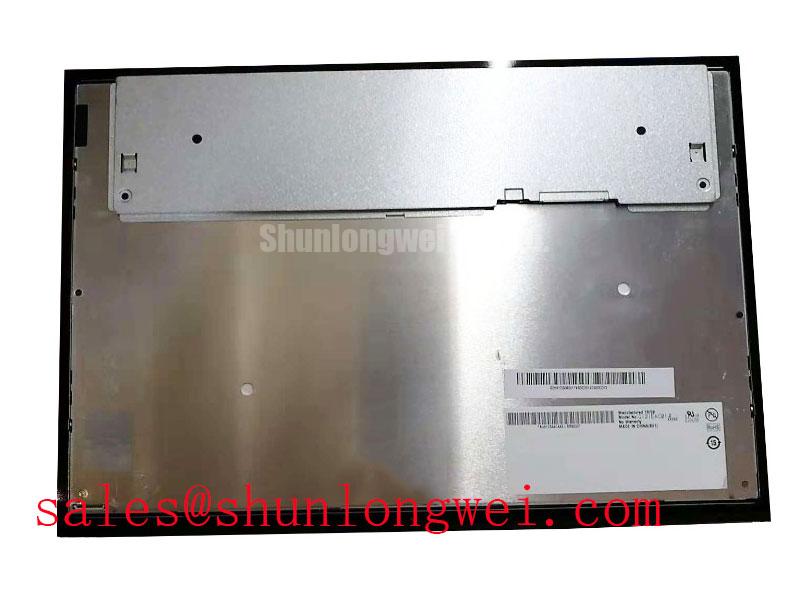
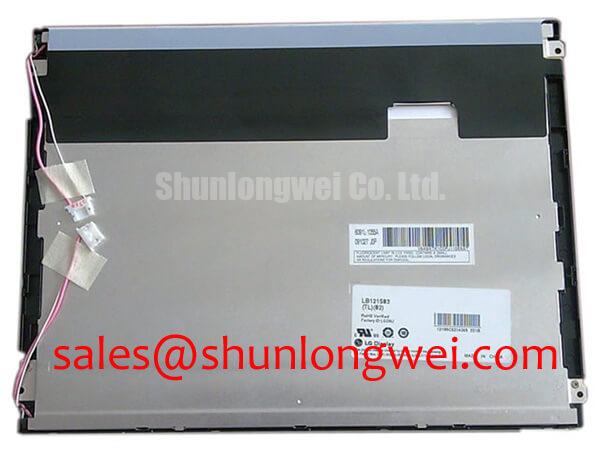
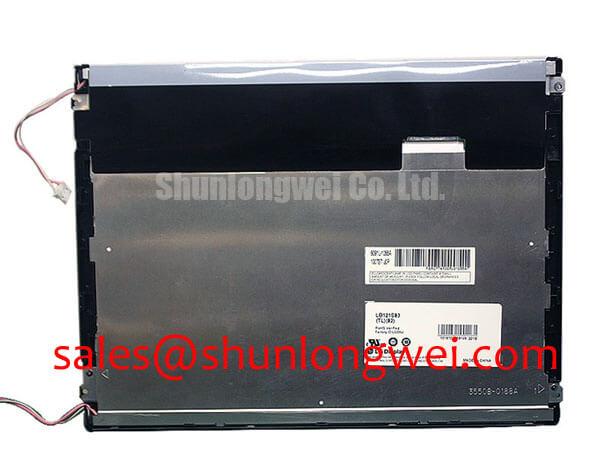
Before powering the replacement, inspect the LB121S03-TL02 for connector damage, check the panel label against the service record, and compare the original harness orientation with the replacement unit. The available product information identifies this product as an LG Display TFT LCD Display Module for industrial LCD and HMI use. Interface voltage, timing, backlight type, optical performance, and mechanical dimensions must be confirmed from the original panel documentation before installation.
| Model | LB121S03-TL02 |
| Manufacturer | LG Display |
| Product category | Industrial Grade LCD/HMI Panel |
| Construction category | TFT-LCD Display Module |
| Specification status | Confirm against original panel documentation |
| Typical evaluation context | Industrial HMI, AGV display, and forklift telematics service assessment |
Display Interface Synchronization and Logic Power Rail Verification
Do not assume that the LB121S03-TL02 accepts a particular RGB, LVDS, or serial display format solely because it is being installed in an industrial HMI. The panel category and manufacturer are confirmed, but the host controller must still be matched to the original interface documentation. A replacement harness with a similar connector can carry a different pin assignment, voltage level, data mapping, or enable sequence.
Start at the system side with power removed. Record the connector keying, cable direction, locking method, and any labels on the original controller board. Inspect the flexible cable for creases near the connector, exposed copper, uneven insertion depth, or signs that the locking bar has not fully engaged. These checks are especially important in AGV and forklift telematics equipment, where vibration can gradually reduce contact reliability without leaving obvious external damage.
When the system is powered for measurement, verify the required logic supply from the original panel documentation rather than selecting a value from a general LCD interface table. The supplied product information does not establish a specific 3.3 V or 5.0 V rail for this model. Designers should also verify reset, display enable, backlight enable, clock, and data timing at the panel connector. If a white screen, split image, unstable image, or missing color channel appears, compare the signals with a known-good panel or controller and use an oscilloscope to examine clock stability, data transitions, and power-on behavior.
Where applicable, JEIDA and VESA mapping should be treated as separate compatibility checks, not interchangeable descriptions. Incorrect mapping can produce color displacement, abnormal gradients, or a partially organized image even when the supply voltage appears correct. A system integrator should confirm the bit order, color order, clock polarity, and connector pinout from the source equipment documentation. The same caution applies to claims about a 24-bit TTL RGB bus: that interface description must be verified for the actual revision being repaired.
For a display replacement evaluation, engineers may place NL10276BC30-18 on the comparison list, but it should not be treated as a drop-in substitute without checking active area, connector assignment, timing, mounting details, and backlight requirements. A replacement decision remains system-dependent.
⚠️ Field Alert: Disconnect system power and allow the controller supply to discharge before inserting or removing the display cable, because contact during insertion can expose signal and power pins to unintended electrical stress.
Backlight Driver Safety and Illumination Testing
The available factory data for the LB121S03-TL02 does not confirm a CCFL striking voltage, a secondary-coil insulation rating, an LED backlight configuration, a PWM dimming range, or a stated half-life value. These items must not be inferred from the model number. When the original equipment uses a separate inverter or backlight driver, identify that circuit from the service documentation before applying test power.
During a dark-screen complaint, first separate the image-generation fault from the illumination fault. Shine a controlled inspection light across the display surface at an oblique angle while the controller is sending a known image. A faint image can indicate that the LCD data path is active while the backlight system requires separate testing, but this observation alone does not identify a failed component. Measure the driver input, enable state, protection response, and output behavior using equipment rated for the circuit under test.
For legacy CCFL equipment, high-voltage testing should be performed only with suitable probes, insulation clearances, and a test procedure appropriate to the inverter assembly. Do not apply a guessed ignition voltage directly to the panel. For an LED-based system, verify the current-control method, enable logic, dimming interface, and load compatibility from the original driver documentation. A constant-current driver intended for another panel can produce a visible image while overstressing the backlight assembly.
Cold-area service conditions also require controlled verification. Low temperature can alter liquid-crystal response and may lengthen visible transition behavior, but the available information does not provide a guaranteed operating range or response-time specification for this model. If an AGV or forklift display is used outdoors or in an unheated enclosure, the system engineer should validate startup behavior, condensation control, image response, and backlight operation across the actual enclosure temperature range.
Acoustic noise from an inverter, intermittent ignition, or uneven illumination should be investigated at the driver, wiring, mounting, and supply levels. It should not be assigned automatically to the LCD glass. Capture the symptom with the original controller, confirm whether it follows the panel or remains with the driver, and document the result before authorizing a wider system change.
Mechanical Stress and Glass Substrate Driver Defect Prevention
Handle the LB121S03-TL02 by its rigid frame or approved mounting surfaces, not by pressing the visible glass or pulling on the flexible cable. A panel that passes a bench image test can still develop intermittent lines if the cable is twisted, folded sharply at the connector, or clamped unevenly during installation. The available factory information classifies the unit as a TFT-LCD Display Module but does not specify a bending radius, connector retention force, glass impact limit, or driver-bond mechanical rating.
Use a simple three-stage bench check before fitting the module into the equipment. Display a full white field to reveal brightness nonuniformity and missing areas. Display red, green, and blue fields separately to identify color-channel irregularities. Then use black and mid-gray images to expose residual lines, edge leakage, or intermittent regions. Allow the panel to reach a stable operating condition before deciding whether a symptom follows the panel, the cable, or the controller.
An oblique flashlight examination can help distinguish a surface or illumination issue from a data-path symptom. If a dark area changes with viewing angle or is visible only when external light is directed across the surface, record its location and compare it with the active image. Avoid pressing the glass to test whether a line changes. Pressure-based probing can convert an intermittent installation problem into permanent mechanical damage and does not provide a reliable service diagnosis.
Long-duration HMI screens should also be checked for image retention after the machine has displayed a fixed menu, alarm page, or telematics map for an extended period. A temporary residual image may be related to panel operating conditions, drive behavior, temperature, or the displayed pattern. The panel documentation and system validation plan should determine acceptable limits. Screensavers, periodic page changes, controlled brightness, and proper thermal management may be considered at system level, but no universal prevention setting should be presented as a factory requirement for this model.
For repair teams comparing industrial display options, the Industrial Display & HMI Solutions resource can provide broader application context. It does not replace the original panel drawing or electrical interface specification for the LB121S03-TL02. Confirm the cable exit direction, bezel clearance, screw-hole pattern, viewing orientation, and controller compatibility before purchasing a replacement quantity.
Backlight Thermal Dissipation and Light Guide Preservation
Do not add an aluminum spreader, alter the bezel, or change a backlight driver until the installed display architecture has been identified. The supplied factory parameters do not confirm that the LB121S03-TL02 uses an edge-lit LED assembly, a particular light-guide material, a specified brightness level, a PWM frequency, or an L70/B50 longevity rating. These are system and revision-specific items requiring documentation or measurement.
When a display is installed behind a sealed HMI cover, inspect the heat path around the panel and driver. Localized warmth can arise from the backlight circuit, controller electronics, enclosure airflow, or mechanical contact with adjacent equipment. Measure temperatures at repeatable points during a representative operating cycle rather than judging thermal behavior from the bezel surface alone. The design objective is to prevent local heat accumulation while preserving the manufacturer’s mounting clearances and avoiding pressure on the glass.
Brightness instability, visible flicker, and audible noise should be evaluated with the installed driver and controller together. If dimming is used, verify whether the driver expects PWM, analog control, or a dedicated enable signal. The source documentation does not establish a valid PWM frequency or duty-cycle range for this panel, so those values must be confirmed before firmware or driver changes are made. A display that appears acceptable at full brightness may behave differently during low-brightness operation.
For AGV and forklift telematics displays, enclosure sealing is a compatibility consideration rather than a guaranteed property of the LCD module. Dust, moisture, washdown exposure, vibration, and sunlight can be controlled only by the complete mechanical assembly. Optical bonding, anti-glare treatment, gasket compression, and front-window construction should be verified from the equipment design records; they should not be attributed to the LB121S03-TL02 without supporting factory documentation.
If a complementary display solution is being evaluated, NL128102BC28-04 may be reviewed as a separate reference in the same display-system planning process. It is not a substitute for confirming the electrical, mechanical, optical, and backlight requirements of the original installation.