Content last revised on October 12, 2026
LB150X03-TL02 LG Display TFT LCD for Industrial HMI Integration
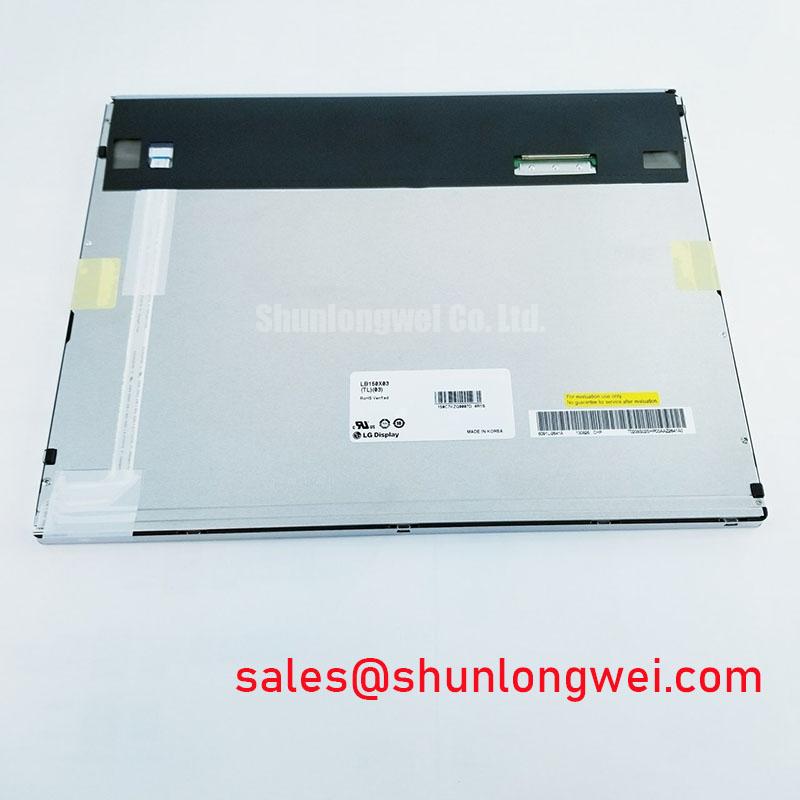
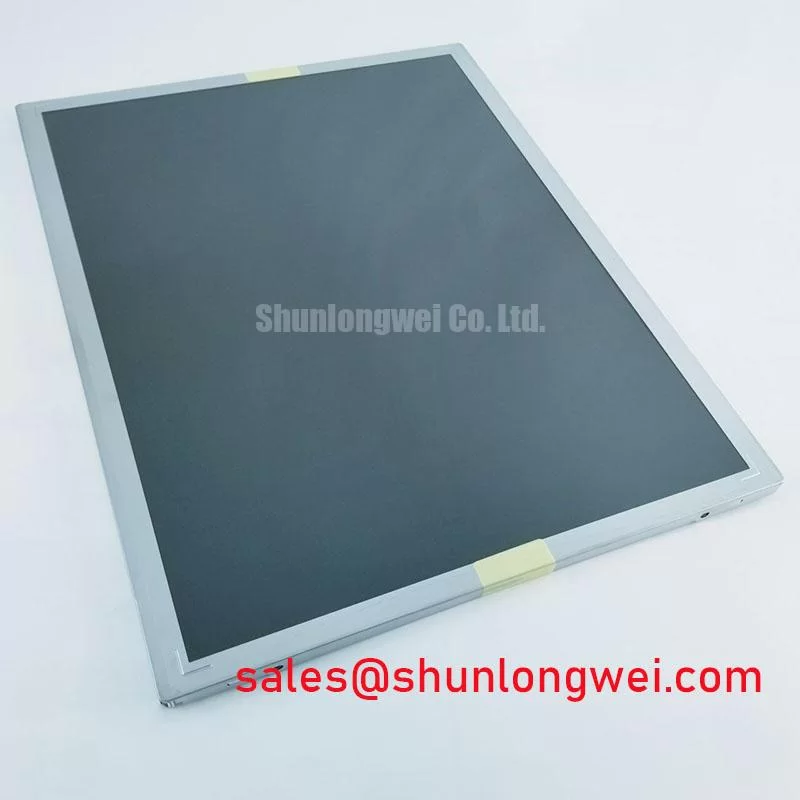
When a marine radar console shows unstable graphics, isolate power, signal, and mechanical causes before removing the display: inspect the panel connector seating, review the backplate bonding path, and compare the image with a known-good signal source. The LB150X03-TL02 is an LG Display TFT-LCD active matrix color display module. Suitability for industrial LCD and HMI applications must be checked against the equipment requirements and matched panel documentation.
This unit is a display module rather than a complete monitor assembly. Its mechanical and interface arrangement must therefore be matched against the original equipment documentation before installation. The panel model, manufacturer, product category, and mechanical form are the primary procurement references; supply voltage, timing, backlight arrangement, connector pinout, and display interface should be taken from the matched panel documentation used by the equipment manufacturer.
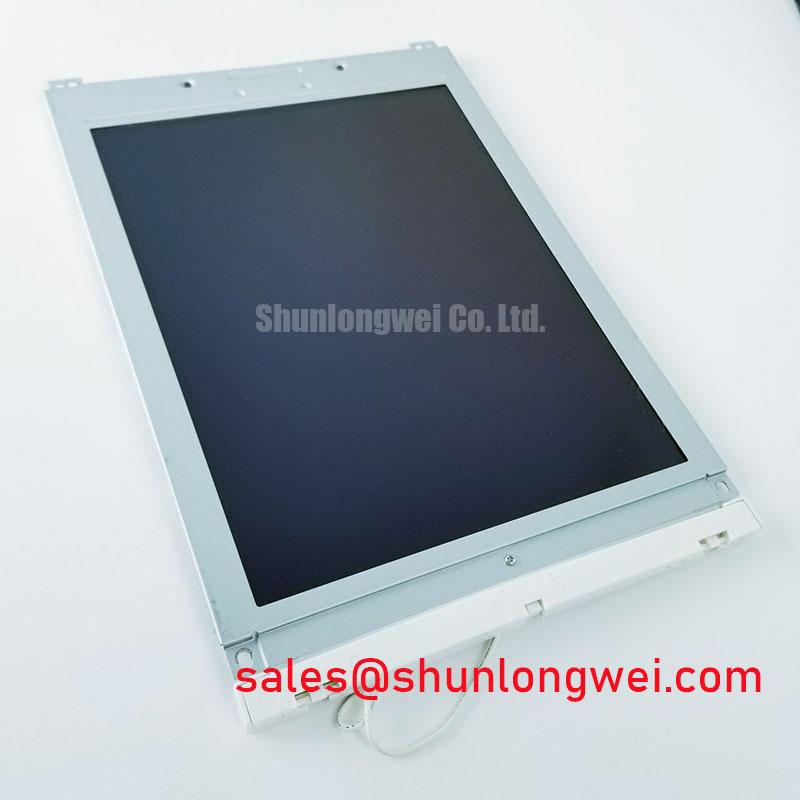
For repair teams evaluating industrial operator terminals, CNC control panels, navigation consoles, or variable-frequency-drive cabinets, the mechanical envelope and signal compatibility are just as important as the LCD image itself. The LM150X06 may also be reviewed as a neutral same-class comparison during replacement planning, subject to a full dimensional, interface, and optical compatibility check.
Radiated Emissions and Backplate Grounding
Pixel jitter and horizontal noise bands near high-power motor drives usually require a system-level investigation rather than a panel-only judgment. Begin with the cable route between the display and controller, then inspect whether the shield termination provides a continuous low-impedance path to the metal backplate. A 360-degree shield bond is generally more effective than a long drain-wire connection when the enclosure is exposed to strong common-mode interference.
Design Consideration: Grounding points should be arranged so that high-frequency return currents do not share a long path with sensitive display reference conductors. Common-mode ferrite components can be evaluated where the cable assembly and enclosure geometry permit them, but their impedance profile must be checked against the actual signal bandwidth. A ferrite selected without observing the waveform can reduce one noise band while increasing edge distortion elsewhere.
When the panel is installed beside a variable-frequency motor drive, compare the display signal during motor acceleration, deceleration, and steady operation. If the disturbance changes with drive switching activity, examine shield bonding, cable separation, connector retention, and enclosure bonding before changing display settings. The LQ9D152 can be considered as a related display solution within a broader system topology, but it should not be treated as a drop-in substitute without dimensional, interface, electrical, and optical compatibility verification.
Cold operation can also make an intermittent signal problem appear to be an optical fault. Liquid-crystal response changes with temperature, while cable stiffness and connector contact pressure can change as the assembly cools. A controlled temperature test should monitor image stability, controller timing, and cable continuity together. The Winstar industrial TFT-LCD reference provides useful industry context for evaluating display modules and optical interfaces, but it does not define the electrical limits of this LG Display model.
Preventing Frame Lag and Image Smearing in Outdoor Industrial Facilities
Sub-zero operation can increase liquid-crystal viscosity and lengthen visible gray-to-gray transitions, particularly in moving graphics, radar sweeps, and rapidly changing alarm screens. Evaluate the display with the actual application content rather than with a static test image alone. Text, diagonal lines, scrolling menus, and high-contrast symbols reveal smearing more clearly than a uniform color field.
The panel should be assessed as part of the enclosure thermal design. Airflow, heater control, condensation prevention, and the position of temperature sensors influence the result. A heater strip, where specified by the system designer, should be controlled so that the display warms progressively without creating strong local gradients across the glass or frame. The panel manufacturer’s approved operating and storage conditions remain the controlling limits.
Backlight modulation also affects perceived flicker and camera readability. When PWM dimming is used by the host system, engineers should review the selected frequency, duty-cycle linearity, brightness response, and interaction with the display controller. The correct setting depends on the backlight driver and the visual requirements of the equipment; it should be confirmed through direct observation and oscilloscope measurements rather than assumed from the LCD model number.
For a harsh marine radar or navigation bridge console, salt-laden air places additional responsibility on the enclosure. The panel perimeter, gasket contact, cable entry, and front bezel should be inspected as one sealing system. A display module should not be described as salt-fog protected unless that qualification is documented for the complete assembly. Condensation, trapped moisture, and uneven bezel pressure can each produce image defects that resemble panel aging.
Grayscale Inversion Mitigation and Viewing Direction Alignment
Viewing direction must be checked at the installed operator position because TN, IPS, and MVA optical behavior is not interchangeable. Grayscale inversion or contrast loss can become visible when an operator views the screen from above, below, or sharply from the side. The TFT-LCD technology reference explains the general relationship between liquid-crystal alignment and viewing-angle behavior, while the actual optical limits must be taken from the panel’s matched documentation.
In a bridge console or outdoor HMI, display height and tilt should be adjusted before attempting electronic compensation. Anti-glare treatment can improve readability under strong ambient illumination, but surface texture may also soften fine characters or alter perceived contrast. Evaluate the complete cover lens, bezel, and lighting environment together instead of judging the bare module in isolation.
High-EMI installations require equal attention to differential signal routing. Keep paired conductors together, avoid unnecessary stubs, and maintain a controlled reference path through the connector and cable assembly. If a signal integrity issue is suspected, compare clock and data waveforms at the controller and panel ends while the enclosure is operating under its normal load. This helps distinguish cable loss, timing skew, grounding interaction, and panel-side behavior without assigning a single cause prematurely.
Long-term static HMI screens should also be reviewed for residual image risk. Rotate fixed status elements where the software permits, use suitable screen-saver behavior during idle periods, and inspect the display after a controlled rest interval. These are system-level operating practices, not confirmed special features of the LB150X03-TL02.
Thermal Expansion Clearance Sizing across Heavy Industrial Metal Enclosure Cutouts
Mechanical fit should be confirmed with the panel unpowered and again after the enclosure reaches its normal operating temperature. A rigid metal cutout can transfer uneven stress into the display frame when the bezel, gasket, and fasteners do not expand at the same rate. That stress may present as localized brightness variation, dark-field mura, or pressure-related optical nonuniformity.
Use the original equipment drawing to establish the bezel opening, mounting-hole pattern, connector clearance, and cable bend path. Fasteners should be tightened progressively in a cross-pattern so the frame seats evenly. The correct torque is determined by the panel assembly, fastener size, enclosure material, and gasket design; the host manufacturer’s installation specification takes priority over a generic value.
Maintenance Note: Inspect the cooling path, bezel gasket, cable lock, and mounting points during scheduled service, especially after vibration exposure or repeated enclosure removal.
Flexible cables should be routed without sharp folds, concentrated pressure, or tension at the connector. The locking mechanism must be fully engaged before the enclosure is closed, and the cable should remain supported when the door or front panel is opened. A continuity check during controlled movement can reveal an intermittent connection that a static bench test may miss.
Clock stability and data hold behavior should be checked across the equipment’s qualified temperature range when the display shows intermittent frame loss. Compare the timing waveform at both ends of the interconnect and observe whether the fault follows temperature, vibration, cable position, or enclosure loading. The Industrial Display and HMI Solutions engineering reference offers broader guidance for evaluating enclosure, environmental, and integration factors around industrial displays.