


Content last revised on October 7, 2026
Flush-Mount Bezel Fit, Gasket Contact, and Mounting Stress
Inspect the bezel seating and connector latch on the removed assembly before fitting the LJ640U27. Record the cable orientation, mounting contact points, and any pressure marks around the display opening; those observations are more useful during replacement than assuming the new panel will correct every visible fault.
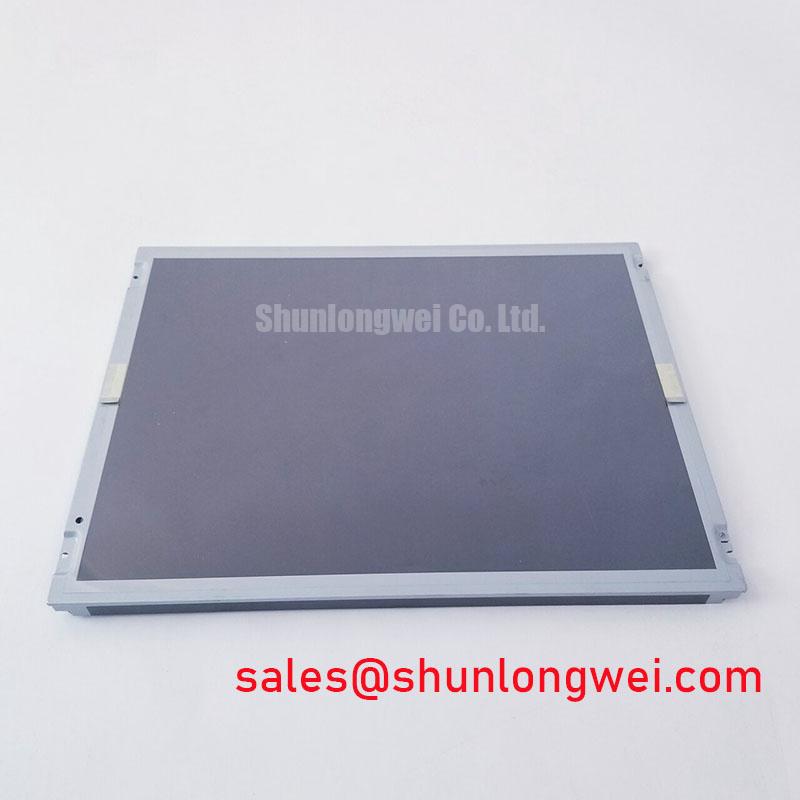
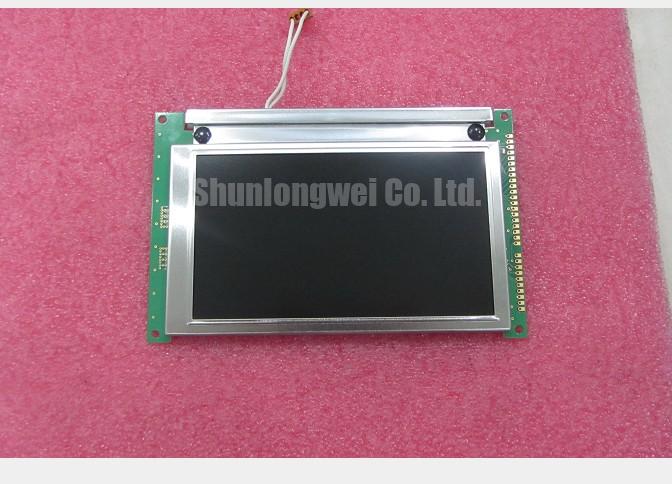
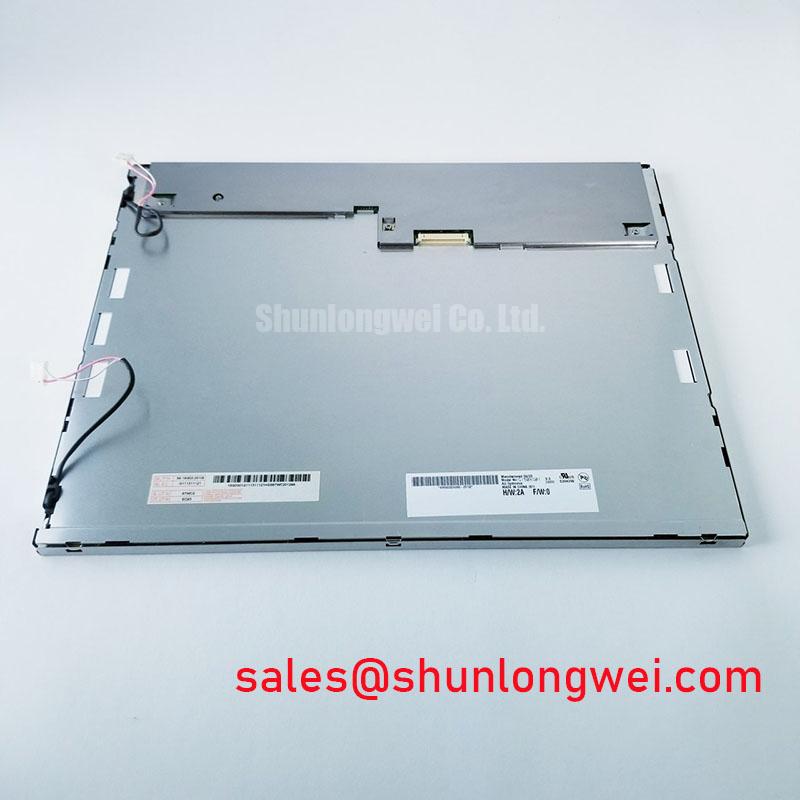
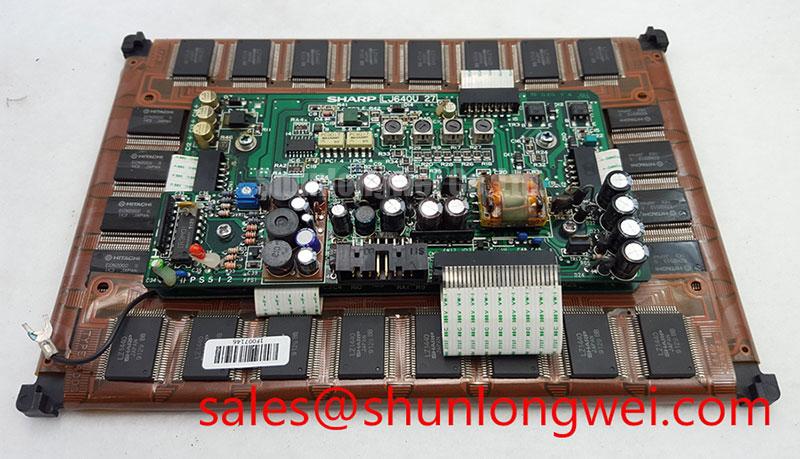
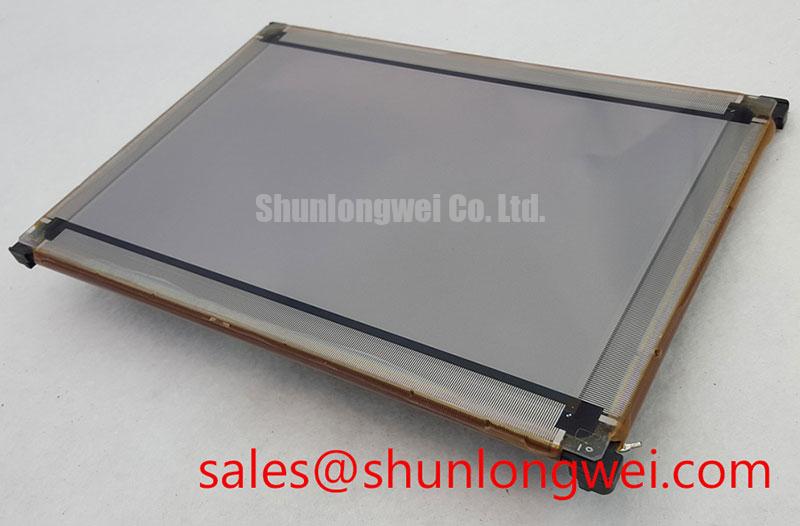
The Sharp LJ640U27 is identified as an industrial-grade TFT-LCD display module for HMI use. That product identity is an Official Specification. Dimensions, resolution, connector pinout, supply voltage, interface type, backlight arrangement, and operating-temperature limits are not established by the supplied specifications. A repair plan should therefore pair the model marking with the original panel documentation and the host equipment drawings before electrical connection or mechanical modification.
Begin a mechanical fit check with the display supported outside the enclosure. Compare the LJ640U27 assembly with the removed panel at the visible opening, rear clearance, connector exit, and every mounting contact point. Measure the enclosure rather than inferring its opening from the displayed image. A matching viewing area does not establish a matching outer frame, active-area position, or fastener pattern.
For a flush-mounted HMI, the gasket should contact the intended perimeter without forcing the frame into the display surface. As a Design Consideration, inspect the gasket for compression set, gaps, trapped debris, and uneven contact before tightening the assembly. A gasket that bridges a recess or bears on an unintended edge can transfer enclosure stress into the module. Dark-screen inspection after mounting may reveal pressure-dependent nonuniformity, but a bright or dark patch alone does not identify its cause. Recheck bezel contact, panel support, and the unmounted image before assigning the fault to the display.
Bring fasteners into contact progressively in a cross pattern so the frame seats evenly. The final torque must come from the applicable Sharp installation instructions or the host assembly specification; the supplied LJ640U27 information does not establish a fastener size or torque limit. This matters in equipment subject to vibration: a loose frame can fret at its supports, while excessive or uneven clamping can load the display locally. Where a cushioning layer is used, its material and thickness should be checked against the original assembly rather than selected from an assumed panel construction.
For a CNC operator panel or robot teach pendant under compatibility review, also check service access. The panel should be removable without pulling on the flexible cable, and the enclosure should not turn its connector into a mechanical stop. The linked LM057QC1T08 is a separate model reference for comparison, not an asserted drop-in substitute: confirm its outline, mounting, connector, optical characteristics, and electrical documentation independently before considering a change.
Backplate Grounding and Display Noise Near Motor Drives
If a display develops moving bands or unstable pixels after enclosure work, first compare its behavior with the original cable route and grounding arrangement. Inspect shield terminations, connector engagement, cable damage, and contact between the equipment backplate and chassis. Observe whether the artifact changes when nearby drives switch operating states. That correlation can guide measurements, but it does not by itself prove radiated interference is the cause.
As a Design Consideration, route display wiring away from high-current switching paths where the enclosure permits, and maintain the shielding scheme defined for the host system. A shielded cable is useful only when its terminations and chassis contacts function as intended. Neither a shield termination method nor an added ferrite should be imposed on the LJ640U27 without the host schematic and interface specification. If conducted or radiated noise is suspected, compare signals at the controller and panel ends using suitable instruments and the equipment maker’s test procedure.
Do not assign a CISPR emissions class to the display module. Emissions compliance is assessed for the applicable equipment configuration, including its enclosure, controller, cables, power supplies, and operating modes. Grounding changes made during repair can alter that configuration. Record any change to cable placement or chassis bonding so the equipment team can determine whether system-level verification is needed.
Clock quality and data timing likewise depend on the actual display interface and its source electronics. Before diagnosing a timing margin, identify the LJ640U27 connector and signal assignment from original documentation. If an artifact varies with temperature or drive activity, compare the controller output, cable path, and panel input against a known-good assembly when one is available. This is more defensible than attributing every horizontal band to a particular grounding point or transmitter setting.
Interface Routing, Power Sequencing, and Cold-Start Checks
Trace the existing cable from the controller to the LJ640U27 connector before applying power. Confirm connector orientation, latch condition, contact alignment, and whether the cable has been folded sharply near its stiffened end. A flexible cable can look seated while one edge remains out of position. For a serviceable installation, provide a relaxed route that does not pull on the latch when the enclosure closes or moves through its normal operating range.
The system integrator should verify the required supply voltage from the original panel documentation. The same documentation must establish interface type, pinout, signal mapping, logic thresholds, and power sequence. No voltage, differential impedance, skew allowance, or data format can be assigned to this model from its product classification alone. If the documented interface uses differential pairs, preserve the specified pair geometry and return path through the cable and controller layout; confirm its electrical limits against the applicable interface documents rather than applying a generic routing target.
For a blank or white screen after replacement, observe the host supply and control signals during startup and shutdown, then compare them with the equipment’s specified sequence. Check whether the image signal is valid before illumination is enabled and whether control lines settle as intended when power is removed. A white screen can accompany several faults, including connection, control, or power-sequencing problems; it is not a standalone diagnosis. If a residual image appears during shutdown, document when it appears relative to supply decay and illumination loss before changing the controller sequence.
Cold-start behavior needs similar restraint. LCD optical response can slow as temperature falls, while condensation can affect an assembly during a rapid environmental transition. Neither a subzero operating rating nor a heater requirement is established for the LJ640U27 here. Verify the panel’s documented temperature limits and the enclosure’s environmental controls before testing a cold unit. Allow an assembly that has moved into a warmer, more humid area to stabilize under the equipment maker’s procedure rather than powering it solely to see whether the image recovers.
As a Design Consideration, compare motion blur or delayed transitions at cold start with the same screen content after the assembly reaches its permitted operating condition. Record surface temperature, startup state, and the elapsed operating condition using the site’s test method. Those observations help distinguish a temperature-dependent symptom from an intermittent connector or controller fault without inventing a response-time specification for the panel.
Luminance Stability, Thermal Contact, and Long-Term HMI Use
Assess brightness with a repeatable screen pattern and unchanged controller settings before adjusting any display drive. Inspect the enclosure airflow path, dust accumulation, frame contact, and nearby heat sources. A localized warm area warrants a check of ventilation and mechanical contact, but it does not establish the composition of the module’s internal optical parts or predict a particular aging mechanism.
The supplied LJ640U27 specifications do not identify its backlight technology, dimming input, luminance rating, or service-life criterion. Consequently, an LED lifetime designation or PWM setting should not be presented as a Sharp rating for this model. If the host equipment offers dimming control, verify the panel and controller documentation first, then assess visible flicker, brightness steps, and any audible behavior in the assembled enclosure. The appropriate control method and settings are system-determined and should be validated at the operating conditions the equipment actually uses.
For interfaces that display a largely static machine status page, periodic inspection under a neutral test image can help document whether a persistent pattern remains visible. Record the screen content, brightness setting, temperature condition, and how the appearance changes over time. Avoid calling every retained outline permanent damage: image persistence, illumination nonuniformity, surface contamination, and enclosure pressure require different checks. Broader background on panel operation and evaluation is available in The Ultimate Guide to Industrial TFT LCD Technology; any life or reliability claim for this assembly still requires a model-specific source.
Maintenance note: Isolate power and confirm the equipment is safe to service before releasing the display cable latch. At scheduled service, inspect the airflow path and perimeter gasket while the assembly is accessible, then repeat the same image check after reassembly. If brightness or uniformity has changed, preserve the original controller settings and compare the mounted and unmounted observations before replacing additional parts.