



Content last revised on October 2, 2026
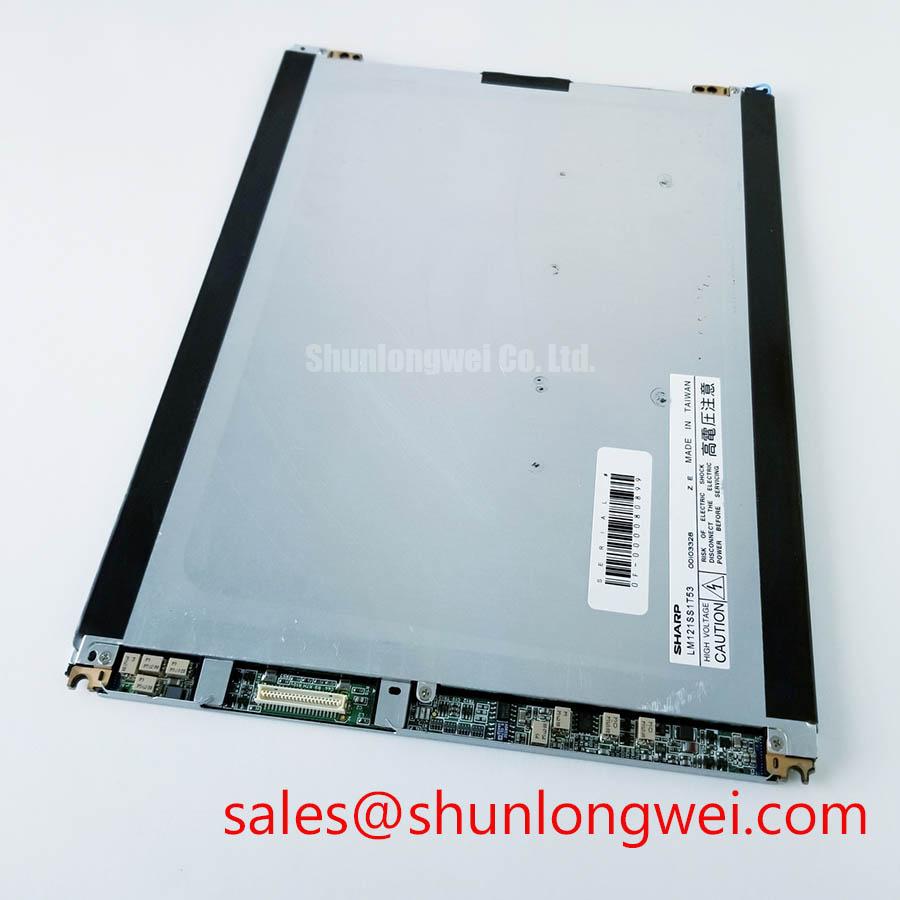
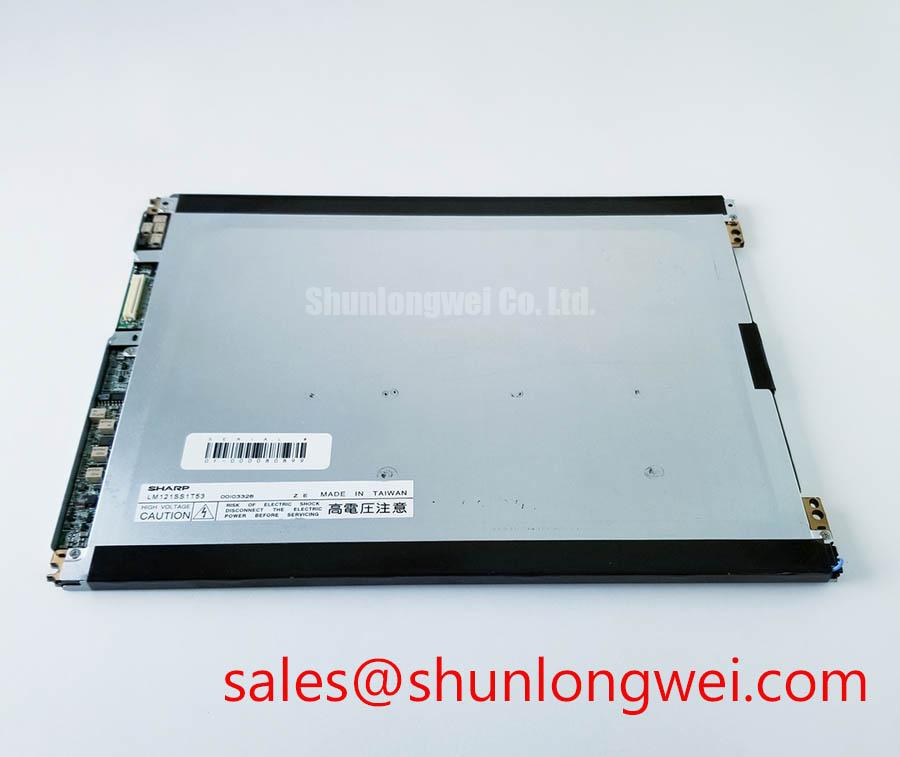
LM121SS1T53 TFT-LCD Display Module Overview
Before installing LM121SS1T53, isolate the equipment, inspect the TFT-LCD display module for edge damage, check the frame and connector area for contamination, and compare the replacement label with the original service record. The supplied factory data identifies this unit as an Industrial Grade LCD/HMI Panel manufactured by LG Display, with a TFT-LCD Display Module enclosure format and an Official Factory Spec Verified status.
| Parameter | Verified information |
|---|---|
| Model | LM121SS1T53 |
| Manufacturer | LG Display |
| Product category | Industrial Grade LCD/HMI Panel |
| Package or enclosure | TFT-LCD Display Module |
| Specification status | Official Factory Spec Verified |
| Recommended replacement check | Confirm the original panel documentation for resolution, active area, interface, supply voltage, backlight type, connector position, and mounting details |
The available factory information does not confirm a panel resolution, viewing technology, backlight arrangement, connector pin count, logic supply, operating temperature range, optical bonding construction, or mechanical outline. These values should not be inferred from the model number. Engineers evaluating this unit for a railway passenger information system or cab signalling display should compare the original equipment documentation with the installed panel before applying power.
Aluminum Heat Spreader Sizing and Thermal Interface Placement along Narrow Display Edges
Inspect the display perimeter before selecting any additional thermal hardware. A heat spreader rail should contact only the approved mechanical support areas and should not press against the active display region, flexible circuit, connector housing, or optical stack. The purpose of this design consideration is to reduce localized heat concentration around the enclosure while preserving even mechanical loading across the panel frame.
For LM121SS1T53, the supplied data confirms the TFT-LCD module category but does not provide a factory thermal resistance, allowable case temperature, LED backlight lifetime curve, or L70/B50 rating. Any claim about a 50,000-hour brightness lifetime, half-life, or MTBF therefore requires a separate LG Display document applicable to the exact production variant. A constant-current backlight driver may be appropriate only when its voltage, current, dimming method, and protection behavior match the original panel documentation.
When a narrow aluminum rail is considered, the system designer should first map the enclosure temperature at several points during continuous operation. The objective is to avoid a strong thermal gradient between the connector edge, display edge, and center area. The rail profile, contact pressure, insulating layer, and fastening method remain system-level decisions. Validation should include startup, steady-state operation, shutdown, and the highest expected cabinet temperature.
Long-term HMI use also requires attention to static screen content. Fixed logos, alarm bars, and repeated menu elements can produce image retention or uneven aging depending on the panel technology and drive conditions. The available factory information does not confirm the optical technology of this model, so the original LG Display application documentation should be checked before specifying screen rotation, brightness reduction, or image-refresh practices.
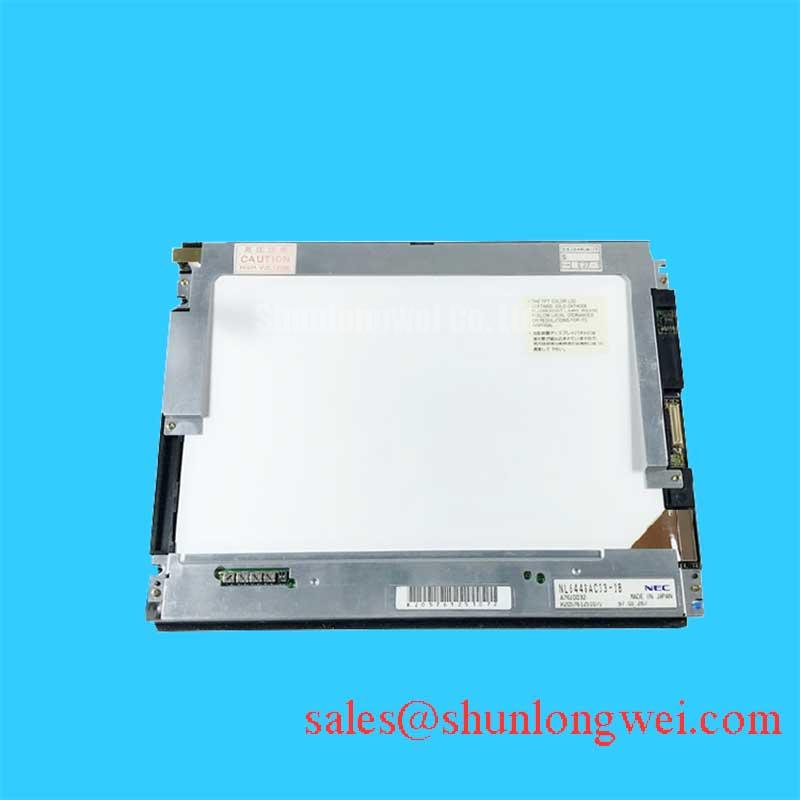
For a same-size or same-resolution comparison, the NL10276BC30-18 can be reviewed as a separate reference model. It should not be treated as a direct substitute unless dimensions, electrical interface, timing, mounting points, and display performance are independently matched.
⚠️ Maintenance Note: Inspect the cabinet airflow path and perimeter sealing material during scheduled service because dust accumulation or a displaced gasket can change both thermal behavior and ingress protection.
Suppressing Pixel Jitter and Horizontal White Lines near Adjacent 400 V Motor Drives
When this display is installed near variable-frequency motor equipment, begin with cable routing and grounding inspection rather than replacing the panel immediately. Keep display signal wiring separated from switching power conductors where the cabinet layout permits, maintain a continuous reference path, and check whether the shield termination matches the equipment manufacturer’s EMC design. A shielded cable cannot compensate for a poor return path or an interrupted chassis connection.
Pixel jitter, intermittent white lines, or unstable image bands can have several possible sources, including signal integrity, connector retention, ground-potential difference, power disturbance, timing incompatibility, or a panel fault. The correct diagnostic approach is to compare the affected signal path with a known-good system and observe the display supply and differential data during motor acceleration, deceleration, and steady operation. An oscilloscope investigation should be performed by qualified personnel with suitable probing methods.
The model information supplied for LM121SS1T53 does not confirm whether the panel uses LVDS, TTL, eDP, or another interface. It also does not specify a cable shield construction, ferrite requirement, common-mode tolerance, or approved grounding arrangement. Designers should verify the original panel drawing and host controller documentation before selecting a replacement cable or adding common-mode suppression.
Cold-environment operation deserves separate attention. Liquid-crystal response can change as temperature falls, while cable flexibility, connector retention, and enclosure condensation behavior may also change. The operating temperature range for this exact display is not included in the supplied official parameter set. A railway cab or passenger information enclosure should therefore be evaluated for heating control, condensation prevention, startup behavior, and image stability across the actual service range.
Do not interpret a horizontal line as proof of a single failed component. First inspect the connector lock, cable bend radius, panel frame pressure, controller output, supply ripple, and grounding continuity. If the defect follows the cable or controller, the panel may remain functional. If it remains with the display after controlled substitution, the module requires further service evaluation.
20-Pin or 30-Pin Differential LVDS Timing, Pixel Clock, and Skew Compensation
Connector count must be confirmed from the original documentation. The supplied information does not establish a 20-pin or 30-pin interface for LM121SS1T53, nor does it provide the pin assignment, logic supply voltage, pixel clock range, data mapping, timing limits, or power sequencing requirements. The system integrator should verify the required supply voltage from the original panel documentation rather than assuming a commonly used logic level.
Before connecting a replacement display, record the host controller’s power-up sequence and compare it with the panel documentation. Check supply polarity, enable signals, backlight control, reset behavior, and the order in which video data becomes active. A white screen, unstable image, or residual image after shutdown may be associated with sequencing, incorrect mapping, connector contact, or controller configuration. These symptoms do not identify one definite cause without measurement.
For a differential interface, the board designer should preserve the intended transmission-line geometry, keep paired signals together, control discontinuities around connectors, and provide a clean return reference. The characteristic impedance, pair assignment, JEIDA or VESA mapping, pixel clock, skew tolerance, and data hold requirements must come from the applicable panel and controller specifications. They should not be copied from another LG Display model solely because the enclosure format appears similar.
Use a known-good controller and a documented test image when checking split-screen artifacts or color-channel errors. A full-screen color sequence can help distinguish mapping errors from localized pixel defects, while a moving test pattern can expose timing instability that a static image may not reveal. Record the result at startup, after thermal stabilization, and during nearby motor-drive switching.
Flexible circuits require controlled handling during installation. Avoid twisting the panel edge, forcing the cable into a sharp fold, or closing a connector latch while the cable is misaligned. The required bend radius and insertion method should be taken from the cable and panel drawings. Mechanical compression from a bezel or uneven fastener loading can also create localized display defects, so the frame should be tightened evenly according to the equipment manufacturer’s service procedure.
The NL128102BC28-04 may be reviewed as a related display solution when assessing system topology or associated drive arrangements. It is a separate model and requires its own electrical, mechanical, optical, and timing verification before consideration in the same equipment.
Suppressing Acoustic Capacitor Buzz and EMI Emissions across PWM Dimming Frequencies
Backlight architecture must be confirmed before investigating audible noise or brightness modulation. The available factory data identifies LM121SS1T53 as a TFT-LCD display module but does not confirm whether its backlight is CCFL, LED, or another implementation. It also does not provide ignition voltage, driver topology, PWM frequency, dimming ratio, acoustic limits, or backlight lifetime data.
If the original assembly uses a high-voltage lamp circuit, service personnel should follow the equipment safety procedure and allow the circuit to discharge before touching the display wiring. If it uses an LED driver, the replacement driver should be checked for current regulation, enable polarity, dimming compatibility, startup behavior, and fault protection. A driver that produces a visually acceptable image at low brightness may still create switching noise, uneven illumination, or excessive stress during repeated power cycling.
Acoustic capacitor noise can originate in the display supply, backlight driver, cabinet power converter, or nearby magnetic components. Identify the sound location with the equipment de-energized where possible, then compare it with the brightness command and switching state under controlled conditions. Do not attribute the noise to the LCD module without isolating the supply and backlight circuits.
EMI evaluation should cover both conducted and radiated paths. Designers should minimize high-current switching loop area, separate backlight power routing from sensitive video wiring, and verify shield termination at the enclosure boundary. The final emission performance belongs to the complete display assembly and host equipment; an individual panel should not be described as independently compliant with an overall CISPR or EN 55011 system limit.
Brightness linearity and flicker perception should be checked with the actual controller, backlight driver, camera-based inspection method, and intended user interface. The supplied data does not verify a 200 Hz to 1 kHz PWM range or a 1000:1 dimming ratio for this model. Those values must be obtained from the original panel and driver documents before they are used in a railway passenger information display or cab signalling design.
For long service intervals, inspect the display gasket, connector locking features, cabinet ventilation, and evidence of condensation during scheduled maintenance. The The Ultimate Guide to Industrial TFT-LCD Technology provides broader background for reviewing panel interfaces, optical behavior, thermal conditions, and integration constraints alongside the model-specific documentation.