

Content last revised on October 5, 2026
VESA vs. JEIDA Data Mapping Alignment & Even/Odd Channel Signal Integrity
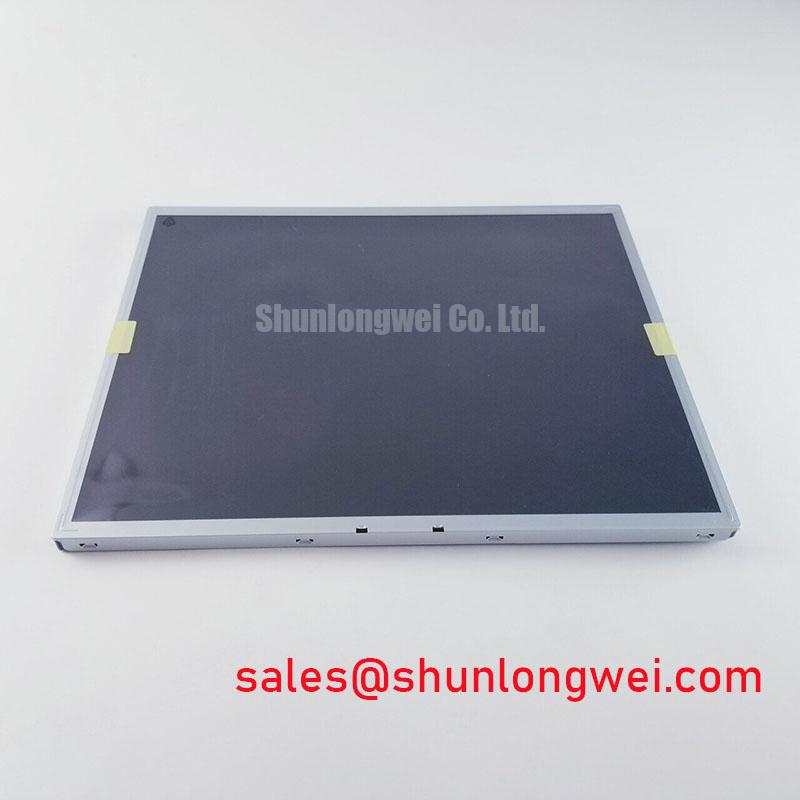
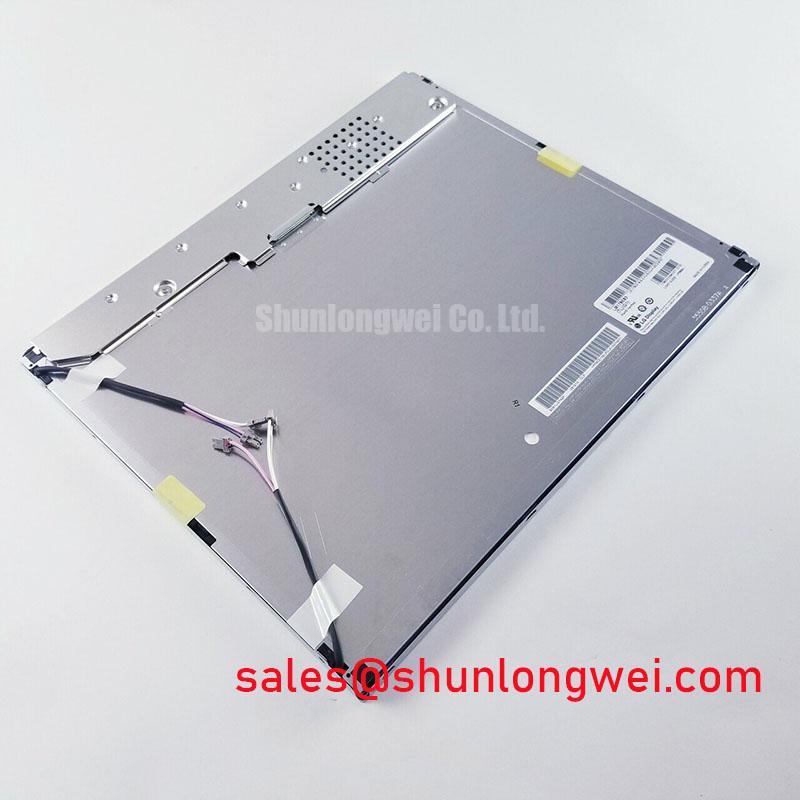
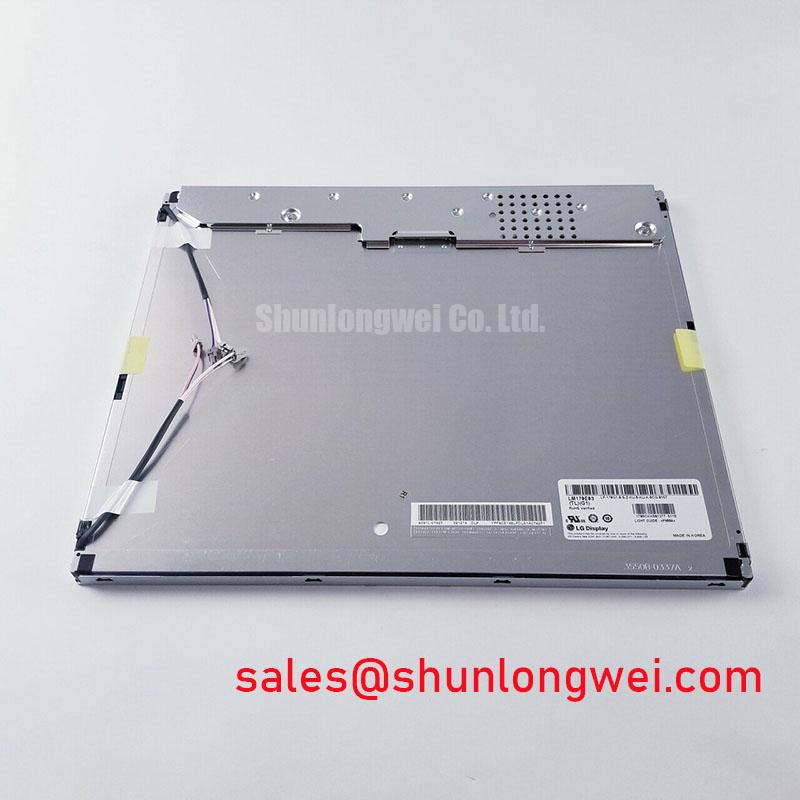
When a terminal powers up to a split image, displaced colors, or a white screen, check the display signal path before assigning the fault to the LCD. Start with the host board’s output designation, its cable drawing, and the original panel documentation. If the system uses LVDS, confirm the transmitter’s channel assignment and whether its bit mapping matches the receiver expected by the specified panel. VESA and JEIDA mapping describe different arrangements of color data; neither should be assigned to LM170E03-TLB2 without its applicable interface specification.
A split image can also follow a poor contact on one data channel or a mismatch between the controller configuration and the connected panel. Inspect the connector latch for full engagement, then check that the flex or display cable lies flat at the contact area. Look for a fold close to the connector, abrasion at a chassis pass-through, or strain transferred from the enclosure to the cable tail. If the assembly has been opened repeatedly, compare its cable routing with an undisturbed unit where one is available. The objective is to find an observable difference, not to infer a failed panel from the picture alone.
Power sequencing deserves the same attention. Observe the panel supply at the connector during startup and shutdown, and compare the captured waveform with the timing limits in the original panel and controller documentation. The system integrator should verify the required supply voltage from the original panel documentation. A supply that arrives out of sequence with valid display data can complicate white-screen diagnosis; a shutdown sequence that leaves signals active after the panel supply collapses may contribute to visible residual artifacts. Neither symptom, by itself, identifies the faulty assembly.
If the host documentation specifies even and odd channels, check both paths under the same test pattern. An oscilloscope and the controller’s known-good configuration can help distinguish a missing channel from an incorrectly mapped image. Treat cable impedance, connector assignment, clock timing, and data hold requirements as interface-specific checks determined by the documented transmitter and receiver, rather than adopting generic LVDS figures as factory specifications for this module. If brightness control is part of the fault report, establish the installed backlight driver type before measuring its control signal; no PWM frequency or duty-cycle requirement is established here for LM170E03-TLB2.
Suppressing Pixel Jitter & Horizontal White Lines Associated with Adjacent 400V Motor Drives
When horizontal noise bands appear only while a nearby 400V motor drive is running, capture the display behavior with the drive stopped, starting, and at steady operation. The voltage describes the adjacent equipment scenario, not a rating of the LCD module. A correlation warrants investigation of the complete installation: display cable routing, controller supply quality, chassis bonding, and the drive’s switching environment. It does not prove that interference enters through the panel connector.
Trace the display cable from transmitter to module. Confirm that the specified cable assembly has not been replaced with an unmatched lead, that its shield termination follows the equipment drawing, and that it has not been routed alongside motor conductors. If the enclosure design calls for a shielded display connection, inspect the continuity and physical condition of its intended ground path. A common-mode ferrite is a system-level design consideration for an identified interference path, not a substitute for correcting a loose connector or damaged shield. Its selection and placement should be validated on the actual equipment with the drive operating.
Compare the controller supply and display supply while the interference occurs. A disturbance visible at the power input calls for a different investigation from a clean supply accompanied by degraded differential signals. Where test access permits, compare clock and data behavior at the transmitter against a known-good signal path, using the controller’s documented timing limits. Temperature can change the available timing margin, so repeat a borderline test at the equipment’s specified operating conditions rather than extrapolating from a single room-temperature capture. The panel’s own operating-temperature limits must come from its applicable factory documentation.
The cable and connector need a mechanical check as well. Vibration can change contact pressure or move an unsupported flex tail while the drive is active, producing an apparent electrical-noise fault. Inspect the connector lock, cable restraint, and points where the harness touches metalwork. Route and secure a replacement cable according to the equipment drawing, allowing for service movement without forcing a tight bend at the contact end. Field Alert: Remove power and allow the equipment to discharge before unplugging or reseating the display cable.
Suppressing Localized Thermal Gradients to Prevent Chronic Optical Yellowing (Color Shift)
For a screen that looks warmer at one edge, first separate a display-generated color shift from the image source. Apply a uniform test image through the existing controller, document the affected area, and compare the result at startup and after the equipment has stabilized. Check the front window and any fitted overlay independently: discoloration in an external optical part should not be attributed to the LG Display module. Likewise, a warm enclosure edge is a reason to measure local conditions, not proof of damage to an unspecified internal material.
Inspect how the panel frame sits in the host enclosure. Uneven clamping, a displaced gasket, or a hard contact point can place stress near the active area as the assembly warms. If the equipment uses metal rails to spread heat, verify that their placement and contact follow its mechanical drawing; adding a rail without checking clearance and loading can introduce a new pressure point. Record temperatures at accessible frame and enclosure locations under the equipment’s normal workload, then assess them against the panel and system limits once those limits have been confirmed from their respective documents.
Cold starts require a separate observation. LCD response can change at low temperature, so slower transitions immediately after startup should be assessed against the approved operating range and the host’s warm-up behavior. Do not compensate by changing drive settings or adding heat until the original panel specification and controller configuration are available. For an HMI showing static controls over long periods, use the equipment’s approved screen-management features where available, and distinguish temporary image retention from a persistent optical defect by following the equipment manufacturer’s diagnostic procedure.
This is a system-margin question as well as a panel inspection. The enclosure designer should evaluate local temperature, mounting stress, and cable movement under the intended operating conditions; a service technician can document which condition changes the symptom. Industrial Display & HMI Solutions provides broader integration context for planning those environmental checks. No material-specific yellowing mechanism, thermal limit, or backlight-life rating is established for LM170E03-TLB2 by the product identifiers given here.
Optical Luminance Degradation Curve & CCFL-to-LED Modernization Retrofit Pathways
For a dark terminal, use an external light to check whether a faint image remains visible while the host is running its normal display output. A visible image can focus attention on the illumination path, but it does not establish whether the fault is in the backlight, its driver, a control signal, or a supply connection. Compare the controller’s brightness-command behavior with its service documentation and inspect the relevant connectors before replacing the display. If there is no image, return to supply sequencing and data-path checks rather than treating the symptom as a backlight diagnosis.
The installed LM170E03-TLB2 configuration must be confirmed before discussing a CCFL-to-LED conversion as a practical option. The product information provided here does not identify its backlight technology or driver requirements. A retrofit changes more than the light source: it can affect driver compatibility, thermal behavior, brightness control, mechanical clearance, and the appearance of the displayed image. Engineers evaluating such work should establish the original assembly’s electrical and optical requirements and verify the modified equipment as a complete system. A proposed driver’s dimming performance cannot be presented as a specification of this LCD module.
If reduced brightness is the complaint, record measurements under repeatable conditions using the same image, controller settings, viewing geometry, and measurement method. Compare them with the original equipment’s acceptance criteria where available. An isolated brightness reading is not a degradation curve, and a reported service age is not evidence of a particular lamp life or remaining lifetime. Check the front window for contamination and confirm that the brightness command is reaching the installed driver before attributing the change to the display assembly.
Optical compatibility also matters when a panel is being evaluated for a diagnostic workstation, including a potential ultrasound display application. Confirm the required image quality, viewing conditions, front-window treatment, and any equipment-specific qualification with the system owner; the LM170E03-TLB2 model designation alone does not establish suitability for surgical or diagnostic use. Before procurement, match the full panel marking and verify the host’s interface documentation, mounting drawing, backlight arrangement, and optical acceptance requirements against the exact module specification.