Content last revised on October 17, 2026
High-Humidity Storage Margins and Delamination Prevention Protocols
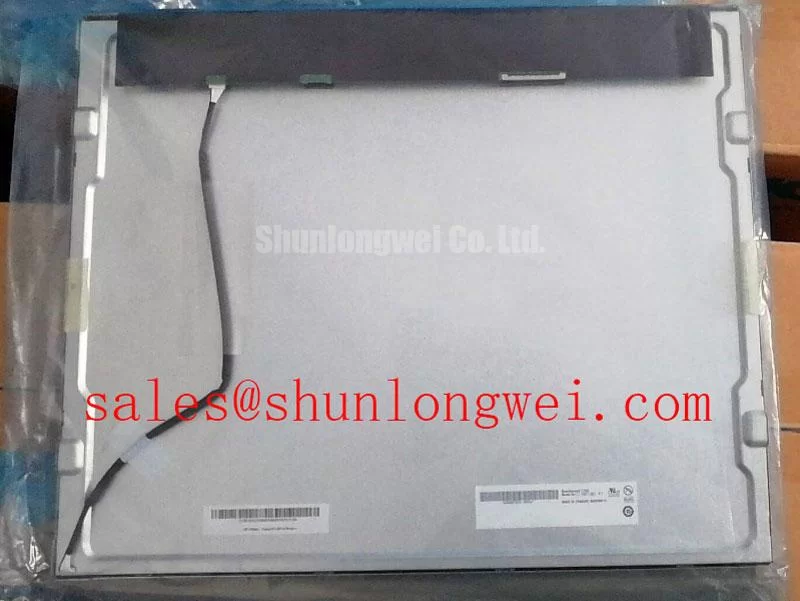
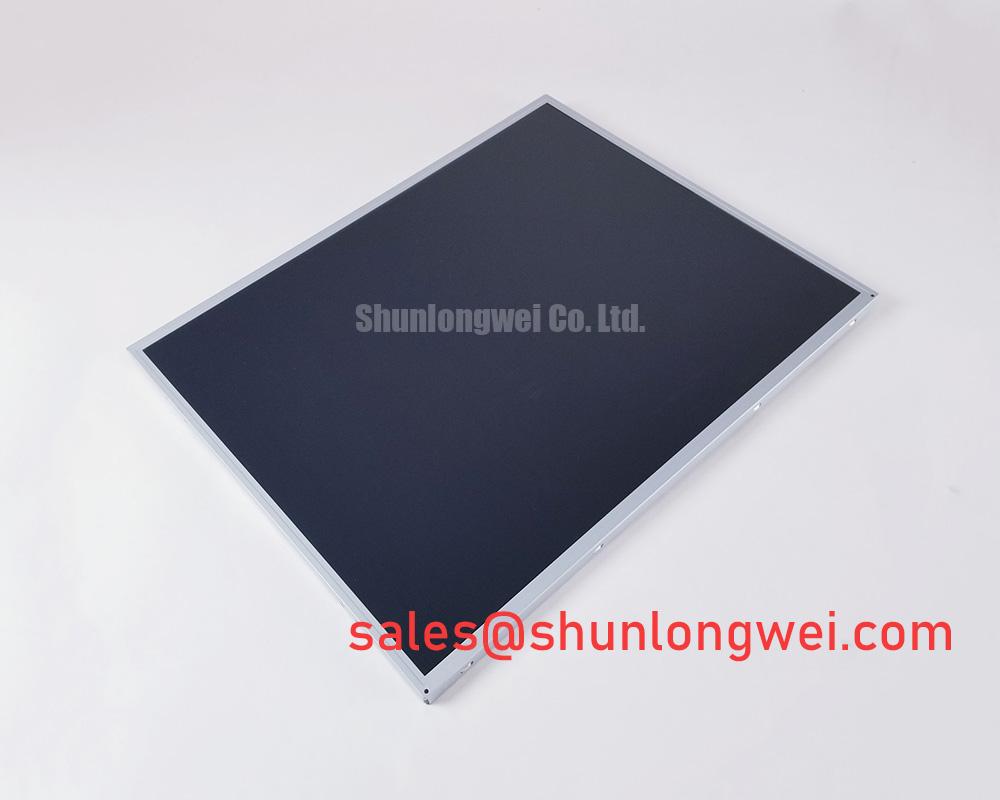
When I receive an LG Display LM190E08-TLJ4 for evaluation, I first allow the panel to reach the laboratory environment before powering it, then inspect the perimeter, connector area, front surface, and rear cover for signs of moisture exposure or mechanical stress. A 60°C and 90% RH chamber condition should not be treated as an official storage rating or an approved test condition for this model without supporting manufacturer documentation. ([eserviceinfo.com](https://www.eserviceinfo.com/downloadsm/189435/.%20Various_Panel%20LG%20Display%20LM190E08-TLJ4%200%20%5BDS%5D.html))
High humidity can affect more than visible condensation. Moisture migration around the display perimeter may change the appearance of bonded layers, alter connector contact behavior, or create localized haze that becomes easier to see against a uniform white test pattern. The practical incoming inspection sequence is to record the panel condition before energizing it, operate a full-screen red, green, blue, white, and black sequence, and compare the result after temperature and humidity conditioning within the documented limits. Do not energize the panel while condensation is present. Any change in edge clarity, bright-line formation, or uneven luminance should be documented by location rather than assigned to one assumed failure mechanism.
Sub-zero testing requires a separate interpretation and must not be assumed permissible for this model. Liquid-crystal viscosity generally increases as ambient temperature falls, so gray-to-gray transitions can appear slower at low temperatures. That observation should be separated from permanent image defects. A gray ramp, moving test bar, and alternating black-white pattern can help distinguish temporary response lag from a stable pixel or timing fault when testing within the panel’s documented operating limits. If the host equipment uses a heater or controlled enclosure, the system integrator should validate its temperature control sequence against the original panel documentation and observe the image during both warm-up and cool-down.
Thermal cycling between low and high ambient conditions also places mechanical stress on perimeter seals, mounting points, and cable interfaces. The LM190E08-TLJ4 is identified here as a TFT-LCD Active Matrix Color Display Module; sealant composition, optical bonding construction, and environmental qualification limits should not be inferred from the model number. For railway passenger information or cab signalling equipment, acceptance testing should record edge appearance, connector retention, image uniformity, and start-up behavior after conditioning. These application examples do not establish railway qualification for the panel.
Suppressing Localized Thermal Gradients to Prevent Chronic Optical Yellowing
Optical color shift is best investigated by mapping the panel surface rather than judging the center of the image alone. Display a neutral gray field and a white field, then compare the narrow edges, corners, and areas adjacent to the backlight or chassis. A persistent warm tint in one region may involve the display assembly, the enclosure, the light source, or local heat transfer, so the result should be compared with the same panel at a stable ambient condition.
A thermal spreader rail can be considered where the host enclosure creates a narrow hot spot along a display edge. This is a Design Consideration, not an identified factory feature of the LM190E08-TLJ4. Any rail or bracket must avoid point loading the glass, blocking ventilation intended by the equipment, or transferring chassis distortion into the panel frame. The correct size, material, contact pressure, and attachment method are system decisions that require thermal measurement and mechanical clearance checks.
Backlight aging should also be evaluated independently from LCD color performance. Engineers should compare luminance distribution, color temperature, and drive behavior at the center and perimeter during a controlled warm-up period. Backlight lifetime figures should only be used with the manufacturer’s stated lifetime definition and test conditions; they should not be assigned to the display model without supporting documentation.
For a repair replacement, capture a baseline image before removing the old unit. A calibrated camera or photometer can help reveal gradual yellowing that is difficult to judge by eye. The same input pattern, brightness setting, enclosure position, and warm-up condition should be used for the replacement evaluation. This approach is particularly useful in industrial HMI consoles, operator pendants, and transport information displays where a narrow edge discoloration may be mistaken for a graphics-controller problem.
Wide Symmetric Viewing Cone Evaluation for Multi-Angle Consoles
Do not assume a Super-IPS or MVA optical structure from the LM190E08-TLJ4 model designation alone. Viewing performance should be measured from the actual panel using the original operating conditions, because image contrast, grayscale inversion, color shift, and surface reflections are influenced by the panel, cover glass, viewing angle, and ambient illumination together.
For a multi-angle console, inspect the display from the operator’s normal left, right, upper, and lower positions while showing grayscale ramps and saturated color fields. A stated acceptance target such as 85°/85°/85°/85° can be used only when it appears in the applicable panel documentation or system requirement. It should not be presented as an official rating for this model based solely on a product category.
The signal path deserves equal attention. Confirm whether the host uses the same interface type, connector arrangement, pixel format, and timing configuration as the replacement panel. T-CON operation, grayscale voltage generation, gamma correction, power sequencing, and image enable timing are system-interface matters. White-screen flashes during start-up or residual images during shutdown can result from an unsuitable sequence between the host controller and panel supply rails, so the original equipment timing should be captured before changing the display.
Where a differential display link is used, the designer should follow the host documentation for pair routing, termination, return-current control, clock stability, and data hold requirements. A commonly used impedance target may apply to a particular interface implementation, but it is not an automatically verified specification of the LM190E08-TLJ4. The LM190E08-TLJ1 can be reviewed as a same-family comparison point, while connector pinout and timing compatibility still require direct system verification.
General TFT-LCD operating principles are described in this TFT LCD technology reference, while industrial display construction examples can be reviewed through Winstar industrial TFT-LCD modules. These references explain technology concepts and should not be treated as model-specific specifications.
Radiated Emissions Control and Backplate Grounding Considerations
The display module itself should not be described as independently passing CISPR Class A or Class B requirements without supporting test documentation. Module-level results do not establish compliance of the complete assembly, which includes the controller, cable routing, enclosure, power conversion, and grounding arrangement. When a display is installed near a high-power motor drive, intermittent pixel jitter or horizontal noise bands should be investigated across the complete signal path.
A 360-degree cable shield termination, multi-point chassis bonding, or common-mode ferrite may be considered when measurements show cable-borne or radiated interference. These are system-level Design Considerations, not confirmed accessories or built-in features of the LM190E08-TLJ4. The grounding arrangement should preserve the intended return-current path without creating uncontrolled loops between the display backplate, controller ground, and cabinet structure.
During testing, compare the panel with the drive disabled, operating at different speeds, and switching through representative load conditions. Observe both the image and the cable environment, then use the same probe position and cable routing for each comparison. If the display remains stable when the signal cable is separated from the motor wiring, routing and shielding deserve further investigation. If the symptom remains, inspect controller timing, supply disturbance, connector seating, and panel configuration before assigning the cause to the LCD glass.
Ambient light also affects perceived contrast. A direct-sunlight test should use a defined illumination level and a consistent measurement geometry; a contrast value such as greater than 500:1 must come from the applicable product specification or measured test method rather than a generic industrial-display assumption. A contrast ratio specified under dark-room conditions does not establish direct-sunlight performance. Anti-glare performance should be judged together with image sharpness, reflections, and cleaning condition.
💡 Bench Tip: Disconnect power before inserting or removing the display cable, and secure the connector according to its locking mechanism without forcing it.
For enclosure layout, installation teams may consult the Industrial Display & HMI Solutions engineering guide when reviewing sealing, thermal paths, cable routing, and service access around the panel.