Content last revised on October 17, 2026
Suppressing Acoustic Capacitor Buzz & EMI Emissions across 200 Hz to 1 kHz PWM Frequencies
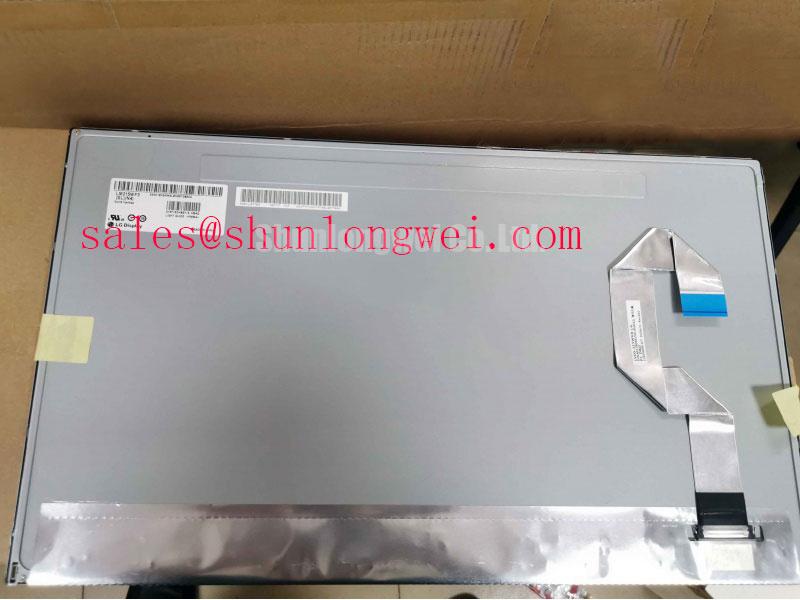
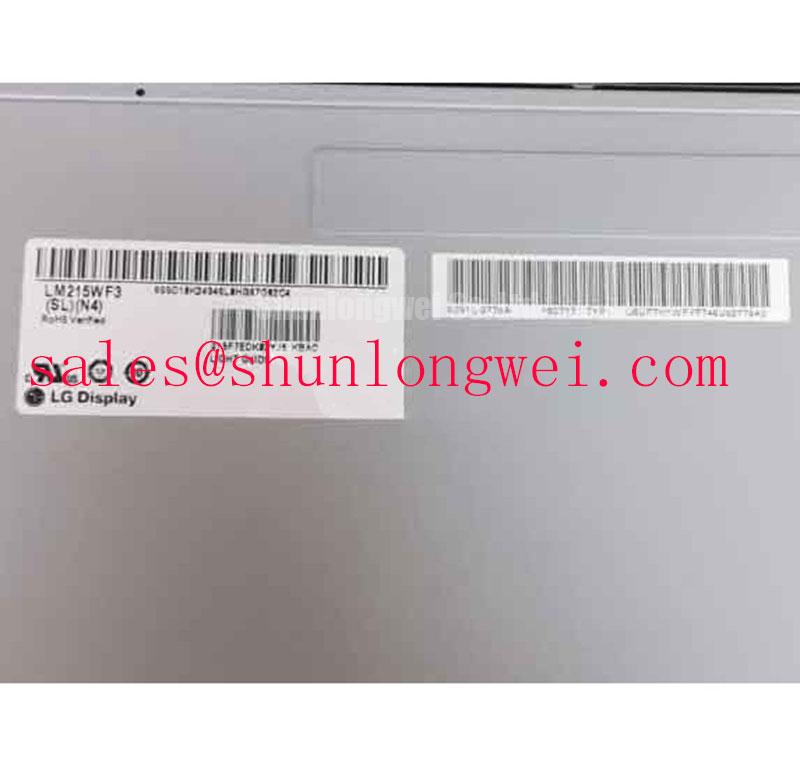
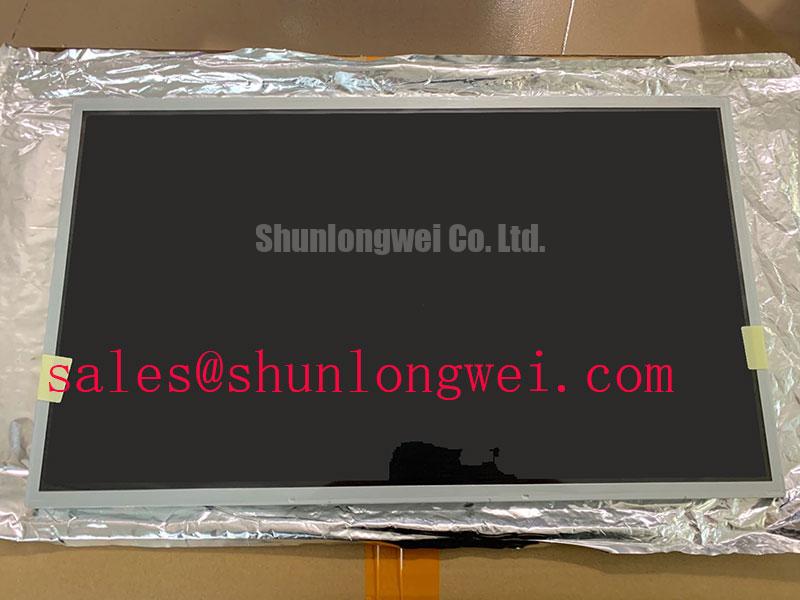
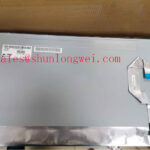
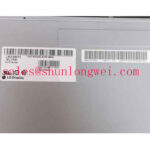
When a factory automation HMI shows a dark screen, uneven brightness, or a buzzing sound near the display power circuit, isolate the panel from the driver before replacing the complete operator terminal. Confirm the label and connector position first. The unit identified here is the LM215WF3-SLN4 from LG Display, a TFT-LCD active-matrix color display module with an LED backlight. Its original panel documentation and system interface records remain essential during a replacement assessment.
Acoustic noise around a display assembly can be transferred from a backlight converter, capacitor, transformer, or mechanical mounting point. Although the LM215WF3-SLN4 uses an LED backlight, the machine’s complete backlight implementation may include a separate constant-current driver and mechanical noise sources. Trace the actual harness and driver board in the equipment before applying a replacement backlight strategy. For LED systems, PWM dimming in the 200 Hz to 1 kHz range is a design consideration rather than an LM215WF3-SLN4 factory specification. Compare the selected frequency with camera flicker requirements, audible magnetics behavior, and the driver’s current-control response.
At the video interface, confirm that the transmitter clock, data pairs, and enable signals remain stable while the backlight changes brightness. A display that flashes only during brightness transitions can indicate interaction between power sequencing, ground return impedance, and the host timing controller. Measure the known-good terminal first, then compare clock jitter, data hold behavior, and enable timing across the expected industrial temperature window. These checks are more useful than assigning a fault to the LCD glass without examining the complete signal path.
High brightness and glare control should also be assessed at the machine location. Ambient reflections from a CNC enclosure window can make a healthy panel appear weak, while excessive optical treatment may reduce apparent contrast. Review the original panel surface specification for any AG or AR treatment before selecting a mechanically similar display. The Winstar industrial TFT-LCD and OLED display reference provides useful industry context for comparing optical and interface factors, but it does not define the specifications of this LG Display model.
Controlled 100-Ohm Differential Impedance Flex Routing to Suppress High-Frequency Jitter
Split-screen images, intermittent vertical noise, and unstable startup graphics should be investigated at the LVDS path before the display is condemned. Confirm the connector orientation, cable seating, panel-side ground contacts, and host mapping against the original machine documentation. A nominal 100-ohm differential characteristic impedance is a common high-speed routing design target for LVDS links, not a substitute for the exact interface requirements of the installed LM215WF3-SLN4 assembly.
Keep the differential pairs together through the flex cable and avoid sharp folds near the connector latch. Uncontrolled branch stubs, uneven pair spacing, or a damaged shield can convert a clean differential signal into common-mode noise. When a replacement cable is required, compare conductor count, connector keying, contact orientation, and cable length with the removed assembly. The panel’s standard form factor designation does not by itself confirm JEIDA or VESA mapping, so the system integrator should match the data mapping and control signals to the original controller board.
Power sequencing deserves the same attention. The host may apply logic power, panel enable, video data, and backlight control in a defined order. Do not infer a required 3.3 V or 5.0 V supply from the model number. Verify the voltage, rise-time window, reset behavior, and enable timing from the original panel documentation and the machine controller design. If the screen begins with a partial frame and then stabilizes, capture the startup sequence with an oscilloscope while monitoring the display supply and enable line together.
Cold conditions can lengthen liquid-crystal transition behavior and make a marginal signal problem appear to be a slow image response. When a machine starts below its normal workshop temperature, compare the first displayed frame with the same sequence after the enclosure reaches operating temperature. A heater or cabinet temperature-control circuit may be part of the equipment design, but it should not be assumed to be integrated into this panel. For material replacement planning, the NL8048AC19-13 may be reviewed as a separate display reference, but it should not be treated as a compatible replacement unless size, interface, mounting, optical performance, and controller mapping have all been verified.
Shielded FFC/FPC Flat Flexible Cable Grounding
Horizontal noise bands that appear when a nearby variable-frequency motor drive accelerates often require a cable and grounding investigation. Inspect the complete FFC or FPC route for crushed sections, loose latch pressure, exposed shield edges, and accidental contact with motor or mains wiring. A shielded cable should maintain a continuous reference path around the connector area where the equipment design provides one; the exact grounding method remains a system-level decision based on chassis construction and EMC testing.
Common-mode current can enter through the display cable even when the differential video waveform looks acceptable at the transmitter. Compare the panel-side reference, controller ground, and enclosure bonding points under both idle and motor-switching conditions. If a ferrite component is used in the machine, select its position and impedance response from measured noise behavior rather than treating it as a standard accessory of the LM215WF3-SLN4. The objective is to reduce unwanted common-mode energy without disturbing the required video edge quality or backlight control.
Backlight faults should be separated from video faults. A black image with a visible picture under angled light points toward illumination or brightness control, while missing image data requires attention to the controller and LVDS route. For LED-equipped systems, inspect the constant-current driver output, open-load response, short-load response, and fault reporting under controlled conditions. A stated 50,000-hour half-brightness life or MTBF figure must come from the applicable panel or driver documentation; it should not be transferred to this model without a matching source.
⚠️ Field Alert: Disconnect equipment power and allow the supply rails to discharge before inserting or removing the display cable, because live connector movement can expose signal contacts to unintended electrical stress.
For broader enclosure, optical, and HMI integration considerations, review Industrial Display & HMI Solutions. The resource can support application planning for operator terminals, while the final replacement decision still depends on the machine’s actual cable, controller, and mounting arrangement.
Mitigating Gray-to-Gray (GTG) Response Time Escalation during Cold-Start Machine Power-Up
Cold-start image lag should be observed during a repeatable machine power-up sequence rather than judged from a single frozen frame. Record the time from panel enable to a stable screen, then compare moving graphics, alarm text, and gray transitions at normal and low enclosure temperatures. Liquid-crystal viscosity changes can extend gray-to-gray response behavior in cold conditions, but the visible symptom may also involve controller timing, frame buffering, or backlight activation.
The LM215WF3-SLN4 should be assessed within the environmental limits documented for the specific supply and panel revision. Do not assign a −30 °C to +85 °C operating range to this model unless that range is present in the applicable manufacturer documentation. Instead, verify the machine cabinet temperature profile, condensation risk, warm-up control, and mounting stress. A perimeter seal or enclosure gasket may protect the terminal environment, but its material, compression, and thermal behavior belong to the system assembly rather than the panel’s basic product identity.
When motion appears smeared after a cold start, capture the same graphic at fixed intervals while checking the video clock and enable signals. If the signal timing remains stable while gray transitions improve with temperature, the display response and cabinet thermal conditions deserve closer review. If the frame itself breaks up, returns to a previous image, or loses synchronization, investigate the controller, cable, and power sequence separately. This avoids treating every cold-start symptom as a liquid-crystal defect.
Backlight aging analysis should also remain separate from GTG evaluation. A constant-current LED driver can produce stable brightness while the optical output gradually changes, but any half-brightness life or reliability claim must be tied to the relevant manufacturer test conditions. Check brightness uniformity, driver current regulation, open-circuit protection, short-circuit protection, and diagnostic output at the equipment level. For a factory automation machine tool or HMI operator terminal, confirm the panel interface, optical surface, cable routing, mounting geometry, and startup behavior together before authorizing the replacement.