
Content last revised on October 16, 2026
Display Bus Synchronization & Logic Power Rail Verification
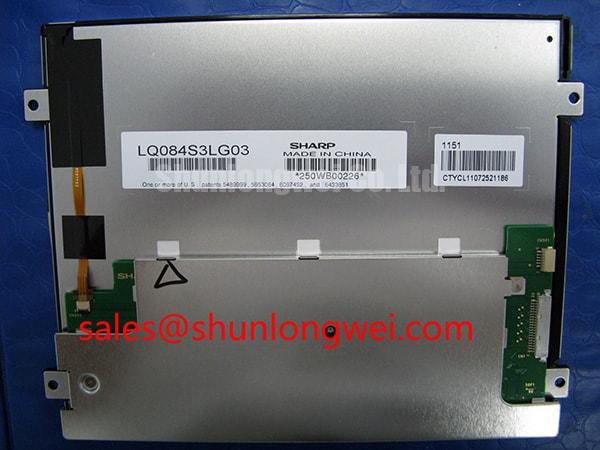
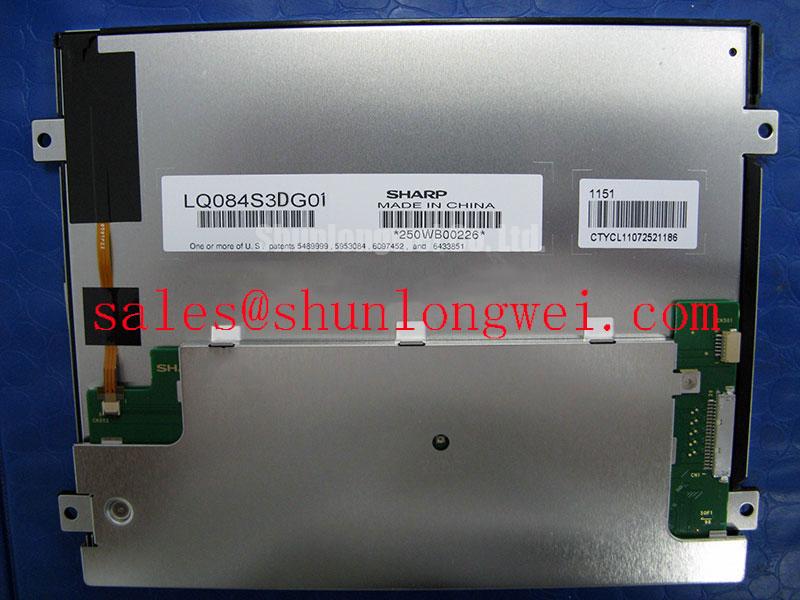
I trace the panel connector against the equipment schematic before energizing the LQ084S2DG01, separating logic power, signal returns and backlight connections on the bench worksheet. Engineering Recommendation: establish the actual connector pinout and interface width before configuring a controller; the heading’s 24-bit bus must not be treated as a confirmed specification for this model.
Design Consideration: parallel RGB and LVDS require different electrical checks. On a parallel connection, compare pixel-clock polarity, synchronization signals and data timing against the receiving interface. JEIDA and VESA describe LVDS bit mapping, not interchangeable settings for a bare parallel bus. Apply those mapping checks only where a documented serializer or receiver exists in the equipment signal path. Texas Instruments illustrates this distinction in its display-mapping application note. (ti.com)
Engineering Recommendation: capture the logic rail at the panel connector during startup and shutdown, alongside the controller’s output-enable signal. Compare the measured sequence with the applicable panel and controller requirements rather than imposing a generic voltage or rise-time window. For intermittent image displacement, record the clock and data relationship at the receiving end, where interconnect delays affect the available timing margin. (e2e.ti.com)
Replacement assessment should include connector orientation, mounting positions, active-area alignment, controller compatibility and backlight connections. The LQ10D41 is a separate comparison candidate, not an established drop-in replacement. For a CNC operator panel or robot teach pendant, engineers should evaluate these interfaces against the original equipment assembly before accepting either panel.
💡 Bench Tip: With power disconnected and ESD protection in place, seat the ribbon cable squarely before closing its connector latch.
Single Vertical Hairline Defect & Sub-Pixel Column Driver Open-Circuit Localization
Display full-screen red, green and blue fields, recording whether a vertical hairline remains at the same screen coordinate or changes with the selected color. Engineering Recommendation: follow with black, white and grayscale patterns to distinguish isolated subpixel behavior from broader brightness variation. Solid-color and uniformity patterns are established display-inspection tools; acceptance limits should come from the applicable purchasing or equipment specification. (eizo.de)
Engineering Recommendation: repeat the pattern sequence using a compatible known-good signal source and cable before assigning the fault to the panel. Log the defect’s position, color dependence and persistence after a controlled restart. These observations provide a reproducible comparison between the incoming module and the original assembly without treating one visual symptom as proof of a particular internal failure.
For a dark screen, an oblique flashlight check can be used as a qualitative bench observation: look for recognizable image content without pressing the viewing surface. Record the result alongside the backlight enable state and driver behavior. Do not convert a faint visible image into a definitive component diagnosis, or identify a COG fracture from a photograph alone.
Design Consideration: low-temperature image response can differ from room-temperature behavior; EIZO notes that LCD response may slow in colder conditions. Within the approved operating range, compare moving text and grayscale transitions after temperature stabilization, keeping the source image and brightness command unchanged. Separate delayed pixel transitions from unstable startup illumination in the inspection record. (eizoglobal.com)
Engineering Recommendation: treat any heater or temperature-compensation circuit as an equipment-level feature requiring its own validation, not an included attribute of this module. Record the tested ambient condition, stabilization criterion and observed recovery behavior rather than assigning an unsupported cold-start rating.
Constant Luminance Output Control & L70/B50 Backlight-Life Reliability Verification
Measure center and edge luminance with fixed instrument geometry, a repeatable white pattern and unchanged ambient lighting. Engineering Recommendation: record chromaticity at corresponding positions so that a brightness gradient is not confused with a color-temperature difference. Allow the display to stabilize before comparing samples; brightness and chromaticity uniformity are separate inspection characteristics. (eizo.com)
Design Consideration: L70/B50 is not a synonym for half-brightness life or MTBF. The U.S. Department of Energy’s lifetime guide discusses L70/B50 in terms of a population reaching a lumen-output threshold, while distinguishing gradual depreciation from other failure mechanisms. An LED subsystem’s maintenance projection does not establish the service life of a complete LCD assembly, and these terms do not establish a backlight technology for the LQ084S2DG01. (energy.gov)
Engineering Recommendation: compare optical results before and after installation in the intended enclosure. Keep the test pattern, viewing direction and brightness command consistent, and inspect whether mounting changes introduce localized shading. Avoid using increased drive as an automatic correction for uneven illumination. Document the measured condition before deciding whether the panel, driver or mechanical installation needs further investigation.
For broader enclosure and maintenance planning, Industrial Display & HMI Solutions provides related integration context. Use Sharp Devices Europe Industrial Display Solutions as the manufacturer-level reference point, without transferring another display’s ratings to this part.
Suppressing Acoustic Capacitor Buzz & EMI Emissions across 200 Hz to 1 kHz PWM Frequencies
Correlate audible noise with the equipment’s brightness command before changing its backlight control settings. Design Consideration: the heading’s 200 Hz to 1 kHz range describes a system investigation window, not a specified dimming range or flicker-free guarantee for this panel. In documented LED-driver circuits, PWM-related voltage changes can excite ceramic capacitors and mechanically couple vibration into the circuit board. (analog.com)
Engineering Recommendation: inspect the actual driver identification and control interface, then compare dimming commands with current and optical waveforms using suitable instrumentation. For a documented LED subsystem, evaluate regulation and conversion losses at comparable optical output. For inverter servicing, follow the equipment’s high-voltage procedures rather than importing generic ignition-voltage values.
Design Consideration: increasing PWM frequency can trade acoustic behavior against achievable dimming performance; component selection and board construction also influence noise. Any adjustment should remain within the driver’s documented limits and be validated in the assembled equipment. A quiet bench result does not demonstrate EMC compliance. (e2e.ti.com)
Engineering Recommendation: finish by checking the receiving interface’s clock-to-data relationship across the equipment’s approved temperature conditions. Include source timing, interconnect delay and receiver requirements in the timing budget. Capture intermittent errors at the panel connection and compare them with a known-good configuration before modifying controller settings or accepting the assembly for return to service. (e2e.ti.com)