Content last revised on October 19, 2026
LQ104V1DG59 Sharp LCD Display for Industrial HMI Evaluation
When an industrial CNC operator panel shows a blank screen, unstable colors, or intermittent touch response, begin by isolating the display assembly from the host controller. Confirm the panel connector orientation, inspect the flex and backlight connections, then compare the host timing signals with a known good display path before applying power repeatedly. Touch faults should also be checked separately, since the touch sensor and controller may be independent of the LCD module.
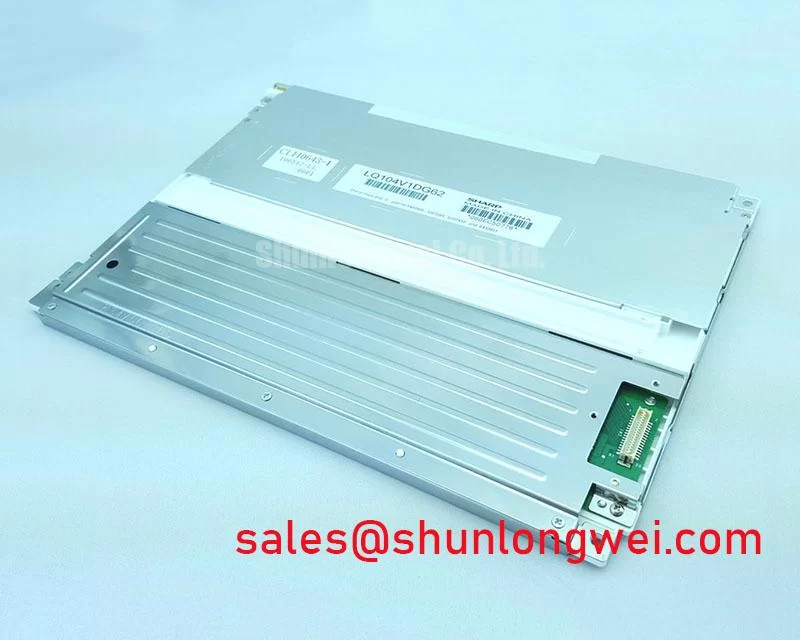
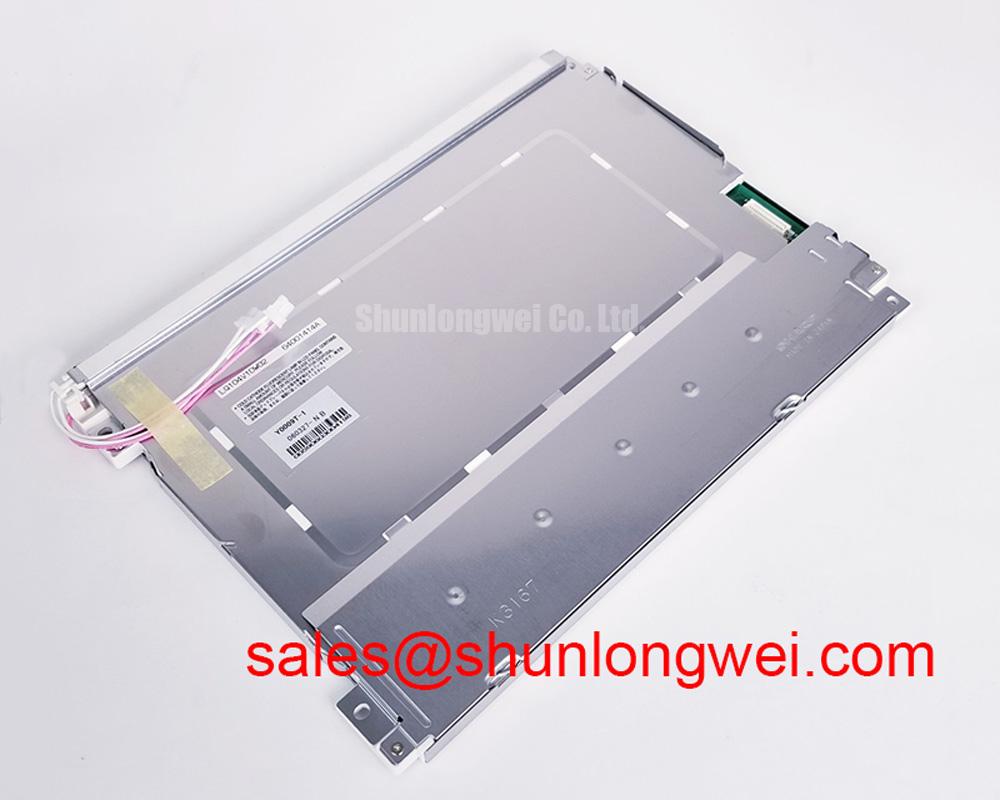
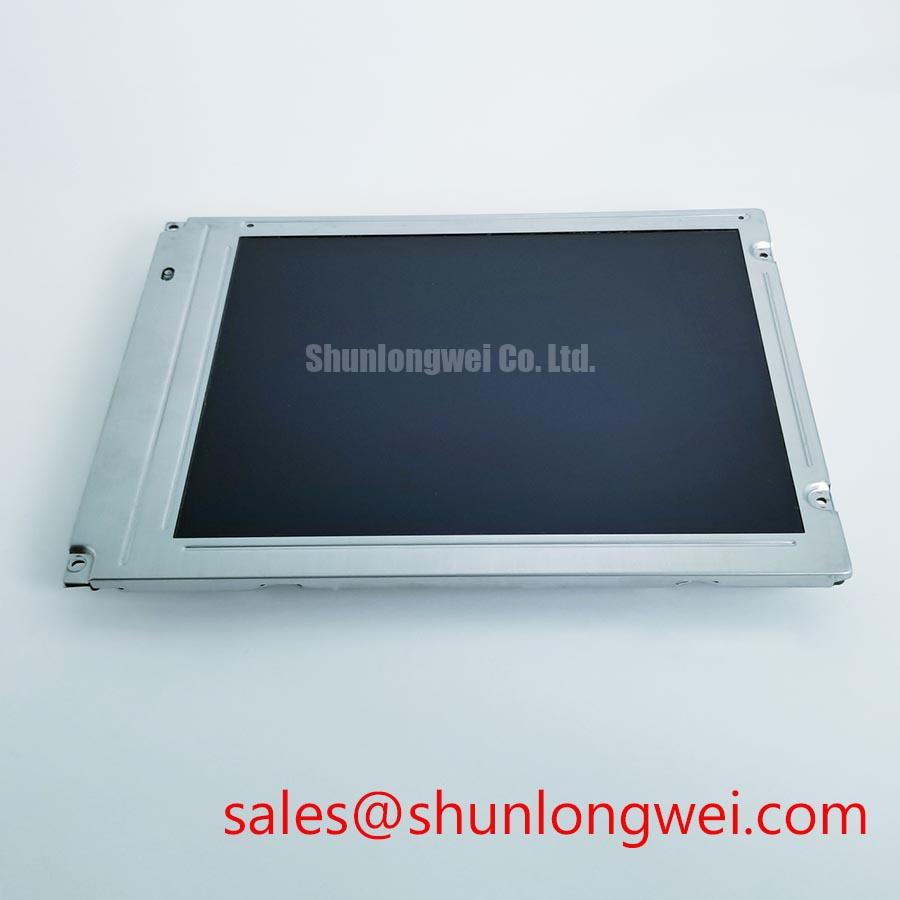
LQ104V1DG59 is a Sharp TFT LCD Active Matrix Color Display Module. The part is relevant to repair assessment for industrial HMI consoles, CNC operator panels, and robot teach pendants where physical fit, signal format, backlight control, and controller timing must be checked together.
- Manufacturer: Sharp
- Model: LQ104V1DG59
- Product category: LCD display module
- Display construction: TFT LCD Active Matrix Color Display Module
- Primary evaluation areas: host interface, power sequencing, backlight architecture, optical fit, and mechanical loading
The information provided here does not establish a specific panel resolution, connector pinout, logic rail, backlight type, or touch layer. Those items should be matched against the exact panel documentation, original equipment documentation, and installed controller before a replacement is released to production.
Digital RGB Bus Synchronization and Logic Power Rail Verification
Start the electrical assessment at the display connector rather than at the image symptom. A host using a parallel 24 bit TTL RGB bus must align red, green, and blue data with the pixel clock and the display enable or synchronization signals. A mapping error can produce color swaps, split images, missing columns, or an apparently dead panel even when the power rail is present.
For an LQ104V1DG59 replacement evaluation, identify whether the original controller uses TTL RGB, LVDS, or an intermediate timing controller. Do not assume that a physically similar connector carries the same signal order. The system integrator should compare the original pin assignment, signal polarity, active display timing, and data hold behavior with the replacement documentation. JEIDA and VESA mapping conventions are relevant to LVDS systems, but they should not be applied to a TTL interface without confirming the actual transmitter and receiver architecture.
Power sequencing deserves the same attention. Check the rise and settling behavior of the logic supply and any display enable, reset, and backlight control signals in the order required by the equipment and panel documentation. The information provided here does not establish a 3.3 V or 5.0 V requirement for this model, so the correct rail must come from the original panel documentation and controller design. A supply ramp or signal sequence outside the documented requirements can leave display circuitry in an undefined state, while an incorrectly timed backlight command can create a false diagnosis of panel failure.
For LVDS implementations, routing is a system design consideration. Controlled differential impedance, consistent pair geometry, short return paths, and practical skew control help preserve clock and data margins. A nominal 100 ohm differential environment is commonly used by LVDS interface designers, but the host transmitter, receiver, cable, and connector specification must govern the final layout. Use an oscilloscope at the receiving end to inspect clock integrity and data eye behavior across the intended temperature range rather than judging compatibility from connector shape alone.
At sub zero temperatures, liquid crystal response can become visibly slower, producing gray to gray elongation, motion trailing, or delayed image settling. This behavior should be separated from a pixel clock problem by comparing static primary colors, moving patterns, and the same signal source at different ambient conditions within the panel’s specified operating range. If the equipment includes a cabinet heater or controlled warm up sequence, its operation is a system feature and should not be treated as an intrinsic LQ104V1DG59 specification.
💡 Pro Tip: Keep high speed display pairs away from motor and servo switching paths, and preserve pair symmetry through the connector transition to reduce clock disturbance during machine movement.
Backlight Architecture and CCFL Ignition Debugging
Backlight diagnosis must begin by identifying the installed backlight architecture. The information provided here does not confirm a CCFL tube arrangement, inverter topology, LED array, or dimming interface for LQ104V1DG59. A repair engineer should therefore trace the original equipment backlight wiring and controller before selecting an inverter or LED conversion path.
For a CCFL system, a cold tube can require a substantially higher ignition voltage than its stabilized operating voltage. Use the documented lamp and inverter requirements to establish the appropriate ignition test conditions; a generic high voltage test value is not a rating for this display model. Measure the inverter output only with probes and procedures rated for the actual waveform. Intermittent ignition, audible resonance, or uneven brightness can also arise from cable placement, aging lamp characteristics, grounding, or control feedback, so the waveform should be compared with the equipment service reference.
When the original system uses an LED driver, CCFL ignition measurements do not apply. Evaluate the constant current path, enable logic, fault feedback, and dimming method instead. A claimed 1000 to 1 PWM dimming ratio belongs to a particular driver design and must not be assigned to this display without documentation. Check the PWM frequency, minimum effective duty cycle, and visible flicker behavior at the actual camera and human observation conditions used by the machine operator.
Display data integrity remains important during a backlight investigation. A faint but stable image visible under external illumination points the investigation toward the backlight path, while unstable colors or missing data require inspection of the digital interface and timing controller. Use the host clock, data hold interval, and transmitter output levels as the reference points. Any clock jitter margin must be established from the controller and receiver specifications across the operating temperature window, not inferred from the panel category.
| Evaluation item | LQ104V1DG59 information | Related selection reference |
|---|---|---|
| Manufacturer | Sharp | Sharp |
| Category | LCD display module | LCD display reference |
| Construction | TFT LCD Active Matrix Color Display Module | Confirm from the applicable documentation |
| Interface and backlight | Confirm from exact panel documentation and original equipment records | Confirm before substitution |
For an interface comparison, engineers can review LQ121S1DG31 as a separate Sharp display reference. It should be treated as a comparison source, not as an automatic substitute, because connector assignment, optical envelope, timing, backlight, and mounting details determine actual interchangeability.
Mechanical Stress and Glass Substrate Handling
Mechanical handling should be evaluated through the complete bezel, flex, and connector assembly. A panel can pass a static image test and still develop intermittent lines when the chassis applies uneven pressure or the cable is forced into a tight bend. Do not use the glass edge, polarizer surface, or bonded driver region as a fixture point during installation.
A practical bench sequence uses a full white field, a full black field, and primary red, green, and blue fields. Observe the image after cold start, after warm operation, and while lightly reproducing the equipment’s normal cable position without pressing the glass. A fixed vertical line, color-dependent defect, or changing region should be documented with photographs and connector position notes. This process helps separate timing or data mapping faults from localized panel or bond behavior.
A 45 degree flashlight inspection is useful when the screen is dark or uneven. Oblique light can reveal scratches, pressure marks, edge damage, bezel contact, or localized shadows that are difficult to see under direct illumination. It cannot by itself prove a driver bond fracture. Compare the suspected area with the backlight off and on, then correlate the visual result with the electrical test pattern.
Clock jitter, data hold time, and signal integrity should be checked independently of mechanical observations. If the image changes when the cable is repositioned, inspect connector retention, strain relief, and the transition from the controller board to the panel. If the defect remains at the same glass location with a clean input pattern, the mechanical and optical investigation becomes more important than continued software adjustment.
The Sharp industrial display information available from Sharp Devices Europe Industrial Display Solutions provides useful manufacturer context for industrial display evaluation. Integration teams should still match the exact panel documentation to the installed equipment before approving a mechanical change.
Chassis Fastener Torque Selection to Reduce Optical Mura Defects
Uneven bezel loading is a common integration risk when a replacement panel is mounted into an enclosure designed around another display envelope. Check the opening, ledge support, connector clearance, cable exit direction, and bezel contact points before tightening any fastener. The glass should remain supported by the intended frame rather than clamped directly through decorative trim.
Cross pattern tightening helps distribute frame loading, but the correct torque is determined by the chassis material, thread engagement, washer arrangement, and panel mounting design. Use the panel and equipment manufacturer’s assembly requirements rather than selecting torque from screw size alone. Tighten progressively while observing a black or gray test field for localized brightening, dark corners, or pressure related mura.
Optical nonuniformity should be assessed with the panel operating in the same orientation and enclosure conditions used in service. Brightness variation can originate from the backlight, optical stack, viewing angle, supply behavior, or mechanical compression. Avoid correcting a software gamma setting for a physical pressure mark. Record the enclosure state, fastener position, display pattern, and ambient condition so that the mechanical change can be reversed if the image worsens.
For CNC operator panels and robot teach pendants, allow the cable and bezel assembly to remain stable during vibration and repeated service access. The installation should minimize flex transfer into the connector and bonded edge while preserving the original ventilation and optical geometry. The industrial TFT LCD technology reference at The Ultimate Guide to Industrial TFT LCD Technology can support broader service decisions involving panel selection, interface matching, and display integration.