

Content last revised on October 11, 2026
Flush-Mount Open-Frame Bezel Integration & Perimeter Gasket Shock Isolation
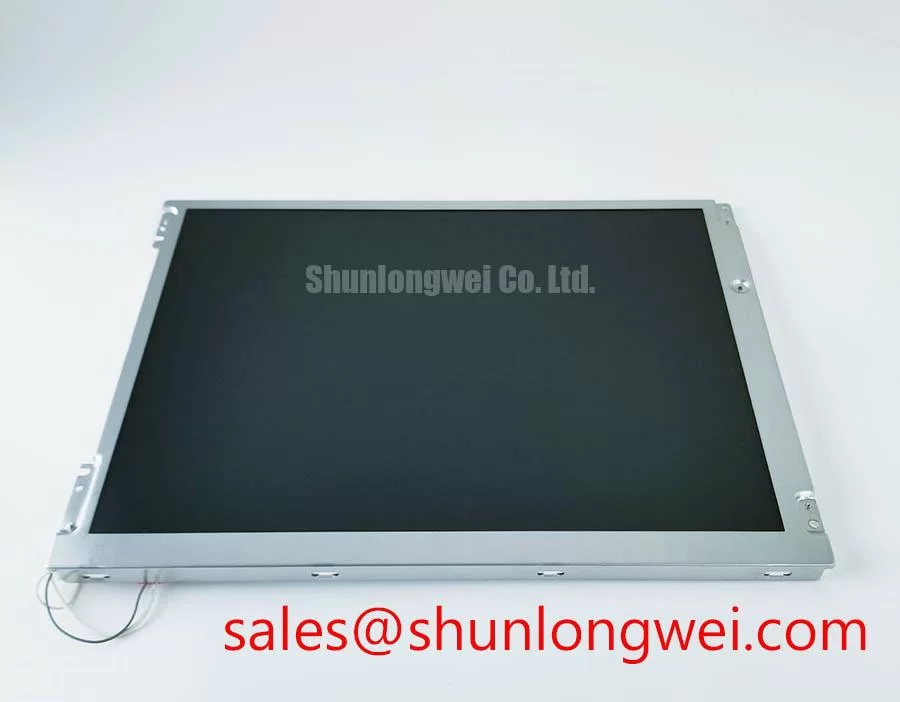
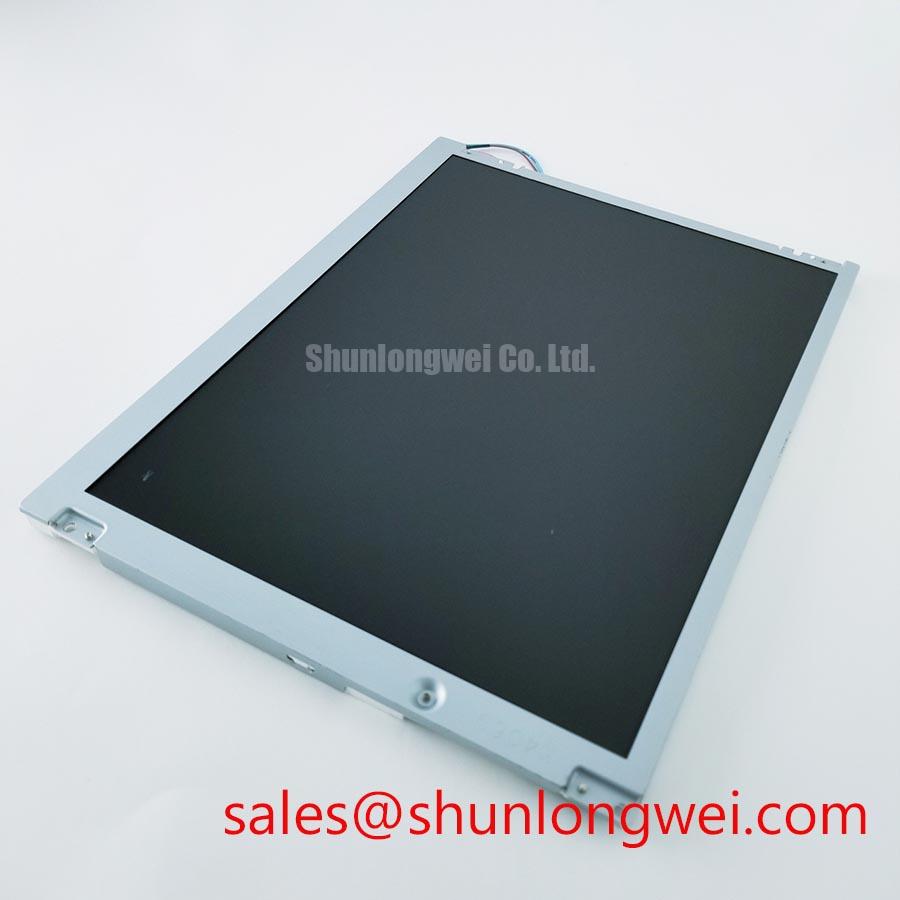
I compare the unmounted screen with the bezel-mounted screen using the same dark-gray image before accepting the chassis fit. For the Sharp LQ121S1DG49, this comparison helps separate pre-existing background variation from changes introduced by mounting pressure. Record the location of each bright patch, dark band, and edge shadow rather than treating every uneven area as a panel defect.
Design Consideration: Check the enclosure drawing against the panel outline, mounting features, connector clearance, and cable exit path. The bezel should not transfer concentrated pressure onto the viewing surface. Inspect gasket seating around the perimeter, especially near corners and cable openings, and check that compression remains distributed when the enclosure closes. Fastener torque belongs to the approved chassis assembly specification; a generic screw-size value is not a Sharp module mounting limit.
Where the enclosure permits progressive tightening, compare the optical pattern during assembly. A change that follows fastening pressure warrants inspection of bracket alignment, gasket thickness, and chassis flatness. Avoid pressing the display surface to reproduce an artifact: pressure can alter the image without identifying its underlying cause. Document the enclosure configuration alongside the photograph so another technician can reproduce the comparison.
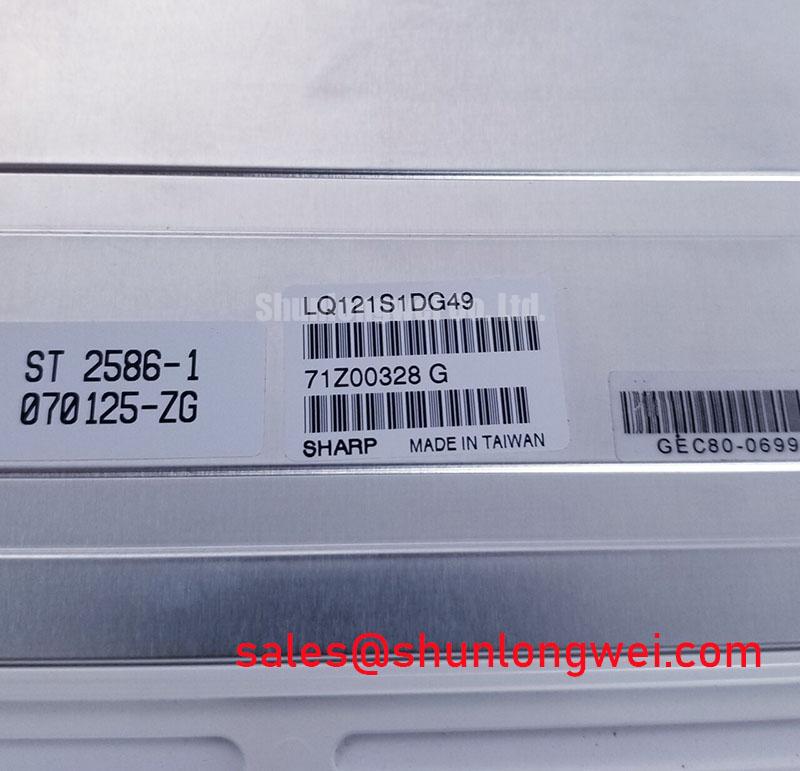
For replacement evaluation, compare LQ121K1LG61 against the LQ121S1DG49 using mechanical drawings, connector assignments, display timing, and backlight requirements. A similar model designation does not establish interchangeability. An AGV or forklift telematics display is a potential integration example, subject to verification of enclosure vibration control, viewing position, environmental protection, and controller compatibility.
Full-Screen Primary Color AOI Screening: Stuck Sub-Pixels & Background Uniformity Audit
Display full-screen red, green, and blue patterns in sequence, then inspect white, black, and intermediate gray fields with the controller settings held constant. The primary-color pass exposes persistent subpixel differences; the neutral fields make background nonuniformity, tint variation, and line artifacts easier to document. Keep camera position, exposure, and ambient illumination consistent when using automated optical inspection or comparing incoming units.
Engineering Recommendation: Record suspect pixels by location and pattern response, then apply the agreed acceptance criteria rather than inventing a universal defect allowance. An apparent dark pixel can also reflect contamination or an imaging artifact. Inspect the surface without applying pressure and repeat the pattern before assigning a disposition. For brightness and color uniformity, use repeatable measurement positions and distinguish visual observations from instrument readings.
A dim screen warrants separate checks of image formation and illumination. Under controlled conditions, an oblique external light can help reveal whether image content remains visible, but this observation alone does not locate a backlight fault. Persistent lines also require controller, connector, and cable checks; they are not proof of an internal driver fracture. Compare against a compatible known-good signal path before narrowing the diagnosis.
💡 Bench Tip: With power removed and ESD controls in place, seat the display cable squarely and engage its retention mechanism before restoring power.
Use the LQ121S1DG49 connector definition to establish the actual interface before connecting test equipment. For a differential interface, examine receiver-side signal quality and clock-to-data relationships; for a parallel interface, examine timing against the receiver’s setup and hold requirements. Cable length, routing, temperature, and controller configuration influence the usable margin, so acceptance should follow the specified timing limits rather than a generic jitter allowance.
If grayscale steps appear compressed or tinted, confirm the controller’s output format and any accessible gamma configuration before changing settings. Timing-controller reference voltages are not arbitrary brightness controls. Related display options such as LQ123K1LG03 require their own controller and illumination compatibility review; that panel should not be treated as a backlight driver for this module.
Surface Anti-Glare (AG) & Anti-Reflective (AR) Considerations for High Ambient Readability
Evaluate reflections with the intended cover window and bezel installed, because the completed optical stack determines what the operator sees. Compare dark text, gray controls, and bright warning areas under representative ambient illumination. Measure readability at the intended eye position rather than inferring sunlight performance from a dark-room contrast measurement.
Design Consideration: Anti-glare treatment redistributes reflected light, while anti-reflective treatment reduces reflection through its optical construction. Neither description establishes the surface treatment supplied on the LQ121S1DG49. Assess any proposed enclosure overlay for haze, image sharpness, reflections, and cleaning compatibility. Adding a cover can change perceived black level and introduce reflections even when the panel image remains unchanged.
Sweep the viewing position horizontally and vertically while showing a grayscale ramp. Record changes in dark-tone separation, apparent contrast, and color rather than assigning this panel a symmetric viewing cone or an unverified liquid-crystal mode. The Sharp Devices Europe Industrial Display Solutions portal provides manufacturer context for industrial display selection; model-specific optical limits remain distinct from general technology descriptions.
If a touch overlay is part of the host assembly, assess gloved operation and wet-surface behavior separately from LCD image quality. Those responses depend on the touch sensor, controller, firmware, and cover construction. During servo or motor operation, observe both image stability and touch behavior. Where differential signaling is used, preserve the specified transmission path and return-path continuity, then validate receiver performance in the assembled equipment; a cable change alone does not demonstrate EMC compliance.
Thermal Cycling Effects on Polarizer Adhesives & Sealant Gasket Integrity
Capture a baseline gray ramp, background-uniformity image, and connector inspection before an approved temperature test. Use the module’s specified operating and storage boundaries together with the enclosure qualification plan. An environmental test range must not be presented as the LQ121S1DG49 operating rating unless the manufacturer specifies it.
Design Consideration: Lower temperature can slow liquid-crystal transitions, making moving edges or changing gray levels appear delayed. Compare transition behavior only after thermal stabilization and with identical controller settings. Slower image response should be distinguished from timing faults, intermittent connections, and illumination changes; increasing drive settings without an approved basis is not a corrective procedure.
After temperature exposure, inspect for changes in edge appearance, surface condition, background uniformity, and gasket seating. These observations support further investigation but do not identify a particular adhesive or sealant chemistry. Use The Ultimate Guide to Industrial TFT LCD Technology as a supporting integration reference, while obtaining model-specific documentation through manufacturer resources such as the Sharp Display Solutions Official Portal.
When an artifact appears only during temperature testing, record panel and enclosure temperature, controller state, displayed pattern, and cable position. Repeat the observation after stabilization and inspect the connection without flexing the panel. Preserve the before-and-after images with the assembly record so the next assessment can distinguish a repeatable module behavior from an enclosure or signal-path interaction.