Content last revised on October 12, 2026
Backlight Driving, Dimming, and Flicker Evaluation
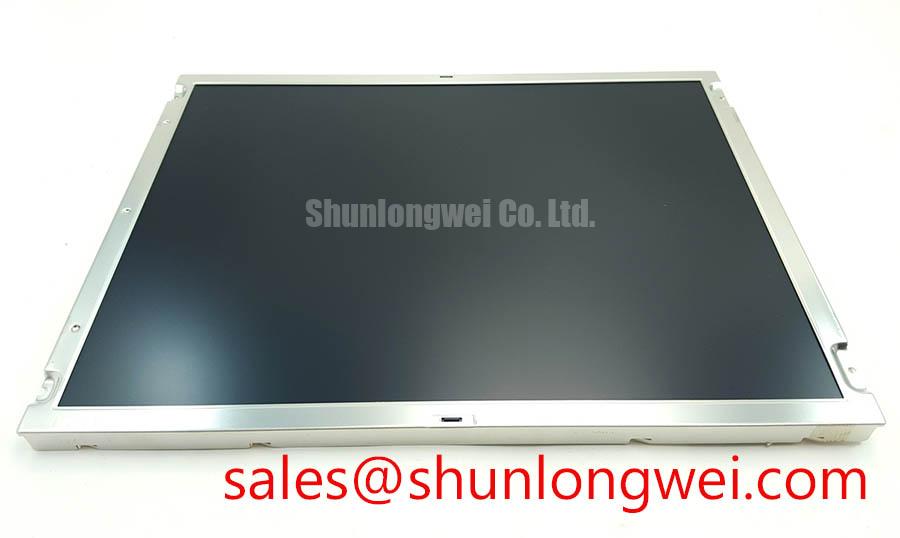
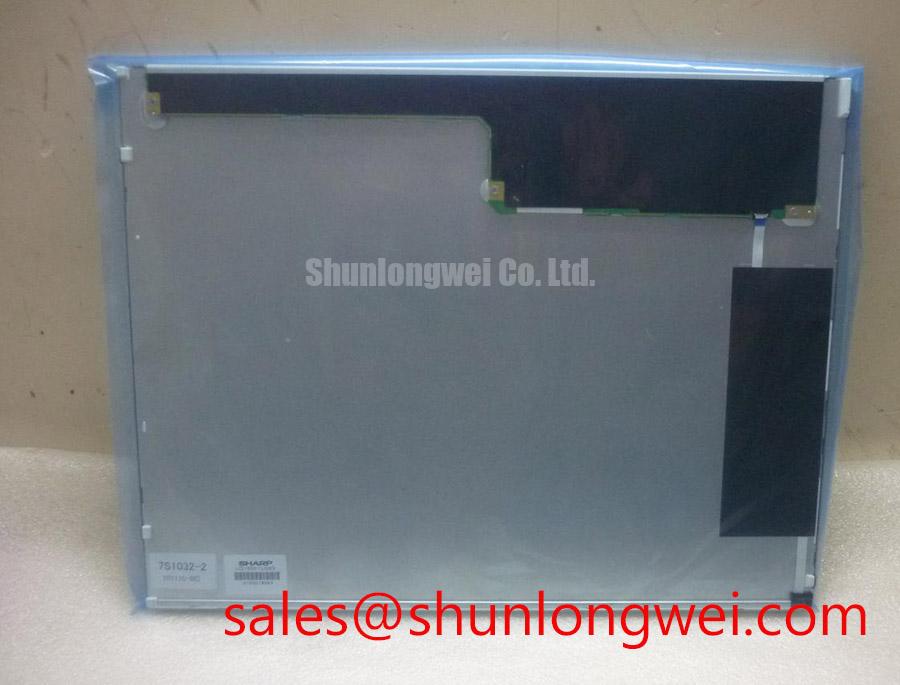
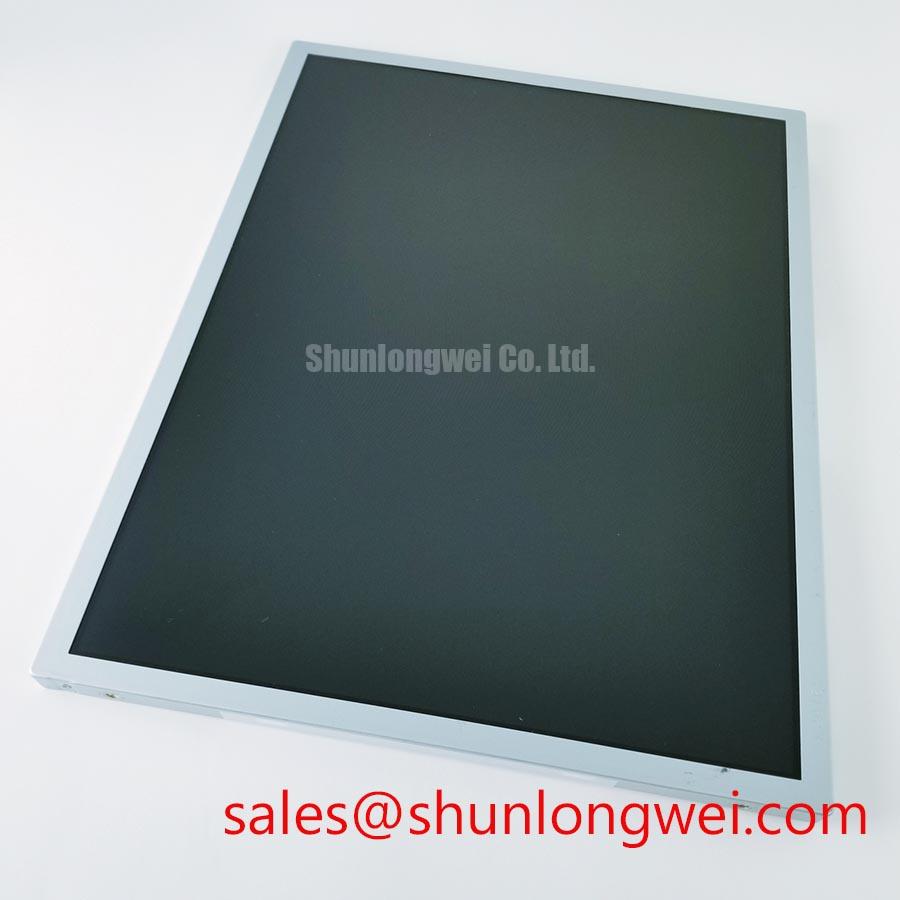
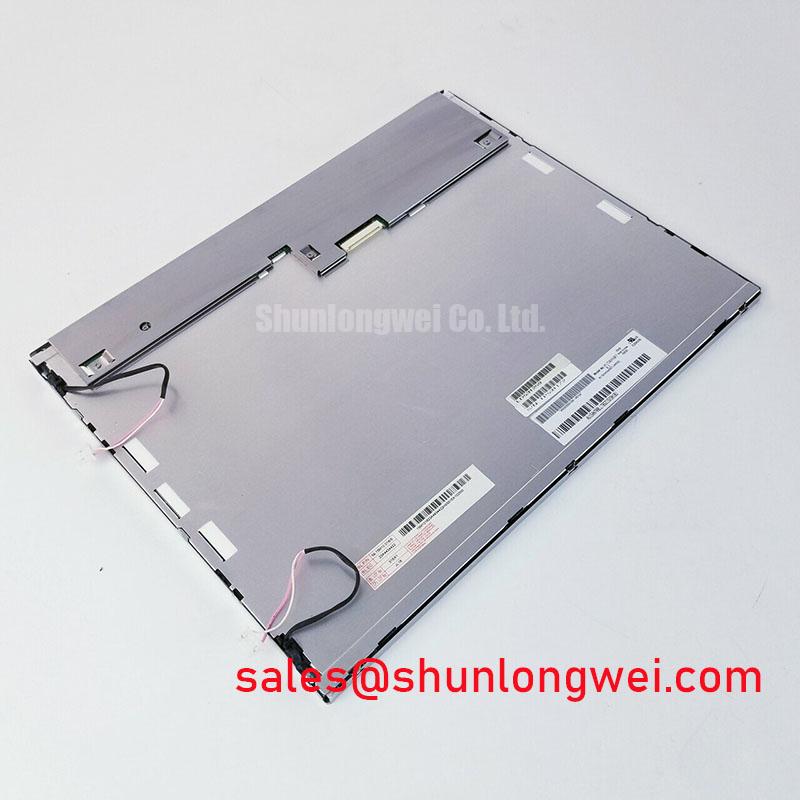
The LQ150X1LX9C is identified as a Sharp TFT-LCD active matrix color display module for industrial display integration. Its published baseline classification is Industrial Grade LCD/HMI Panel with a standard form factor.
For a replacement assessment, match the mechanical outline, connector position, display interface, backlight architecture, optical requirements, and power sequencing of the original assembly. The model identity alone is not enough to establish electrical interchangeability. The system integrator should verify the required supply voltage, signal format, pin assignment, timing, and backlight control method from the original panel documentation and the equipment service schematic.
Separate the display module from the backlight driver during diagnosis. A dark screen with a visible image under controlled illumination points toward the backlight path, while a completely inactive image requires inspection of the panel supply, timing signals, and interface connection before the backlight is condemned. The LQ150X1LX9C specification supplied for this page does not establish a particular LED backlight current, PWM ratio, ignition voltage, or rated half-life, so those values must not be transferred from another 15-inch panel.
Where the host instrument uses a constant-current LED driver, the driver should regulate LED current independently of supply variation and provide an appropriate response to open and short LED conditions. PWM dimming frequency, duty-cycle range, and any analog dimming input are system-level compatibility items. Designers should evaluate visible flicker at the selected operating point and check whether the controller, driver, and panel enable sequence remain synchronized during start-up and recovery.
The proposed 1000:1 dimming figure is not treated as an official LQ150X1LX9C specification here. The same applies to any comparison with a high-voltage CCFL cold-start requirement. If the existing instrument uses a CCFL inverter, its output and enable behavior cannot be assumed compatible with a solid-state LED arrangement. A retrofit requires a documented backlight assembly, suitable current regulation, open-load and short-load protection, and fault reporting that the instrument controller can interpret.
For the signal path, inspect the transmitter clock and data relationship at the panel connector rather than relying on a continuity test alone. Clock jitter, data hold time, cable routing, return-current paths, and temperature-dependent timing drift should be checked against the original interface specification. Minimize high-current backlight loops near display data conductors, and confirm the result with waveform measurements at the receiving connector under the actual enclosure and cable configuration.
The Sharp Industrial Display Solutions portal provides manufacturer-related display and optical context, while the panel documentation for the exact assembly remains the controlling source for interface and backlight limits.
Incoming Benchtop Inspection: Panel Bonding Integrity
Begin incoming inspection with a uniform red, green, blue, white, and black test sequence generated by a known-good controller. Look for vertical lines, intermittent columns, localized color contamination, and regions that change when the cable is gently stabilized without applying pressure to the glass edge. These observations help distinguish an interface or driver-path fault from a backlight-only problem, but they do not prove a specific internal failure mechanism.
A 45-degree flashlight inspection is useful in a darkened bench area. Sweep the light across the front surface while displaying black and white fields. A broad bright region with an otherwise stable image can suggest optical leakage, surface damage, or backlight nonuniformity; narrow repeating lines that remain fixed with image changes require closer examination of the data path and panel drive behavior. Do not press the bezel, glass, or bonded edge to force a temporary change.
COG and TAB bonding areas are mechanically sensitive. Inspect for edge impact, lifted tape, contamination near the bond region, and signs that the mounting frame is imposing uneven pressure. A connector that appears seated can still have contact resistance or alignment problems, so remove power before reseating it and inspect both mating surfaces under magnification.
⚡ Field Alert: Disconnect panel power before inserting or removing the display cable, because live connector handling can expose signal pins to uncontrolled transients.
For a separate reference evaluation, LQ10D213 may be reviewed, but its presence in a comparison list does not establish substitution compatibility with the LQ150X1LX9C.
| Evaluation item | LQ150X1LX9C | LQ10D213 reference review |
|---|---|---|
| Manufacturer | Sharp | Verify from its product documentation |
| Category | Industrial Grade LCD/HMI Panel | Confirm exact category before selection |
| Display construction | TFT-LCD active matrix color display module | Confirm construction and optical format |
| Electrical interchangeability | Requires interface and power verification | Requires independent pinout and timing verification |
Viewing-Angle and Optical Evaluation for Multi-Angle Consoles
Do not assign an IPS or MVA optical class to the LQ150X1LX9C unless the exact panel datasheet identifies it. The requested 85°/85°/85°/85° viewing-cone figure and a contrast ratio above 500:1 under direct illumination are evaluation targets, not confirmed product specifications in the supplied baseline.
During compatibility testing, view grayscale ramps and saturated color fields from the operator’s actual left, right, upper, and lower positions. TN panels can show grayscale inversion or color shifts at oblique angles, while IPS and MVA technologies exhibit different black-level and contrast behavior. The correct decision depends on the instrument’s viewing geometry, bezel design, ambient light, and image content rather than the panel size alone.
Surface treatment also needs a practical check. Under strong overhead lighting, inspect the panel for reflected fixtures, veiling glare, and loss of fine trace visibility. An anti-glare surface can improve readability in bright rooms, but it may also alter perceived sharpness and black level. The integrator should compare the replacement panel with the original cover glass, touch layer, and enclosure window installed, not as a bare module on the bench.
For a broader system-level reference, the Industrial Display & HMI Solutions guide can support enclosure and HMI evaluation without replacing the exact LQ150X1LX9C optical documentation.
High-Humidity Storage Margins and Delamination Prevention Protocols
Storage and transport inspection should focus on edge sealing, visible haze, trapped particles, frame distortion, and changes in image uniformity after the module has stabilized at the intended operating temperature. The supplied baseline does not certify a 60°C and 90% RH storage rating, a −30°C to +85°C operating range, or a defined delamination life for this model; these conditions must therefore remain qualification subjects rather than claimed product ratings.
At low temperature, liquid-crystal response can slow and the displayed gray transitions may appear delayed. When evaluating a precision electronic test or measurement instrument, allow the assembly to reach thermal equilibrium, then compare moving patterns, grayscale transitions, and refresh behavior with the original display. The controller’s frame timing and any image-hold behavior should be checked at the same time, since apparent response lag can involve both panel and system processing.
Humidity testing should use controlled environmental procedures appropriate to the complete assembly. Inspect the perimeter after exposure for haze, optical separation, seal movement, or contamination paths, and record whether abnormalities remain after recovery. Avoid applying local heat or mechanical pressure to conceal a perimeter defect. The mounting frame should support the module evenly, with enough compliance for thermal expansion and vibration without loading the glass or bonded edges.
When integrating the Sharp module into a precision electronic test instrument, designers should verify enclosure sealing, cable strain relief, optical cover clearance, and thermal paths as a complete system. The Sharp Display Solutions Official Portal offers manufacturer display information for application review, while the exact model documentation governs final electrical, optical, and environmental acceptance.