Content last revised on October 21, 2026
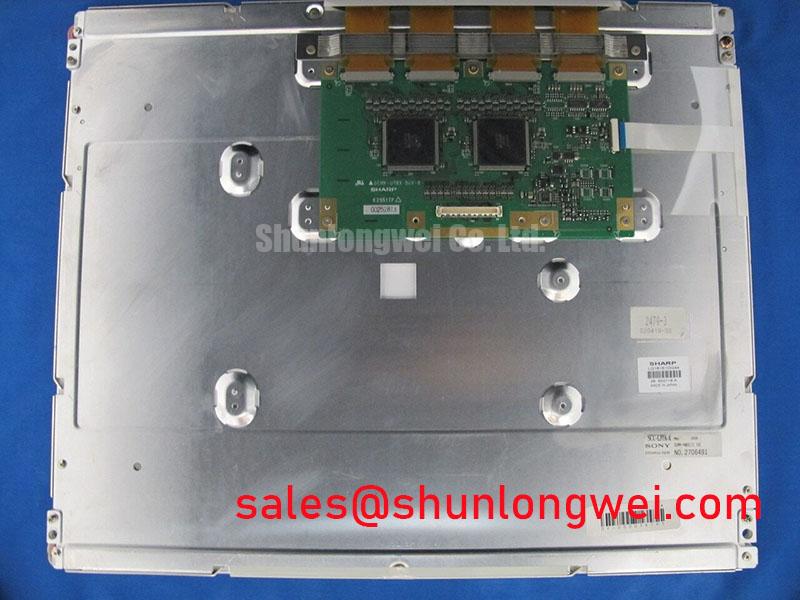
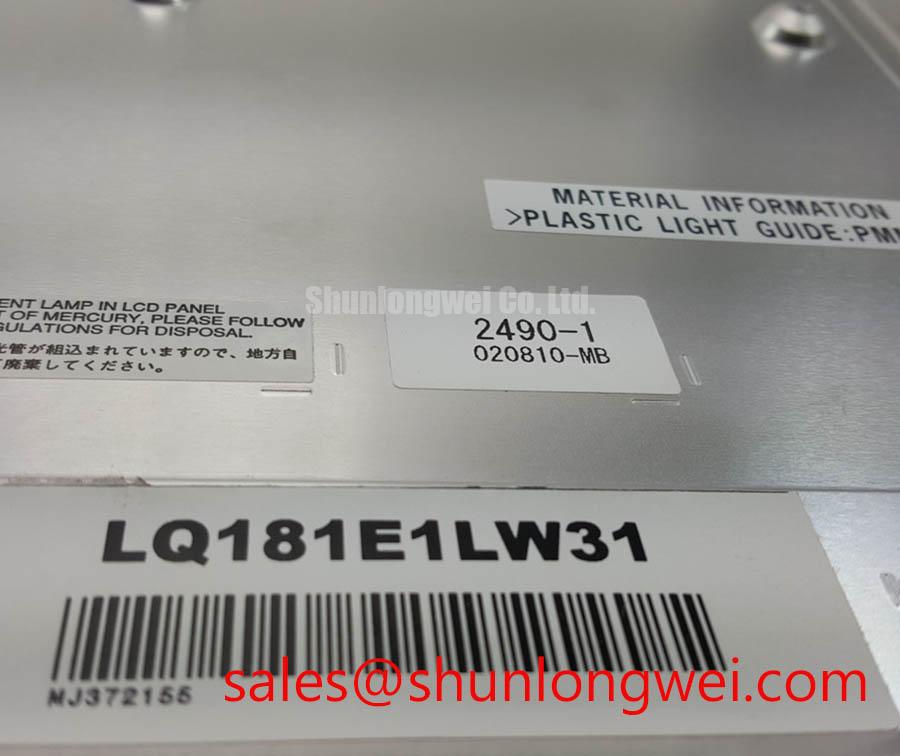
Sharp LQ181E1LW3S TFT Active Matrix LCD Display
When a precision test instrument shows a dark vertical line or an unstable image, isolate the display assembly before changing the controller: apply a known-good test pattern, inspect the panel cable seating, and compare the affected area under controlled illumination. The LQ181E1LW3S is a Sharp TFT LCD Active Matrix Color Display Module.
For replacement planning, its product identity is Sharp LQ181E1LW3S. The correct supply voltage, interface assignment, timing data, backlight arrangement, and mechanical envelope should be taken from the original panel documentation before installation. This prevents a physically compatible display from being connected to an incompatible controller or backlight circuit.
| Manufacturer | Sharp |
| Part Number | LQ181E1LW3S |
| Product Category | LCD Display Module |
| Display Structure | TFT LCD Active Matrix Color Display Module |
This panel can be evaluated for precision electronic test and measurement instruments, field analysis equipment, operator consoles, and other industrial HMI assemblies where the original display interface and mounting arrangement match. Sharp’s industrial display resources at Sharp Devices Europe Industrial Display Solutions provide useful background for system-level display evaluation.
Single Vertical Hairline Defect and Sub-Pixel Column Driver Fault Localization
A single vertical hairline should first be classified as an image-path defect or an optical illumination defect. Display a solid white field, followed by red, green, and blue fields, while recording whether the line remains fixed at the same column. A line that changes intensity with the selected color can point toward a sub-pixel or column-drive path; a line that becomes visible only on dark content also warrants a backlight and optical inspection.
Use a flashlight at approximately 45 degrees to the front surface while the panel displays a dark field. If the shadow or line changes with the angle of illumination, inspect the diffuser, polarizer surface, and bezel pressure before disturbing the cable. If the defect remains electrically aligned with the same image column across primary-color tests, compare the panel cable and controller output with a known-good signal path. An oscilloscope can help identify clock or data instability, but the result must be interpreted against the controller’s specified interface timing.
Where the equipment uses brightness modulation, the system integrator should verify the approved dimming frequency and duty-cycle behavior from the backlight documentation. A stable duty-cycle response helps prevent visible flicker in text and measurement traces, while unsuitable modulation or poor synchronization can create flicker or banding that resembles a panel fault. Do not assign a column-driver failure until the image source, cable seating, backlight behavior, and mechanical pressure have been separated.
Preventing Localized Light Guide Plate Compression Warp on Dark Screen Fields
Dark-field mura is often exposed after the panel has been tightened into a replacement bezel. Check the outer bezel envelope, mounting-hole alignment, connector clearance, and support points before applying fasteners. The panel should sit naturally in the opening rather than being pulled into position by screws. Cross-pattern tightening is a useful Design Consideration because it reduces the chance of concentrating force at one corner, but the correct fastener size and torque remain system and chassis dependent.
Inspect the dark field at several viewing angles after mechanical assembly. A localized bright or dark region that follows the bezel contact area may be associated with compression, uneven support, or optical stack deformation. Release the panel, repeat the image test without enclosure pressure, and compare the result. This separates an installation-induced optical change from a permanent display defect.
Ambient light also affects the judgment of black level and contrast. Direct sunlight can mask low-level mura while reflections make an otherwise uniform panel appear uneven. Use the same inspection position and lighting condition for the removed panel and the installed assembly. When the instrument is used near strong ambient illumination, the enclosure design, viewing angle, surface treatment, and optical contrast should be assessed together rather than treating the LCD module alone as the complete readability solution.
The related LQ190E1LW42 may be reviewed as a separate display option during a dimensional and interface comparison. It should not be treated as a direct substitute until the controller protocol, mounting geometry, optical requirements, and power arrangement have been checked.
Mitigating Gray-to-Gray Response Time Escalation during Cold-Start Machine Power-Up
At low temperature, liquid crystal movement can become slower, so a cold-start image may show trailing, delayed gray transitions, or temporarily uneven motion. Record the first image after power-up, then repeat the same gray-to-gray pattern as the instrument reaches its normal internal temperature. This observation is more useful than judging a single static screen because it distinguishes a start-up response condition from a persistent drive fault.
Power sequencing deserves equal attention. The controller should establish the required logic and display timing in the order specified for the original panel, while the backlight enable signal should remain under system control until the image path is stable. A white screen, residual image, or delayed picture can involve sequencing, reset behavior, cable contact, or controller initialization. Confirm the actual sequence with an oscilloscope at the panel connector and compare it with the equipment service documentation.
Repeated thermal cycling also places attention on the perimeter seal, cable exit, connector retention, and bezel interface. These parts should be checked for movement, contamination, or mechanical stress after the equipment has passed through its intended temperature range. The LQ181E1LW3S should be installed only where its documented environmental and electrical limits match the instrument design.
⚠️ Field Alert: Disconnect equipment power before removing or seating the panel cable, and verify that stored energy has discharged before touching the display connector.
Surface Anti-Glare and Anti-Reflective Coating Considerations for High Ambient Readability
Readability problems in a test instrument are not always caused by insufficient backlight output. Reflection from a glossy surface, viewing-angle color shift, and grayscale inversion can reduce the visibility of small numeric characters even when the image data is correct. Inspect the panel with the actual instrument graphics, not only with a color bar, and check the display from the operator’s normal position.
Viewing-cone behavior should be treated as a panel-specific characteristic. TN, IPS, and MVA technologies can produce different grayscale and color behavior at off-axis positions, so a replacement cannot be approved from diagonal size or connector position alone. The system integrator should compare the original viewing direction, contrast behavior, surface finish, and required reading angle before committing to a substitute.
Interface timing remains part of the optical result because unstable data can appear as flicker, noise, or intermittent image changes. Check the transmitter clock, data hold relationship, reset behavior, and cable routing across the equipment’s operating temperature window. Keep the signal path away from aggressive switching nodes where practical, and validate the assembled system with the original controller rather than relying only on continuity checks.
For a broader explanation of panel selection, interface behavior, and industrial TFT display integration, consult The Ultimate Guide to Industrial TFT LCD Technology. Long-term static measurement screens should also be managed at the system level through suitable screen design, controlled brightness, and periodic image variation where the instrument’s operating method allows it.