

Content last revised on October 4, 2026
Luminance and Backlight Life Verification
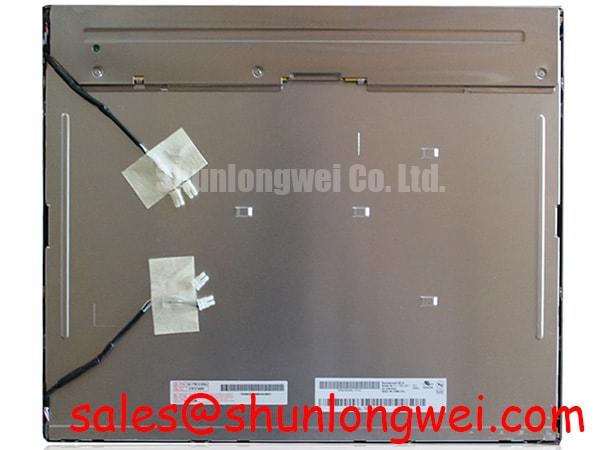
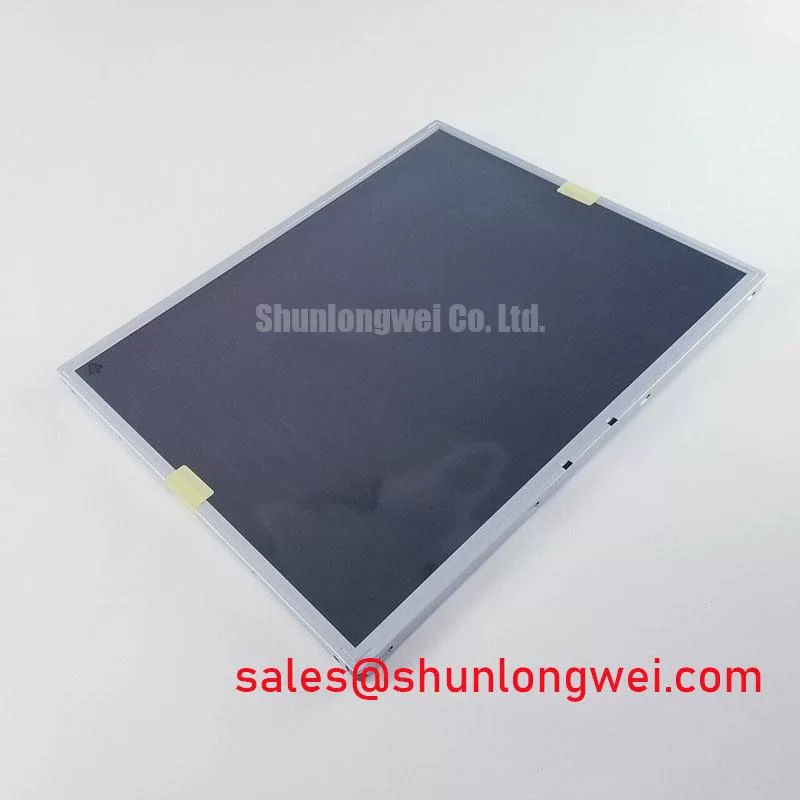
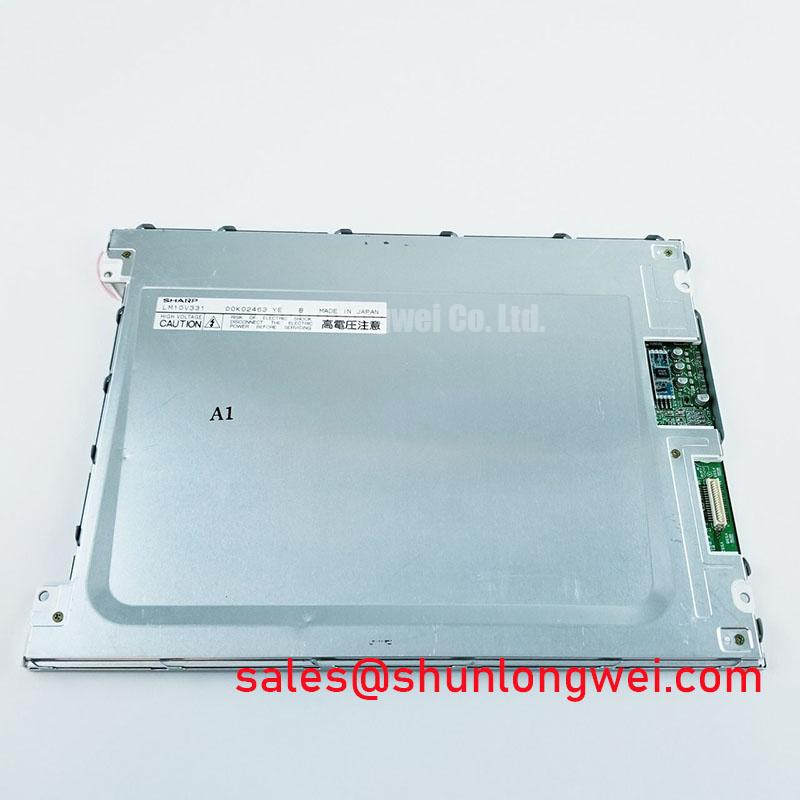
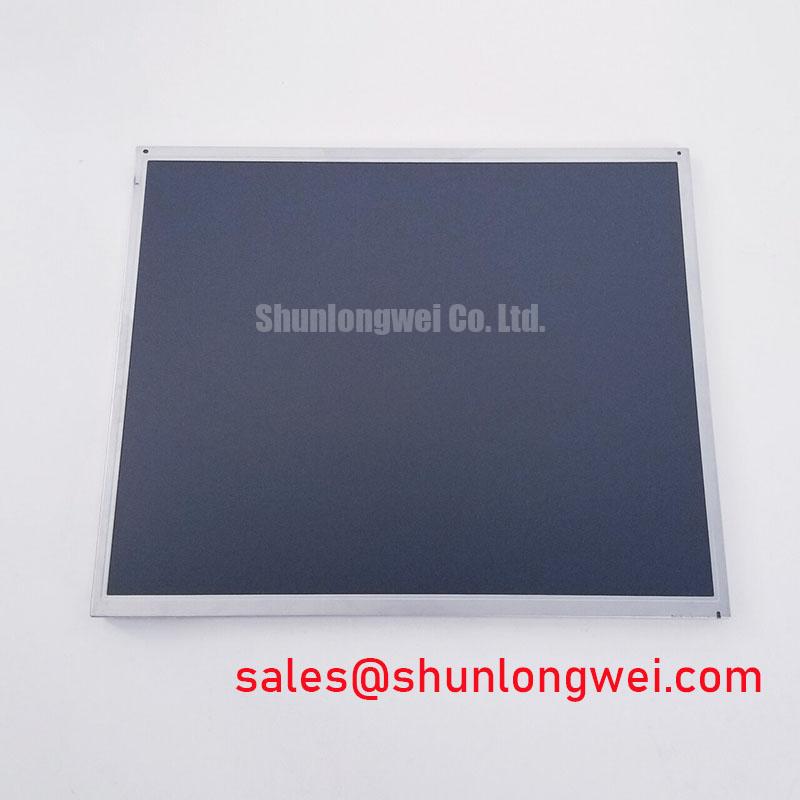
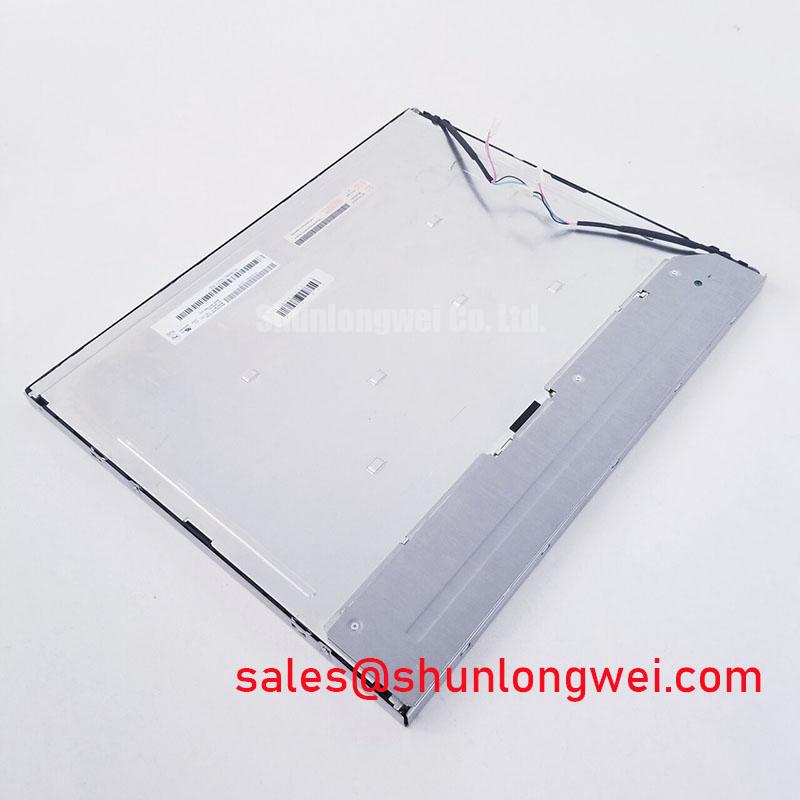
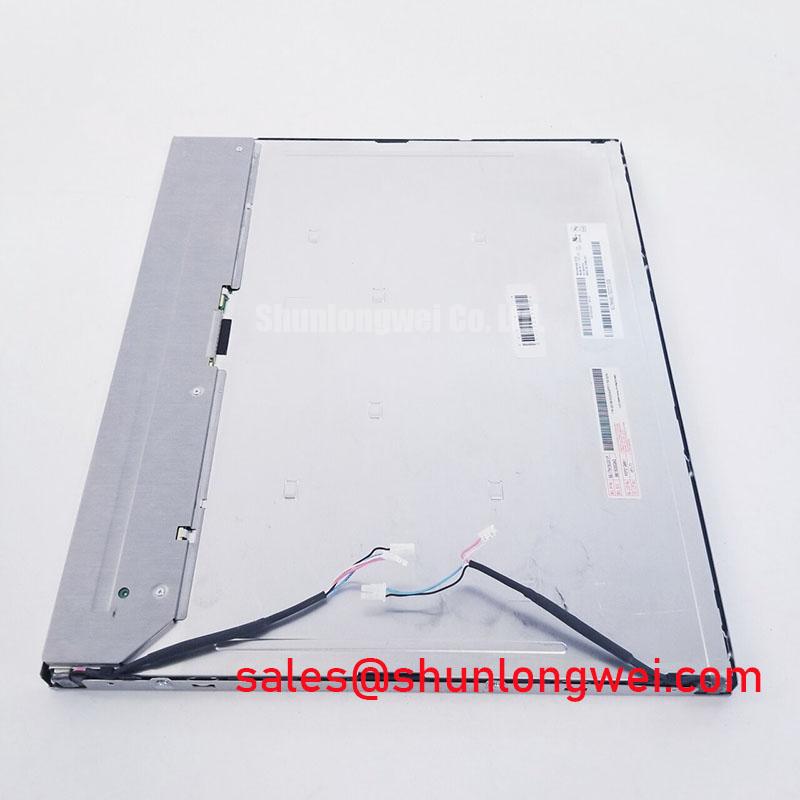
With power disconnected, compare the label on the removed display with M170EG01-VF, then inspect the TFT-LCD module’s connector, mounting points and visible edges before planning a replacement. A matching model label establishes the starting point; it does not confirm that a particular controller, cable or enclosure will accept the panel without further checks. M170EG01-VF is an AUO industrial-grade LCD/HMI panel supplied as a TFT-LCD display module (Official Factory Specification). The provided factory information does not state its electrical ratings, optical performance or interface pinout, so those details must be confirmed against the documentation for the exact panel revision.
When a display develops uneven brightness, document the pattern before adjusting the backlight drive. View a uniform test image after the equipment reaches its normal operating condition, then repeat the observation after a cold start. A bright or dark region near an edge can have more than one explanation: enclosure pressure, a shifted gasket, contamination and backlight behavior all warrant inspection. Photographs taken at a fixed camera exposure make successive maintenance observations more useful than an automatic-exposure image.
For M170EG01-VF, the supplied factory information does not establish a luminance rating, a constant-luminance function or an L70/B50 backlight-life rating. Those values should not be treated as purchase acceptance criteria unless documentation for the exact revision provides them. A repair engineer assessing brightness should compare measured output with the original equipment requirement and record the backlight operating conditions. A measurement at the screen center alone may miss an edge effect caused by the installation.
Design Consideration: If an enclosure transfers heat through rails beside the display, assess whether those rails create localized temperature differences rather than assuming that adding more metal will improve the image. Check clearance, contact pressure and the equipment’s actual airflow path before changing the mount. The module’s permitted temperatures and any applicable backlight thermal limits must come from its revision-specific documentation; an observed temperature rise is not, by itself, evidence of a specified service life.
Keep the dust seal in the inspection path. A gasket that has moved away from the bezel can admit contamination, while a gasket compressed unevenly can load the display edge and affect image uniformity. Release and refit mounting hardware evenly, following the host equipment’s fastening instructions. If a visible patch changes as the bezel is loosened, record that observation and examine the mechanical fit before attributing the patch to the panel’s optical components.
The image signal should be assessed separately from the backlight. If brightness appears stable but fine text or edges move, inspect the host transmitter and cable with the installed panel operating. Design Consideration: Clock quality and data timing need verification over the equipment’s actual temperature range to determine whether the signal remains within the panel interface limits. The supplied specification context does not identify those limits or confirm a TTL or LVDS interface, so neither transmitter settings nor timing margins should be inferred from the model name.
Backlight Driving, Dimming and Cold-Start Response
Trace the existing backlight power path before selecting a replacement driver or diagnosing flicker. Identify the driver fitted in the host equipment, read its documentation and confirm how the original panel is connected. The supplied M170EG01-VF information does not specify the backlight technology, drive current, ignition requirement or dimming method. Consequently, a constant-current LED driver, a CCFL inverter and a PWM input are not interchangeable assumptions about this module.
If the host uses PWM dimming, observe the display at the brightness settings where the complaint occurs and measure the control waveform at the driver. Design Consideration: Duty-cycle behavior, driver response and the equipment’s operating environment determine whether modulation becomes visible or audible. The integrator should choose and validate the control settings for the documented backlight system rather than treating a generic PWM frequency or dimming ratio as an M170EG01-VF rating. Compare the waveform and image behavior with a known-good equipment configuration when one is available.
A cold-start complaint needs its own record. Note ambient temperature, the time allowed for the enclosure to stabilize, backlight behavior and whether the displayed image is slow to change. Liquid-crystal response can vary with temperature as a general display characteristic, but the supplied factory information gives no low-temperature operating limit or response-time curve for this model. Do not specify a heater strip or claim sub-zero performance without checking the panel documentation and the host equipment’s thermal controls.
Before adding heat, inspect how the enclosure handles condensation during transitions from cold storage to operation. Design Consideration: Moisture on a connector or within the display compartment can complicate fault isolation and should be addressed through the equipment’s approved environmental procedure. An enclosure heater, if already present, should be assessed against its documented control method and the panel’s verified temperature limits. A clear image after warm-up does not establish that repeated cold starts are within those limits.
⚠️ Maintenance Note: Disconnect power before reseating the display cable, and include the cooling airflow path and bezel gasket in routine inspections.
For a prospective surgical navigation or ultrasound display repair, compatibility extends beyond whether the picture turns on. The equipment owner should verify the approved panel revision, image presentation, controls and maintenance requirements for that device. The industrial LCD/HMI classification of M170EG01-VF does not establish suitability or certification for a medical system.
Contrast, Viewing Angle and Temperature-Related Image Changes
Check a suspected contrast change using the same test image, viewing position, host settings and warm-up condition each time. Note whether the change affects the whole image or follows the bezel edge. An edge-bound mark that varies with fastening pressure calls for a mechanical inspection; a change that follows a brightness control setting calls for investigation of the host and backlight controls. Neither observation alone identifies a failed layer inside the module.
The supplied factory information does not state a contrast ratio, viewing-angle specification, surface treatment or liquid-crystal mode for M170EG01-VF. TN, IPS and MVA performance figures therefore cannot be assigned to this panel from the information available here. If off-axis readability matters in an HMI, obtain the exact revision’s optical data and evaluate a sample from the operator positions in the intended enclosure. A display viewed through an added protective window also needs assessment as a complete assembly.
Design Consideration: Temperature can alter the appearance of changing gray levels. To distinguish that effect from an electrical fault, compare a static grayscale pattern with moving content while recording the panel’s thermal condition. If the symptom is intermittent rather than gradual, inspect the connector seating and signal path as well. Check transmitter timing against the panel’s documented interface requirements at the temperatures the equipment is expected to encounter; no clock-jitter or data-hold limit for this model is supplied in the available factory information.
Surface reflections should be evaluated under the lighting present at the installation site. Do not assume an anti-glare treatment from the product category alone. Where an additional cover is fitted, inspect it for contamination, damage and pressure on the display assembly before changing panel settings. The discussion in Industrial Display & HMI Solutions provides broader enclosure and reliability considerations; the acceptance limits for this module still need to come from its applicable documentation.
A candidate panel comparison should begin with the mechanical drawing, active area, mounting features, connector location, interface definition and backlight requirements. M185XW01 VE is a separate display model that can be reviewed during a hardware options assessment, not a verified direct replacement for M170EG01-VF. Procurement should keep the two identities distinct until the host equipment’s fit and electrical requirements have been checked against documentation for each exact revision.
Display Cable Routing, Connector Grounding and Noise Diagnosis
Photograph the existing cable route before removing the module. Confirm the cable orientation, connector locking method, shield termination and available bend clearance from the host assembly documents. The supplied M170EG01-VF factory information does not define an FFC or FPC pinout, an LVDS connector or a shielded connector shell. A replacement cable should therefore be selected by its documented mating and signal requirements, not by visual similarity.
During installation, support a flexible cable where it leaves the connector and avoid forcing it around a sharp enclosure feature. Inspect the latch for complete engagement using the connector manufacturer’s procedure. Repeated bending at the same point can make an intermittent symptom difficult to reproduce, particularly when the enclosure is opened for service. If a fault changes as the harness is gently repositioned, document the position and inspect both cable and connector before replacing the panel.
Design Consideration: Route the display harness with attention to nearby switching-power wiring when investigating image noise. Horizontal bands or moving pixels near a variable-frequency drive do not establish a single cause; compare the symptom with drive operation, inspect the host grounding arrangement and examine the signal at accessible points with appropriate instruments. Shield termination and any common-mode suppression should be evaluated as parts of the complete host design. A continuous metal shell or an added ferrite should not be presumed necessary, or effective, without checking the actual interface and noise path.
Finish the repair check with the enclosure fully assembled. A cable that passes a bench test may sit differently once the cover and gasket are installed. Confirm that the seal lies flat, the harness is not trapped, and fastening has not introduced a new bright patch or intermittent image fault. Record the installed panel revision and the results of the image, dimming and cold-start checks so the next maintenance visit can compare like with like.