

Content last revised on September 11, 2026
Backlight Inverter Striking Voltage and Ignition Debugging
Do not connect an external inverter or constant current backlight driver to the M190EG02 V7 until the original equipment documentation confirms the panel’s actual backlight configuration and connector assignments. The official factory information supplied for this product confirms the TFT LCD module category but does not define a CCFL or LED backlight arrangement, ignition requirement, dimming method, or service life value.
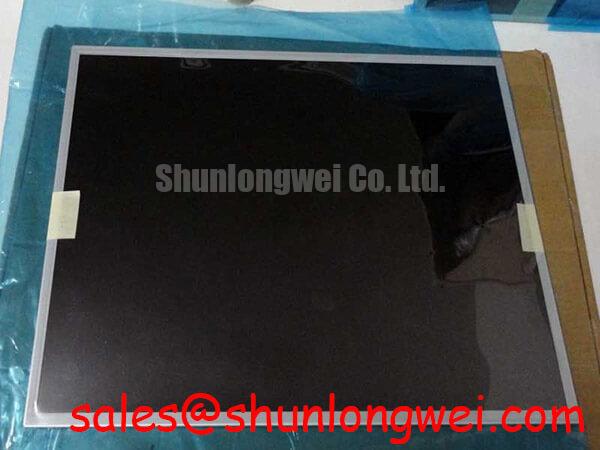
When a machine display has a black image with faint visible graphics under controlled illumination, technicians should separate image generation from illumination troubleshooting. First confirm that the host equipment is providing the expected panel power sequence. Then inspect the original display cable for heat marks, loosened terminals, pin damage, or strain near the hinge, vibration mount, or panel frame. A dark screen can involve the panel, display control board, cable assembly, power source, or the original illumination circuit, so a single visual symptom should not be treated as proof of one failed part.
For equipment that uses a separate illumination driver, compare driver input conditions and enable behavior against the original machine documentation. Design Consideration: a resonant high voltage inverter and a constant current LED driver are different system architectures and must not be exchanged without confirming electrical compatibility, connector function, protection behavior, and mechanical installation conditions.
A related display solution, LM190E08 TLG6, can be reviewed separately when assessing another panel configuration within a display repair workflow. It is not evidence of electrical interchangeability with the M190EG02 V7. Each candidate requires its own documentation review and bench validation.
Eye Diagram Voltage Margin and Differential Noise Floor Verification in High Vibration Bays
Before fitting the M190EG02 V7 into a vibrating industrial console, inspect the cable retention method and verify that the original signal connector engages fully without forcing the panel connector. Repeated vibration can loosen a cable latch, fatigue a cable near a bend point, or disturb a grounding arrangement. Horizontal bands, intermittent color distortion, unstable images, and pixel jitter may be associated with signal integrity, but the panel should be evaluated together with the source board and cable path.
The supplied official factory data does not identify a specific signal interface for this model. The system integrator should verify the required interface standard, pinout, differential pair assignment, supply voltage, and power sequencing from the original panel documentation. This verification is particularly important before connecting a replacement panel to an existing controller board.
Design Consideration: where the original system uses a differential display connection, controlled pair impedance, matched routing, continuous shielding practice, and correctly terminated cable shields can help reduce susceptibility to conducted and radiated noise. Values such as 100 Ω differential impedance and a tightly managed skew budget are common interface design targets in appropriate high speed differential systems, but they are not official specifications for the M190EG02 V7 and must be determined by the host design.
Near motor drives or other high energy switching equipment, inspect the existing grounding path rather than adding shielding blindly. Check whether the display cable shield is terminated as intended by the machine builder, whether the frame bond is intact, and whether the observed interference changes when the drive state changes. Oscilloscope comparison against a known good signal path can help determine whether the disturbance originates at the controller output, cable route, connector, or display assembly.
For a same class display comparison, engineers may review M185XW01 VE. Screen size, electrical interface, mounting geometry, timing, illumination requirements, and cable compatibility should be compared from the respective original documentation before any service decision.
Full Screen Primary Color AOI Screening: Stuck Sub Pixels and Background Uniformity Audit
Use a clean, stable bench source that has been verified against the original panel requirements before judging image quality. After the panel has been connected through the correct system interface, present full screen black, white, red, green, and blue patterns. Observe the screen from normal operating distance and then closer inspection distance, recording any persistent points, lines, bands, flicker, edge shadowing, or color nonuniformity.
A practical inspection sequence begins with a black pattern to identify unwanted light emission or localized glow, followed by white to assess broad uniformity, then primary colors to make persistent pixel anomalies and channel related artifacts easier to see. Repeat the test after gently confirming cable seating with the equipment unpowered. If the defect changes after cable handling, the cable path or connector engagement deserves further investigation. If it remains fixed across patterns and known good source conditions, the observation can be documented for panel evaluation.
A controlled flashlight check at an oblique angle can assist with separating visible image content from an illumination related complaint. It should be used as a diagnostic observation only. It does not establish the internal cause of a display fault, and it should not be used to justify unverified assumptions about internal driver construction.
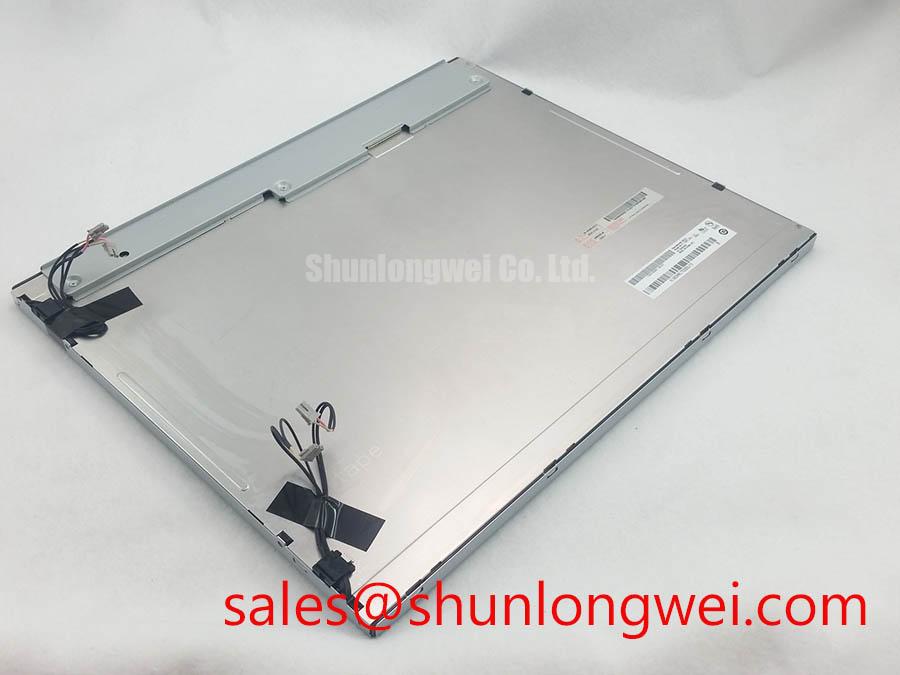
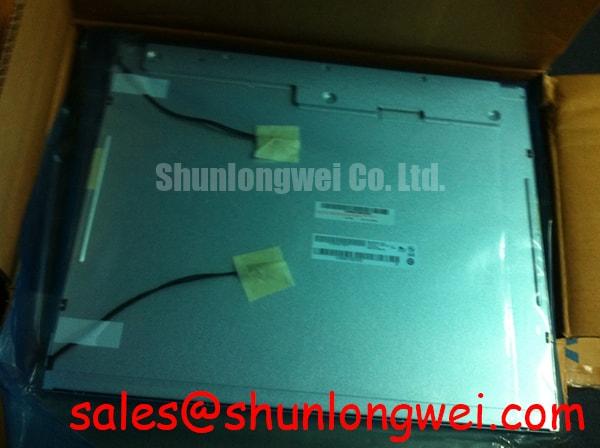
The M190EG02 V7 is officially identified as a TFT LCD display module, not as a complete machine display subsystem. Image acceptance criteria, allowable pixel behavior, optical uniformity limits, and environmental acceptance conditions should therefore be checked against the original equipment requirements and the applicable panel documentation.
Display Brightness, Thermal Dissipation, and Light Guide Preservation
The official factory information provided does not confirm high brightness output, edge lit LED construction, anti glare treatment, contrast ratio, sunlight readability, or a rated illumination lifetime for the M190EG02 V7. These attributes should not be inferred from its industrial grade TFT LCD classification. The system integrator should verify the original panel documentation when the replacement will operate in a bright cab, outdoor facing enclosure, or other high ambient light condition.
Design Consideration: display assemblies benefit from a clean mounting surface, unconstrained cable routing, and enclosure conditions that do not trap unnecessary heat around the panel edges or rear surface. The final thermal path is determined by the host enclosure, mounting frame, nearby electronics, airflow, ambient temperature, and duty cycle. Any modification to heat spreading materials, mounting hardware, or display seals should be validated at system level because it can affect fit, vibration behavior, and thermal transfer.
For telematics displays used in heavy earthmoving or mining related equipment, the M190EG02 V7 can be assessed as a potential industrial HMI panel only after its interface, mechanical fit, optical requirements, and environmental protection are checked against the original equipment specification. This avoids treating a matching model number alone as confirmation of complete system compatibility.
For broader guidance on panel selection, power sequencing, interface verification, and display integration checks, consult The Ultimate Guide to Industrial TFT LCD Technology.