Content last revised on October 18, 2026
Suppressing Acoustic Capacitor Buzz and EMI Emissions across 200 Hz to 1 kHz PWM Frequencies
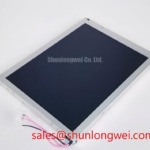
PWM-related noise should be investigated at the complete display assembly rather than assigned to the LCD module alone. A constant-current LED driver, a high-voltage CCFL inverter, cable routing, chassis resonance, and the enclosure grounding arrangement can all influence audible buzz and conducted or radiated emissions. The NL10276BC24-13C should therefore be evaluated together with the driver fitted in the original equipment.
The proposed 200 Hz to 1 kHz PWM range is a system-level test window, not an official specification for this NEC module. During bench testing, vary the driver frequency only within the driver and display controller limits, then observe brightness stability, audible vibration, and image modulation. A microphone or contact probe can help locate mechanical resonance, while an oscilloscope can compare the dimming waveform at the driver output and at the display control input. Any apparent flicker should be checked against camera artifacts and human visual observation rather than judged from a phone recording alone.
High-voltage CCFL ignition values such as 1500 to 1650 Vrms must not be assigned to this part without a matching original backlight specification. If the equipment uses a CCFL inverter, isolate the inverter’s ignition and running behavior from the LCD signal investigation. If it uses an LED driver, verify its current regulation, enable polarity, dimming method, and shutdown response against the original panel documentation. The system integrator should verify whether the display uses TTL, LVDS, or another interface before connecting a replacement controller.
For TTL or LVDS systems, compare the known-good transmitter clock, data eye, and control timing with the replacement assembly across the intended temperature window. Clock jitter, cable impedance, connector seating, and return-current routing can reduce timing margin even when the picture appears correct at room temperature. Keep high-current backlight wiring physically separated from clock and data wiring, and bond shields according to the cabinet’s approved grounding scheme. The related NL8060BC31-32 may be reviewed as a separate display-system reference, not as an automatic substitute for this model.
Chassis M3 Fastener Torque Sizing to Reduce Optical Mura Defects
Uneven bezel loading can create local luminance variation, pressure marks, or dark-field mura even when the electrical image signal is correct. The suggested 0.35 to 0.45 N·m M3 torque window is a general installation starting point supplied for chassis evaluation, not a confirmed NEC factory specification for the NL10276BC24-13C. Final torque must follow the panel drawing, bezel construction, fastener grade, and enclosure design.
Use a cross-pattern sequence when securing the display, bringing fasteners gradually toward the selected starting value rather than tightening one corner completely before the others. Check that the mounting cutout is free from burrs and that the bezel does not push directly against the active viewing area. A soft, continuous gasket can help distribute enclosure contact, but its thickness and compression must be determined by the mechanical design rather than assumed from another LCD family.
| Evaluation item | NL10276BC24-13C reference status | Integration action |
|---|---|---|
| Product category | LCD display module | Match the complete display assembly and controller |
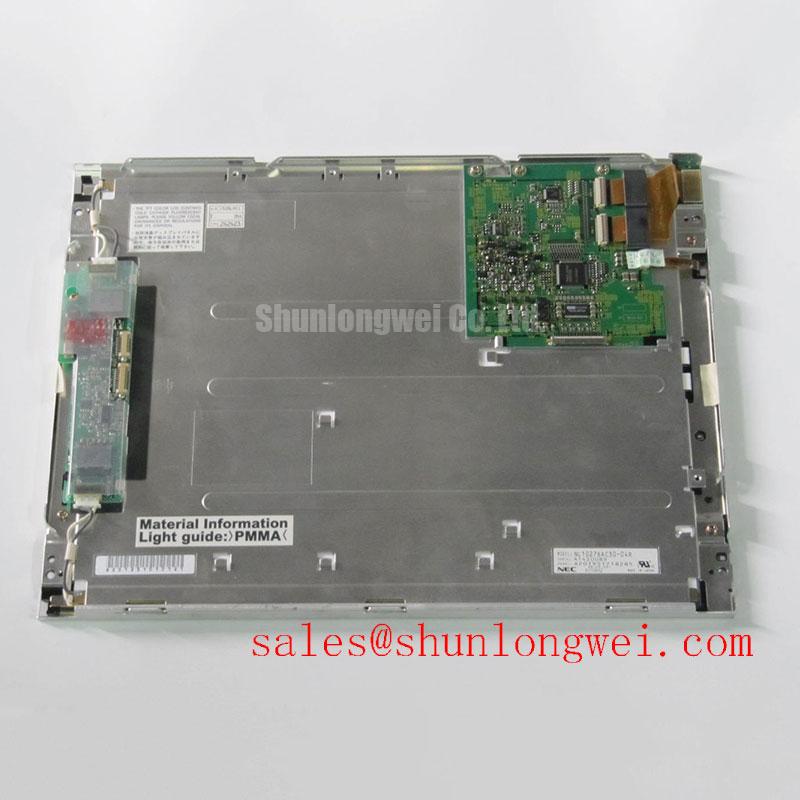
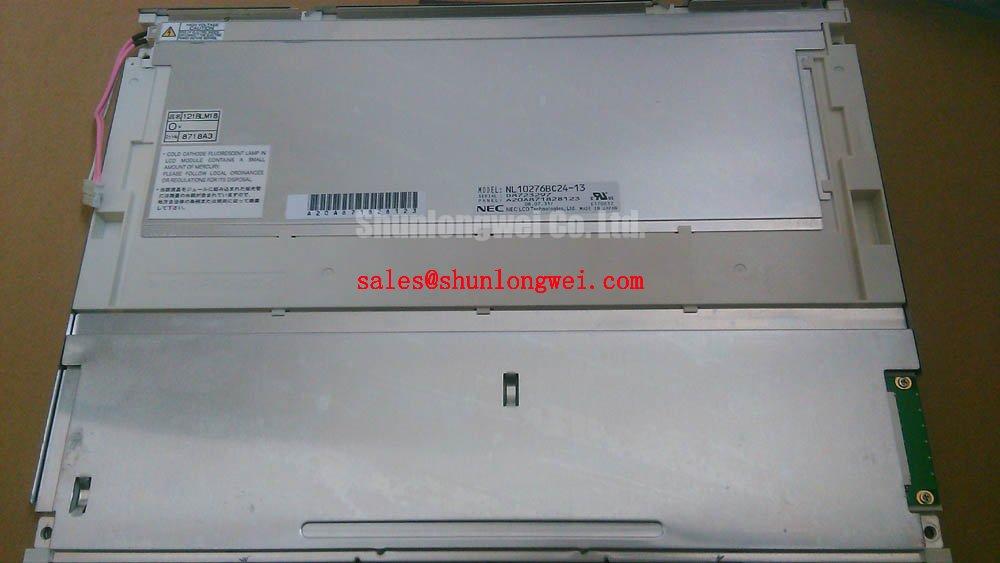
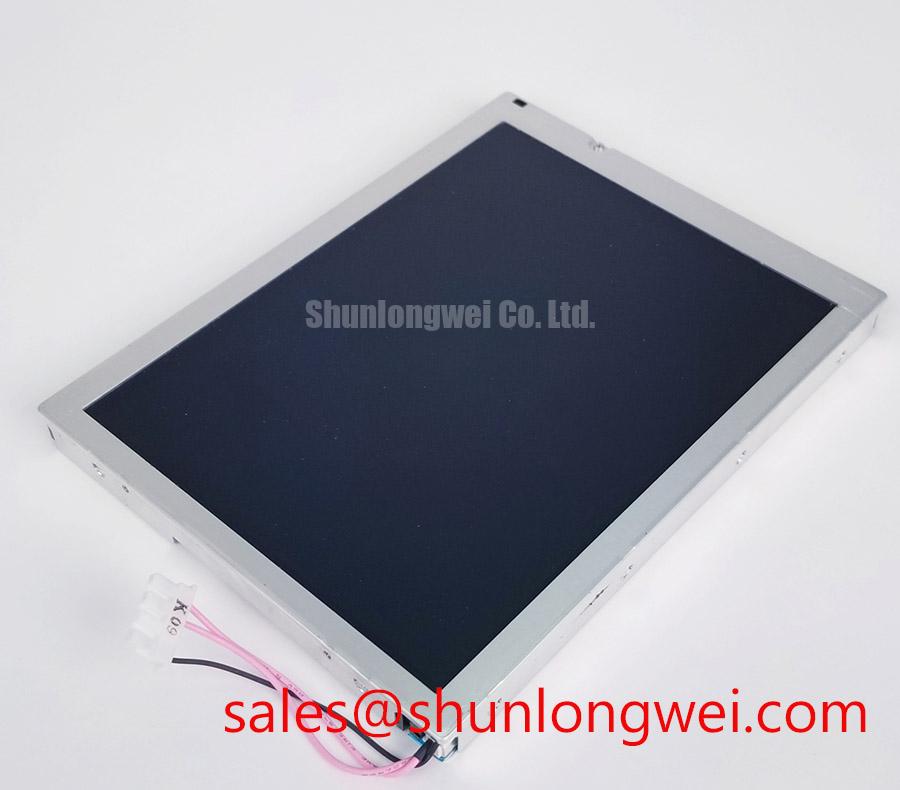
| Display construction | TFT-LCD Active Matrix Color Display Module | Confirm interface and backlight details from the original documentation |
| Mechanical classification | Decoded Baseline / Standard Form Factor | Check cutout, bezel, connector clearance, and gasket position |
| M3 installation torque | Design Consideration: 0.35 to 0.45 N·m | Validate against the enclosure drawing and panel supplier instructions |
| Electrical ratings | Not established in the supplied product data | Verify supply, timing, connector pinout, and backlight requirements before power-up |
Cold operation changes liquid-crystal response behavior and can lengthen grey-to-grey transitions. A heater strip may be considered in equipment that requires rapid image stabilization at sub-zero temperatures, but it is an enclosure-level accessory and should not be described as an included feature of this panel. Designers should control condensation risk, allow temperature equalization, and confirm image response with the actual controller and mechanical stack.
Maintenance Note: Inspect the cabinet ventilation path and gasket seating during scheduled service because blocked airflow or a displaced seal can increase thermal and mechanical stress on the display assembly.
Incoming Benchtop Inspection: COG and TAB ACF Integrity
Incoming inspection should separate backlight behavior from row and column drive defects before the panel is installed. Begin with a controlled white image, followed by red, green, and blue screens, and then a black screen at a repeatable viewing distance. Look for fixed vertical lines, horizontal interruptions, isolated pixel groups, edge shadowing, and brightness nonuniformity that remains in the same physical location across colors.
A flashlight held at approximately 45 degrees can reveal dark shadows, surface pressure marks, and edge leakage that are difficult to see under diffuse room lighting. This is a visual diagnostic method, not proof of a COG or TAB failure. A line defect that follows the image content may originate in the controller or signal path, while a defect fixed to the same panel location warrants inspection of the flex connection, bonding region, and mechanical pressure around the bezel.
Do not press the glass, flex circuit, or bonded edge to force a temporary image change. Such handling can create a new intermittent condition and makes the original inspection result unreliable. Use an antistatic work surface, a stable fixture, and the original controller whenever possible. Record the input pattern, ambient condition, connector position, and observed defect so that a second test can distinguish a panel-localized issue from a wiring or timing problem.
Brightness half-life figures such as 50,000 hours are not confirmed in the supplied data for this exact model and should not be presented as an NL10276BC24-13C life guarantee. LED decay depends on current, thermal conditions, driver regulation, duty cycle, and optical construction. For a repair decision, compare luminance uniformity and startup behavior with a known-good assembly under the same driver conditions. If the application is a surgical navigation or ultrasound display, verify grayscale stability and fault visibility using the equipment manufacturer’s acceptance procedure.
Surface Anti-Glare and Anti-Reflective Coating for High Ambient Readability
Assessing readability under high ambient light requires control of viewing angle, surface reflection, brightness setting, and the protective window used by the equipment. Do not assume that a TN, IPS, or MVA optical structure, an 85° viewing cone, an etched anti-glare surface, or an anti-reflective coating is present unless the panel documentation identifies it. These characteristics are not established by the supplied baseline description.
Use grayscale ramps and fine text at the actual operator viewing angle, then repeat the test with overhead lighting and the enclosure window installed. A bright reflection can conceal a low-contrast defect, while a heavily diffusing cover can soften characters that appear sharp on the bare panel. Contrast values above 500:1 under direct sunlight should not be attributed to this model without a defined measurement method, optical setup, and manufacturer data.
For equipment exposed to strong ambient illumination, the design team should assess hood geometry, display tilt, window reflectance, surface cleaning compatibility, and backlight control as one optical system. The NL6448BC20-08E can be examined as a separate same-family display reference during replacement planning, but dimensional, electrical, and optical compatibility must be established independently.
Cleaning procedures should use materials approved for the installed surface treatment and avoid abrasive contact with the viewing area. For broader selection and integration context, consult The Ultimate Guide to Industrial TFT-LCD Technology. Industrial display characteristics may also be compared with the published Tianma Industrial Display Solutions reference context, while final acceptance remains dependent on the exact panel and equipment documentation.