

Content last revised on October 3, 2026
Incoming Inspection of the NEC NL8048AC19-13BD
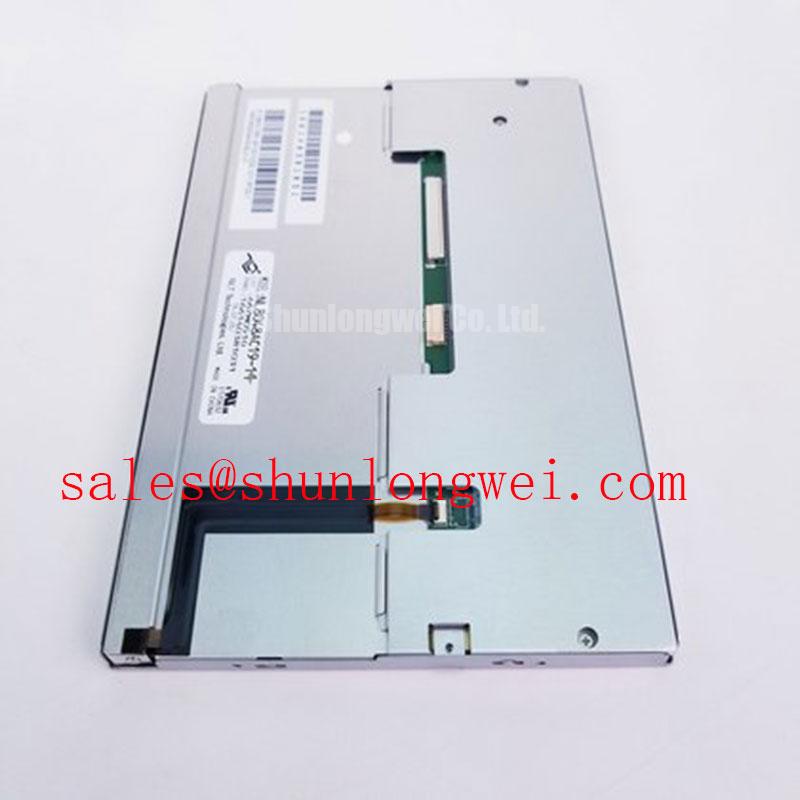
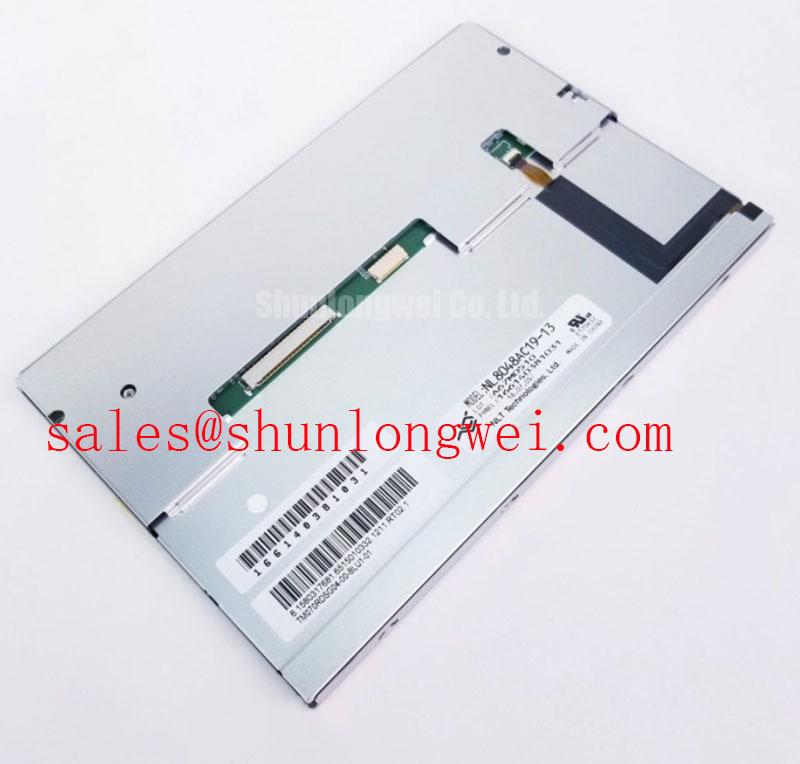
Begin by inspecting the NEC NL8048AC19-13BD under controlled lighting, checking the TFT LCD module for cracked glass, frame distortion, damaged connector areas, contamination, and signs of uneven mechanical pressure before applying power. Record the identification marking and compare it with the equipment service documentation.
This product is an Industrial Grade LCD/HMI Panel supplied as a TFT LCD Display Module. The available factory specification status is recorded as Official Factory Spec Verified. The supplied product data does not confirm resolution, active area, luminance, contrast ratio, viewing angle, interface type, supply voltage, touch function, backlight construction, or operating temperature. These values should be verified against the original NEC documentation and the display installed in the target equipment.
| Parameter | Verified information |
|---|---|
| Model | NL8048AC19-13BD |
| Manufacturer | NEC |
| Product category | Industrial Grade LCD/HMI Panel |
| Construction category | TFT LCD Display Module |
| Specification status | Official Factory Spec Verified |
For incoming quality control, display a full white field, a full black field, and primary red, green, and blue fields. Observe the panel directly and through a camera only as a supplementary record, since camera exposure can conceal low-level luminance differences. Check for persistent bright pixels, dark pixels, stuck sub-pixels, vertical lines, horizontal lines, corner shadowing, and non-uniform regions. A defect should be logged by position, color, operating condition, and whether it remains visible after the signal source is changed.
💡 Bench Tip: Disconnect power before inserting or removing the display cable, use ESD protection, and ensure the connector is fully aligned before applying locking pressure.
Preventing Frame Lag & Image Smearing in Cryogenic Storage & Outdoor Industrial Facilities
The specified model should be evaluated for the actual thermal range of the equipment rather than assigned a temperature capability from its product category alone. At low ambient temperature, liquid crystal response can become slower, causing visible gray-to-gray transition lag, trailing objects, or reduced readability during rapidly changing radar, navigation, or HMI graphics. The panel datasheet should be checked for operating and storage limits before it is considered for cryogenic storage monitoring or outdoor industrial equipment.
When a screen is evaluated between approximately −30°C and +85°C, these values must be treated as test conditions from the requested engineering scenario, not as confirmed ratings for this NEC model. A thermal chamber test should allow the panel to stabilize before checking white, black, gray, and moving test patterns. Record the display response at each condition and compare it with a known-good signal path. A slow image transition can involve panel temperature, source timing, cable integrity, or system refresh behavior, so the measurement should not assign the cause from the visual symptom alone.
Sealant and frame behavior also require equipment-level verification. Repeated thermal cycling can change mechanical stress around the display perimeter and its mounting interface. Inspect the frame after cycling for separation, bowing, pressure marks, or changes in optical uniformity. The supplied product information does not confirm a particular perimeter adhesive, sealant compound, or qualified cycle profile for this model, so those details must come from the applicable NEC documentation or the equipment manufacturer.
In a high-EMI factory environment, designers should keep high-speed display wiring away from motor cables, switching nodes, and contactor wiring. If the original interface uses differential signaling, the integrator should verify the specified characteristic impedance and pair assignment from the panel documentation. A commonly used design target is 100 ohms differential impedance, but that is a general signal-integrity consideration rather than an official parameter confirmed here. Cable construction, connector selection, return-current continuity, and the host timing source should be checked together.
For a replacement assessment, engineers can review NL10276BC16-06 as a separate display option. It should not be treated as a direct substitute until mechanical dimensions, optical characteristics, connector pinout, timing, backlight requirements, and firmware compatibility have been compared with the existing assembly.
Single Vertical Hairline Defect & Column-Fault Localization
A single vertical line should first be reproduced using a controlled test pattern. Apply a full white field, then red, green, and blue fields, while recording whether the line remains at the same coordinate and whether its appearance changes with the image content. This color check separates a persistent column-related artifact from a fault that is more visible only against a particular background.
Next, inspect the panel at an oblique angle with a low-intensity flashlight. A narrow dark shadow that follows the physical display area may suggest an optical or backlight uniformity issue, while a sharply defined colored or black line that remains fixed with the image may require investigation of the panel signal path. This flashlight test is a localization aid only; it does not establish a specific internal failure mode.
Do not press the glass, flex the frame, or probe exposed fine-pitch connections while the display is powered. Mechanical pressure can change the symptom and make the inspection result unreliable. If the line changes after cable movement, compare the connector seating, cable alignment, host output, and reference display before considering a panel-level fault. A controlled swap using a known-good compatible assembly can help separate the display from the controller, but compatibility must be confirmed before connection.
Sub-zero testing requires particular care because a slower liquid crystal response can resemble a persistent image defect. At approximately −20°C to −30°C, use a stable test pattern and allow the panel to reach the intended condition before judging gray transitions. If the equipment includes a heater or controlled enclosure, the heater strategy must be validated by the system designer. The supplied data does not confirm a heater strip, a heater control profile, or a guaranteed gray-to-gray response for this model.
For maintenance records, photograph the full panel, the affected coordinate, and the test pattern used. Note whether the defect is visible during startup, after thermal stabilization, and after the signal source is replaced. This creates a repeatable service record without converting one visual symptom into an unsupported single-cause diagnosis.
Backlight Thermal Dissipation & Light-Guide Preservation
Brightness and backlight construction must be verified before this display is installed in a high-ambient-light console. The supplied factory data identifies the unit as a TFT LCD display module but does not confirm luminance, optical surface treatment, LED rail construction, light-guide material, contrast ratio, or rated backlight lifetime. Claims concerning anti-glare or anti-reflection performance should therefore be based on the applicable NEC specification rather than inferred from the product category.
For a harsh marine radar or navigation bridge console, the evaluation should begin with the optical path. Check readability under the actual viewing angle and ambient reflections, then inspect white and gray fields for edge-to-center variation. Strong sunlight can expose glare, reduced black-level perception, and localized non-uniformity that may not be visible in an indoor inspection. A contrast target such as greater than 500:1 under 50,000 lux is a proposed system evaluation condition from the requested scenario, not a verified rating of the NEC NL8048AC19-13BD.
Thermal management should preserve the panel’s mechanical and optical limits without transferring concentrated force into the glass. If an external aluminum spreader or frame rail is considered, its contact arrangement, insulation, expansion behavior, and clearance should be reviewed by the equipment designer. Avoid adding pressure directly over active display areas. The temperature distribution should be measured at the enclosure, frame, and backlight region during the intended brightness setting.
The supplied product information does not confirm PMMA as the light-guide material, nor does it establish an L70 or B50 lifetime value. Those terms should only be used in a design review when supported by a manufacturer specification or a documented test source. Engineers should compare brightness uniformity and color stability before and after thermal operation, while keeping the input power and enclosure airflow consistent.
Backlight control also affects image quality. If the host system uses dimming, confirm the control method and operating range from the original panel documentation. Do not assume that a replacement controller, dimming waveform, or power rail is compatible merely because the connector appears similar. A different display option such as NL10276BC30-24D may be evaluated, subject to independent interface and mechanical verification.
Display Cable Routing to Suppress High-Frequency Jitter
Before connecting the NL8048AC19-13BD to a replacement controller, obtain the original panel pinout and timing requirements. The available product record does not confirm whether this model uses LVDS, TTL, a particular JEIDA or VESA mapping, a specific logic supply, or a defined power-on sequence. The system integrator should verify the required supply voltage from the original panel documentation rather than selecting between possible voltage values by assumption.
Where the confirmed interface uses differential pairs, route each pair with consistent reference continuity and minimize unnecessary stubs, abrupt layer changes, and unshielded exposure near high-current switching circuits. A 100-ohm differential target and a skew limit such as 50 picoseconds may be used as general signal-integrity review criteria when required by the interface specification, but these are not official factory parameters confirmed for this model. The finished assembly should be checked with suitable measurement equipment and compared with the known-good display path.
Power sequencing deserves the same discipline. The requested integration scenario references a supply rise interval from 0.5 milliseconds to 10 milliseconds, but this interval is not verified for the NEC panel. The host designer should confirm the required order of logic power, backlight enable, reset, and video data from the applicable documentation. Oscilloscope checks should be made at the panel connector under real cable loading, not only at the power supply output.
Split-screen artifacts, unstable colors, or intermittent startup may involve mapping errors, timing mismatch, inadequate reference return, connector contact problems, or signal interference. Compare clock and data behavior against a known-good assembly, then inspect the flex cable for uneven insertion and damaged contacts. For broader TFT LCD interface principles and selection considerations, consult The Ultimate Guide to Industrial TFT LCD Technology.
A marine bridge console also requires enclosure-level assessment for salt exposure, condensation, vibration, sunlight, and cleaning chemicals. The display module alone should not be represented as independently certified for EMC, environmental sealing, or marine equipment compliance. Those properties depend on the complete enclosure, cabling, grounding, controller, and installation.