Content last revised on October 2, 2026
Thermal Expansion Clearance Sizing across Heavy Industrial Metal Enclosure Cutouts
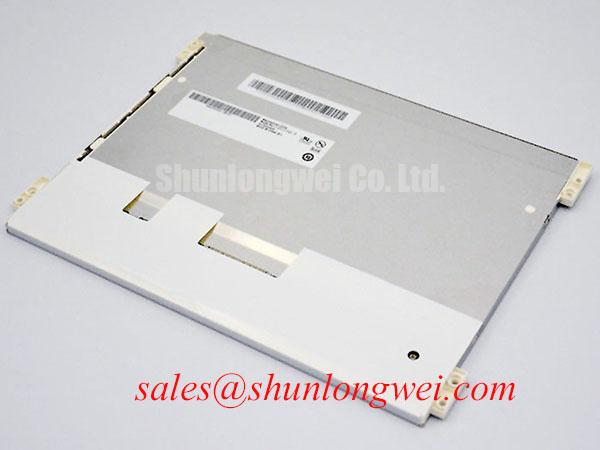
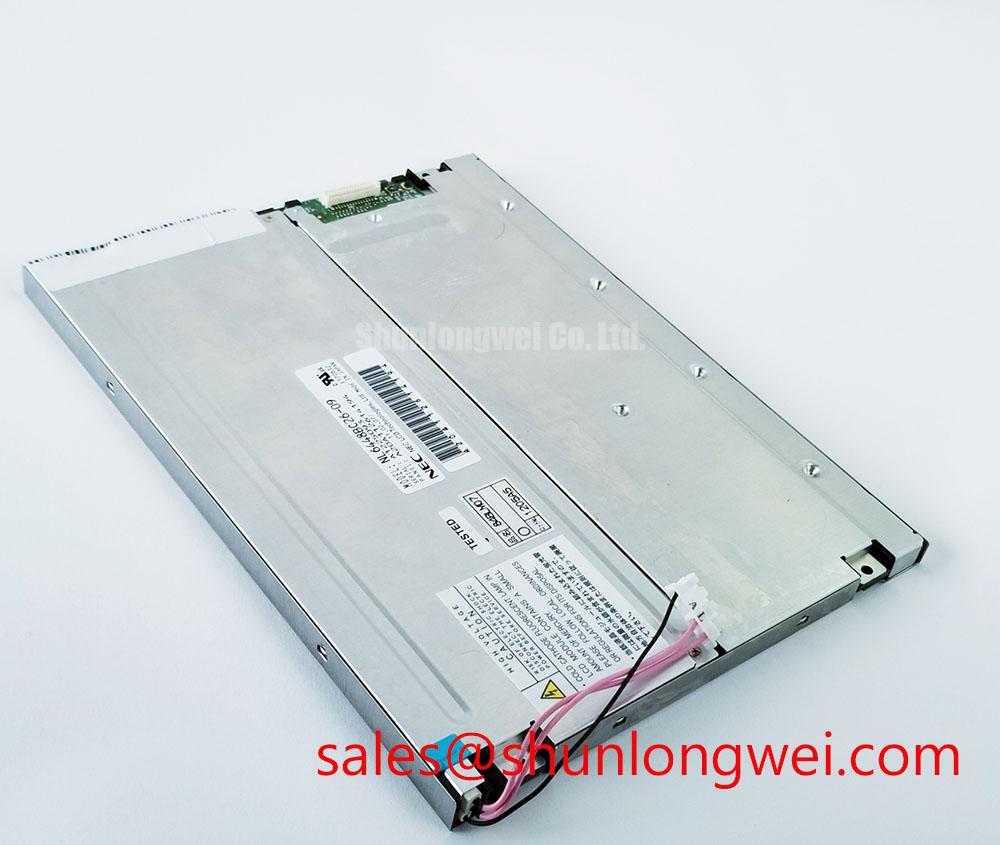
Inspect the bezel and connector on the removed panel, then compare their positions with the equipment drawing before fitting TM101JVKS11-00. Tianma identifies this model as an industrial-grade TFT-LCD display module (Official Factory Specification). That identification alone does not establish its active area, resolution, supply voltage, video interface, backlight requirements, mounting dimensions or environmental ratings. A repair engineer should obtain the original panel documentation and compare those details with the host assembly before applying power.
Start with the enclosure drawing rather than the apparent size of the image. The metal cutout must clear the module’s outer envelope while allowing the intended bezel, gasket and mounting features to seat without twisting the panel. Measure the removed assembly at its mounting points and connector exit, then check the mating chassis for burrs, paint buildup and uneven contact. These observations help distinguish a dimensional fit problem from an electrical fault before installation begins.
Design Consideration: A metal chassis and a display assembly can move differently as temperature changes. The enclosure designer should set clearance and fastening limits from Tianma’s mechanical drawing, the chassis material and the equipment’s thermal test results. Neither an M3 fastener torque nor a clearance allowance is confirmed by the available TM101JVKS11-00 identification; applying a generic value as a factory limit could put unnecessary pressure on the display. With the panel mounted, inspect dark and uniform-color screens for pressure-sensitive bright or dark patches, and recheck the chassis contact pattern if those patches change when the bezel is seated.
Electrical fit needs the same discipline. The system integrator should verify the panel connector pinout and required supply voltage from the original documentation before selecting a controller harness. If the documented interface is LVDS, compare the host’s differential clock routing, pair assignment, polarity and data mapping with the panel requirements; do not infer an LVDS interface from the product category. JEIDA and VESA mapping should likewise be checked against the documented interface and a known test image, because an apparently intact picture can still have incorrect color interpretation.
For an alternative-panel assessment, G104VN01 V1 can be reviewed alongside TM101JVKS11-00, but it is not a confirmed direct replacement on the information given here. Compare the two original drawings and specifications for mechanical envelope, optical area, connector location, pinout, timing, power and backlight control before deciding whether either fits the equipment.
Single Vertical Hairline Defect & Sub-Pixel Column Driver Open-Circuit Localization
Photograph a suspected vertical line with the panel displaying full red, green and blue fields in sequence. Note whether the line occupies the same column on every field, appears in only one color, or moves when the source image changes. Repeat the sequence using a known-good image source where the equipment permits. This three-stage color check records the symptom without treating its appearance as proof of a failed column driver.
Next, inspect the unpowered front surface and surrounding bezel under oblique flashlight illumination. A surface mark, reflection or pressure point can look different from a line generated within the displayed image. Refit accessible signal connectors according to the equipment service procedure, then compare the result with the initial photographs. An unchanged, fixed line may warrant panel-level assessment; a changing line may instead direct attention to the signal path. Neither observation, by itself, confirms an internal bond or driver failure.
Trace the image chain from the host controller to the panel connector before ordering a replacement. Check cable seating, latch engagement and visible conductor damage, then compare the host output with a known-good path using suitable test equipment. If the documented interface is differential, examine clock and data integrity at accessible points without assigning an assumed impedance or skew specification to TM101JVKS11-00. Pixel faults that track cable movement call for a different investigation from faults fixed to one screen coordinate.
White screens and residual images also merit a power-sequence check. Verify the panel supply, video enable and backlight-control order against the original documentation during both startup and shutdown. A controller that continues sending an image as a display rail falls may produce a symptom that disappears when the sequence is corrected; the required timing must come from the panel and host designs, not a generic delay. In a broader display assembly, a product such as LMS700KF01-001 should be treated as a separate display option for topology review, not as a documented driver or accessory for this module.
Mitigating Gray-to-Gray (GTG) Response Time Escalation during Cold-Start Machine Power-Up
Record the image immediately after a cold start and again after the equipment has stabilized, using the same moving test pattern and camera conditions. Slower transitions at lower temperature can be consistent with liquid-crystal behavior, but TM101JVKS11-00’s gray-to-gray response limits and operating temperature range are not established by the available identification. Compare any observed lag with Tianma’s applicable specification before deciding whether the panel is operating outside its rating.
Design Consideration: If the equipment must start in a cold environment, designers should assess readability during warm-up, not just after the enclosure reaches a steady temperature. Check that status changes and alarms remain understandable on the actual interface. A brightness change can also affect how motion is perceived, so record the backlight-control state during the test. The original panel documentation must identify the backlight type, drive requirements and permitted dimming method before a driver or control signal is selected; no LED lifetime or brightness-decay figure is verified for this model here.
Thermal testing should include the installed mechanical assembly. Observe whether gasket pressure, bezel contact or cable strain changes between cold and warm conditions. Inspect the visible perimeter for damage without assuming a particular internal seal material or construction. For equipment subject to vibration, support the harness so chassis movement is not transferred directly to the panel connector, and confirm that the connector latch remains secure after the equipment’s specified vibration test.
Inspect the flexible cable along its installed route as well. It should not be pinched by the enclosure or pulled tight when a service door opens. The permitted bend geometry and mating-cycle limits need to be checked against the connector and cable documentation; a visually flexible cable does not establish its service life. On interfaces that hold a static HMI image for long periods, assess visible image retention using representative screens and the manufacturer’s handling guidance rather than assuming a guaranteed retention-free operating period. For background on display selection and failure analysis, see The Ultimate Guide to Industrial TFT LCD Technology.
Suppressing Pixel Jitter & Horizontal White Lines Induced by Adjacent 400V Motor Drives
If jitter or horizontal bands appear when a nearby 400 V motor drive switches, first capture the symptom with the drive operating and stopped. Record whether it follows motor speed, cable position, backlight state or another event. The motor voltage describes the surrounding equipment, not a TM101JVKS11-00 rating. A correlation identifies a useful test condition, but it does not prove that electromagnetic interference is the sole cause.
Check the actual display interface in the panel documentation before changing the harness. Where the documented connection uses shielded differential signaling, inspect shield continuity and its termination at the intended chassis reference. Keep the display cable away from motor-power wiring where the enclosure permits, and compare signal quality before and after a temporary routing change. Shield termination and any common-mode suppression should be chosen from system measurements and validated on the assembled equipment; adding a ferrite without checking its effect on the wanted signal can obscure the diagnosis.
💡 Pro Tip: When the documented interface uses differential clock and data pairs, preserve pair geometry through the connector transition and verify the timing margin on the installed cable rather than relying on a drawing alone.
Check the host video timing and power rails while the interference is present. An unstable image may coincide with a supply disturbance, loose connector or controller output fault rather than cable pickup. Compare oscilloscope captures with a known-good signal path under the same operating conditions. Disconnect equipment power and follow its discharge procedure before reseating the display cable. Once the fault is isolated, repeat the image test with the enclosure closed: its final cable routing and chassis contacts are the conditions the repaired equipment will actually use.