

Content last revised on September 13, 2026
Thermal Interface Review at the Narrow Display Edges
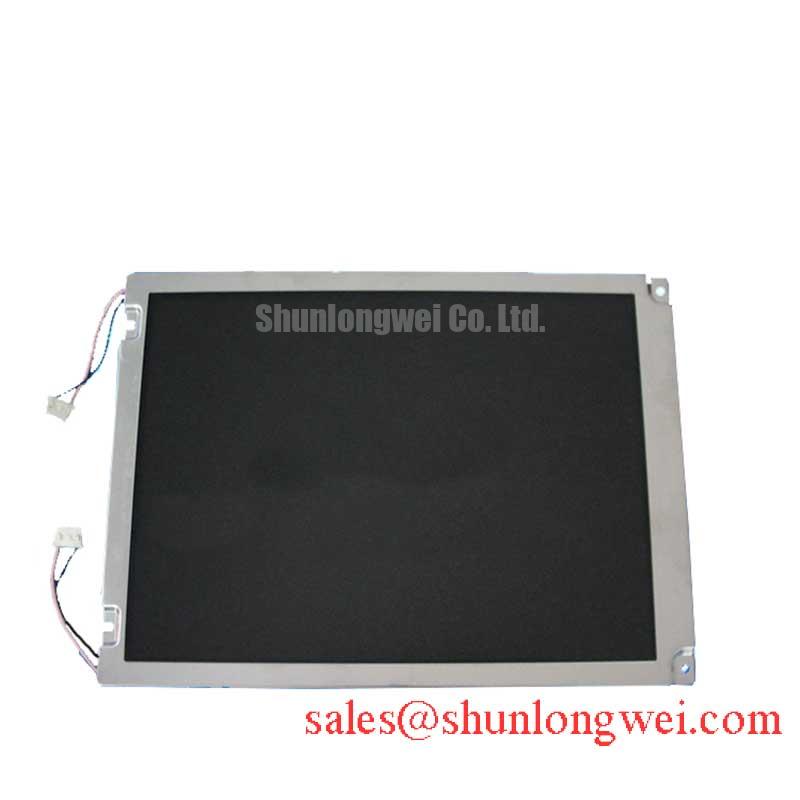
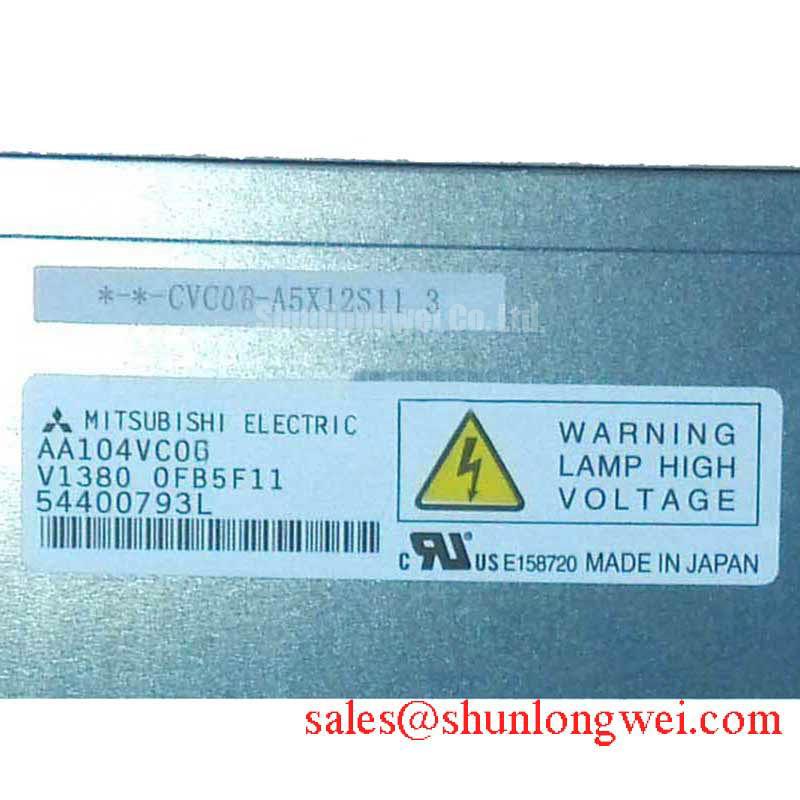
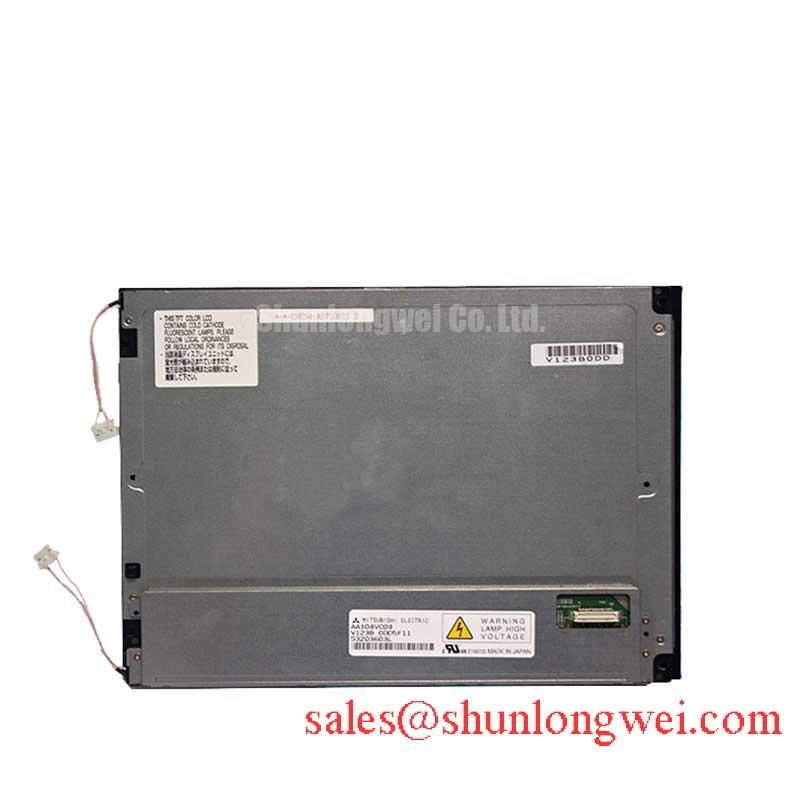
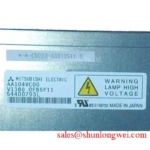
With power removed, begin by inspecting the visible edges of the AA104VC05 for frame distortion, trapped contamination, displaced mounting hardware, and evidence that an enclosure has applied uneven pressure to the display perimeter. This Mitsubishi Electric unit is identified as an Industrial Grade LCD/HMI Panel in a TFT-LCD Display Module enclosure, with its specification status recorded as Official Factory Spec Verified. The supplied factory information does not define panel dimensions, heat-spreader provisions, luminance, contrast ratio, surface treatment, backlight construction, or allowable operating temperature. Those details should be confirmed from the original equipment documentation before an assembly decision is made.
In a dark or intermittently visible machine terminal, distinguish between a panel-image issue and an enclosure-related stress issue before replacing surrounding electronics. Check the display while the bezel is relaxed, then repeat the observation only after the original mounting arrangement is restored. A change in brightness uniformity, dark areas, or color appearance after fastening can indicate that the mechanical stack-up deserves examination. It does not independently establish a fault inside the AA104VC05.
Design Consideration: where an industrial enclosure has a narrow display opening, thermal paths should be evaluated at the complete equipment level. Aluminum rails, chassis contact areas, insulating films, adhesive layers, and gaskets can all change how heat reaches the panel edges. The system integrator should verify contact pressure, clearance, and operating temperatures with the actual enclosure and duty cycle, rather than treating a generic thermal interface approach as an official requirement of this Mitsubishi Electric display.
For a repair assessment, document whether the symptom follows ambient temperature, extended operating time, vibration, or physical bezel loading. Compare the observed image with a known-good machine where practical. This creates a useful distinction between a display signal that is absent, a backlight-related condition, and an optical effect that appears only after the assembly is clamped.
⚠️ Field Alert: Disconnect system power and allow stored energy in the host equipment to discharge before removing or reconnecting the display cable, because live connector handling can expose signal pins to unintended electrical stress.
Multi-Angle Console Visibility and Signal-Path Verification
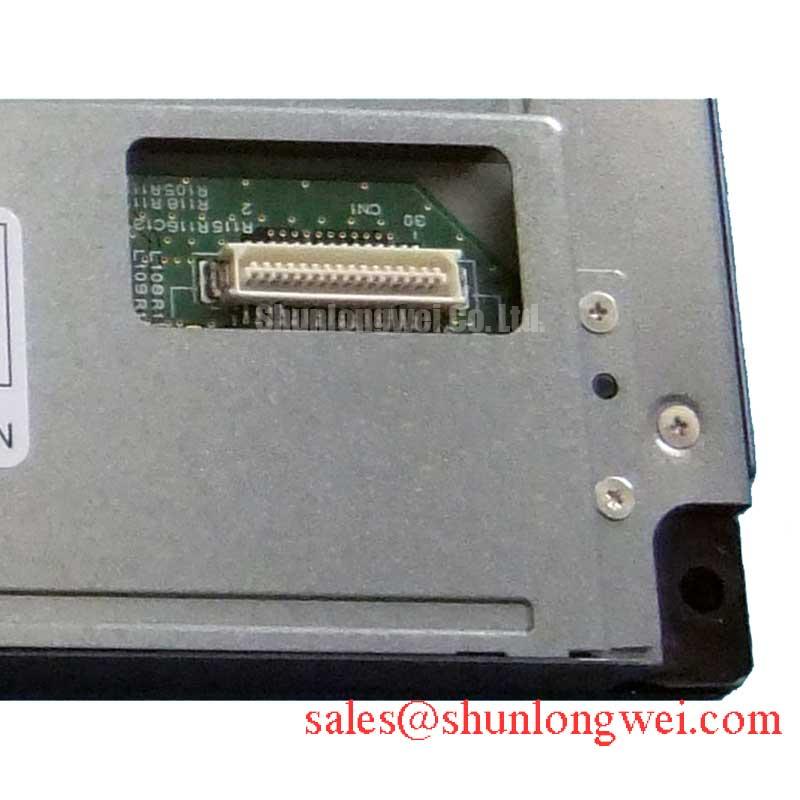
The AA104VC05 is a Mitsubishi Electric industrial TFT-LCD display module, but the supplied official information does not state its viewing-angle specification, panel mode, anti-glare treatment, interface type, connector assignment, or timing requirements. Do not assign IPS, MVA, TN, symmetric viewing-angle values, LVDS, TTL, or a particular supply voltage to this exact model without the original panel documentation.
When an operator reports that an image is visible only from one position, first establish whether the behavior is constant or changes with the machine state. Observe the panel at several practical viewing positions, then inspect the host display cable, connector retention, grounding arrangement, and cable route. A stable angle-dependent change may relate to the panel’s optical characteristics, while intermittent sparkle, bands, lost colors, or image dropouts can point toward the signal path, connector contact, timing source, or host controller. Each possibility requires measurement rather than assumption.
Design Consideration: high-noise industrial equipment can expose display interconnects to conducted and radiated interference. For a differential display link identified by the original documentation, controlled impedance, matched routing, shield termination, return-current continuity, and connector integrity should be evaluated together. The applicable impedance target, clock margin, pair skew, and cable limits are system-determined values; they must be verified against the confirmed interface specification and observed waveform behavior.
When investigating a blank screen with a working host controller, use the known-good signal path as the reference. Check for the expected enable activity, data activity, clock behavior where applicable, and power-sequencing order specified by the equipment manufacturer. A display that remains dark may have several causes, including an absent image signal, incorrect sequencing, a cable fault, controller failure, or a display-side condition. Avoid treating a single symptom as a conclusive diagnosis.
For engineers comparing physical replacements, the AA084VC01 is a separate Mitsubishi Electric display model that can be reviewed as a cross-model evaluation reference. Mechanical envelope, active area, connector location, pin assignment, interface timing, supply requirements, optical characteristics, and firmware compatibility must be verified independently before any substitution is considered.
Cold-Start Observation and Temperature-Related Image Behavior
During a cold-start callout, record the host machine state before touching the display assembly: whether the controller boots, whether status indicators change, whether a faint image appears under controlled illumination, and whether the symptom changes after normal equipment warm-up. This sequence helps separate a total display-path failure from behavior that varies with temperature or supply stability. The official factory information provided for the AA104VC05 does not state an operating-temperature range, storage-temperature range, response time, backlight dimming method, or thermal-cycle qualification. Those values must not be inferred from its industrial-grade category alone.
Design Consideration: liquid-crystal response can become slower at low ambient temperature, so changes in motion appearance, grayscale transitions, or update behavior should be assessed only under controlled conditions. At the same time, cold conditions can affect cable flexibility, connector contact, power supply regulation, and the host electronics. A slow-looking image is therefore a prompt for structured testing, not proof of a single panel mechanism.
If the original system includes brightness control, confirm its electrical method and timing from the equipment documentation. Do not impose an assumed PWM frequency, duty relationship, or enable sequence on the AA104VC05. An incorrect control method can affect visible brightness or stability, while the correct arrangement is defined by the original display interface and the host control circuit.
For AGV and forklift telematics displays, engineers may evaluate vibration, intermittent power, cold starts, glare, and variable operator viewing position as equipment-level conditions. That evaluation should include the terminal housing, DC power conditioning, display cable restraint, touch overlay if present, and human-machine-interface controller. The AA104VC05 itself should be matched to the original product documentation before it is integrated into that environment.
Where a touch issue is reported alongside a visible image, identify whether touch sensing belongs to the display module or to a separate overlay and controller. The supplied AA104VC05 specification does not identify a touch technology. Glove performance, water behavior, sensitivity, and controller configuration must be checked from the installed equipment design rather than attributed to this module.
For broader context on industrial TFT selection, optical behavior, interface verification, and common integration questions, consult The Ultimate Guide to Industrial TFT LCD Technology.
Flush-Mount Bezel Fit and Perimeter Shock Isolation
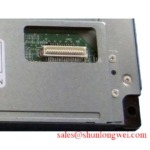
Before refitting the AA104VC05, compare the replacement assembly with the removed unit at the connector, frame, locating features, cable exit, and mounting points. The official factory information confirms a Mitsubishi Electric TFT-LCD display module but does not provide mounting-hole positions, bezel dimensions, fastener size, torque limits, gasket requirements, shock ratings, or vibration ratings. These mechanical details must be taken from the original panel documentation and the host-equipment drawing.
Design Consideration: a flush-mounted screen should be supported by a mechanical stack-up that distributes load around the intended mounting features without twisting the display enclosure. The bezel, gasket, mounting brackets, cable strain relief, and enclosure surfaces should be checked as one assembly. If image artifacts appear only after the front trim is secured, release the assembly and inspect for uneven contact, trapped harnesses, incorrect spacers, or a housing that has changed shape. The equipment designer or repair authority should determine the fastening method and final torque from the confirmed hardware requirements.
Use a cross-pattern tightening sequence only when the host equipment’s mechanical design calls for multiple fasteners around the display. Incremental tightening can make uneven loading easier to detect during installation, but it is not an AA104VC05 factory torque specification. Avoid using a generic torque value in place of the original assembly instruction.
After installation, verify the complete function chain: stable host power, controlled power-up, image presence, consistent brightness, cable retention, and operation through the expected viewing positions. For vehicle-mounted terminals, also inspect cable support and enclosure retention after the equipment’s normal vibration exposure. If a fault remains, preserve the observations from each test state; they provide a more reliable basis for deciding whether the next check belongs at the display, cable, controller, power source, or mounting assembly.