


Content last revised on September 23, 2026
Thermal Cycling Degradation of Polarizer Adhesives & Sealant Gasket Integrity
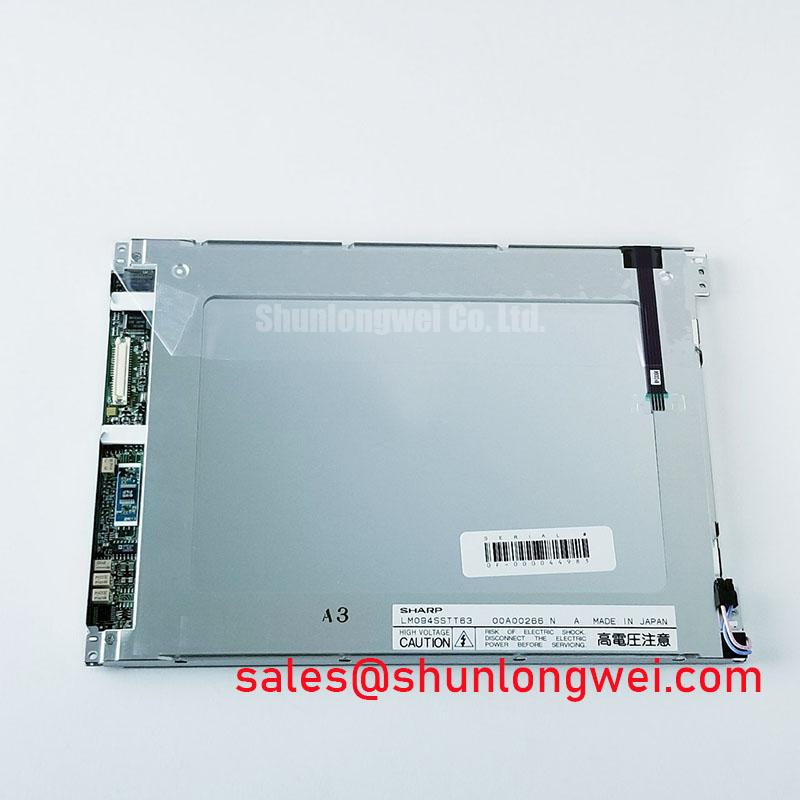
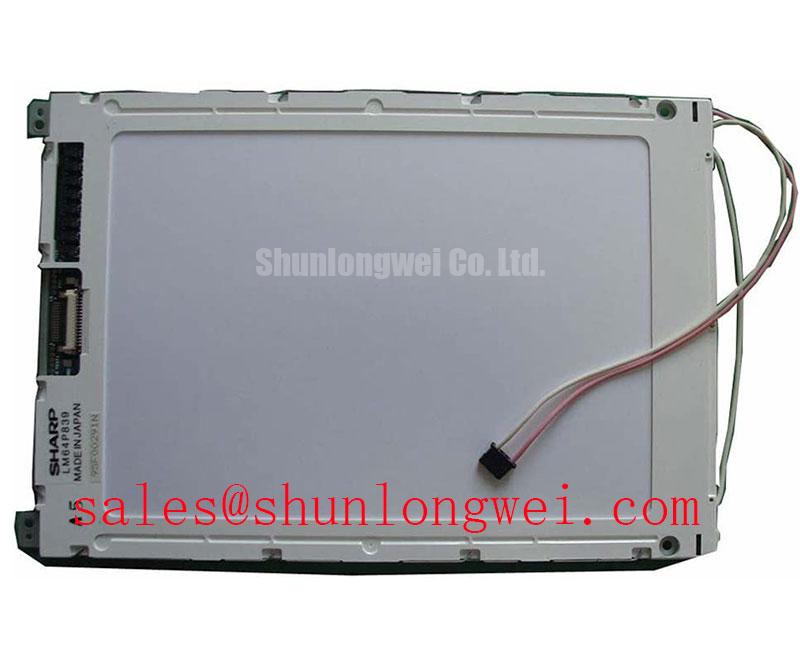
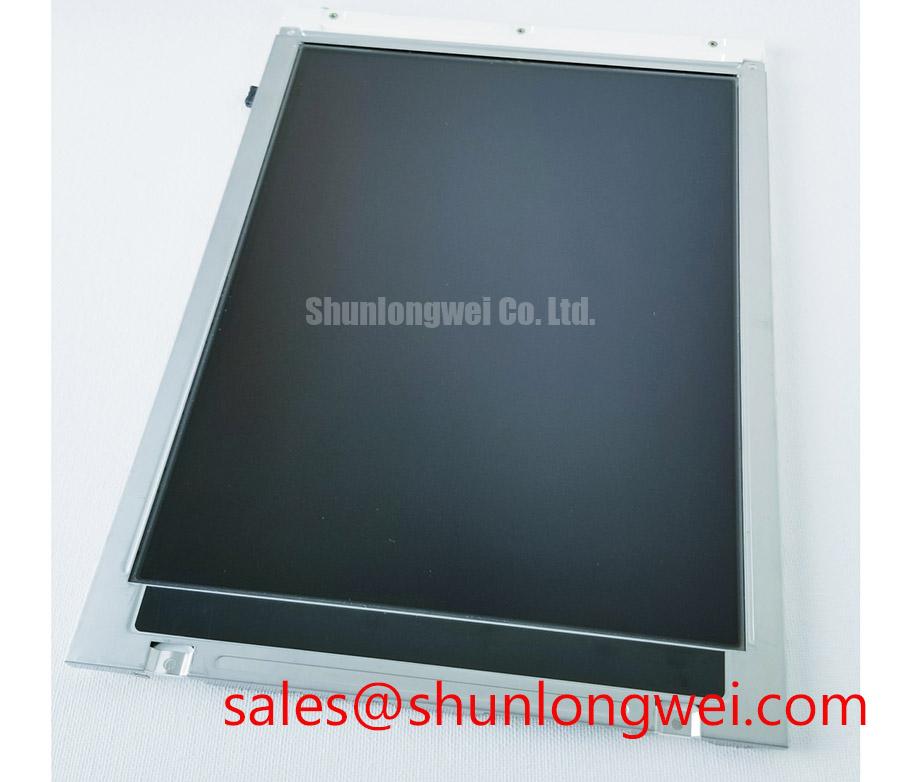
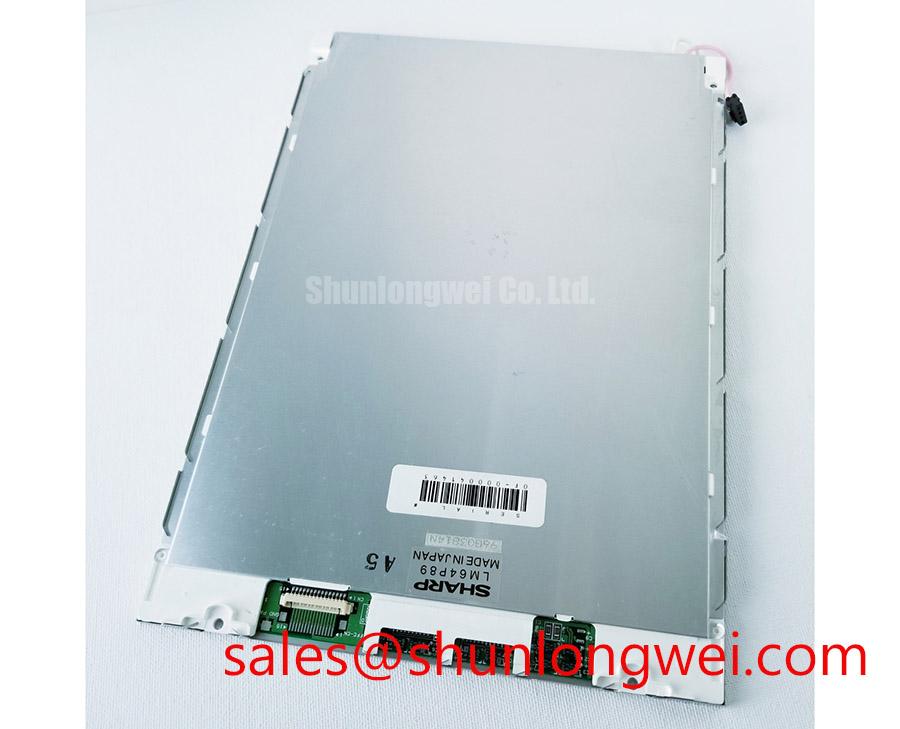
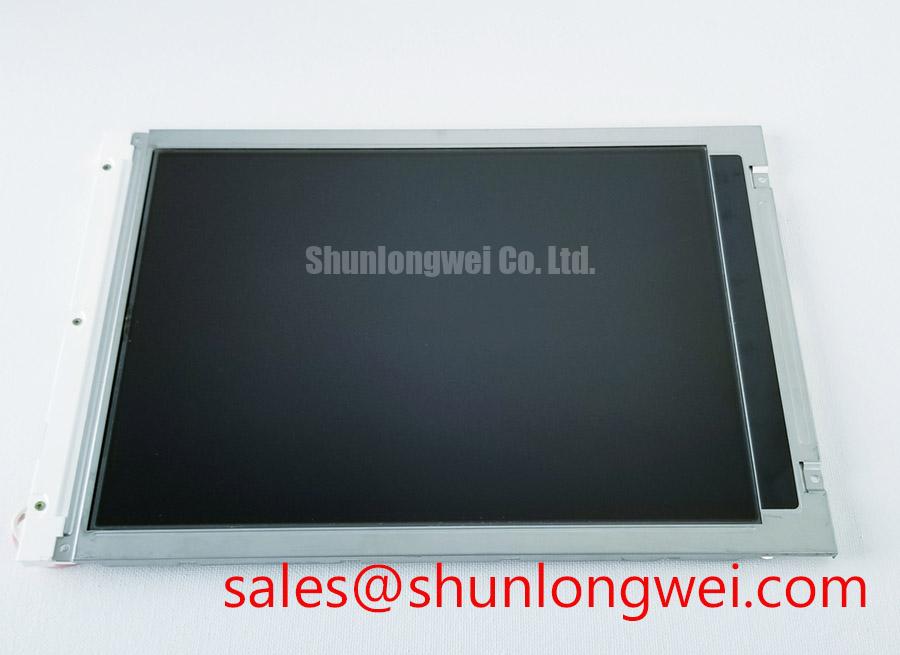
With the machine isolated from power, inspect the LM64P89 viewing surface, perimeter edge, rear housing, connector area, and mounting points before reconnecting the panel to a CNC operator terminal or robot teach pendant. The supplied official factory information identifies this Sharp unit as an industrial-grade TFT-LCD display module; it does not provide a confirmed operating-temperature range, contrast-ratio value, sunlight-readability figure, anti-glare specification, or sealant construction for this product page. Those details should therefore be verified against the original equipment documentation before environmental suitability is assumed.
On equipment that has experienced repeated cold starts, shutdowns, cabinet heating, or seasonal temperature changes, a display can appear slow, low contrast, locally shadowed, or temporarily uneven after power-up. These observations do not prove an internal panel failure by themselves. Liquid-crystal optical behavior, front-surface contamination, enclosure pressure, supply instability, and backlight behavior can all influence what is seen at the operator station.
As a Design Consideration, compare the display after it has stabilized at the same ambient condition as the machine. Observe a uniform neutral screen, a dark screen, and ordinary application graphics rather than judging the panel from one startup image. A change that follows ambient temperature may warrant checking the original panel environmental rating and enclosure thermal behavior. A persistent dark border, pressure mark, or spreading discoloration should also be documented before the unit is removed, since bezel force and panel support can affect visible uniformity.
Direct ambient light can expose contrast weaknesses that remain unnoticed indoors. For an operator panel located near open doors, skylights, or bright work lighting, inspect readability from the normal working angle with the final front window, protective overlay, and enclosure fitted. The Sharp factory description confirms the display category, but it does not establish a guaranteed sunlight contrast ratio or coating treatment for LM64P89. Do not assign a readability rating from a visual impression alone.
Industrial HMI assemblies often use a front bezel, sealing arrangement, and support structure designed around the original display. The display module should not be treated as an environmental seal by itself unless the original system documentation expressly says so. When evaluating a replacement, confirm that the enclosure continues to provide the required protection against dust, moisture, cleaning fluids, and mechanical contact.
⚠️ Field Alert: Disconnect system power and allow stored energy to discharge before releasing or reconnecting the display cable, because connector handling while energized can stress logic and signal connections.
For broader inspection practices involving enclosure fit, viewing conditions, and industrial HMI service work, technicians can refer to Industrial Display & HMI Solutions while retaining the original machine documentation as the authority for LM64P89 operating limits.
Display Interface Synchronization & Logic Power Rail Verification
Before treating a white screen, split image, rolling picture, or intermittent graphic as a failed display, verify the original connector orientation, cable seating, locking feature, and power sequence at the machine side. The available official data identifies LM64P89 as a Sharp TFT-LCD display module, but it does not confirm the interface type, logic supply voltage, pin assignment, timing requirements, data mapping, or backlight connection. The system integrator should verify the required supply voltage and signal definition from the original panel documentation.
Terms such as TTL RGB, JEIDA, VESA, differential-pair routing, and digital timing are not interchangeable descriptions of one proven LM64P89 interface. Applying an assumed pinout to a replacement panel can create an immediate no-image condition or an unstable display. Match the original unit marking, connector position, cable part number, controller documentation, and any machine wiring diagram before energizing the replacement assembly.
Where the host controller uses a parallel RGB bus, image faults can arise from poor connector contact, damaged flex routing, missing control signals, unstable logic supply, or incorrect pixel-clock relationship. Where a system uses differential signaling, routing quality and termination become Design Considerations for the complete system rather than official specifications of this display module. Oscilloscope comparison against a known-good signal path is more useful than assigning one visual symptom to a single cause.
Power-on behavior deserves the same care. A panel may remain blank because the application board has not enabled the display path, because a rail is missing under load, or because the controller sequence is outside the requirement of the original display. Check the machine service documentation for its intended enable order, display supply, backlight control, and shutdown sequence. Measurements should be taken at the display connector under the same operating state in which the fault occurs, not only at the controller output with the panel unplugged.
Cold conditions can make a display appear to update more slowly after startup, but a slow image should not automatically be attributed to liquid-crystal response. Confirm that the host processor is not resetting, the power supply is stable, and the HMI cable is not under strain. If a heater, warming circuit, or cabinet conditioning arrangement exists in the original equipment, its control logic must be evaluated as part of the machine rather than assumed to be a feature of LM64P89.
During fault isolation, inspect the flex cable route for sharp bends, trapped sections, abrasion against the enclosure, and incomplete connector-latch engagement. Repeated movement at a robot teach pendant or swinging operator arm can affect the cable assembly independently of the panel. Refit the cable without twisting it, then verify the image through several controlled machine states.
For a separate Sharp display model considered during a documented compatibility review, LM64P10 can be examined as a reference option. It should not be regarded as a direct replacement unless mechanical dimensions, interface, timing, power requirements, optical requirements, and the host equipment documentation have all been confirmed.
Flush-Mount Open-Frame Bezel Integration & Perimeter Gasket Shock Isolation
Place the removed LM64P89 beside the machine bezel and verify the active viewing area alignment, rear clearance, connector access, cable exit direction, and mounting-point relationship before any installation decision is made. The confirmed product classification is Sharp TFT-LCD Display Module. No official dimensions, thickness, bezel-envelope tolerance, mounting-hole pattern, fastener specification, or shock rating has been supplied for this page, so these physical attributes must be matched to the original unit rather than estimated from the product category.
A flush-mounted industrial display can develop bright pressure zones, dark corners, or visible non-uniformity when the bezel or rear support applies uneven load. This is a system-level mechanical issue that may be caused by distorted metalwork, hardened gaskets, foreign material under the panel edge, or an incorrectly routed cable. It is not appropriate to assign a mounting torque to LM64P89 without the original assembly specification.
As a Design Consideration, use the machine manufacturer’s fastener sequence and torque guidance where available. Tighten progressively across the retaining points so the front bezel seats evenly, and check the screen after each assembly stage. If the image changes while a fastener is tightened, stop and inspect the mounting stack rather than forcing the panel into position. The final mechanical load is determined by the enclosure design, mounting hardware, gasket condition, and the original panel support arrangement.
Robot teach pendants and CNC control enclosures can impose vibration, handling shock, and repeated cable movement on the completed display assembly. Confirm that the rear cover closes without touching the connector or placing side-load on the cable. Verify that any gasket or support strip remains in its intended position and has not become folded, contaminated, or displaced during service. Do not introduce an unverified spacer, foam layer, adhesive, or conductive tape into the display stack.
Image interference in a noisy industrial cabinet is also a system-level matter. Cable shielding, grounding, controller layout, signal routing, and enclosure bonding should be checked according to the host equipment design. The LM64P89 factory description does not establish independent EMC compliance for the module, and the display should not be represented as a separately certified complete system.
Where an integrator is reviewing related display hardware for a larger HMI rebuild, LMS700KF01-001 is a separate display solution that can be reviewed against the host requirements. Its presence in a comparison does not confirm electrical or mechanical interchangeability with LM64P89.
Full-Screen Primary Color AOI Screening: Stuck Sub-Pixels & Background Uniformity Audit
After the panel is mechanically seated and the original cable is secured, run a controlled visual check using full-screen black, white, red, green, and blue images from the actual host controller or a verified compatible test source. This practical sequence helps separate broad backlight-related observations from image-path faults, without assuming a specific internal construction or failure mechanism. Use the same source configuration that normally drives the operator interface whenever possible.
On a black screen, inspect for unexpected glow, uneven edge brightness, localized bright areas, or moving patterns. On white and primary-color screens, look for fixed dots, lines, color imbalance, repeating bands, and areas that change when the bezel is lightly supported. Record whether the defect remains in the same screen location after the test image changes. A defect that follows the content may point toward the controller or signal path, while a fixed physical location may justify closer inspection of the panel and its connection. Neither observation alone is a final diagnosis.
A flashlight check performed at an oblique angle can help identify whether a faint image is still being generated when the screen appears dark. If application graphics are visible under external illumination, verify the machine’s display-enable, power, and illumination-control circuits before replacing the LCD module. If no graphics are visible, compare the input signals and system startup sequence with a known-good assembly where service procedures permit.
The official factory information supplied here does not confirm LM64P89 backlight type, dimming method, PWM frequency, brightness-control polarity, or duty-cycle behavior. Do not apply an assumed dimming signal or substitute an external driver based on general display practice. The original equipment documentation should define the backlight interface and any permitted control method.
For interfaces that remain static for long periods, such as CNC status pages, alarm lists, or robot position screens, vary the displayed content during maintenance testing and check recovery after the normal machine refresh cycle. Persistent image retention, contrast variation, or uneven background should be evaluated in context with ambient temperature, display age, controller output, and enclosure pressure. A clean visual audit, documented cable inspection, and verification of the original electrical interface provide a more defensible service decision than relying on a single symptom.