



Content last revised on October 25, 2026
Operating Temperature Margin and Sub-Zero Liquid Crystal Response
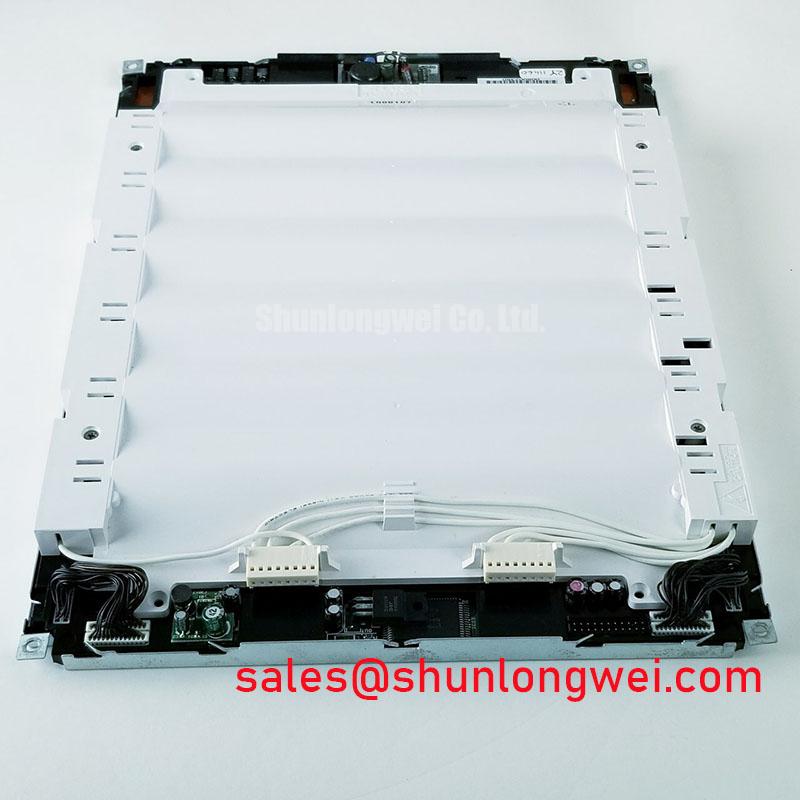
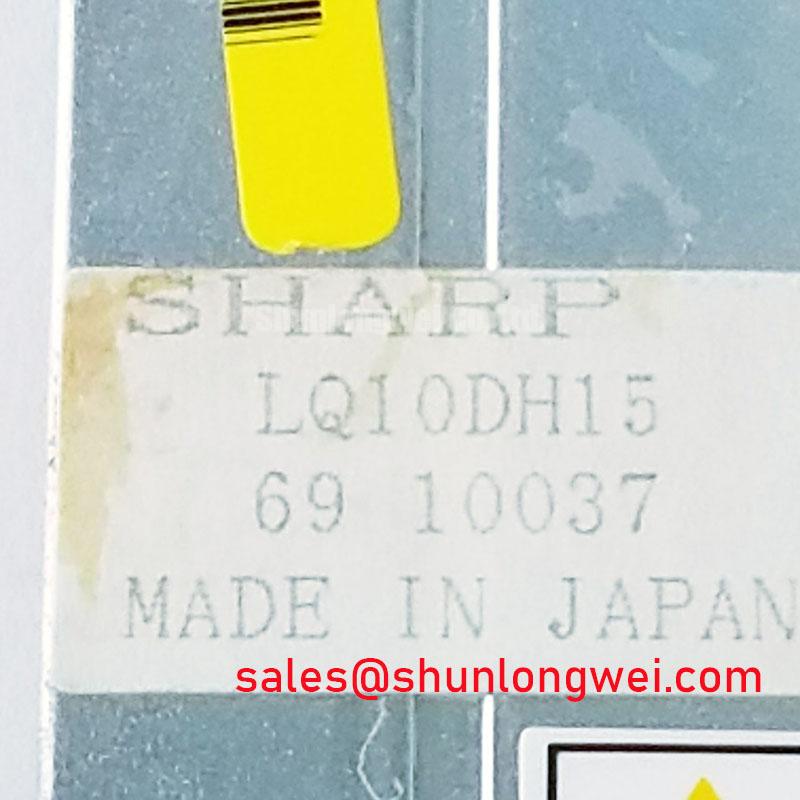
I separate a slow image from a slow startup by observing whether the backlight, image formation and grayscale transitions change together as the equipment reaches a stable temperature. For a Sharp LQ10DH15 assessment, record the panel identification, controller configuration and enclosure conditions before comparing cold and warm behavior. A temperature-dependent symptom needs a repeatable test pattern; an animation generated by the machine application can hide whether the delay originates in the display or upstream controller.
Design Consideration: Liquid crystal response generally slows as temperature falls because molecular reorientation becomes more difficult. Use alternating gray patches and moving edges to observe transition lag under controlled conditions. Compare the image with the controller output and repeat the observation after thermal stabilization. This separates optical response changes from interrupted data, unstable power or software timing. Acceptance limits belong to the equipment requirements and the panel’s specified operating envelope.
For intermittent lines or image breakup, identify the actual interface from the connector drawing before selecting measurement methods. LVDS requires differential signal assessment; parallel TTL requires examination of individual logic signals and their relationship to the sampling clock. Treating TTL conductors as differential pairs produces an inappropriate test setup. Preserve the intended return paths, inspect connector engagement and compare receiver-side timing with the controller specification.
Engineering Recommendation: Evaluate cable routing and signal quality with nearby drives operating, using measurement equipment appropriate to the interface. Reflections, clock instability and supply disturbances can produce overlapping symptoms. Establish the timing margin from the actual transmitter, receiver and harness rather than applying a universal impedance or skew prescription. During temperature testing, also inspect accessible perimeter surfaces for moisture, separation or mechanical interference without disturbing the sealed display assembly.
Contrast Stability and Temperature-Dependent Grayscale Behavior
Display a fixed grayscale ramp before adjusting brightness or changing controller settings. Observe whether missing gray steps, washed-out regions or image inversion follow viewing position, warm-up time or backlight level. Keep the source image and ambient illumination consistent. These comparisons help distinguish an optical viewing limitation from an incorrect timing configuration or an unstable grayscale reference circuit.
Design Consideration: Liquid crystal birefringence and electro-optical response vary with temperature, so a contrast change does not by itself identify a failed component. Compare the same patches from the normal operator position and from adjacent angles. Viewing behavior alone does not establish the LQ10DH15’s liquid crystal mode or a specified viewing cone. Assess readability in the installed geometry rather than assigning characteristics associated with another panel technology.
Where the equipment provides service access to its timing controller, compare supply rails and documented grayscale reference points with the service schematic. Inspect for changes that coincide with the visible fault. Avoid adjusting gamma settings to conceal a supply problem: that can alter the entire grayscale transfer characteristic while leaving the electrical fault unresolved. Use controller adjustments only within the configuration supported by the equipment documentation.
For a replacement assessment, compare the LQ10DH15 with candidates such as LQ64D343 through their respective drawings and electrical specifications. A related model name does not establish interchangeability. When evaluating a CNC operator panel or robot teach pendant, check mounting geometry, active area, resolution, interface mapping, timing and operator viewing position together. Under bright ambient lighting, assess reflections through the complete protective window; do not attribute a particular anti-glare treatment to the panel without its optical specification.
Backlight Startup and Driver Insulation Assessment
Separate a missing image from missing illumination by inspecting the screen under suitable external light while a known test pattern is present. A faint image can direct attention toward the illumination path, but it does not isolate the lamp, driver, enable signal or supply as the cause. Follow the equipment schematic from the backlight supply through its control signals and output connection.
Field Alert: Disconnect equipment power and allow the backlight driver to discharge according to its service instructions before reseating display or illumination connectors.
Design Consideration: Backlight startup testing must follow the identified driver topology. For a documented high-voltage lamp circuit, use the driver’s specified measurement procedure and suitably rated probes; a panel model name alone does not establish an ignition voltage. Perform transformer or wiring insulation checks only with the required isolation and test conditions. An improvised insulation test can stress connected electronics and yield a misleading result.
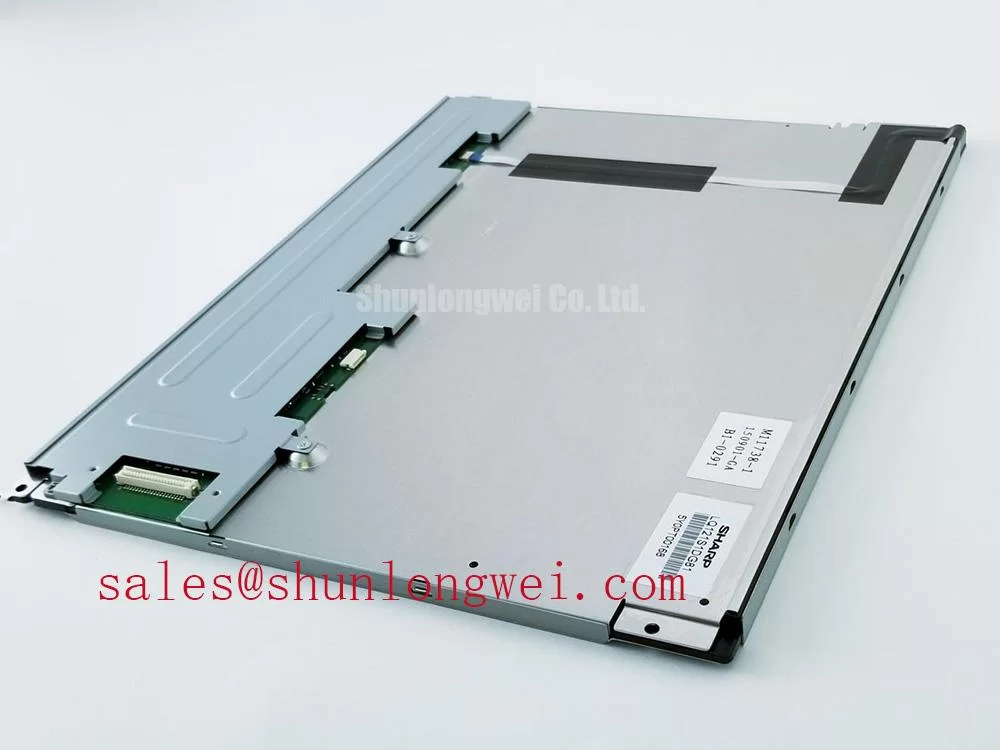
When brightness fluctuates, examine the enable command, dimming waveform and supply behavior together. Correlate visible flicker or audible noise with those measurements before changing a controller setting. Any PWM frequency or duty-cycle adjustment should remain within the documented driver operating range. The Sharp LQ104S1DG61 is another display model for comparison during system planning; its panel designation does not establish a compatible backlight driver for the LQ10DH15.
Display-Edge Thermal Dissipation and Optical Uniformity
Map a persistent bright edge, dark patch or warm region against the mounting points, enclosure airflow and illumination setting. Repeat the observation after the assembly reaches thermal equilibrium. A nonuniform image can involve illumination, mechanical loading or the optical stack, so compare the pattern with mounting conditions before assigning a component-level cause.
Design Consideration: Preserve the specified clearance around the module and prevent brackets or cable bundles from loading the display frame. Heat-spreader changes require an established thermal path and mechanical drawing. Adding an edge rail without checking contact pressure and electrical clearance can change the assembly’s behavior. Keep any thermal modification tied to measured temperatures and the equipment’s permitted installation conditions.
For environmental evaluation, use Industrial Display & HMI Solutions as supplementary integration guidance, alongside model-specific limits. Manufacturer context is available through Sharp Devices Europe Industrial Display Solutions. Neither resource substitutes for the LQ10DH15 drawing or establishes a particular internal light-guide material.
After correcting airflow restrictions or mounting interference, repeat the same uniformity pattern at the original brightness setting and observation angle. Record whether the affected area changes with temperature or mechanical adjustment. Evaluate brightness retention against the specified backlight test conditions; a half-brightness interval, LED lumen-maintenance criterion and driver failure metric describe different outcomes and should remain separate in maintenance records.