

Content last revised on October 10, 2026
Dual-Channel CCFL High-Voltage Resonant Inverter Striking Voltage & Ignition Debugging
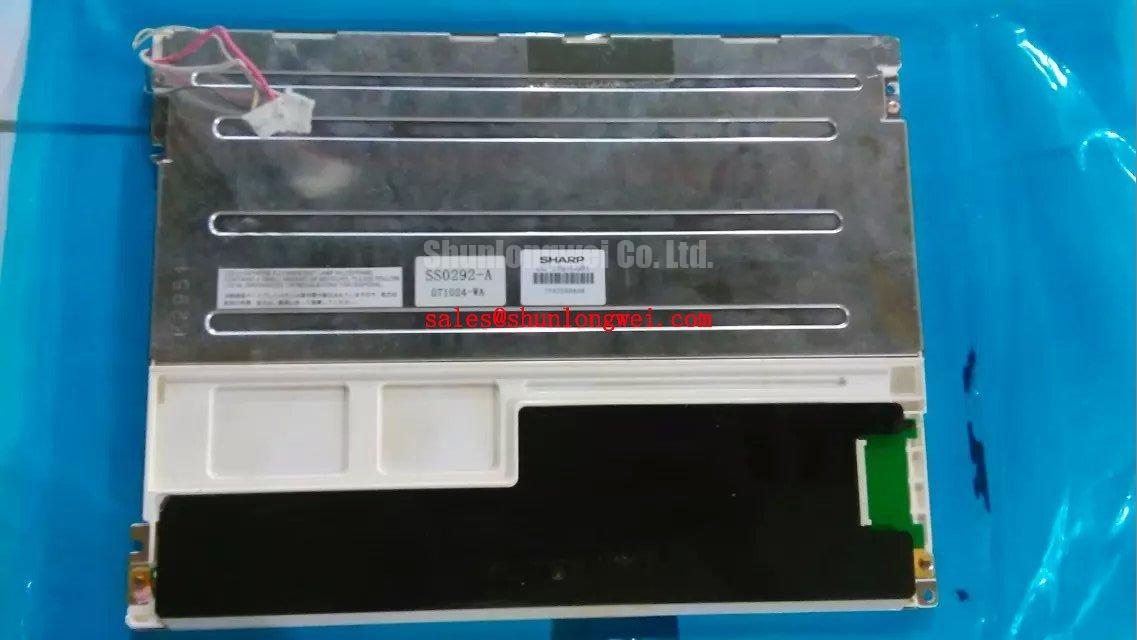
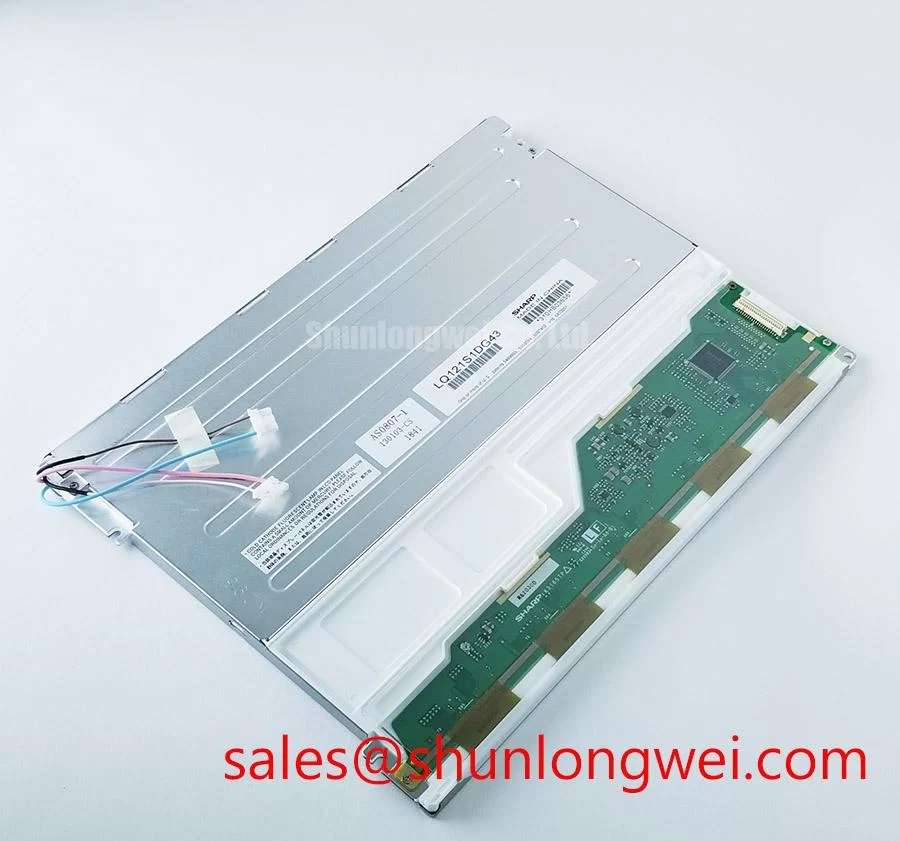
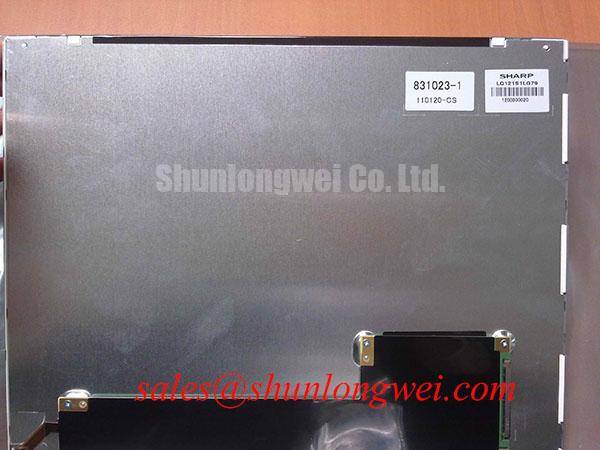
A dark screen on an LQ121S1LG79 assembly should first be separated into a panel video fault, a backlight fault, and an inverter or backlight-control fault. The supplied baseline identifies the product as a TFT-LCD module, but it does not establish a CCFL backlight rating, an LED backlight rating, a striking voltage, a lamp current, or a PWM dimming specification. The system integrator should therefore identify the installed backlight architecture from the original equipment documentation before selecting a driver.
For a legacy CCFL assembly, inspect the inverter output path, lamp connectors, insulation spacing, and the enable or brightness control signal while observing the instrument’s approved safety procedure. A cold lamp can require a substantially different ignition condition from its steady operating condition, so a failed start should not be diagnosed from the DC input alone. Audible buzzing can be associated with mechanical vibration, resonant inverter operation, loose mounting, or an abnormal lamp load; correlate the sound with the inverter waveform and connector condition rather than assigning a single cause.
For an LED conversion or replacement assembly, the driver must regulate current through the actual LED string arrangement and provide suitable open circuit and short circuit protection. Constant-current regulation, fault reporting, and dimming behavior belong to the driver and system design, not automatically to the LQ121S1LG79 display module. A 1000:1 PWM dimming ratio or a 200 Hz to 1 kHz operating range must not be treated as a confirmed characteristic of this panel without supporting documentation. Long-term brightness decay, including any 50,000-hour half-life claim, also requires a defined LED, current, temperature, and enclosure test condition.
Sharp’s industrial display resources can help engineers frame the optical and application review through Sharp Devices Europe Industrial Display Solutions. When checking a replacement backlight, compare connector position, light-emitting area, brightness-control behavior, and thermal arrangement with the original assembly.
Suppressing Pixel Jitter & Horizontal White Lines Induced by Adjacent 400V Motor Drives
Pixel jitter and horizontal white bands near a variable-frequency drive should be investigated as a complete signal-integrity and grounding problem. Route the display cable away from motor output conductors, preserve the intended shield termination, and examine whether the panel cable shield and host chassis share a controlled return path. A 360-degree shield bond may be useful as a design consideration when the enclosure and connector system support it, but its effectiveness depends on the complete cabinet topology.
Common-mode ferrite components can also be evaluated where conducted noise is present, provided their impedance behavior is suitable for the signal interface and does not disturb the differential waveform. Do not add a ferrite solely because a horizontal line appears; compare the symptom with the drive enabled and disabled, then inspect the clock and data pair using an appropriate probe arrangement. A change in jitter correlated with motor switching suggests that cable routing, common-mode coupling, shield termination, or chassis bonding deserves closer review.
Before using LQ121S1LG45 as a same-family comparison point, confirm the connector, active area, timing format, backlight arrangement, and mechanical envelope against the host instrument. The following identity-level comparison avoids treating unverified interface values as interchangeable specifications.
| Selection point | LQ121S1LG79 | LQ121S1LG45 |
|---|---|---|
| Manufacturer family | Sharp | Sharp family reference |
| Display category | Industrial TFT-LCD active matrix color module | Confirm from the applicable product documentation |
| Interface compatibility | Verify from original panel documentation | Verify independently before substitution |
| Mechanical compatibility | Standard form factor baseline | Compare mounting, connector, and bezel geometry |
💡 Pro Tip: Where the interface uses differential signaling, keep the display pairs routed as a controlled, closely coupled group with matched path geometry, then verify clock stability at the receiving interface under the actual motor-drive switching condition.
Mitigating Gray-to-Gray Response Time Escalation during Cold-Start Machine Power-Up
At low ambient temperature, liquid-crystal viscosity can increase and make gray-to-gray transitions appear slower during cold start. This is a general LCD design consideration, not a confirmed operating-temperature claim for LQ121S1LG79. If the panel is evaluated in a cold enclosure, record the image transition behavior during warm-up and compare it with the host controller’s frame timing, rather than compensating through undocumented timing changes.
Clock and data integrity should be checked across the intended temperature window. Confirm whether the host uses LVDS, TTL, or another interface, and verify the required data format, polarity, color order, clock edge, and timing margins from the original panel documentation. JEIDA and VESA mapping are not interchangeable assumptions; a visually active screen with incorrect color alignment or intermittent lines can still indicate a format or timing mismatch.
Where a cabinet uses a heater or controlled warm-up strategy, the thermal system should be assessed as part of the enclosure design. The panel seal, frame, cable bend area, and connector retention must remain mechanically stable throughout the specified equipment temperature cycle. A heater strip should not be treated as a standard feature of this Sharp module, and its use requires system-level thermal validation.
For subsystem planning, engineers may also review LQ121K1LG61 as a related Sharp display solution. It should not be assumed to share pinout, backlight behavior, or timing simply because it belongs to a related product family.
Incoming Benchtop Inspection: COG/TAB Anisotropic Conductive Film (ACF) Integrity
Incoming inspection should begin with a controlled primary-color display test covering black, white, red, green, and blue screens. Look for persistent vertical lines, horizontal defects, localized color loss, flicker, and areas that change when the cable is gently observed without applying force to the glass. These observations help separate a video-path issue from a localized panel or driver-bond problem, but they do not establish a single failure cause by themselves.
A flashlight held obliquely at approximately 45 degrees can reveal dark shadows, uneven illumination, surface contamination, and bezel interference that may be difficult to see from the normal viewing angle. Use the light only as an observation aid; do not press the display surface or flex the bonded edge. If a defect follows the incoming video pattern, inspect the host signal path. If it remains fixed at the same physical location, compare it with the panel’s driver-bond area and connector seating.
COG and TAB bonding regions require careful handling because localized mechanical stress can create intermittent line defects. The inspection bench should control electrostatic exposure, cable strain, and panel support. Backlight faults should be checked separately by observing uniformity and brightness control while the video image remains stable. This distinction is especially important when a replacement driver or inverter has been installed.
For broader enclosure, interface, and service planning, consult the Industrial Display & HMI Solutions engineering resource. Sharp’s Display Solutions Official Portal is also a useful reference point when reviewing industrial display integration requirements.